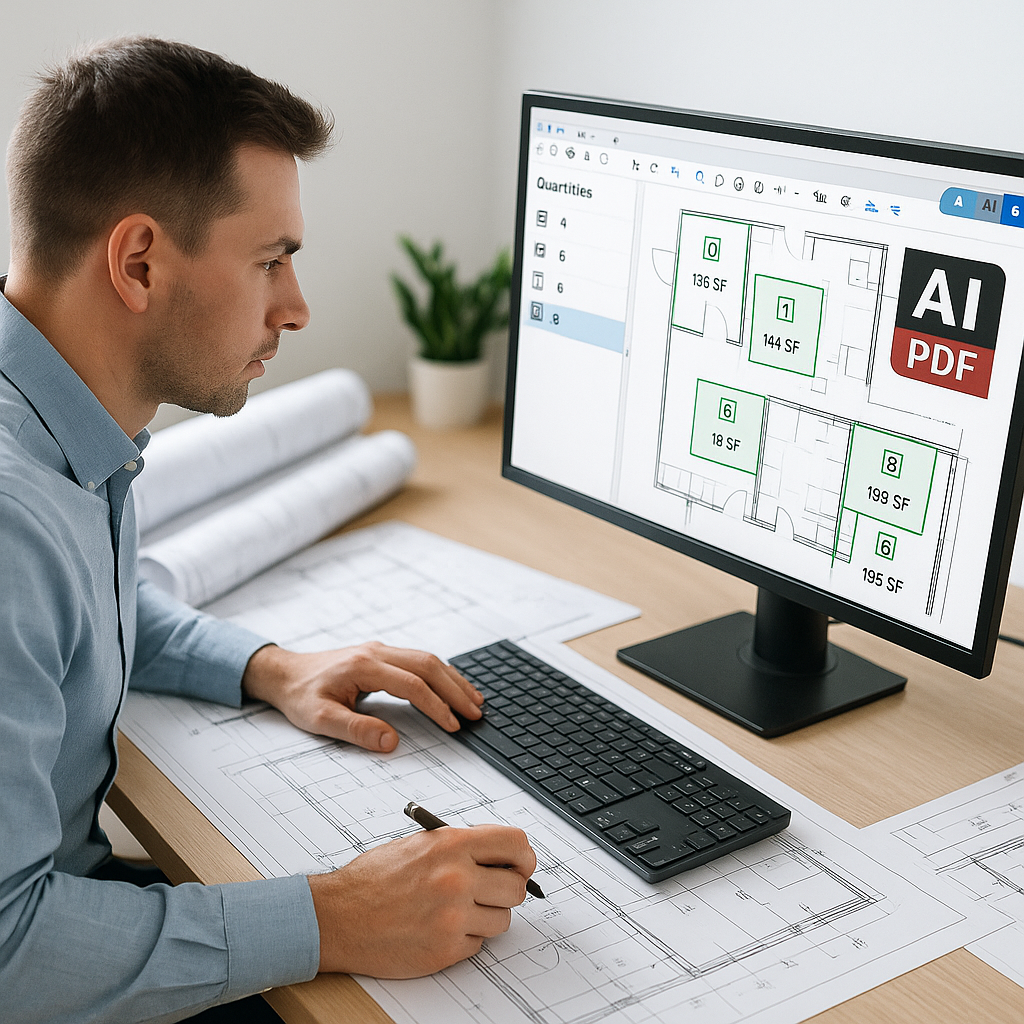
Stop Wasting 40 Hours on Manual Takeoffs
Let’s face it: manual drawing takeoffs are a soul-crushing time sink. Two estimators can easily burn through 40 hours just to measure linear footage, count fixtures, or calculate areas from PDF drawings. That’s an entire workweek lost—per project. And for what? A task that’s repetitive, error-prone, and frankly below the skill level of professional estimators.
Here’s the kicker: AI-powered tools like EstimateNext can do the same work in just 10 minutes. Yes, minutes. That’s not a marketing gimmick—it’s the reality of Vision AI, a system designed to extract quantities from drawings faster than you can finish your coffee.
Why Manual Takeoffs Are the Bottleneck
Manual takeoffs aren’t just slow; they’re risky. Errors creep in when you’re juggling multiple drawings, revisions, and late nights. Miss a few quantities, and your bid either eats into your margin or gets rejected outright. On competitive bids, that can mean the difference between winning and watching from the sidelines.
Let’s look at a concrete example:
A mid-sized contractor bidding on a $30M high-rise project saved 120 hours using Vision AI for quantity takeoffs. That’s two full weeks of labor costs—gone. But the savings didn’t stop there. Freed from the grind of manual takeoffs, their team focused on refining their bid strategy, negotiating better terms with subcontractors, and optimizing value engineering. The result? Not just a winning bid, but a higher margin than expected.
The risks of manual processes aren’t theoretical. According to a study by McKinsey, construction firms lose 20-30% of potential productivity due to inefficient workflows like manual takeoffs. The hidden costs of errors and missed deadlines compound these inefficiencies, eating away at profits over time.
Actionable Steps to Avoid Bottlenecks:
- Audit your current takeoff process to identify time-wasting steps.
- Compare your error rates on manual takeoffs versus AI-driven tools.
- Use Vision AI to handle repetitive tasks, freeing up your team for higher-value work.
How AI Takeoffs Actually Work
Here’s how AI-powered takeoffs eliminate the grind:
- Upload Your Drawings: Drag and drop your PDF files into the platform. No need to clean up files or split multi-page documents manually.
- Automated QTO (Quantity Takeoff): The AI scans the drawings and extracts quantities for walls, doors, windows, fixtures, and more.
- Confidence Scoring: The system flags items with high-confidence extractions and identifies areas that might require human review.
- Revisions Made Easy: Upload revised drawing sets, and the platform highlights changes—no more overlaying PDFs manually or second-guessing your edits.
To illustrate this, consider a general contractor working on a large infrastructure project. Before AI, their team spent 56 hours manually completing takeoffs for a $1B rail bid. With Vision AI, the same work was done in just 10 minutes. That’s a 99% time reduction, allowing the team to focus on strategic planning and proposal refinement. Ultimately, they won the bid.
How to Get Started:
- Start with a free trial to test AI-driven takeoffs against one of your current projects.
- Use the confidence scoring feature to double-check flagged items for accuracy.
- Incorporate AI-generated takeoffs into your bidding workflow to measure ROI over several projects.
The ROI of Speed
Speed isn’t just about saving time—it’s about winning more bids. Preconstruction teams often get stuck in a vicious cycle: they’re so bogged down with manual takeoffs that they can’t respond to all the RFPs (Requests for Proposals) that land on their desks. Missing bids = lost revenue.
A regional contractor in India bidding on CPWD (Central Public Works Department) tenders slashed their takeoff process from 2 days to 30 minutes using AI. With built-in semantic search across 78,000 Schedule of Rates (SOR) items, they no longer waste hours flipping through PDFs. Instead, their team focuses on competitive pricing and ensuring compliance with government standards. This efficiency allowed them to bid on—and win—more projects in a year than ever before.
Actionable Steps to Improve ROI:
- Use AI tools to respond quickly to RFPs.
- Measure the increase in bids submitted after implementing AI.
- Track your bid-to-win ratio to quantify the revenue impact of faster takeoffs.
Common Pushbacks (And Why They Don’t Hold Up)
Pushback #1: “AI Can’t Think Like an Estimator.”
True, AI doesn’t have your expertise. But it doesn’t need to. The AI handles repetitive grunt work—like takeoffs—so you can focus on high-value tasks like scope reviews, risk analysis, and pricing strategy. Think of it as a junior estimator who never gets tired or makes math errors.
Pushback #2: “What About Accuracy?”
Accuracy depends on input quality. Garbage in, garbage out. But tools like EstimateNext include confidence scoring and manual override options, so you’re always in control. The more you use the platform, the smarter it gets, learning from your adjustments.
Pushback #3: “Isn’t AI Expensive?”
Legacy takeoff tools like CostX can cost up to $15K/year per seat, pricing smaller firms out of the market. By contrast, EstimateNext starts at just $39/month, offering enterprise-level features at a fraction of the cost. That’s less than what you’d spend on coffee for your team—and the ROI is exponential.
Comparison Table: Manual Takeoffs vs. AI-Powered Takeoffs
| Factor | Manual Takeoffs | AI-Powered Takeoffs |
|---|---|---|
| Time Per Project | 40 hours | 10 minutes |
| Error Rate | High (human error) | Low (confidence scoring) |
| Cost | Labor-intensive, expensive | $39/month subscription |
| Scalability | Limited by team size | Unlimited (AI scales easily) |
| Focus Areas | Repetitive tasks | Strategic bid optimization |
If you’re still relying on drawn-out manual takeoffs and missing bid opportunities, AI-powered tools like EstimateNext can help you break the cycle. Get started free →


