The Brutal Math of Manual Construction Estimation
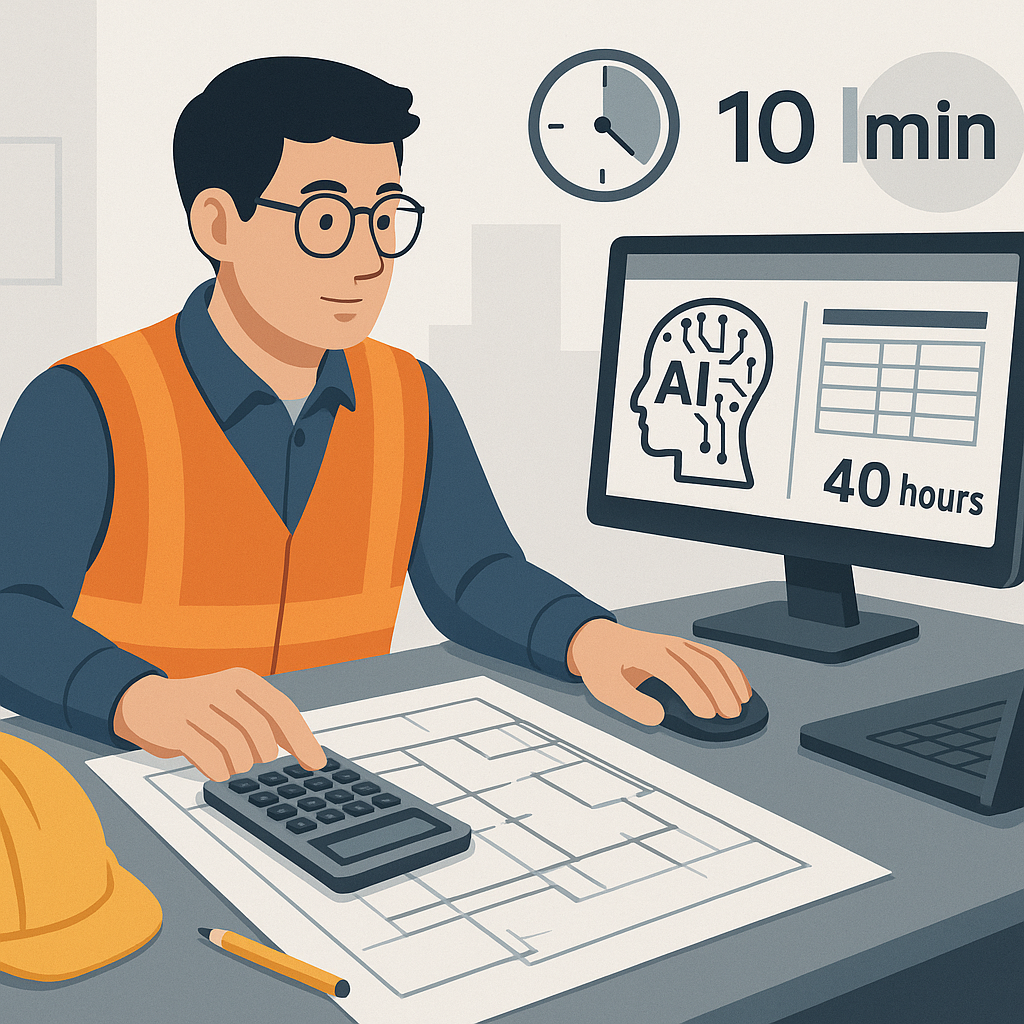
Imagine this: you're chasing a $120M hospital project. To bid, your team spends 40 hours manually measuring drawings. That’s two estimators tied up for two days, just to extract quantities for concrete, steel, and finishes.
And that’s before rate lookup, bid leveling, and what-if pricing iterations. It’s exhausting—and expensive.
Here’s the kicker: AI tools now do the same job in 10 minutes. That’s a 10X speed-up. The time you save could mean responding to more bids, sharpening your margins, or just finally leaving the office before 7 PM.
But how does it actually work? Let’s break it down.
How AI-Powered Takeoff Actually Works
Manual takeoff is slow because every step requires human input. You calibrate drawings, trace areas, count fixtures, and remeasure revisions. Miss one line, and you’re backtracking.
AI tools like EstimateNext flip this process on its head. You upload your PDF drawings, and the system’s Vision AI extracts quantities automatically. Room areas, beam lengths, door counts—it reads the drawing like a human but works 100X faster.
Real-World Example: High-Rise Success
A mid-sized contractor used AI takeoff on a high-rise bid. Their team saved 120 hours—that’s two full weeks of labor costs avoided. In their words, “It’s like hiring a full-time estimator without the overhead.”
Let’s break that down further:
- Manual takeoff for a project of that scale typically involves at least two estimators working full-time for 5-6 days.
- With AI, the same work was completed in just a few hours, freeing up critical resources to focus on other tasks like bid strategy and subcontractor negotiations.
Actionable Steps to Implement AI Takeoff
- Assess Your Current Process: Track how much time your team spends on manual takeoffs. Identify bottlenecks.
- Select the Right AI Tool: Look for platforms with strong OCR (optical character recognition) capabilities and support for your file formats (PDF, CAD, etc.).
- Pilot on a Small Project: Test the AI tool on a mid-sized project to measure time savings and accuracy.
- Train Your Team: Most tools offer onboarding sessions. Ensure your team knows how to upload drawings, review outputs, and make adjustments.
The Hidden Costs of Manual Rate Lookups
Takeoffs aren’t the only bottleneck. Flipping through 2,000-page rate books for RSMeans or CPWD DSR eats up an average of 12 hours per estimate. Worse, humans make mistakes—misread rates, forget inflation adjustments, or just overlook the right line item altogether.
AI fixes this with semantic search. Need the labor rate for installing pre-stressed concrete girders? Type it in, and you get a match in seconds. Done. No flipping pages, no manual errors.
Case Study: $1B Rail Project
On a $1 billion rail bid, AI-powered rate matching saved 56 hours. That’s a 99% reduction. The team used those extra hours to finesse subcontractor scopes and negotiate better margins.
Key Differences: Manual vs AI Rate Lookup
| Task | Manual Process | AI-Powered Process |
|---|---|---|
| Searching for rates | 10-12 hours flipping books | 10 seconds with semantic search |
| Error potential | High (misreads, typos) | Low (automated matching) |
| Scalability | Limited | Scales effortlessly with project size |
Steps to Improve Accuracy
- Digitize Your Rate Catalogs: Scan and upload your rate books to ensure compatibility with AI tools.
- Standardize Rate Naming: Use consistent terminology in your rate catalogs to improve search accuracy.
- Validate Outputs: Cross-check AI-suggested rates with a few manual lookups to ensure quality.
What-If Pricing: The Excel Nightmare
Every estimator knows the pain of pricing what-if scenarios. Change one rate in Excel, and you’re rebuilding the entire workbook. Multiply that by 10 iterations, and you’re drowning in formulas.
AI tools handle this instantly. With EstimateNext, you tweak a rate, and the system propagates changes across the estimate in real-time. It even keeps an audit trail, so no one’s guessing where the numbers came from.
Anecdote: Structural Steel Repricing
I once worked on a bid where the steel supplier hiked rates 12% two days before submission. We spent 16 hours repricing the entire structural package by hand. If we’d had AI, it would’ve taken 10 minutes.
Actionable Tips for Better What-If Pricing
- Leverage Real-Time Tools: Use AI platforms that allow instant recalculations with audit trails.
- Simulate Scenarios Early: Run common what-if scenarios (e.g., material price hikes, labor shortages) before supplier negotiations.
- Centralize Data: Store rates, assumptions, and formulas in one unified platform to avoid version control issues.
The Obvious Objection: “AI Can’t Think Like an Estimator”
I get this pushback all the time. You might be thinking, “Sure, AI is fast, but it doesn’t understand the nuances of construction.”
You’re partially right. AI doesn’t replace your expertise; it amplifies it. You’re still the one making judgment calls, negotiating with subs, and deciding on markup. The AI just handles the grunt work—like takeoffs, rate matching, and what-if recalculations.
Concrete Example of AI + Human Expertise
Consider a scenario where the AI identifies 500 fixtures in a building plan. The AI doesn’t know that 20% of those fixtures will need custom mounting brackets due to seismic requirements. That’s where your expertise comes in—to adjust the estimate and ensure accuracy.
Key Takeaway
Think of AI as your junior estimator: it handles repetitive tasks and gives you more time to focus on higher-value decisions. But it’s still your job to guide the process and validate the results.
Why You Can’t Afford to Ignore AI
The math is simple: manual construction estimation wastes time, increases costs, and limits your ability to compete. AI tools like EstimateNext eliminate inefficiencies, allowing you to focus on strategy, accuracy, and growth.
Decision Framework: Should You Adopt AI Estimation?
| Question | If Yes | If No |
|---|---|---|
| Do you spend more than 20 hours per bid on manual takeoff? | Consider AI to save time and cost. | Assess if improvements to current workflows suffice. |
| Do you often miss bid deadlines or opportunities? | AI can help you bid more projects. | Focus on optimizing team productivity first. |
| Do you struggle with errors in estimates? | AI reduces human error. | Identify specific error-prone processes to fix manually. |
Ready to Save 40 Hours on Your Next Bid?
If the math of manual estimation doesn’t add up for your team, AI tools like EstimateNext can help. Upload your first BOQ today—and get a priced estimate in minutes.


