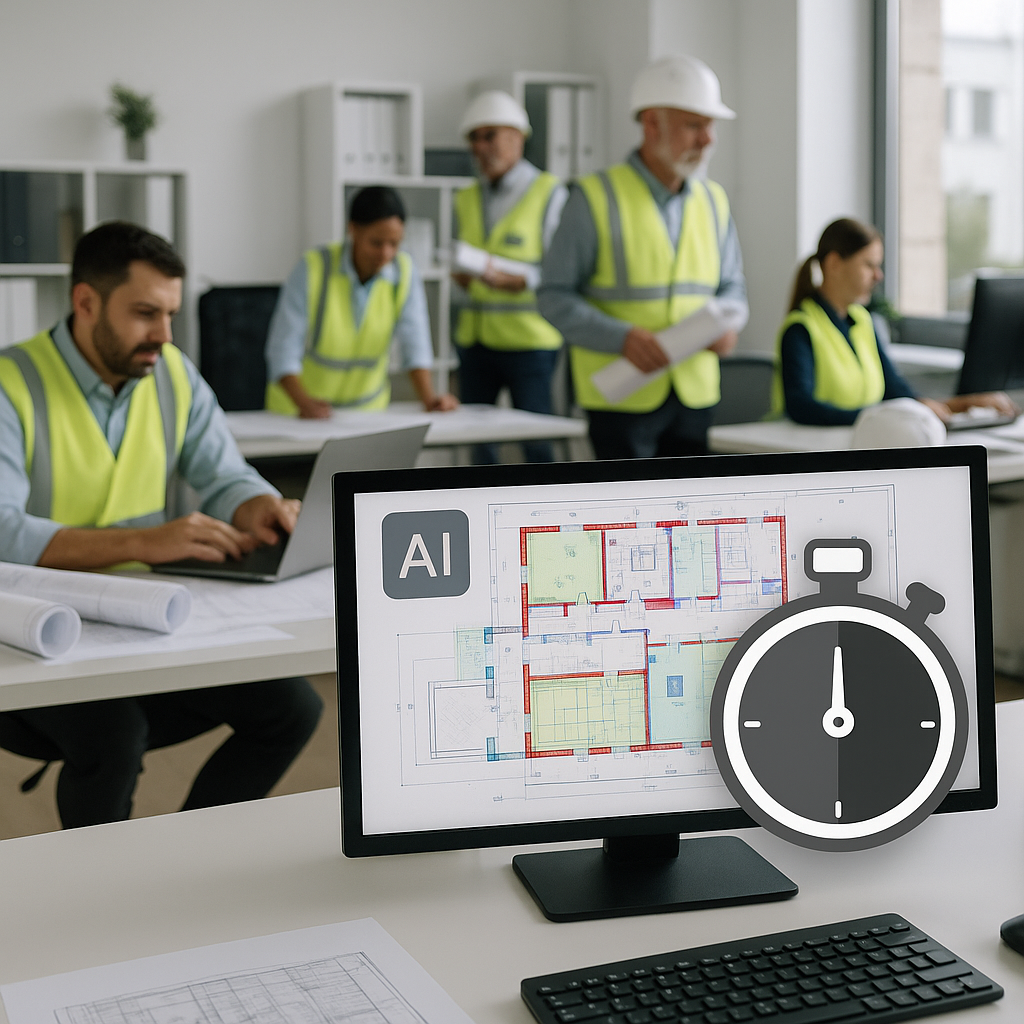
10 Minutes vs 40 Hours: Why AI Takeoff Tools Are a Must-Have
You’re staring at a pile of drawings and a deadline that’s creeping closer. Manual takeoffs aren’t just slow—they’re error-prone and draining. Imagine spending 40 hours tracing lines, counting fixtures, and calculating quantities for every bid. That’s the reality for most preconstruction teams today. But it doesn’t have to be.
AI-powered tools are flipping the script. Instead of two estimators grinding through takeoffs over the course of a week, platforms like EstimateNext can extract quantities from PDF drawings in just 10 minutes. Yes, 10 minutes. The difference isn’t just speed—it’s how that time gets reinvested.
The Manual Takeoff Problem
Let’s break it down. A typical takeoff process involves:
- Printing or importing drawings into software like Bluebeam.
- Manually tracing areas, lengths, and counts.
- Rechecking for missed measurements (because mistakes are almost guaranteed).
- Transferring all this data into Excel for costing.
This process takes an average of 40 hours per project. For a team handling five GMPs (Guaranteed Maximum Price proposals) per year, that’s 200 hours lost. At $130/hour (the average labor cost for an estimator), you’re looking at $26,000 spent on repetitive, low-value work.
But the bigger issue? Accuracy. Human error creeps in—missed lines, miscounted fixtures, or incorrectly scaled drawings. These mistakes can inflate costs or lead to underbidding, which eats into margins. According to a 2023 McKinsey report, errors in preconstruction estimation contribute to up to 30% of project cost overruns.
Real-World Examples of Manual Takeoff Challenges
Consider a mid-sized general contractor (GC) bidding on a commercial office building. During a manual takeoff, an estimator missed a misaligned scale on one sheet of the drawing set. This small mistake resulted in a 15% underestimation of drywall quantities, which led to a $50,000 loss on the project due to incorrect material planning. Multiply this by several projects per year, and you start to see how costly these errors can become.
Another example: A plumbing subcontractor spent nearly 60 hours on takeoffs for a school renovation project. When the bid was submitted, they realized they had double-counted several fixtures due to an oversight during manual re-checking. This not only hurt their profit margins but also impacted their reputation with the GC.
How AI Solves This
AI-powered takeoff tools like EstimateNext solve the problem by automating the grunt work. Here’s how it works:
- Upload Your Drawings: Whether it’s a 200-page PDF set or a single DWG file, the platform processes it instantly.
- AI-Driven Extraction: The Vision AI engine scans the drawings, identifies room areas, wall lengths, and even counts fixtures like doors and windows.
- Confidence Scoring: Low-confidence measurements are flagged for review, so you can double-check before finalizing.
- Export to BOQ: All quantities are automatically organized into a bill of quantities (BOQ) with full audit trails.
Case Study: Saving 120 Hours with Vision AI
In their own case study, a mid-sized GC saved 120 hours on a high-rise bid using Vision AI. That’s three full weeks of labor costs avoided while still meeting the deadline. But the benefits went beyond time savings. By freeing up senior estimators, the team was able to focus on refining their bid strategy, securing better subcontractor pricing, and ultimately winning the project. The AI’s confidence scoring even flagged discrepancies in the original drawings, which helped them identify potential risks before construction began.
Actionable Steps to Integrate AI Takeoff Tools
- Identify Bottlenecks: Analyze where your current takeoff process is consuming the most time. This could be tracing areas, counting fixtures, or double-checking measurements.
- Choose the Right Tool: Platforms like EstimateNext are tailored for general contractors, while others like PlanSwift or Stack may offer features specific to subcontractors.
- Pilot a Project: Test the AI tool on a small project to evaluate its accuracy and ROI.
- Train Your Team: Most tools are intuitive, but a short training session ensures everyone is on the same page.
- Measure the Impact: Compare the time, cost, and accuracy of AI-assisted takeoffs to your previous manual process. Use this data to refine your workflows.
Why Accuracy Still Matters
You might be thinking, “Sure, AI is fast, but can it handle the nuances of real-world construction?” It’s a valid concern. AI tools aren’t perfect. They can misinterpret ambiguous drawings or struggle with messy PDFs. That’s why most platforms, including EstimateNext, include manual override features. You’re still in control—AI just handles the repetitive stuff.
How AI Enhances Accuracy
In fact, AI tools often improve accuracy by eliminating common human errors. For example:
- Semantic Matching: AI uses semantic search to match the correct rates to items from your catalog, reducing mismatches.
- Audit Trails: Every measurement is logged, so you can trace back to the source if something seems off.
- Learning from Edits: If you adjust AI outputs, the system learns and applies those corrections to future projects.
A real-world example: An electrical subcontractor used AI to process a 300-page drawing set. The tool flagged several low-confidence measurements, which led the estimator to discover an inconsistency in the lighting fixture schedules. This proactive identification saved the company from submitting an inaccurate bid.
Real ROI for Preconstruction Teams
Let’s talk numbers. The ROI of AI tools is undeniable:
- Time Saved: Cutting takeoff time from 40 hours to 10 minutes translates to 39+ hours saved per project.
- Cost Efficiency: At $130/hour, that’s $5,070 saved per estimate. Multiply that by five bids a year, and you’re looking at $25,350 in savings.
- Fewer Errors: McKinsey’s research shows AI reduces takeoff discrepancies by up to 80%. Fewer errors mean fewer costly change orders down the line.
ROI for Subcontractors
For MEP subcontractors, the impact is even greater. Responding to more bids faster (thanks to a 4-hour quote turnaround) directly increases win rates. One HVAC contractor reported four additional project wins per year—worth over $800,000 in incremental revenue. Another drywall subcontractor reduced bid preparation time by 75%, allowing their team to pursue twice as many projects annually.
The Obvious Objection: “AI Can’t Think Like an Estimator”
I hear this all the time. And you’re right—AI can’t replace your expertise. It doesn’t know your margins, your subcontractor relationships, or how to negotiate a better deal. But it doesn’t need to.
AI is a tool, not a replacement. It handles the grunt work so you can focus on what you do best: making judgment calls, strategizing, and closing deals. Pairing junior estimators with AI platforms can also free up senior staff for higher-value tasks—like bid strategy or client meetings.
Comparison Table: Manual vs AI-Powered Takeoffs
| Feature | Manual Takeoffs | AI-Powered Takeoffs |
|---|---|---|
| Average Time per Project | 40 hours | 10 minutes |
| Error Rate | 10-20% | <5% |
| Labor Cost (per estimate) | $5,200 | $130 |
| Scalability | Limited by manpower | Near-infinite |
| Integration with Other Tools | Manual data entry | Seamless integrations |


