10 Minutes vs. 40 Hours: Why AI Takeoffs Are Reshaping Preconstruction
Let’s talk about the most dreaded part of preconstruction: takeoffs. If you’re an estimator, you know the drill. You’ve got a PDF with 200 pages of drawings, a deadline breathing down your neck, and two days to scrape together quantities. Sound familiar? It’s a grind, and frankly, it’s a waste of your expertise.
Here’s the truth: manual takeoffs are dead time. Every hour you spend clicking and tracing is an hour you’re not refining bids, negotiating with subs, or making strategic decisions. The problem isn’t you—it’s the process. And AI is here to fix it.
The Takeoff Bottleneck
Imagine this: your team is bidding on a $50 million hotel project. You receive a massive drawing set with floor plans, elevations, and details for everything from plumbing to electrical. How much time does it take to manually extract the quantities? For most teams, it’s about 40 hours per estimate. That’s two full workdays, often split between two estimators.
And let’s be honest, manual takeoffs aren’t just slow—they’re error-prone. A missed beam here or an overestimated wall area there can snowball into a costly mistake. One estimator I know missed a single column footing on a high-rise bid. It cost the general contractor $120,000 to correct during construction. That’s not a rare story. According to research from PlanGrid and FMI, 52% of rework on construction projects is caused by poor project data and miscommunication.
This bottleneck has real consequences. It limits how many projects you can bid on, exhausts your team, and increases your risk exposure. The good news? There’s a better way.
How AI Changes the Game
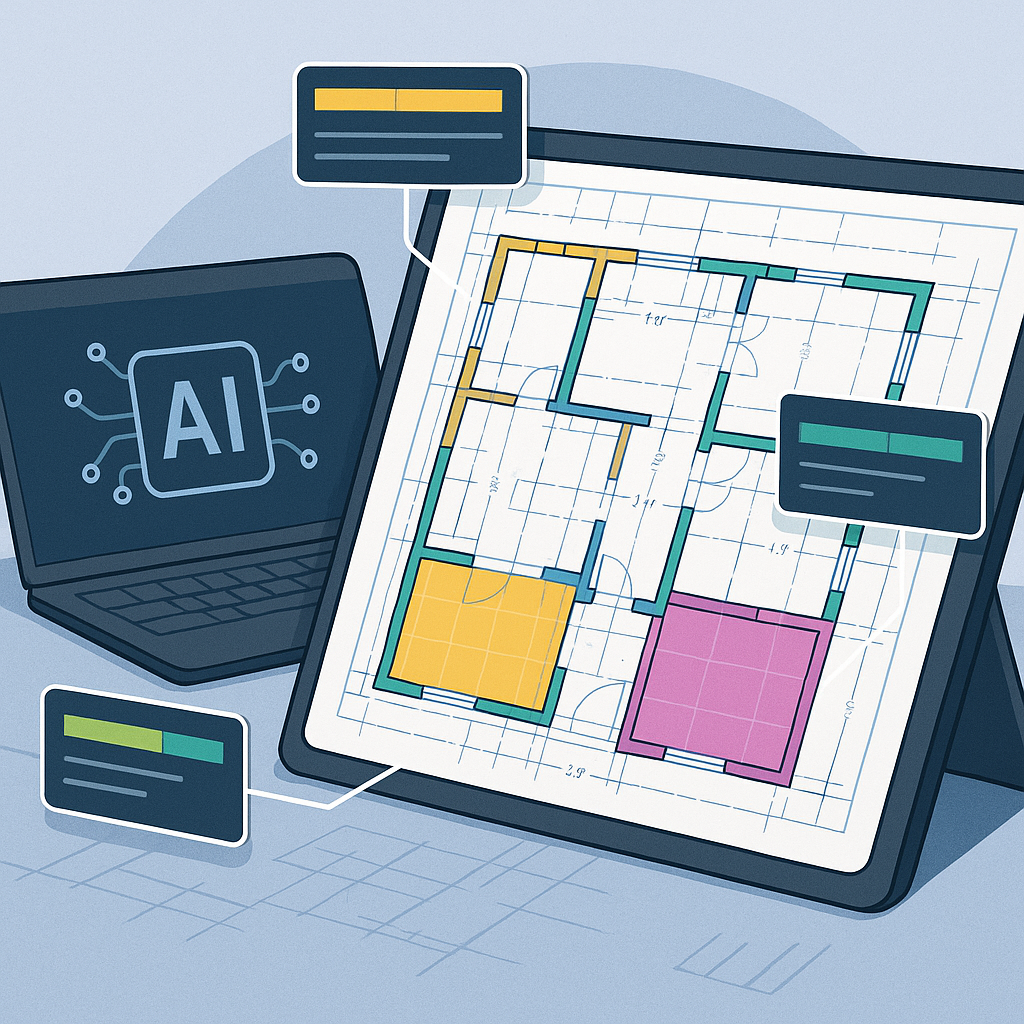
Now, let’s flip the script. With AI-powered tools like EstimateNext, you can upload your drawing set, and in under 10 minutes, the system extracts quantities for walls, beams, slabs, and even room areas. No tracing. No manual entry. Just results.
Real-World Example
One mid-sized general contractor I worked with saved 120 hours on a high-rise bid by using AI takeoff tools. That’s two weeks of labor costs avoided. In their words, “It’s like hiring a full-time estimator without the overhead.” Another firm specializing in healthcare construction reported a 70% reduction in takeoff time, allowing them to bid on 30% more projects annually.
For context, let’s say a senior estimator earns $85,000 annually. Saving 120 hours equates to roughly $4,900 in labor costs per project. Multiply that by 20 bids a year, and you’re looking at nearly $100,000 in annual savings.
What Makes AI Takeoffs Reliable?
Skeptical? You should be. AI isn’t magic—it’s a tool. But the technology behind it is solid. Here’s how it works:
1. Drawing Analysis
AI reads the PDF or CAD files like a human would but uses pattern recognition to identify elements—walls, doors, slabs—based on predefined standards (think CSI MasterFormat or NRM2). For example, it can differentiate between a load-bearing wall and a non-structural partition based on line thickness and annotations.
2. Confidence Scoring
Not every line is a slam dunk. The system flags low-confidence areas for review, so you can double-check critical quantities. For instance, if the AI isn’t certain about a slab edge detail, it will highlight it for your attention.
3. Revision Handling
Upload revised drawings, and the AI highlights what’s changed. No more hunting for clouds or redoing entire takeoffs. This feature alone can save hours on projects with frequent design revisions.
Think of it as a digital apprentice. It takes care of the grunt work, but you’re still in control. You review, refine, and finalize.
Why Speed Matters
You might be thinking, “Okay, it’s faster. But does it really matter?” It does. Here’s why:
1. More Bids, More Wins
If takeoffs take 10 minutes instead of 40 hours, your team can bid on more projects. Simple math. For an MEP subcontractor bidding on 60 packages a year, even a 10% boost in bids could mean 6 more wins annually. At $200,000 net profit per project, that’s $1.2 million in incremental revenue.
2. Better Accuracy
AI doesn’t get tired or distracted. It doesn’t miscount beams because it’s rushing to meet a deadline. That means fewer errors, fewer RFIs, and fewer costly change orders. According to a Deloitte study, firms leveraging AI tools report a 23% decrease in rework.
3. Freed-Up Expertise
Your senior estimators should be focusing on value engineering and bid strategy, not tracing lines on a screen. AI lets them do just that. One senior estimator I spoke with said, “I finally have time to analyze subcontractor bids and explore creative cost-saving options. That’s where I add value—not clicking through drawings.”
The Obvious Objection: “But AI Can’t Think Like an Estimator”
This is the pushback I hear most often. And it’s true—AI doesn’t have 20 years of field experience. It doesn’t know that the client prefers a specific brand of fireproofing or that the labor crew is slower on Fridays.
But that’s not the point. AI isn’t replacing your expertise; it’s amplifying it. You’re still the one making judgment calls, negotiating with subs, and deciding on markup. The AI just handles the grunt work—like takeoffs, rate matching, and what-if recalculations.
Getting Started
If you’re ready to try AI-powered takeoffs, here’s what I’d suggest:
1. Start Small
Pick a mid-sized project with a manageable scope—something like a 50,000 SF office renovation. Use it as a trial run.
2. Cross-Check
Run the AI-generated takeoff alongside a manual one. Compare the results and identify any gaps. This will build your confidence in the tool.
3. Iterate
Most AI tools, including EstimateNext, improve with use. The more feedback you give, the smarter it gets. Treat it as a learning process.
Comparison: Manual vs. AI Takeoffs
| Feature | Manual Takeoffs | AI-Powered Takeoffs |
|---|---|---|
| Time Required | 40 hours per estimate | 10 minutes per estimate |
| Error Rate | High | Low (with review) |
| Scalability | Limited | High |
| Cost Efficiency | Labor-intensive | Cost-effective |
| Revision Handling | Manual rework required | Automated with highlights |
The Bottom Line
Manual takeoffs are a relic of the past. They waste time, burn out estimators, and leave you vulnerable to costly mistakes. AI-powered tools like EstimateNext don’t just speed up the process—they make it smarter, more accurate, and less stressful.
If you’re dealing with takeoff bottlenecks, EstimateNext can help. Get started free →
: FMI/PlanGrid Study on Construction Rework, 2018.
: Deloitte Insights, "AI in Construction," 2021.


