The Brutal Truth About Manual Takeoffs
If you've ever done manual drawing takeoffs, you know the pain. Tracing walls and counting fixtures on PDFs can take days—40 hours for a mid-sized project, easy. And those hours aren’t just time; they’re money. Two estimators spending two full days on takeoffs means thousands of dollars gone before you even touch the bid itself.
Now multiply that by five GMP pursuits in a year. Or 30 bid packages if you’re an MEP subcontractor. The math adds up fast—and not in your favor.
But what if you could cut those 40 hours to just 10 minutes? That’s not a hypothetical. Tools like EstimateNext’s Vision AI are already doing it.
How AI Takeoffs Work
Here’s the process:
- Upload your drawing set. Whether it’s PDFs, DWGs, or even scanned images, Vision AI handles them all. No need to clean up files or convert formats.
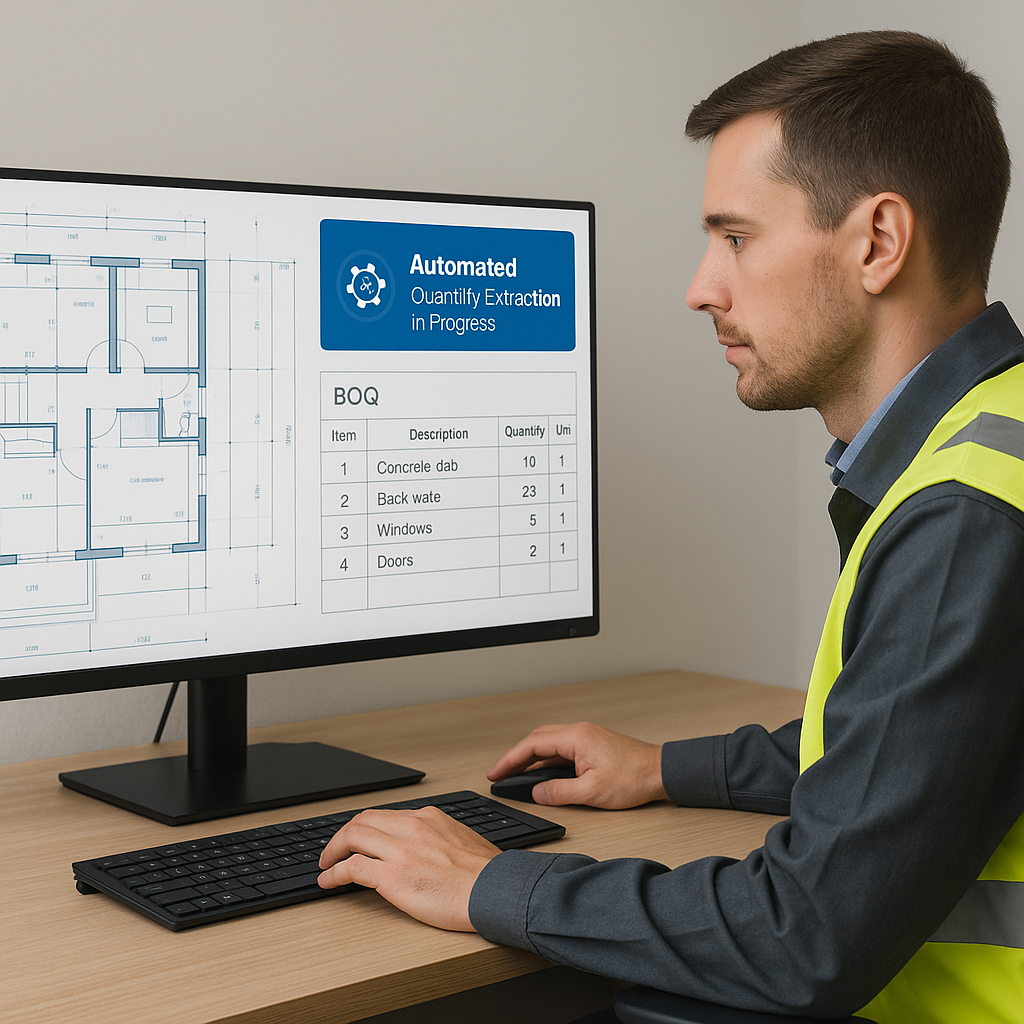
- AI reads the drawings. Using advanced machine learning algorithms, it extracts quantities automatically—room areas, wall lengths, door/window counts, and even specific measurements like slab thickness or duct lengths.
- Flag low-confidence items. The system highlights anything it’s unsure about so you can review manually, ensuring accuracy where it matters most.
Case Study: A Mid-Sized GC Saves 120 Hours
A general contractor bidding on a high-rise project recently tested Vision AI. Traditionally, their two estimators would have spent roughly 120 hours completing the takeoffs. With Vision AI, they were done in just 10 minutes. That’s two full weeks of labor costs avoided—and they still submitted their bid ahead of schedule.
This isn’t an isolated example. MEP subcontractors using AI tools report similar results. One electrical subcontractor cut their takeoff time on a hospital project from 32 hours to under 15 minutes, allowing them to bid on two additional projects that same week.
Why Speed Matters in Preconstruction
Speed isn’t just about saving time. It’s about winning bids.
Think about it: The faster you finish takeoffs, the more bids you can respond to. For MEP subcontractors, that could mean 50% more quotes sent—and potentially 4-8 additional wins per year. For general contractors, it means spending less on preconstruction, freeing up resources for other pursuits.
But speed without accuracy is worthless. That’s where AI shines. Tools like EstimateNext combine fast takeoffs with confidence scoring and manual overrides. You’re not just guessing—you’re verifying.
Example: Competing on Tight Deadlines
Imagine two contractors bidding on the same project. Contractor A spends four days manually completing takeoffs and barely meets the submission deadline. Contractor B uses AI and finishes in under an hour. That extra time allows Contractor B to refine their bid, double-check for errors, and negotiate better pricing with subcontractors. Who’s more likely to win the job? The answer is obvious.
The Obvious Objection: “AI Can’t Think Like an Estimator”
This is the pushback I hear most often. And it’s true—AI doesn’t understand the nuances of construction. It won’t know, for example, that the architect’s spec for polished concrete contradicts the BOQ’s call for epoxy coating.
But that’s not the point.
AI doesn’t replace your expertise; it amplifies it. You’re still the one making judgment calls, negotiating with subs, and deciding on markup. The AI handles the grunt work—like takeoffs, rate matching, and what-if recalculations. It’s a tool, not a replacement.
Analogy: The Calculator vs. Mental Math
Think of AI takeoff tools like calculators. A calculator won’t understand why you’re solving for X, but it’s faster and more accurate at crunching numbers than you are. You still need to know how to set up the problem and interpret the results. The same logic applies here.
Real ROI: Numbers You Can’t Ignore
Let’s talk money.
General Contractors
For general contractors, saving 40 hours per estimate at $130/hour means $5,200 saved per bid. Multiply that by five pursuits in a year, and you’re looking at $26,000 in savings. The tool cost? $99/month. That’s a 52X ROI.
Subcontractors
For subcontractors, the math is even better. If faster takeoffs let you respond to 50% more bids—say, eight additional wins per year at $200K each—that’s $1.6M in incremental revenue. And the tool cost? $39/month. No contest.
Hidden Benefits
Beyond direct cost savings, AI takeoff tools improve accuracy, reducing costly errors that can lead to underbidding or disputes later. They also free up your team to focus on higher-value tasks, like value engineering or building stronger client relationships.
How to Get Started
If you’re new to AI estimation tools, start small. Here’s a step-by-step guide:
- Pick a Test Project. Choose something manageable, like a $1M renovation or a small tenant improvement job.
- Upload Drawings. Follow the tool’s onboarding process to upload your plans and specifications.
- Verify Outputs. Review the AI-generated takeoffs, paying close attention to flagged items. Use this as a learning opportunity.
- Compare with Manual Results. Run a parallel manual takeoff on the same project to gauge accuracy and time savings.
- Scale Up. Once you’re confident in the tool, start using it on larger bids or multiple projects simultaneously.
Most platforms, including EstimateNext, integrate with existing tools like Bluebeam or Procore. That means you’re not rebuilding your workflows; you’re enhancing them.
Decision Framework: Is AI Right for You?
| Question | Answer |
|---|---|
| Do you spend over 10 hours/week on manual takeoffs? | Yes → AI tools will save significant time. |
| Do you bid on more than 10 projects/year? | Yes → Faster takeoffs give you a competitive edge. |
| Are labor costs eating into your margins? | Yes → AI reduces labor-intensive tasks. |
The Bottom Line
Manual takeoffs are expensive, slow, and prone to error. AI-powered tools like EstimateNext flip the script—delivering faster, more accurate results at a fraction of the cost. The ROI speaks for itself.
If you’re tired of losing bids to inefficiency, it’s time to act.


