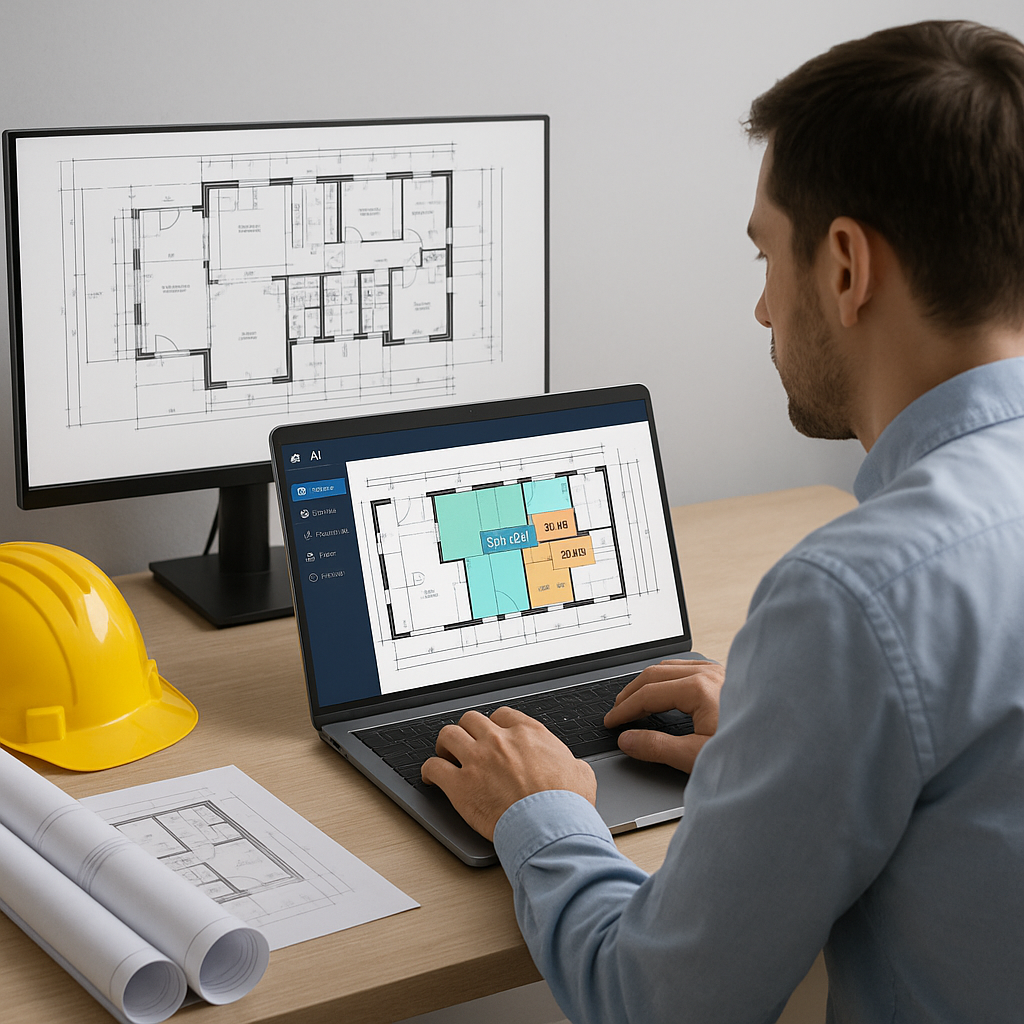
Why Manual Takeoffs Are Killing Productivity
Let’s be honest: drawing takeoffs are a productivity black hole. Estimators spend up to 40 hours measuring areas, counting fixtures, and recalibrating drawings. That’s an entire workweek—time that could be spent strategizing, negotiating with subcontractors, or refining bids.
And it’s not just the time sink that’s problematic. Manual takeoffs are prone to errors. Missing a single room or miscounting fixtures can skew your estimate by thousands of dollars. For example, miscalculating the square footage of a warehouse could lead to over-ordering concrete or underestimating labor costs. When big-ticket items like structural steel, HVAC systems, or specialty finishes are miscalculated, the financial impact can be catastrophic—especially on tight-margin projects.
The obvious question: why are we still doing this manually?
AI Takeoff Tools: The Real Game Plan
AI-powered tools like EstimateNext are rewriting the rules of construction estimation. Their Vision AI feature extracts quantities directly from PDF drawings in 10 minutes, compared to the 40 hours required for manual takeoffs. That’s not just marketing fluff—it’s backed by real-world results. For instance, a mid-sized general contractor (GC) saved 120 hours using AI on a high-rise bid, freeing up their team for more strategic tasks.
Let’s break down how it works:
- Upload your drawings — Whether you’re working with PDFs, CAD files, or even scanned blueprints, the system accepts them all.
- Vision AI detects quantities — The software automatically identifies room areas, wall lengths, fixture counts, and more. Advanced algorithms ensure precision.
- Confidence scoring highlights potential errors — Low-confidence measurements are flagged, allowing you to manually review and override them if necessary.
Here’s a concrete example: A GC bidding on a $10M hotel renovation uploaded their plans into EstimateNext. In under an hour, Vision AI had completed measurements for 150 guest rooms, common areas, and mechanical spaces. The team reviewed flagged items, made adjustments, and finalized their bid days ahead of the deadline.
No more endless calibrating or triple-checking measurements. The AI handles the grunt work while you focus on high-value tasks.
The ROI Is Clear
Let’s crunch the numbers. If Vision AI saves 40 hours per estimate and your team charges $130/hour, that’s $5,200 saved on labor costs per bid. Multiply that across five GMP pursuits annually, and you’re looking at a $26,000 boost in productivity. Now, scale this across larger firms that handle dozens of bids per year—you’re talking six-figure savings.
For firms operating on razor-thin margins, these savings could mean the difference between breaking even and turning a profit. And it’s not just about dollars—it’s about opportunity cost. Every hour saved on manual takeoffs can be reinvested in building stronger client relationships, refining pricing strategies, or improving operational workflows.
Case Study: Small GC, Big Savings
Consider a Florida-based GC bidding on a modest $2M mixed-use development. Using EstimateNext, their team saved 36 hours on takeoffs alone. They met the bid deadline without requiring overtime, avoided errors that could have jeopardized their margins, and secured the project. For smaller firms, these efficiencies can be game-changing.
Addressing Skepticism: Can AI Really Replace Human Expertise?
You might be thinking: "Sure, AI is fast, but it doesn’t understand construction nuances." It’s a valid concern, but here’s the reality: AI isn’t here to replace your expertise—it’s here to amplify it.
AI tools excel at repetitive, data-heavy tasks. They don’t make judgment calls, negotiate with subcontractors, or decide margins. That’s still the estimator’s domain.
How AI Fits Into the Workflow
Here’s an example of how AI complements human expertise:
- Junior estimators handle AI-assisted takeoffs — They feed drawings into the system and review flagged items.
- Senior staff focus on strategic tasks — Freed from manual measurements, senior estimators can refine pricing models, negotiate with subs, or focus on client acquisition.
In one case, a Chicago-based GC paired junior staff with EstimateNext for a $15M office fit-out. The result? Senior estimators had 20 extra hours to negotiate subcontractor pricing, ultimately lowering costs by 4%. AI didn’t replace expertise—it enhanced it.
What About Smaller Projects?
AI isn’t just for billion-dollar rail bridges or high-rise towers. It scales down easily. Whether it’s a $1M residential renovation or a $500K office fit-out, the time savings apply universally.
Case in point: A boutique construction firm specializing in residential remodels used EstimateNext on a $750K kitchen and bathroom renovation. Despite the smaller scale, the AI shaved 12 hours off their takeoff process. That’s half a week freed up for other tasks, like sourcing materials or refining their bid presentation.
Comparing Manual vs. AI Takeoffs
| Criteria | Manual Takeoffs | AI-Powered Takeoffs |
|---|---|---|
| Time Required | 30–40 hours | 10 minutes to 1 hour |
| Error Risk | High—human oversight required | Low—confidence scoring alerts |
| Scalability | Difficult for large projects | Scales across all project sizes |
| Labor Cost | Expensive | Significantly reduced |
| Integration | Limited | Syncs with tools like Procore |


