The Hidden Time Sink in Preconstruction
If you've ever been stuck doing manual drawing takeoffs, you know how brutal it is. Two estimators, two full days — that’s 40 hours spent measuring walls, counting fixtures, and tracing drawings by hand. Multiply that across five GMP (Guaranteed Maximum Price) pursuits a year, and you’re burning 200 hours just on takeoffs. For larger firms, it’s even worse.
Let’s put this into perspective: a 2019 Dodge Data & Analytics survey found that preconstruction inefficiencies cost contractors an average of 5% of project budgets. For a $10M project, that’s $500,000 lost to inefficiency.
Why is this still the norm in 2023? Because the tools most teams rely on — Bluebeam, RSMeans, Excel — weren’t built to do the heavy lifting. Bluebeam handles measurements, RSMeans gives you rates, and Excel crunches numbers. But none of them work together seamlessly. You’re left juggling three systems, wasting time on repetitive tasks.
The AI Fix: Vision AI Takeoff in 10 Minutes
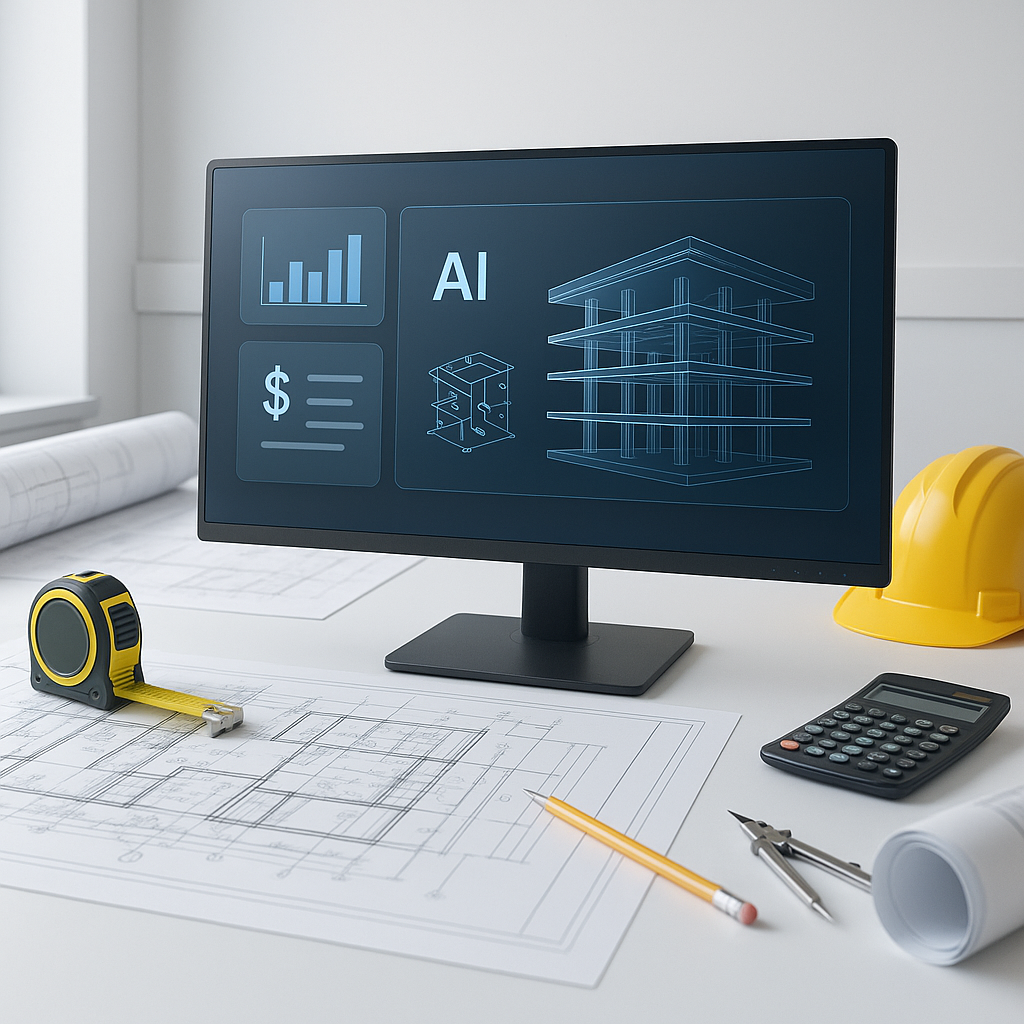
This is where AI steps in, and frankly, it’s about time. Tools like EstimateNext’s Vision AI automate the entire takeoff process. Here’s how it works:
- Upload the PDF: Drop your design drawings into the platform.
- AI Extraction: The AI scans the drawings, pulling quantities for areas, lengths, counts, and more.
- Confidence Scoring: Anything the AI isn’t 100% sure about gets flagged for manual review.
- Export: Quantities are ready in a structured BOQ (Bill of Quantities) format.
Real-World Example: 120 Hours Saved on a High-Rise Project
A mid-sized GC (general contractor) recently used Vision AI on a 20-story high-rise bid. Normally, the takeoff process would take two senior estimators 60 hours each. With AI, they completed it in just 10 minutes of processing time and a single day of review. That’s 120 hours saved — two full weeks of labor avoided.
What’s more, this time savings allowed the team to focus on higher-value tasks like refining their bid strategy, negotiating better subcontractor rates, and conducting risk assessments. The result? They submitted a more competitive bid and ultimately won the project.
Why Speed Matters (It’s Not Just About Deadlines)
You might be thinking, “Sure, AI is faster, but we’ve always managed to meet deadlines manually.” That’s not the point. Speed isn’t just about hitting bid schedules; it’s about what you do with the time you save.
Here’s the math:
- Manual Takeoff: 40 hours x $130/hr = $5,200 in labor costs.
- AI Takeoff: 10 minutes + review = ~$100.
That’s $5,000 saved on one project. Multiply that across five pursuits a year, and you’re looking at $25,000 in savings — for just one team. For larger contractors running 20+ bids a year, the savings can easily exceed $100,000.
What could you do with that extra time and money? Bid on more projects? Refine your pricing models? Train junior staff? The opportunity cost of manual workflows is staggering.
The Obvious Objection: “But AI Can’t Think Like an Estimator”
I hear this all the time. And it’s partially true — AI doesn’t know your project’s nuances. It won’t flag a spec conflict or catch a scope gap. But it’s not supposed to. AI handles the grunt work so you can focus on the high-value tasks that require human judgment.
Think of it as an apprentice. It measures, calculates, and organizes while you make the judgment calls. This is especially useful for scaling teams. Pairing junior estimators with AI tools is a smart way to boost productivity without adding headcount.
Case Study: Saving Weeks on a Rail Project
Let’s get specific. On a $1B rail bridge bid, a national contractor used an AI-powered takeoff tool. The manual takeoff was estimated to take 56 hours. With AI, it took just 10 minutes to process the drawings and another 3 hours for manual review. The team used the extra time to refine their bid strategy, locking down better subcontractor rates and optimizing their margins.
The result? They didn’t just save time; they submitted a more competitive bid and won the project by a narrow margin. Without the time savings from AI, they likely would have missed the opportunity to refine their pricing.
Actionable Steps to Start Using AI in Your Workflow
-
Assess Your Current Stack: Take a hard look at your current tools. Are you relying on Bluebeam, RSMeans, or Excel? What’s your biggest bottleneck?
- If measuring and counting take the most time, an AI takeoff tool is a no-brainer.
- If integration is your pain point, look for AI tools that sync with platforms like Procore or Autodesk Build.
-
Start Small: Test AI tools like EstimateNext on a smaller project to validate accuracy. Use a recently completed project as a benchmark to compare AI outputs against manual results.
-
Train Your Team: AI tools are intuitive, but proper training ensures adoption. Pair junior estimators with AI to maximize efficiency and upskill your team simultaneously.
-
Integrate: Choose platforms that work with your existing tech stack. For example, tools that export directly to Excel or integrate with Procore can save you additional time.
-
Monitor and Adjust: Use the tool’s confidence scoring to identify patterns where AI struggles. This feedback can guide future improvements and fine-tune your workflow.
Comparison Table: Manual vs. AI Takeoffs
| Feature | Manual Takeoff | AI-Powered Takeoff |
|---|---|---|
| Time Required | 40 hours per project | 10 minutes + review |
| Labor Cost Per Project | ~$5,200 | ~$100 |
| Accuracy | Prone to human error | High, with manual overrides |
| Scalability | Limited by team size | Scales effortlessly |
| Integration with Tools | Manual data entry required | Seamless exports available |
The Bottom Line
Manual takeoffs are a waste of time and money. AI tools like EstimateNext cut that time from 40 hours to 10 minutes, saving thousands per bid. More importantly, they free up your team to focus on what really matters: building smarter bids, refining pricing strategies, and winning more work. If you’re still stuck in the old workflow, it’s time to rethink how you approach preconstruction.


