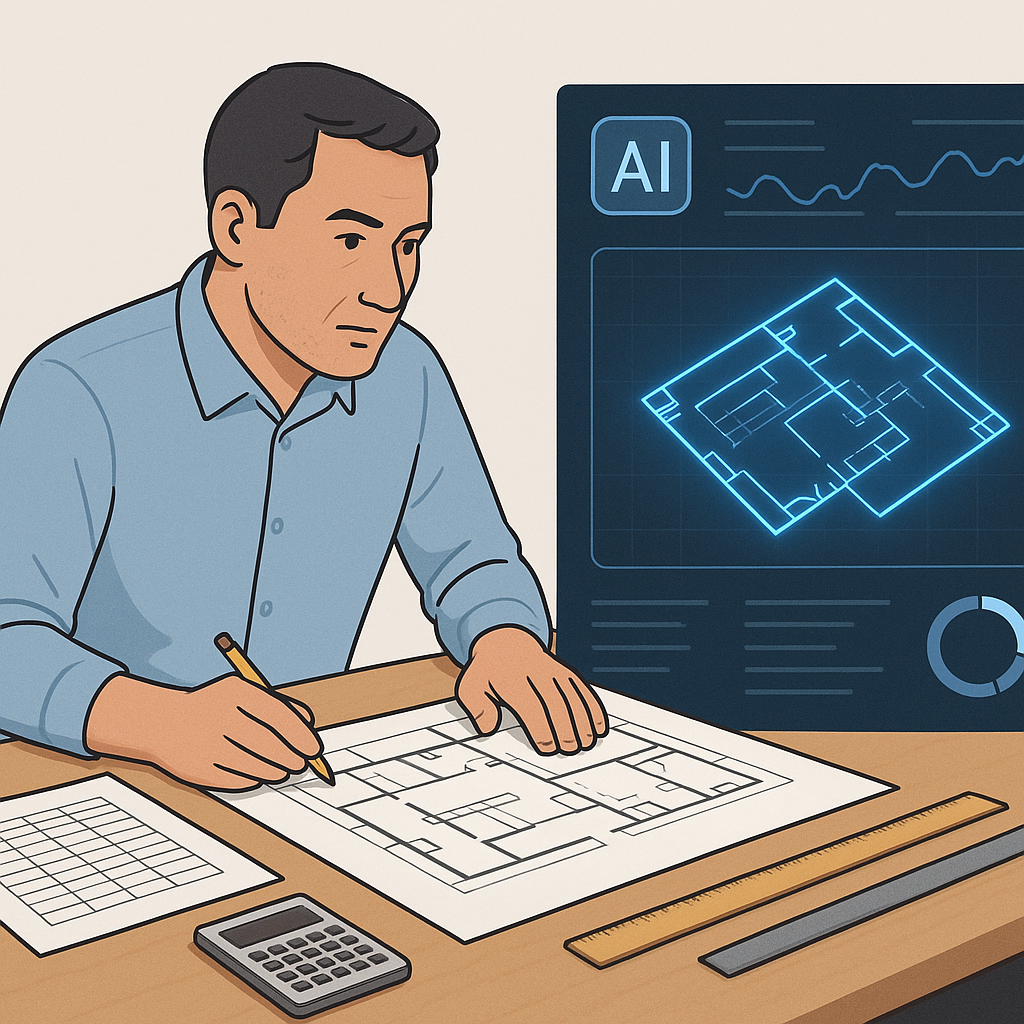
Manual Takeoffs Are Killing Your Schedule
Let’s start with the obvious: manual drawing takeoffs are painfully slow. If you’re a GC preconstruction director, you already know the drill. Two estimators spend two full days measuring room areas, wall lengths, and fixture counts from PDF drawings. Multiply that by five or six GMP pursuits a year, and you’re losing hundreds of hours on grunt work.
It’s not just about wasted time. It’s about what’s getting left undone. While your team’s buried in takeoffs, subcontractor negotiations, margin analysis, and bid/no-bid decisions get pushed to the side.
The Domino Effect of Manual Takeoffs
The delays caused by manual takeoffs don't just eat into your schedule—they create a ripple effect across your entire preconstruction process. For example:
- Subcontractor Pricing Delays: If takeoffs aren’t ready, you can’t send accurate RFQs to subcontractors on time. This shortens the window for negotiating better pricing.
- Bid/No-Bid Decisions Get Rushed: Teams often skip critical analysis for bid/no-bid decisions because they’re scrambling to finish takeoffs.
- Overtime Costs: Rushing to meet deadlines often results in overtime. According to Construction Dive, overtime can inflate labor costs by 50% or more.
So what’s the alternative? AI-powered takeoff tools like EstimateNext’s Vision AI. Their own case study notes that Vision AI reduces takeoff time from 40 hours to just 10 minutes. That’s not a typo. Ten minutes. Imagine uploading your drawing set and getting quantities for concrete columns, beams, and rail decks before your coffee cools.
The Brutal Math of Manual Processes
Let’s put this into dollars. According to McKinsey, the average estimator bills out at $130/hour. Forty hours of takeoff time per project means $5,200 in labor costs. If your firm handles five GMP pursuits a year, that’s $26,000 just for takeoffs. And that’s before you factor in overtime, missed deadlines, or the opportunity cost of tying up your senior staff.
Now compare that to the cost of an AI tool. EstimateNext’s Vision AI starts at $99/month for GC teams. That’s $1,188 per year—roughly 4% of what you’re spending on manual takeoffs.
A Real-World Comparison
Let’s break it down:
| Factor | Manual Takeoffs | AI-Powered Takeoffs |
|---|---|---|
| Labor Cost (5 Projects) | $26,000 | $1,188 |
| Time Spent (Per Project) | 40 hours | 10 minutes |
| Opportunity Cost | High (delayed decisions) | Low |
| Accuracy | Prone to human error | 80% fewer discrepancies |
The numbers speak for themselves. By switching to AI-powered tools, you’re not just saving time—you’re freeing up resources to focus on higher-value tasks.
The Obvious Objection: “But AI Can’t Think Like an Estimator”
I get this pushback all the time. You might be thinking, “Sure, AI is fast, but it doesn’t understand the nuances of construction.” That’s partially true—but it’s also missing the point. AI doesn’t replace your expertise; it amplifies it.
You’re still the one making judgment calls, negotiating with subs, and deciding on markup. The AI just handles the grunt work—like takeoffs, rate matching, and what-if recalculations. It’s a tool, not a replacement.
Addressing Common Concerns
-
“What if the AI misses something?” Modern AI tools, like Vision AI, include features like confidence scoring to flag areas where the system is less certain. You can review and adjust as needed, ensuring nothing critical gets overlooked.
-
“Our projects are highly custom—won’t the AI struggle?” AI tools allow for customization. You can upload your own rate catalogs or define specific parameters for unique projects.
-
“Will this replace my team?” Absolutely not. AI handles repetitive tasks, freeing your team to focus on strategic, value-driving activities.
Real-World ROI: A Mid-Sized Contractor’s Experience
Here’s a concrete example. A mid-sized general contractor saved 120 hours on a high-rise bid by switching to Vision AI. That’s two full weeks of labor costs avoided. What’d they do with the extra time? They:
- Improved Subcontractor Negotiations: With more time, they could solicit bids from a larger pool of subs, driving prices down by 8%.
- Optimized Their Schedule: They reallocated their team to focus on scheduling and risk management, which helped them avoid potential delays in the construction phase.
- Increased Bid Margins: The time savings allowed them to refine their bid, increasing their margin by 2%.
In their words, “It’s like hiring a full-time estimator without the overhead.”
What About Accuracy?
Accuracy is always the elephant in the room. AI-powered tools like Vision AI aren’t perfect, but they’re highly reliable. EstimateNext includes features like confidence scoring and manual overrides, so your team can review and adjust as needed. Their docs say most users report discrepancies dropping by 80% after just a few projects.
Case Study: Avoiding Costly Errors
A regional contractor shared how they used Vision AI to identify a missed line item in their manual takeoff process. The AI flagged an inconsistency in the quantities for rebar, which would have resulted in a $25,000 underestimation. By catching the error early, the contractor avoided a potential loss during construction.
For smaller projects, this means fewer surprises during construction. For larger bids, it means avoiding the costly mistakes that can sink your margins.
The Speed Advantage in Competitive Markets
In my view, speed is the real game-changer. Look at markets like India and the GCC, where bid cycles are brutally tight. Subcontractors have 72 hours to respond to your RFQ, and every delay eats into your chances of winning.
With Vision AI, you’re not just saving time—you’re shifting the timeline entirely. Faster takeoffs mean faster bid prep, which means more bids submitted before the deadline. For MEP subs, this could mean responding to 50% more RFQs per year. That’s a direct revenue boost.
Actionable Tip: Testing Speed in Your Market
If you’re unsure how much impact speed can have, run a pilot. Use an AI tool for one bid cycle and compare it to your manual process:
- Track Time Savings: Document how much faster the takeoff process becomes.
- Monitor Bid Volume: See if the faster turnaround allows you to submit more bids.
- Evaluate Win Rates: Compare your success rate for bids using AI vs. manual takeoffs.


