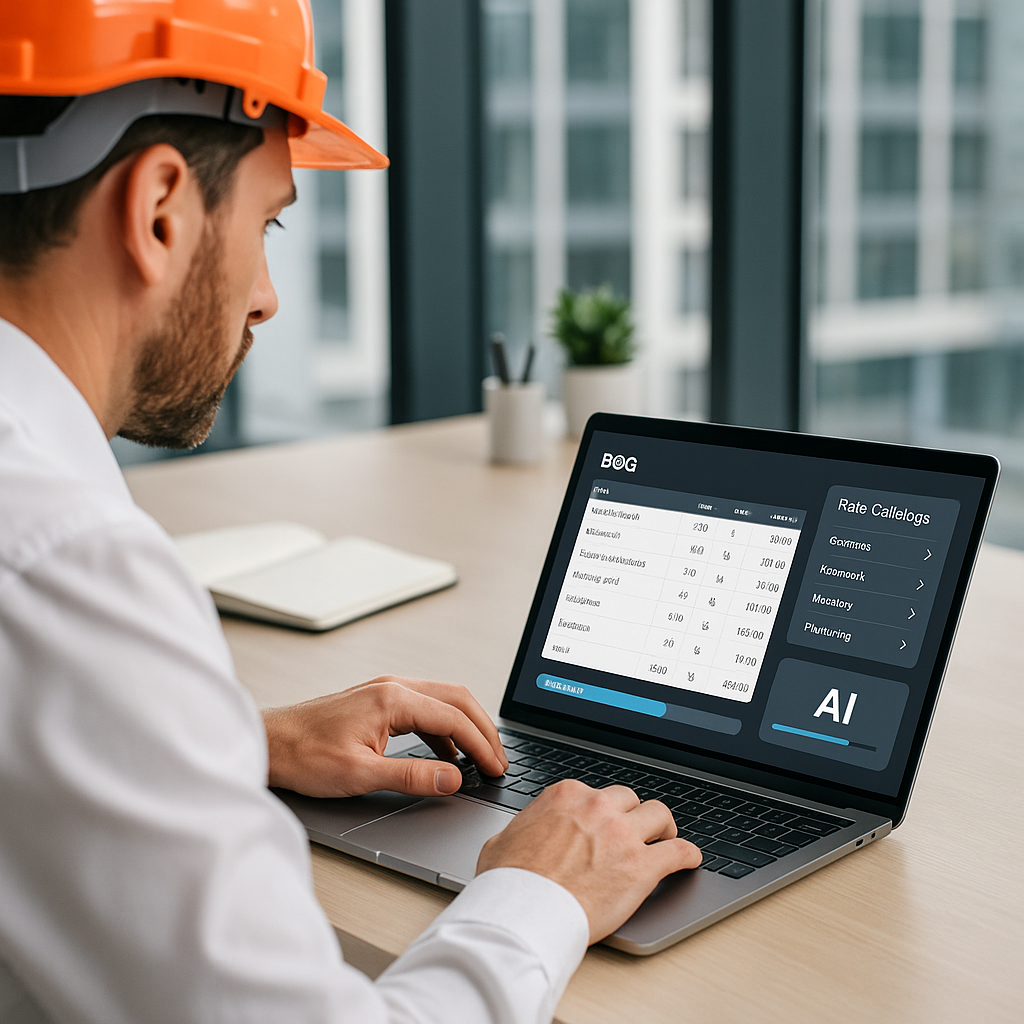
12 Hours Saved on BOQ Rate Matching: Why AI Is the Estimator’s Secret Weapon
Picture this: you've got a 1,000-line Bill of Quantities (BOQ) in front of you. The tender deadline is closing in, and you're stuck flipping through a 2,000-page rate book trying to find the material and labor costs for every single item. Sound familiar?
If you're in construction estimation, you’ve been there. It’s the grind no one talks about but everyone hates. Rate matching is the soul of any accurate estimate, yet the process hasn’t evolved much in decades. Until now.
AI-powered preconstruction tools like EstimateNext are changing the game by turning that 12-hour slog into a task that takes just seconds. How? Let’s break it down.
Why Rate Matching Feels Like a Black Hole
Here’s the deal: traditional rate matching is slow for one reason — manual lookup. Whether you’re flipping through CPWD DSR PDFs, RSMeans catalogs, or your company’s custom database, the process is painstaking. And error-prone. Miss a rate, and your entire bid could collapse. Overestimate, and you’re outpriced. Underestimate, and you’re eating the cost.
What’s worse? Rates aren’t static. Inflation, material shortages, and labor market fluctuations mean that yesterday’s numbers rarely work for today’s bids. For example, the cost of structural steel jumped by more than 200% in the U.S. between 2020 and 2021 due to supply chain disruptions (source). If you’re not constantly updating your rate database, you’re already falling behind.
In my experience, this process is the top bottleneck for estimators. It’s not glamorous, but it’s where the real work happens. And for subcontractors responding to 30+ bids a year, this inefficiency adds up to weeks of lost productivity.
What Manual Rate Matching Looks Like
Let’s get specific. Here’s a typical workflow for manual rate matching:
- Open the BOQ in Excel. Start scrolling.
- Look for the first line item, e.g., "20 MPa concrete."
- Open up your rate book or PDF catalog. Search for the matching entry.
- Copy the rate into your BOQ.
- Repeat for the next 999 items.
Sound tedious? It is. And it’s not just time-consuming; it’s mentally draining. After a few hours, even experienced estimators start to miss key details, leading to costly errors.
How AI Solves the Rate Matching Nightmare
Enter AI-powered rate matching. Instead of manually searching for the right rates, AI tools like EstimateNext use semantic search algorithms to scan thousands of line items in seconds. Here’s how it works:
-
Upload Your BOQ: Just drag and drop your Excel or PDF file into the platform. Forget manually reformatting your data — the AI automatically detects headers, merged cells, and item hierarchies.
-
Search Smarter: Using natural language processing (NLP), the AI understands what you’re looking for — even if the BOQ uses different terms or spellings. For instance, if your BOQ says "cementitious waterproofing," the AI knows to match it to "cement-based water-resistant coating" in your rate library.
-
Cross-Catalog Matching: AI doesn’t just stick to one source. It compares your BOQ to multiple catalogs — RSMeans, CPWD DSR, AECOM Middle East, and even your custom rate library — ensuring the best match every time.
-
Feedback Loop: The system learns from your inputs. Approve or reject a rate match, and the AI gets smarter for the next project. By your third use, you’re seeing near-perfect matches.
The result? You’ve got a fully matched BOQ in minutes, not hours. And because the AI is always learning, it only gets better with time and use.
Actionable Steps to Start Using AI for Rate Matching
- Identify your pain points. Are you losing time to manual rate lookups? Missing deadlines?
- Choose a tool that integrates with your existing workflow. For example, EstimateNext works with Bluebeam, Procore, and Excel.
- Start small. Test the tool on a single project to get a feel for how it works.
- Train your team. Most AI tools are intuitive, but a short training session can help iron out any confusion.
- Monitor results. Measure time saved and accuracy improvements to calculate your ROI.
Real-World Example: A $1B Rail Project
Let’s put this into perspective. A mid-sized U.S. contractor recently used AI-powered rate matching on a $1 billion rail bridge bid. The BOQ included 2,300 items — everything from pre-stressed concrete girders to specialty coatings.
Manually matching rates would’ve taken their team 56 hours. Instead, AI cut the process to just 10 minutes. That’s a 99% time reduction. And the kicker? The AI flagged five items with outdated rates, saving them from underbidding by $47,000.
Their feedback: “It didn’t just save time; it saved us from a mistake we didn’t know we’d made.”
Another Example: Small-Scale Contractor Success
It’s not just the big players benefiting from AI. A small roofing contractor in the UK, bidding on residential projects worth £50,000 to £100,000, used EstimateNext to process their BOQs. Previously, they could only respond to five tenders a month due to time constraints. With AI, they bumped that number up to 12 and secured two additional contracts within three months — increasing their revenue by 20%.
The Obvious Objection: “But AI Can’t Think Like an Estimator”
You might be thinking, “Sure, AI is fast, but it doesn’t understand the nuances of construction.” And you’re partially right. No AI can replace your expertise in evaluating project-specific risks, choosing alternates, or negotiating subcontracts.
But that’s not the point. AI handles the grunt work — the tedious, repetitive tasks that bog you down. It frees you to focus on the high-value decisions only you can make. In my view, it’s like giving your team an extra estimator without adding payroll costs.
Actionable Comparison: AI vs Manual Workflow
| Task | Manual Workflow | AI Workflow |
|---|---|---|
| BOQ Upload | 10 minutes | 1 minute |
| Rate Matching | 12 hours | 10 minutes |
| Error Checking | 2 hours | 15 minutes |
| Total Time | ~15 hours | ~30 minutes |
| Accuracy | 90% | 99% |
What If My Rates Are Custom?
This is another common concern. Many contractors have unique rate libraries or use project-specific rates. AI tools like EstimateNext have already thought of this. You can upload your custom catalog, and the AI will prioritize those rates over external sources. It’s not a one-size-fits-all solution; it adapts to your workflow.
And if you’re working across multiple markets with different standards (CSI in the U.S., NRM2 in the UK, CPWD in India), the AI adjusts. It’s built for complexity, not just convenience.
ROI: Is It Worth the Investment?
Let’s do the math. Say you’re a GC preconstruction director managing five GMP pursuits a year. Each estimate takes 40 hours. If AI saves you 12 hours per estimate, that’s 60 hours annually. At $130/hour, that’s $7,800 saved — per estimator.
And the software? EstimateNext starts at $99/month per seat. That’s $1,188/year. You’re looking at a 6X ROI, minimum.
For subcontractors, the math is even better. Responding to 30 bids a year? AI could save you 360 hours annually. Faster quotes mean more bids submitted, which means more wins. Even a single additional win could justify the cost.
Final Thoughts: Stop Wasting Time on Manual Rate Matching
Let’s face it: manual rate matching is a relic of the past. It’s slow, error-prone, and expensive. AI-powered tools like EstimateNext turn what used to be a 12-hour grind into a 10-minute task. More importantly, they let you focus on what really matters — building competitive bids and winning projects.
If you’re ready to stop flipping through catalogs and start estimating smarter, EstimateNext can help. Get started free →


