The Hidden Cost of Manual Takeoffs
Let’s start with a number: 40 hours. That’s how long it takes, on average, for two estimators to manually perform a quantity takeoff for a mid-sized project. Think about what that means. Two full workdays of flipping through drawings, measuring areas, counting fixtures, and manually entering data into spreadsheets. It’s tedious, prone to mistakes, and frankly, a waste of your team’s expertise.
Now, multiply that by five GMP (Guaranteed Maximum Price) pursuits per year, and you’re looking at 200 hours wasted annually. For a GC Preconstruction Director earning $130/hour, that’s $26,000 straight out of your bottom line. And that’s just the labor cost—what about the opportunity cost of not pursuing more projects or refining your bid strategy?
So why are we still doing it this way? The obvious answer: because that’s how it’s always been done. The better answer: we don’t have to anymore.
10 Minutes vs. 40 Hours: AI Takeoffs Explained
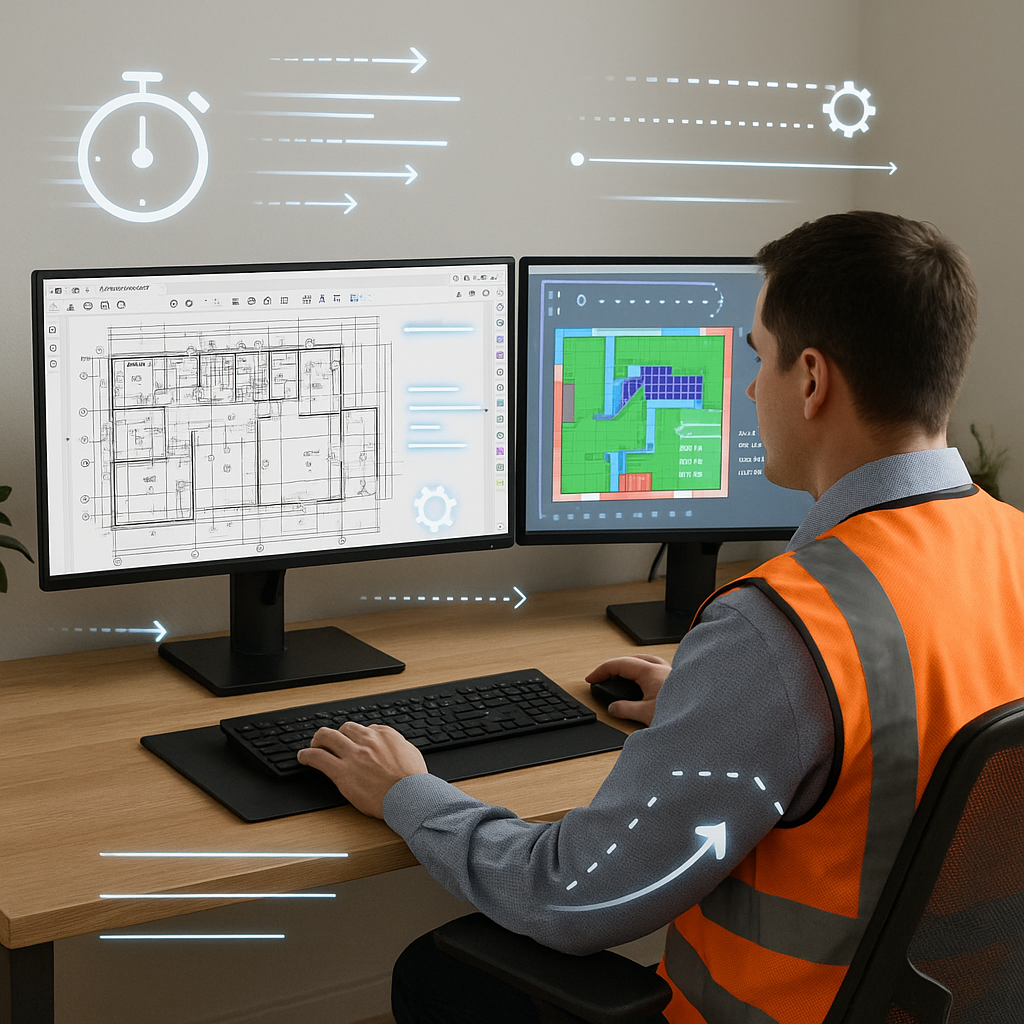
Here’s where AI-powered preconstruction tools like EstimateNext come in. Using Vision AI, you can upload a PDF drawing set and extract quantities in just 10 minutes. Room areas, wall lengths, door and window counts—it’s all done automatically. It’s not perfect—you’ll still need to review low-confidence items—but it’s 10X faster than manual methods.
A Real-World Example
Consider this: a mid-sized GC (general contractor) bidding on a high-rise project with over 500 pages of architectural and structural drawings. Normally, their team would spend 120 hours across two estimators to complete the takeoff. With Vision AI, they finished the same job in under 4 hours, including review time. That’s 116 hours saved—nearly three workweeks.
Another compelling case: A small residential contractor recently adopted an AI takeoff tool for a 50-page custom home project. What used to take them 15 hours was reduced to just 2 hours, allowing them to bid on two additional projects that month. One of those bids converted into a $750,000 contract.
Common Pushbacks (And Why They’re Wrong)
You might be thinking, “Sure, AI is fast, but it doesn’t understand the nuances of construction.” Let’s break this down with some common objections and practical responses:
Objection 1: “AI doesn’t replace expertise.”
You’re absolutely right—it doesn’t. And it shouldn’t. AI isn’t designed to replace your expertise; it’s designed to amplify it. You’re still the one deciding on markups, negotiating with subs, and tailoring estimates to the project’s unique conditions. The AI just handles the grunt work—like takeoffs, rate matching, and recalculations—so you can focus on higher-value activities.
Objection 2: “What if the AI makes mistakes?”
No system—manual or automated—is 100% error-free. But here’s the thing: AI tools like EstimateNext include confidence scoring and manual override features, allowing you to focus your reviews where they’re needed most. Think of it as triage for takeoffs. By flagging potential errors, the software ensures you’re not blindly trusting the system.
Objection 3: “It’s too expensive.”
Let’s do the math. A typical AI-powered takeoff tool costs around $100/month. If your team saves 36 hours per estimate (at $130/hour), that’s $4,680 in labor costs avoided per project. Over five GMP pursuits annually, you’re saving $23,400. That’s a 234X ROI. Can you really afford not to invest in this?
The ROI of AI Takeoffs
Let’s break this down further to show the real financial impact of automating takeoffs:
| Metric | Manual Process | AI-Powered Process |
|---|---|---|
| Time per takeoff | 40 hours | 4 hours |
| Labor cost per takeoff | $5,200 | $520 |
| Annual labor cost (5 GMPs) | $26,000 | $2,600 |
| ROI | N/A | 234X |
But the benefits go beyond just cost:
- Time Savings: Free up your team to focus on value engineering, building client relationships, or pursuing additional bids.
- Accuracy: Research shows that manual takeoffs result in errors in 20-30% of cases, while AI tools reduce discrepancies by up to 80% (source: Dodge Data & Analytics).
- Scalability: Larger firms can handle more bids without hiring additional staff, while smaller firms can compete with bigger players by improving efficiency.
How to Get Started
If you’re new to AI tools, here’s a step-by-step plan:
-
Start Small: Select a single project and use the AI tool to perform a takeoff. Compare its results to your manual process to identify gaps and build trust in the system.
-
Train Your Team: While tools like EstimateNext are designed to be intuitive, a brief onboarding session can help your team understand advanced features, like confidence scoring and custom rate uploads.
-
Pair AI with Junior Staff: Use the AI to enable junior estimators to handle takeoffs, freeing up senior staff for strategic tasks.
-
Iterate and Scale: By your third project, you’ll likely see significant improvements as the AI learns from your feedback. Gradually expand its use to more projects.
Call to Action
If you’re tired of wasting 40 hours on manual takeoffs, it’s time to make the switch. Tools like EstimateNext’s Vision AI can save your team weeks of effort while improving accuracy and freeing you to focus on strategy.


