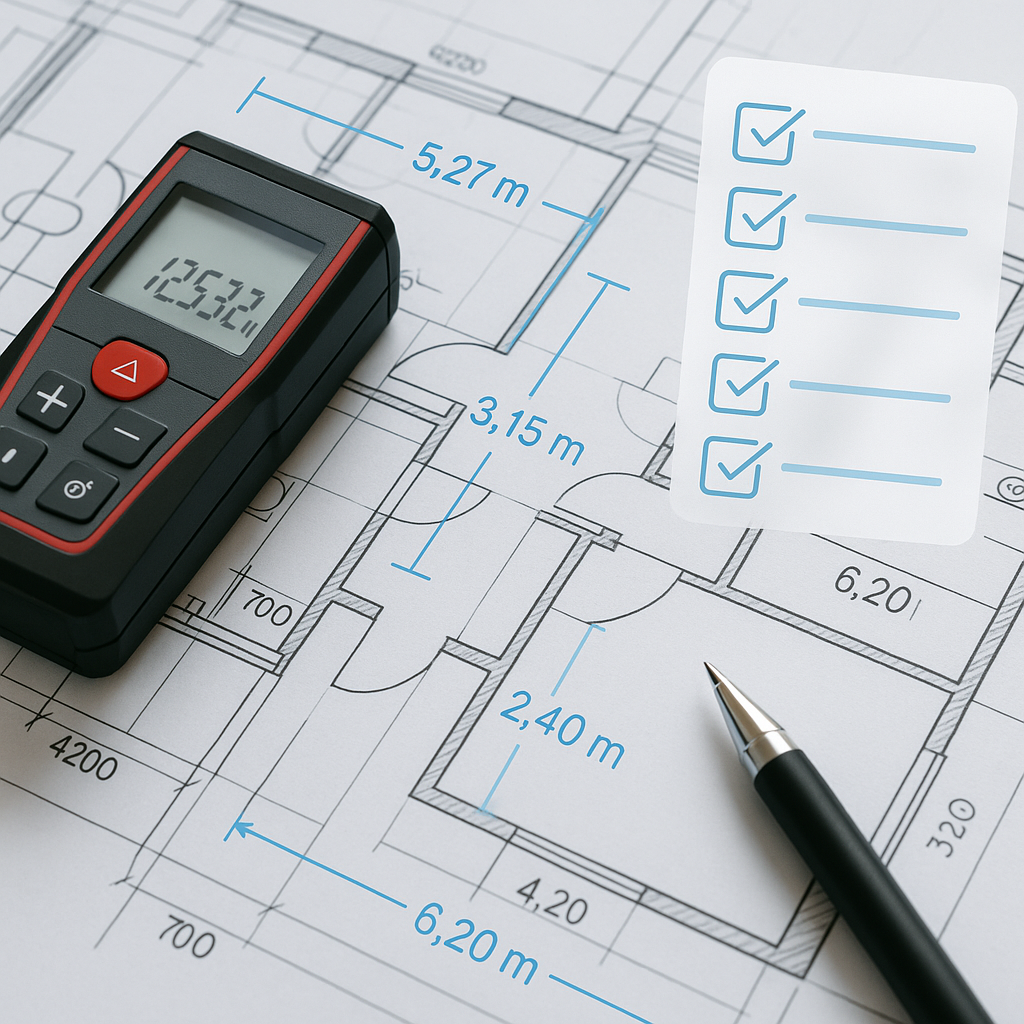
7 Steps to Verify Construction Takeoffs (and Stop Losing Hours)
Let’s be honest: quantity takeoffs are where most estimating problems start. A single missed wall length or miscounted fixture can snowball into a bad bid. The worst part? You don’t always catch these mistakes until it’s too late—when the client’s already questioning your numbers.
We’ve put together a 7-step checklist to verify your construction takeoffs and avoid costly surprises. Whether you’re stuck with manual methods or testing AI-powered tools like EstimateNext, this guide will help you tighten up your process and deliver accurate bids every time.
1. Start with Proper Drawing Calibration
This sounds basic, but it’s where most errors creep in. If your drawing scale isn’t calibrated correctly, every measurement afterward will be off. Double-check the scale bar on your plans and ensure it aligns with your measurement tool.
Why This Matters: A 5% error in scale calibration can result in thousands of dollars in misestimated materials. For example, a commercial flooring job requiring 15,000 SF could result in a shortage of 750 SF if the calibration is off by even a small margin.
How to Fix It:
- Check the scale bar on every drawing sheet and compare it against your software or manual tools.
- Use tools like Bluebeam or PlanSwift, which allow you to recalibrate drawings as needed.
- If you’re using EstimateNext’s Vision AI, calibration is built into the workflow. The tool auto-detects scales and flags inconsistencies, simplifying the process dramatically.
Pro Tip: Keep a checklist for calibration that includes double-checking the scale after importing any new drawing file.
2. Audit Low-Confidence Areas
Have you ever looked at a takeoff and thought, “That doesn’t look right”? Trust your gut. Low-confidence areas—like inconsistent wall lengths or odd fixture counts—deserve extra scrutiny.
Example:
- A takeoff showing 50 light fixtures in a 10,000 SF office space might seem reasonable. But a closer look might reveal that the average spacing between fixtures is inconsistent, indicating an error.
Actionable Steps:
- Highlight areas that feel off and remeasure them.
- Use AI tools like EstimateNext, which highlight low-confidence areas automatically. For manual methods, mark questionable areas on your drawings and remeasure directly.
- Compare your takeoff against historical data from similar projects to spot anomalies.
3. Verify Quantity Totals Against BOQs
Cross-check your quantities against the Bill of Quantities (BOQ). If your takeoff shows 1,450 SF of flooring but the BOQ calls for 1,500 SF, you’ve missed something—or the BOQ itself might be wrong.
Real-World Example: A contractor bidding on a school renovation project found that their takeoff underestimated flooring by 10%. The error was caught during the BOQ cross-check, saving them from a costly rebid.
How to Do It:
- Export your quantities into a spreadsheet to compare them line-by-line with the BOQ.
- AI tools like EstimateNext automate this process by syncing quantities with uploaded BOQs and flagging mismatches instantly.
- For manual methods, use Excel formulas to highlight discrepancies, ensuring nothing slips by.
4. Recheck Complex Assemblies
Assemblies like HVAC ductwork or electrical conduit runs are easy to mess up. Small errors in component counts—like elbows, tees, or connectors—can multiply into big cost mismatches.
Example: A subcontractor undercounted HVAC duct elbows by 35 units on a hospital project. At $25 per unit, this seemingly small error inflated costs by nearly $900.
Practical Fix:
- Break assemblies into smaller, manageable parts and verify each component individually.
- Use trade-specific AI modules. For example, EstimateNext’s HVAC tool calculates duct sizes based on ASHRAE standards and flags missing or inconsistent components.
- For manual workflows, create a checklist of all components required for the assembly and tick them off during the takeoff process.
5. Test Against Revision Sets
Plans change. If you’re working off outdated drawings, your takeoff is already wrong. Always upload or overlay revision sets to catch changes before finalizing your numbers.
Case Study: A commercial contractor missed a critical revision that added 6 new restrooms to the design. The error wasn’t caught until construction began, resulting in an $85,000 cost overrun.
How to Catch Revisions:
- Use tools like Bluebeam to overlay PDFs and manually compare changes.
- AI-powered platforms like EstimateNext automate this process by flagging added, removed, or altered elements between drawing revisions.
- Keep a log of revision dates to ensure you’re always working with the latest plans.
6. Normalize Labor and Material Rates
Even if your quantities are perfect, mismatched labor and material rates can ruin the estimate. Always check that your rates align with the project’s location, scope, and timeline.
Real Example: A contractor in Texas used outdated labor rates from 2020 on a 2023 project, underestimating costs by 15%. Labor shortages in the region caused a spike in wages, leading to a significant bid miscalculation.
Steps to Normalize Rates:
- Reference local cost data from sources like RSMeans or CPWD catalogs.
- Use AI tools like EstimateNext, which break costs into material, labor, and equipment components. These tools also suggest inflation adjustments and let you apply configurable cost factors like overhead and profit.
- Always adjust for regional factors like union rates, material availability, and project-specific complexities.
7. Run a Final Spot Check
Before submitting your bid, scan the entire takeoff for obvious errors. Are room areas consistent? Are fixture counts logical? This step is your last line of defense.
How to Spot Errors:
- Perform a “sanity check” by comparing takeoff results with historical data from similar projects.
- Use EstimateNext’s audit trail feature to review every change made during the takeoff process.
- For manual workflows, enlist a second estimator or project manager to validate the work.
Why It’s Critical: A final spot check caught a discrepancy in a hotel renovation project where 30% of the bathroom fixtures had been omitted. Fixing this upfront saved the contractor from a disastrous rebid.
The Takeoff Problem AI Actually Solves
Manual takeoffs waste time and accuracy. A typical commercial project takes two estimators 40 hours to measure quantities, according to EstimateNext’s own research. Vision AI cuts this down to just 10 minutes without sacrificing precision. Imagine saving 36 hours per project—that’s more bids, better negotiations, and fewer errors.
But AI tools aren’t perfect. They require clean inputs (properly formatted drawings and BOQs). And while they’re great at catching the obvious mistakes, a human touch is still needed for edge cases or unique project requirements.
For example, EstimateNext’s Vision AI automatically extracts quantities from PDF drawings, flagging low-confidence areas for review. This feature alone saves estimators hours of rework—but it’s only effective if you’ve calibrated your drawings correctly or uploaded the right BOQs.
FAQ: Common Takeoff Verification Questions
Q1: What if my BOQ has missing sections?
A1: AI tools like EstimateNext auto-detect gaps in BOQs, but manual users must flag missing sections early and request clarifications from clients.
Q2: Can AI handle specialty trades?
A2: Yes. EstimateNext includes modules for HVAC, electrical, plumbing, and more. These tools use industry standards like ASHRAE and NEC to improve accuracy.
Q3: How do I handle last-minute drawing revisions?
A3: AI platforms overlay revisions and compare changes automatically. Manual methods require tools like Bluebeam and hours of manual review.
Q4: Is it hard to transition to AI tools?
A4: No. Most platforms are user-friendly. EstimateNext, for example, offers onboarding support and free trials to ease the transition.
Q5: What’s the ROI of using AI for takeoffs?
A5: EstimateNext estimates that GC Directors save $5,200 per pursuit (40 hours x $130/hr). Subs who respond to more bids earn up to $1.6M in incremental revenue per year.
Comparison Table: Manual vs AI-Powered Takeoffs
| Feature | Manual Takeoffs | AI-Powered Takeoffs (e.g., EstimateNext) |
|---|---|---|
| Time to Complete | 40+ hours | 10 minutes |
| Accuracy | Prone to human error | High with automated checks |
| Revision Handling | Manual overlaying | Automatic detection and flagging |
| BOQ Syncing | Manual export and review | Automatic syncing and alerts |
| Cost Savings | Limited | Significant over multiple projects |
Ready to Fix Your Takeoff Process?
If takeoff errors are eating into your productivity, tools like EstimateNext can help. From Vision AI-powered drawing extraction to rate normalization, it’s designed to save time and improve accuracy. Try it free today →


