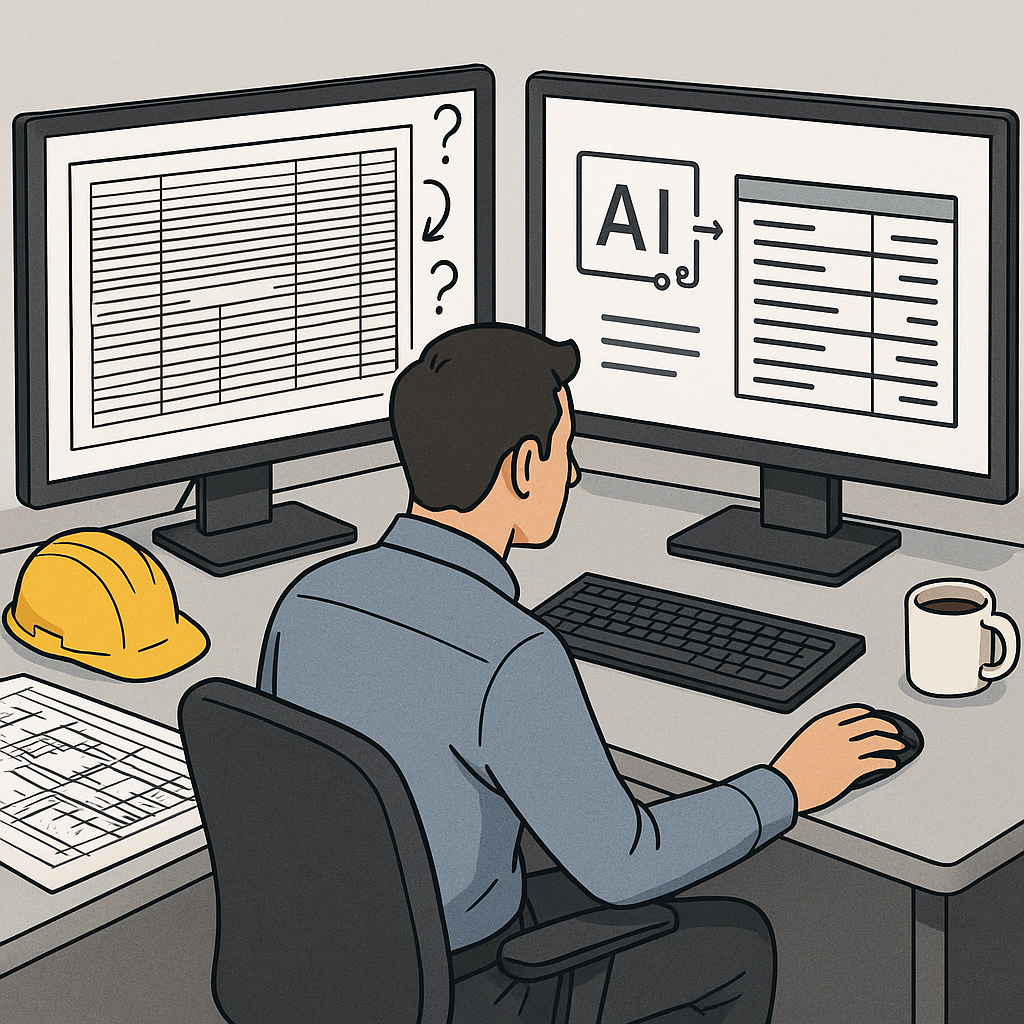
Why Rate Matching is Every Estimator’s Pain Point
Let’s be honest: rate matching is a nightmare. You’ve got a 2,000-page CPWD DSR PDF open in one tab, an Excel workbook in another, and a ticking project deadline breathing down your neck. Need to find a labor rate for painting or a material cost for pre-stressed girders? Good luck. Flipping through those rate books manually eats up hours—sometimes days—per estimate.
And it’s not just about time. Manual rate matching is error-prone. Misread a line item or miss an updated rate, and suddenly your bid is off by thousands. That’s not just embarrassing; it’s expensive. The margin pressure in today’s construction market doesn’t leave room for mistakes like that.
Real-Life Example: The Overlooked Line Item
One contractor we spoke to shared how a missed rate update on steel rebar cost them an additional $18,000 on a $750,000 project. The oversight wasn’t caught until halfway through procurement, leaving them with no choice but to absorb the cost. This kind of mistake isn’t rare—it’s just not often talked about.
Enter AI Rate Matching
Here’s where AI flips the script. Tools like EstimateNext use semantic search to match rates across 78,000+ SOR items in seconds. You type, “labor rate for installing pre-stressed girders,” and boom—there’s your match. No flipping, no Ctrl+F, no manual cross-checking.
Case Study: A Major Rail Bridge Project
For a project like a large rail bridge, where rates for everything from rail ties to structural steel need to be pulled from DOT-approved catalogs, AI doesn’t just save time—it prevents costly errors. In one scenario, using AI reduced rate lookup time from 36 hours to under 15 minutes. That’s not just a time-saver; it’s a game-changer for tight project deadlines.
Actionable Steps: How to Use AI for Rate Matching
- Input Your Query: Use plain language. For example, “excavation labor rate in Delhi.”
- Review the Results: AI tools like EstimateNext provide context, including the source document and breakdowns for labor, materials, and equipment.
- Validate Critical Line Items: Use the manual override option to cross-check high-value or unusual rates.
- Save Custom Rates: If you work with unique conditions or custom catalogs, upload them. The AI will adapt to your workflow.
Why Accuracy Matters More Than Speed
You might be thinking, “Sure, AI is fast, but can it handle the nuances of construction?” That’s the right question to ask. Rate matching isn’t just about finding a number; it’s about finding the right number. AI tools like EstimateNext don’t just match rates—they provide context. Each rate comes with its source, breakdown (material, labor, equipment), and even inflation-adjusted projections.
Expanded Example: Material Cost Variability
Consider the cost of concrete. A generic database might list $125/m³, but your region’s cost could vary by 10-20% due to transportation or supplier monopoly. AI tools factor in these nuances if you upload your local data, ensuring estimates reflect reality.
Manual Overrides and Machine Learning
And if the AI gets it wrong? You’re not stuck. These tools include manual override options. It’s like having a junior estimator who works at lightning speed but still lets you double-check their work. The system also learns from your corrections, so it gets smarter with each project.
Real-World ROI
Let’s put some numbers behind this. A typical GC estimator spends around 36 hours per bid on rate matching. At $130/hour, that’s $4,680 in labor costs—on just one bid. AI-powered rate matching cuts that to minutes. Even if the tool costs $99/month, the ROI is staggering.
Subcontractor Perspective: Faster Turnarounds
For subcontractors, the math is even better. Faster rate matching means faster quote turnarounds. Responding to 30% more bids could mean winning 4-8 additional projects a year. At $200K per project, that’s up to $1.6M in incremental revenue.
Additional Data: Industry Benchmarks
According to a 2023 McKinsey report, early adopters of AI in construction see cost savings of 10-20% per project. That’s not just anecdotal; it’s industry-wide.
What About Edge Cases?
You might wonder, “What if I’ve got custom rates or project-specific conditions?” AI has that covered too. You can upload your own rate catalogs or define custom rates for specific items. This ensures your estimates reflect your actual costs—not some generic database.
Multi-Market Complexity Made Simple
And if you’re working across markets with different standards (CSI in the US, CPWD in India, NRM2 in the UK)? No problem. Tools like EstimateNext handle multi-market complexity seamlessly. One platform, one workflow.
Comparison Table: Manual vs. AI Rate Matching
| Factor | Manual Rate Matching | AI Rate Matching |
|---|---|---|
| Time to Find a Rate | Hours (per item) | Seconds |
| Error Rate | High (Human Error) | Low (99% AI Accuracy) |
| Multi-Market Support | Complex and Tedious | Seamless |
| Custom Rate Integration | Manual Input Required | Easy Upload |
| Cost | Labor-Intensive | $99/month (EstimateNext) |
Why Now?
The timing couldn’t be better. With inflation squeezing margins and labor shortages dragging out timelines, AI isn’t just a nice-to-have—it’s a competitive advantage. Early adopters are already reaping the benefits, and the tools are becoming more affordable and user-friendly.


