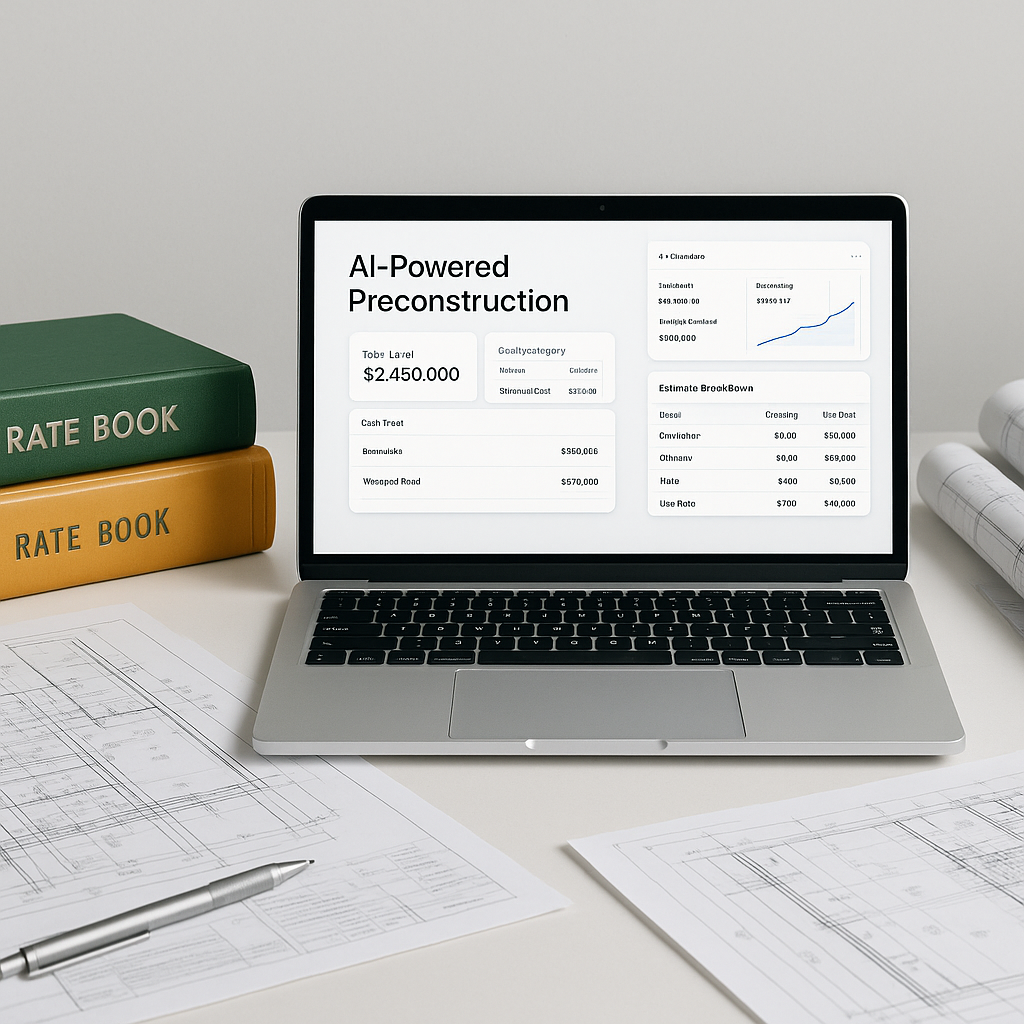
Stop Flipping Through Rate Books — AI Can Do It Faster
If you’ve worked in construction estimation, you know the drill. You get a BOQ (bill of quantities) from a client, and the clock starts ticking. Somewhere in that BOQ is a line item for “supply and install 12mm toughened glass”, and you’ve got to figure out the rate. So, what do you do? You grab the 2,000-page CPWD DSR (or RSMeans, depending on where you’re working) and start flipping.
It’s slow. It’s tedious. And worst of all, it’s error-prone. Miss one section or misread a rate, and your estimate is off. I’ve seen teams spend up to 12 hours per estimate just finding rates. That’s 12 hours of highly-paid labor doing grunt work that doesn’t require expertise.
This is exactly where AI-powered tools like EstimateNext shine. Instead of manually searching, you upload your BOQ, type in the description, and the AI matches it to over 78,000 preloaded SOR items — in seconds.
How AI Rate Matching Works
Let’s get specific. AI rate-matching tools don’t just look for exact text matches. They use semantic search — meaning the tool understands the intent behind a description. For example:
- BOQ Item: “12mm toughened glass, clear, with aluminum framing”
- AI Match: “Toughened clear glass, 12mm, aluminum frame included”
The AI finds the closest match based on context, even if the wording differs. If no perfect match exists, the system suggests alternatives and lets you adjust manually. And it gets smarter with use — by the third project, accuracy improves significantly because it learns from every correction you make.
Actionable Steps to Implement AI Rate Matching:
- Digitize Your Data: Ensure your BOQ and project documents are in a digital format (PDF, Excel, or Word). AI tools work best with clean inputs.
- Customize Your Catalogs: Upload your preferred rate books (CPWD, RSMeans, or even proprietary rates) into the tool to tailor it to your needs.
- Review and Refine: As the AI suggests matches, validate them during the first few projects. The tool will learn and improve over time.
Real-World Example: 120 Hours Saved on a High-Rise Bid
Here’s a case that stuck with me. A mid-sized general contractor was bidding on a $50M high-rise project. Their BOQ had 1,200 line items, each needing a rate. Normally, this would take a team of two estimators around three full workweeks.
Using AI rate matching, they completed it in under 10 hours. That’s a 12x speed improvement. But the bigger win? They had time to focus on refining the bid strategy — negotiating with subs, optimizing margins, and improving their win probability.
In their words: “It’s like having an extra estimator on the team, but without the payroll.”
Comparison Table: Manual vs AI Rate Matching
| Metric | Manual Process | AI-Powered Process |
|---|---|---|
| Time per estimate | 40-120 hours | 4-12 hours |
| Error rate (average) | 5-10% | <1% |
| Labor cost per estimate | $5,200 (at $130/hr) | $520 |
| Focus on strategy | Limited | High |
The Obvious Objection: “AI Doesn’t Know My Custom Rates”
You’re probably thinking, “Okay, but what about my specific rates? My projects aren’t cookie-cutter.” Fair point. Here’s the thing: AI tools let you upload your own rate catalogs. You can add custom materials, labor costs, or region-specific adjustments. Once uploaded, the AI integrates these rates into its database for future use.
Example 1: If you often work on high-end residential projects with custom wood finishes, you can input those rates once. The AI remembers them for all future bids.
Example 2: A contractor in the Middle East added region-specific labor rates and material costs for desert construction. The AI adapted these inputs to every subsequent project, saving hours of manual adjustment.
Why Manual Rate Lookups Are Still a Liability
Let me be blunt. Manual rate lookups aren’t just slow; they’re risky. Here’s why:
- Human Error: It’s easy to misread a rate or use an outdated one, especially under deadline pressure.
- Version Control: Rate books get updated annually, but not everyone on your team remembers to check.
- Opportunity Cost: Every hour spent flipping through pages is an hour you’re not refining your bid, improving margins, or pursuing new projects.
Actionable Comparison:
- Manual Process: Flip through hundreds of pages, cross-check rates, and manually input them into your estimate.
- AI Process: Upload the BOQ, and let the tool do the heavy lifting. Validate the results and refine as needed.
Edge Cases: When AI Isn’t Enough
I won’t sugarcoat it — AI isn’t perfect. It struggles with completely unique items or niche projects where no comparable rate exists. For example:
- Custom sculptures for public art installations
- Experimental materials with no historical data
- Projects involving highly specialized labor
How to Handle Edge Cases:
- Use AI for the bulk of the BOQ (typically 95% of items).
- Assign edge cases to specialists who can research and price them accurately.
- Feed these custom rates back into the AI system for future learning.
What’s the ROI?
Let’s do the math. Suppose you’re a GC preconstruction director managing 5 GMP pursuits a year. Each estimate takes 40 hours of manual rate lookups. That’s 200 hours annually.
With AI rate matching cutting that time by 90%, you recover 180 hours. At an average estimator rate of $130/hour, that’s $23,400 in labor savings per year.
Now compare that to the cost of a tool like EstimateNext, which starts at $99/month. You’re looking at a 20x ROI — minimum.


