Why Rate Lookup Is the Estimator’s Nightmare
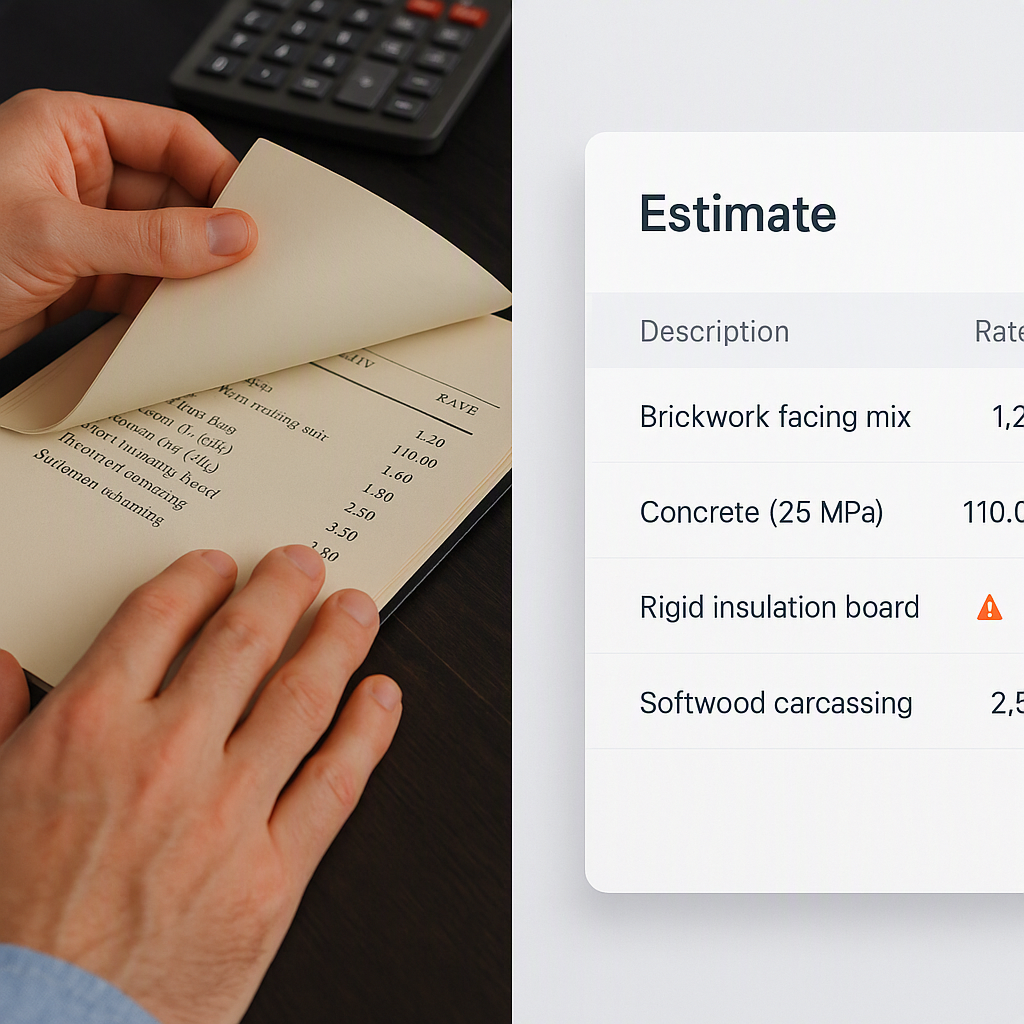
Let’s be honest — rate lookup is the least glamorous part of construction estimation. Flipping through 2,000-page PDFs like RSMeans or CPWD DSR to find the right line item? Painful. And if you’re working in Excel, good luck keeping track of all the custom rates, inflation adjustments, and regional variations.
Manual rate matching doesn’t just waste time; it also introduces errors. A wrong labor rate buried in your BOQ can kill your profit margins. And when you’re up against tight bid deadlines, spending hours on this step isn’t just inefficient — it’s risky.
Why Manual Rate Lookup Fails
Manual rate lookup isn’t just tedious; it’s inherently error-prone. Here’s why:
- Human Error: Estimators can miss key details while flipping through thousands of pages, leading to misapplied rates.
- Inconsistent Data: Rate books and catalogs often have regional variations, custom adjustments, or outdated rates. Balancing these variables manually is almost impossible.
- Time Sink: According to Construction Dive, estimators spend up to 30% of their time on rate lookup and validation — time that could be spent on project strategy or value engineering.
Take the example of a mid-sized contractor working on a residential development. They spent over 12 hours combing through CPWD DSR for the right masonry rates, only to find that an outdated catalog was being used. This resulted in a $50,000 underestimation that ate into their profit.
The AI Fix: 78,000 Rates in Seconds
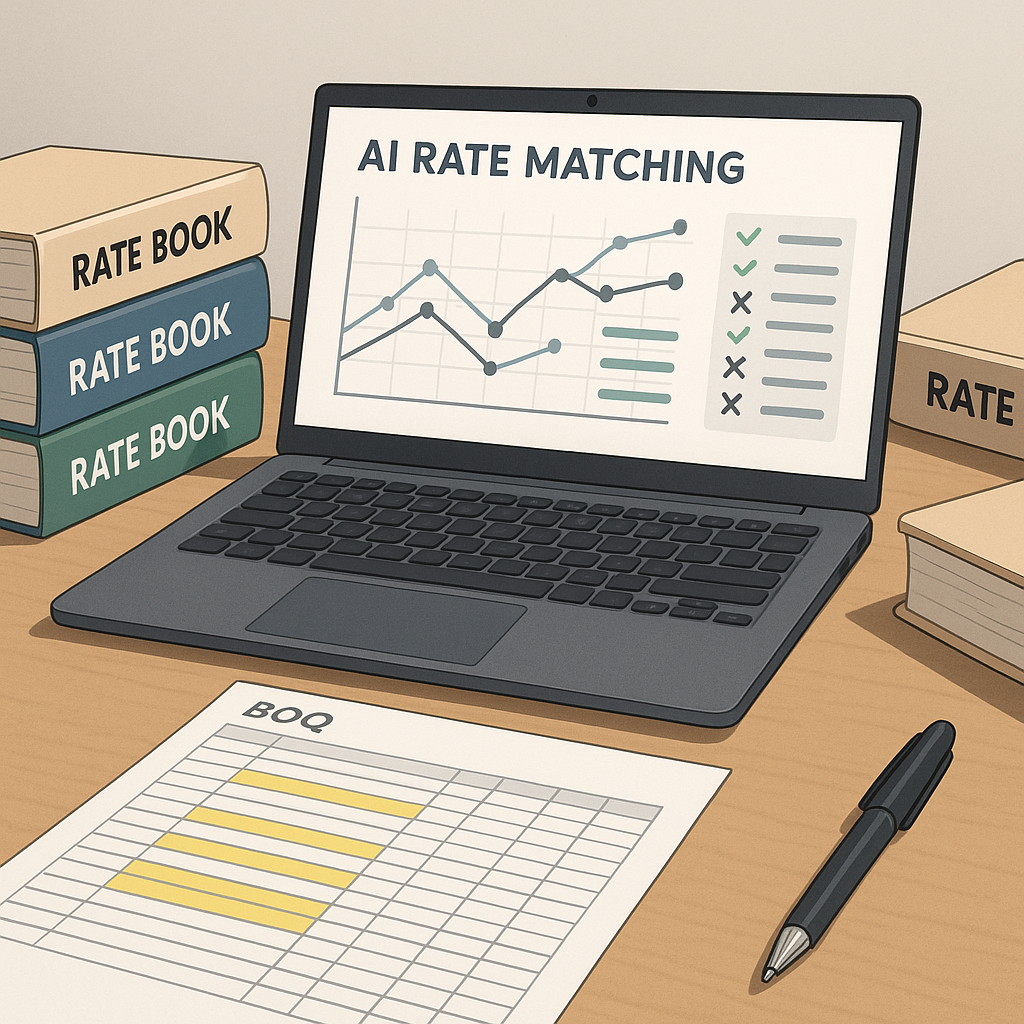
AI-powered rate matching tools like EstimateNext solve this headache. Instead of manually searching through PDFs, you just upload your BOQ. The system scans 78,000+ SOR items across multiple catalogs — CPWD DSR, RSMeans, DOT-approved rates, you name it — and provides the closest matches in seconds.
How AI Rate Lookup Works
Here’s how it works in practice:
- Upload Your BOQ: The system auto-detects merged cells, section headers, and hierarchies. No manual cleanup needed.
- Semantic Search: Type in something like “reinforced concrete, 4000 psi” — the AI understands the context and pulls up relevant rates instantly.
- Custom Catalogs: Have your own rates? The AI integrates them seamlessly, so they’re always available for future bids.
- Real-Time Inflation Adjustments: Need to account for rising material costs? The tool auto-applies inflation factors based on your catalog’s year.
Concrete Example: CPWD DSR Matching
Imagine you’re working on a large government project in India that requires adherence to CPWD DSR standards. Instead of scrolling through its 1,800 pages, AI can instantly suggest rates like:
- Reinforced Concrete: ₹8,500/m³ for 4000 psi, adjusted for inflation.
- Labor Costs: Regional variations for Delhi versus Mumbai, automatically applied.
Why This Matters
Speed is obvious, but accuracy is the real game-changer. AI doesn’t just save time; it eliminates the guesswork. According to a McKinsey report, early adopters of AI in construction see average cost savings of 10-20% per project.
Build Client Trust
When you can show your client or GC exactly how you arrived at a rate — complete with audit trails — you instantly build credibility. Compare that to a manual process where you’re often scrambling to justify your numbers.
Actionable Steps for Estimators:
- Digitize Your Rate Catalogs: Start by uploading all standard and custom rate catalogs into an AI tool.
- Run Test Bids: Use AI on smaller projects first to understand its capabilities and refine your workflows.
- Document Everything: Leverage AI’s audit trails to create transparent bid packages that clients trust.
Case Study: A $1B Rail Project
One of our users, a general contractor bidding on a $1 billion rail project, saved over 56 hours on rate lookup alone. Instead of spending two days flipping through DOT-approved rate books, their team used EstimateNext to extract and apply the correct rates in under an hour.
The Results
- Time Saved: 56 hours, allowing the team to focus on bid strategy.
- Accuracy: Zero discrepancies flagged during review.
- Outcome: Submission ahead of schedule, with an airtight bid package.
In their words, “It’s like having a full-time estimator who never makes a mistake.”
The Skeptic’s Question: “Can AI Handle Custom Rates?”
You might be thinking, “That’s great for standard rates, but what about my custom ones?” Fair question. AI tools like EstimateNext are designed to handle this. You can upload your own rate catalogs — whether it’s a custom material finish or a unique labor rate — and the system integrates them for future use.
Self-Learning Capabilities
Even better, the AI gets smarter with every project. By the third bid, most users report significant accuracy improvements, thanks to the system’s self-learning capabilities.
What’s the ROI?
Let’s crunch the numbers. Say you’re a GC director overseeing five GMP pursuits a year. Each bid involves 40 hours of rate lookup (two estimators working two days). With AI, you cut that down to four hours. That’s 180 hours saved annually — or about $23,400 if your estimators bill at $130/hour.
Now compare that to the cost of an AI-powered tool like EstimateNext: $99/month per seat. That’s $1,188/year. The ROI? A staggering 20X.
Comparison Table: Manual vs AI Rate Lookup
| Criteria | Manual Rate Lookup | AI-Powered Rate Lookup |
|---|---|---|
| Time Spent | 40 hours per bid | 4 hours per bid |
| Error Rate | High (human error) | Low (automated matching) |
| Cost | $23,400/year (labor costs) | $1,188/year (software license) |
| Scalability | Limited | Unlimited |