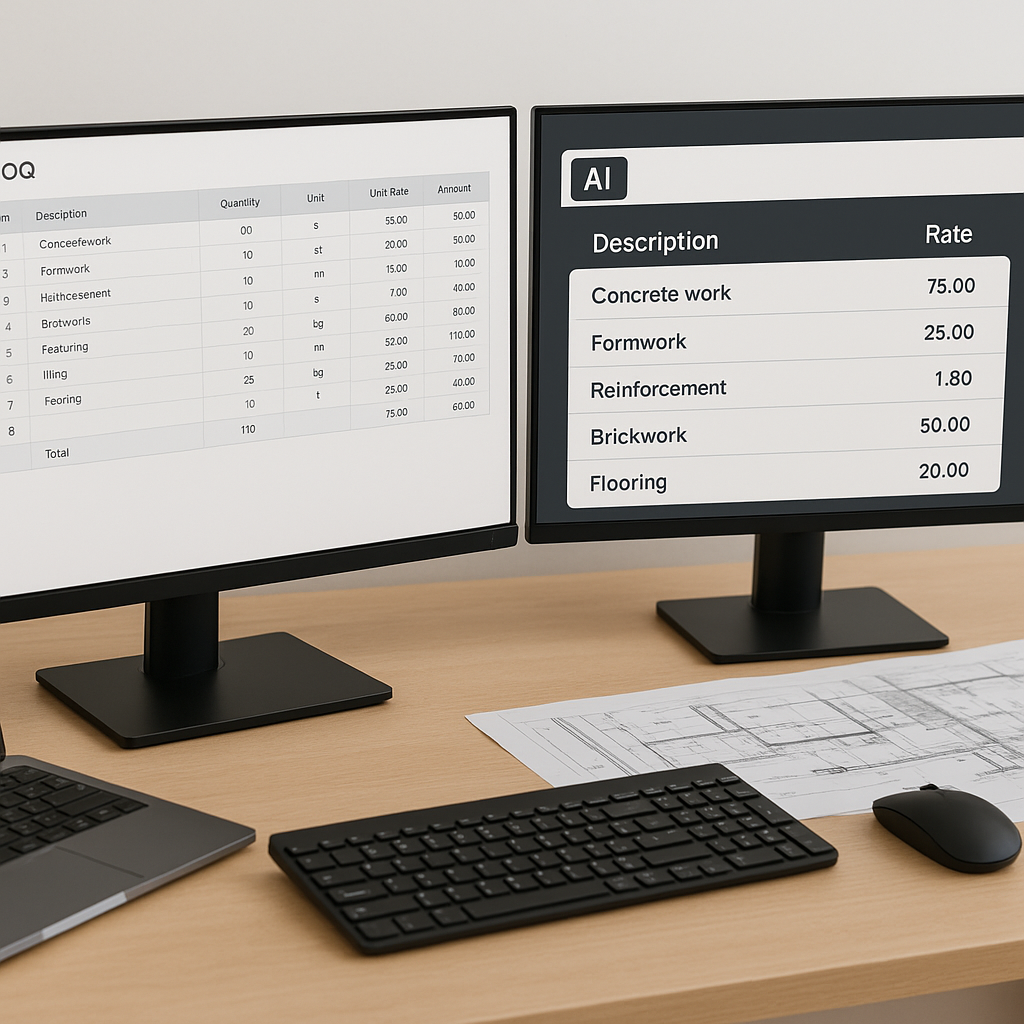
The Hidden Bottleneck in Construction Estimation
Let’s be honest: rate matching is a time suck. Every estimator knows the drill. You’ve got a BOQ (Bill of Quantities) in front of you, and now you’re flipping through hundreds (sometimes thousands) of pages in RSMeans, CPWD DSR, or whatever catalog your project demands. What should take minutes ends up eating hours.
It’s not just tedious; it’s error-prone. One wrong match, and you’ve either underbid (hello, profit loss) or overpriced (say goodbye to winning the job). And don’t even get me started on custom rates. Those mean even more manual work: calculating materials, labor, and equipment from scratch.
But what if you could skip all that? What if you could find the exact rate you need in seconds, not hours? That’s where AI-powered tools like EstimateNext come in.
How AI Transforms Rate Matching
AI-powered rate matching works like this: you upload your BOQ, and the system scans its database (in EstimateNext’s case, that’s over 78,000 items across 135+ catalogs). It uses semantic search—basically, it understands what you mean, not just what you type.
For example, let’s say you’re pricing “pre-stressed concrete girders.” Instead of manually searching for the exact phrase, the AI finds matches for related terms, like “girders, pre-tensioned” or “concrete beams, pre-cast.” You get results in seconds, ranked by relevance.
Real-Life Example: How Semantic Search Saves Time
Imagine you’re working on a highway bridge project with a BOQ containing 250 items, including complex components like “reinforced concrete bridge decks” and “steel plate girders.” Using traditional methods, finding rates for these could take hours—flipping through catalogs, cross-referencing descriptions, and manually calculating unit costs. With AI, the process is automated. Upload the BOQ, and the system matches rates for related items like “deck panels, reinforced” or “structural steel plates,” saving hours per bid.
Actionable Steps for Using AI Effectively
- Clean Your BOQ: Ensure descriptions are clear, units are standardized, and headers are properly formatted. This minimizes errors during AI processing.
- Upload Custom Catalogs: If you use project-specific rates, integrate them into the system early. This ensures accurate matches for unique items.
- Provide Feedback: Reject incorrect matches and accept accurate ones. This trains the AI to improve for future projects.
What’s the catch? Accuracy depends on your input. If your BOQ is a mess—merged cells, missing units, vague descriptions—the AI might struggle. But EstimateNext’s BOQ parser fixes a lot of that upfront, auto-detecting headers and hierarchies.
Real-World Impact: 12 Hours Saved Per Bid
Here’s a stat that might shock you: estimators spend an average of 12 hours per bid on rate lookups alone. That’s according to a 2023 McKinsey report. Over a year, that’s over 600 hours—just for one person.
A mid-sized GC (general contractor) using EstimateNext cut that down to under an hour. Their team uploaded a BOQ for a $45M office tower, and the AI matched 89% of rates instantly. For the remaining 11%, custom inputs were added, and the system learned from those updates for future projects. The result? They finished in 90 minutes.
Case Study: Small Contractor Success
Take the example of a small contractor bidding on a $2M renovation project. With only three estimators on staff, they couldn’t afford to lose time on manual rate matching. Using an AI-powered tool, they matched 95% of rates automatically, reducing their estimation time from 15 hours to just 2 hours. This enabled them to submit bids faster and take on more projects.
Think about what you could do with that extra time. More bids? Better scope reviews? Actual weekends?
The Skeptic’s Question: Is AI Really Reliable?
You might be thinking, “Sure, AI is fast, but it can’t think like an estimator.” That’s fair. AI isn’t perfect, and it’s not a replacement for expertise. It’s a tool—a really smart one.
The key is the feedback loop. Every time you accept or reject an AI match, the system learns. By the third project, most users report significant accuracy improvements. In other words, the more you use it, the better it gets.
Common Pitfalls and How to Avoid Them
- Over-reliance on AI: Remember, AI doesn’t replace human oversight. Always double-check critical matches.
- Ignoring Feedback Opportunities: Use every bid as a learning opportunity. The more feedback you provide, the smarter the system becomes.
- Neglecting Custom Rates: Failing to upload project-specific rates can lead to inaccurate matches. Always integrate your data upfront.
And what about those custom rates? With tools like EstimateNext, you can upload your own catalogs or define project-specific rates. Once added, the AI integrates them seamlessly into future matches.
Why This Matters for Competitive Bids
In today’s hyper-competitive market, speed isn’t just nice to have—it’s essential. A 2024 Reuters report found that 47% of contractors lose bids simply because they missed the deadline. If rate matching alone eats up 12 hours, you’re already behind.
AI changes the game. It doesn’t just save time; it reduces human error and ensures consistency. That’s why early adopters are seeing 10-20% cost savings per project, according to McKinsey.
Comparison Table: Manual vs. AI Rate Matching
| Feature | Manual Method | AI-Powered Method |
|---|---|---|
| Time per bid | 12 hours | 1-2 hours |
| Error rate | High | Low |
| Custom rate integration | Manual effort | Seamless |
| Learning curve | None | Minimal |
| Scalability | Limited | High |


