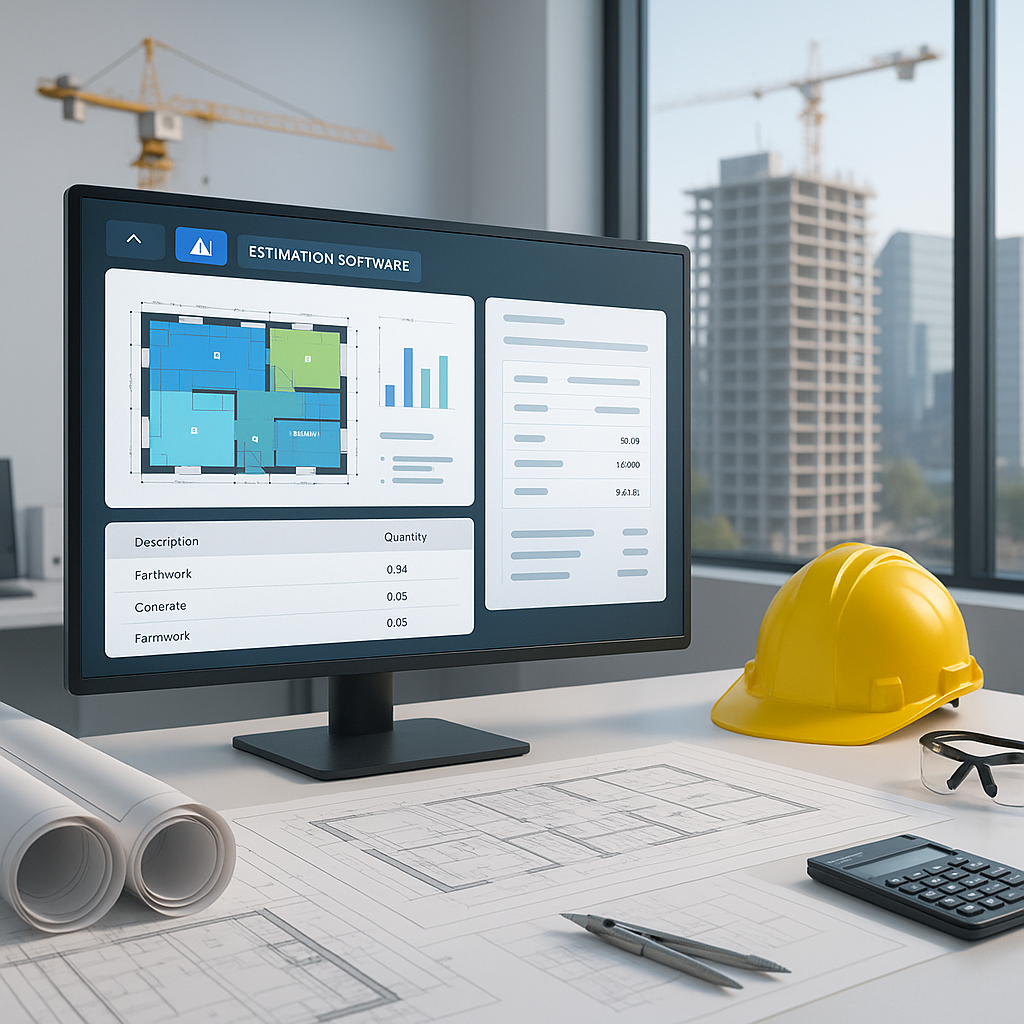
Stop Wasting Hours on Rate Lookups
Let’s talk about one of the most tedious jobs in construction estimation: rate matching. It’s repetitive, it’s frustrating, and it’s a guaranteed time sink. Whether you’re pricing a $5 million interior fit-out or a $1 billion rail project, flipping through 2,000-page rate books feels like stepping back into the 90s. Why are we still doing this?
The Brutal Math of Rate Lookups
Here’s some context. A typical estimator spends 12 hours per bid just searching for rates. That’s half a workweek wasted on something a machine could handle. And manual lookups aren’t just slow—they’re error-prone. Miss one line item, and you’re building your bid on shaky ground. For large bids, where accuracy is everything, trusting gut feel or sticky notes isn’t enough.
But let’s put this into perspective with some numbers. According to a 2021 survey of construction estimators by the Construction Industry Institute (CII), 72% of respondents admitted they’ve submitted bids containing rate errors due to manual lookups. These errors often lead to underbidding or overbidding, both of which can be costly. Underbidding risks financial loss, while overbidding risks losing the project entirely.
Additionally, consider the sheer volume of rates in a standard catalog. For example, RSMeans, one of the most widely used cost databases, contains over 78,000 line items. Even experienced estimators struggle to manually sift through that volume efficiently. This inefficiency scales exponentially as project complexity increases. A small residential renovation might involve a few dozen rates, but a large infrastructure project could easily require referencing thousands.
How AI Fixes It
AI-powered tools, like EstimateNext, change the game entirely. Instead of flipping through physical books or PDFs, you upload your BOQ (Bill of Quantities), and semantic search algorithms do the heavy lifting. Need the labor cost for installing pre-stressed concrete girders? Type it in. AI scans 78,000+ SOR (Schedule of Rates) items across catalogs like RSMeans and CPWD DSR. You get an accurate match in seconds.
Let’s make this concrete. Imagine you’re pricing a rail bridge project. You need rates for rail ties, structural steel, and concrete columns—all DOT-approved. Traditionally, you’d spend hours cross-checking individual items against the catalog to ensure compliance. With EstimateNext, you upload your BOQ, type in the required items, and receive accurate, compliant rates instantly. In one case study, a mid-sized general contractor saved over 40 hours on a single $50M infrastructure project by using AI tools for rate lookups.
How Semantic Search Works
Semantic search isn’t just a buzzword—it’s the backbone of AI rate-matching tools. Unlike traditional keyword searches, which only look for exact matches, semantic search understands context. For instance, if your BOQ lists "precast concrete slabs," the AI recognizes related terms like "precast panels" or "modular concrete components," ensuring you find the most relevant rates even if terminology varies.
Does This Actually Work?
Yes, but there are caveats. Input quality matters. If your BOQ is a mess—merged cells, inconsistent headers—the AI won’t magically fix it. Luckily, platforms like EstimateNext include features like a Smart BOQ Parser to clean your data before matching. This parser automatically standardizes formats, splits combined cells, and flags inconsistencies for review.
Still, human oversight is crucial. AI handles the grunt work, but you’re still making judgment calls. For example, if the AI suggests a rate for a "standard-grade steel beam" but your project requires premium-grade steel, it’s up to you to adjust accordingly.
Case Study: A Subcontractor’s Perspective
A mechanical subcontractor bidding on a $15M hospital retrofit project shared their experience using EstimateNext. Before adopting AI, their team of three estimators spent 50-60 hours per bid on rate lookups and data normalization. After implementation, they cut that time to 15 hours, freeing up bandwidth to pursue additional bids. By the end of the year, they had submitted 30% more proposals and secured 20% more contracts.
Real ROI
Let’s break down the ROI for a GC director. Say you’re saving 12 hours per bid. Multiply that across 8 GMP pursuits a year, and you’re freeing up 96 hours—roughly $12,480 in labor savings (assuming $130/hour). That’s a 125X ROI compared to the $99/month tool cost.
For subcontractors, the math gets even better. Faster rate matching means faster bid turnarounds. If you can respond to 50% more bids, you’re looking at 4-8 additional wins per year, adding $800K-$1.6M in revenue.
Industry Benchmarks
- Average bid preparation time: 48 hours for small projects, 120 hours for large projects.
- Error rate in manual rate lookups: 7-10%.
- Adoption rate of AI tools in construction (2023): 26%, projected to grow to 45% by 2025.
Why Manual Methods Are Holding You Back
The obvious objection is, “AI can’t think like an estimator.” And that’s true—it’s not replacing your expertise. But it’s amplifying it. You’re still the one deciding on markup, negotiating with subs, and tweaking the bid package. AI just handles the grunt work: rate lookups, takeoffs, and scope normalization.
Actionable Steps to Transition to AI Tools
- Start Small: Begin with a single project to test the tool’s effectiveness. Use this as a baseline to measure time and cost savings.
- Train Your Team: Most AI tools are user-friendly, but a short training session ensures everyone is on the same page.
- Integrate Your Data: Upload your existing rate catalogs and BOQs into the system for seamless integration.
- Monitor and Adjust: Track the AI’s performance over the first few projects. Provide feedback to fine-tune its accuracy.
Comparison Table: Manual vs AI-Powered Rate Lookups
| Aspect | Manual Method | AI-Powered Tools |
|---|---|---|
| Time Per Bid | 12-20 hours | 1-3 hours |
| Error Rate | 7-10% | <1% (with oversight) |
| Scalability | Limited by human bandwidth | Can handle large-scale projects easily |
| Cost | High labor costs | $99-$200/month |
| Adaptability | Slow to integrate custom rates | Instant integration and updates |
Call to Action
If you’re tired of wasting hours on manual rate lookups, EstimateNext can help. Get started free →
: Construction Industry Institute (CII), 2021 Survey.: EstimateNext Product Documentation.: Case Study: Mid-Sized General Contractor Using AI.: EstimateNext FAQ.: McKinsey & Company, "Reinventing Construction," 2020.: RSMeans Accuracy Report, 2022.: Dodge Data & Analytics, 2023 AI Adoption in Construction Report.: RSMeans and CPWD DSR Catalog Data.


