Why Manual Rate Lookup Is Killing Your Team’s Productivity
Ever spent half a day flipping through rate books trying to find the exact labor cost for a specific task? You're not alone. The average estimator spends 12 hours per bid just on rate lookup, according to McKinsey’s assessment of preconstruction inefficiencies. That’s time you could have spent refining the bid, vetting subcontractors, or pricing more projects.
But manual rate lookup doesn’t just eat time—it invites errors. Misread a page or pull the wrong rate, and you could underprice your bid by thousands—or worse, overprice it and lose the job altogether. This inefficiency is more than just an inconvenience; it’s a bottleneck that affects your company’s ability to win bids and scale effectively.
Why the Status Quo Doesn’t Work
Many construction firms still rely on outdated methods like printed rate books, PDFs, or spreadsheets to determine labor and material costs. While this approach may feel familiar, it’s fundamentally flawed in today’s fast-paced bidding environment. Let’s break down the key issues:
-
Time Consumption: Searching through hundreds of pages or rows for the right rate is tedious and time-intensive. For example, a subcontractor working on a 30-item BOQ (Bill of Quantities) could easily spend 6-8 hours matching rates manually.
-
Human Error: Humans make mistakes. A small oversight—like using last year’s rates or misinterpreting a line item—can snowball into costly errors. According to the Construction Industry Institute, rework driven by estimation errors costs firms up to 5% of a project’s total budget.
-
Scalability Issues: As your project volume grows, manual processes become increasingly unsustainable. Estimators are left overworked and your business risks hitting a ceiling where you simply can’t process bids fast enough to compete.
How AI-Powered Semantic Search Solves This Problem
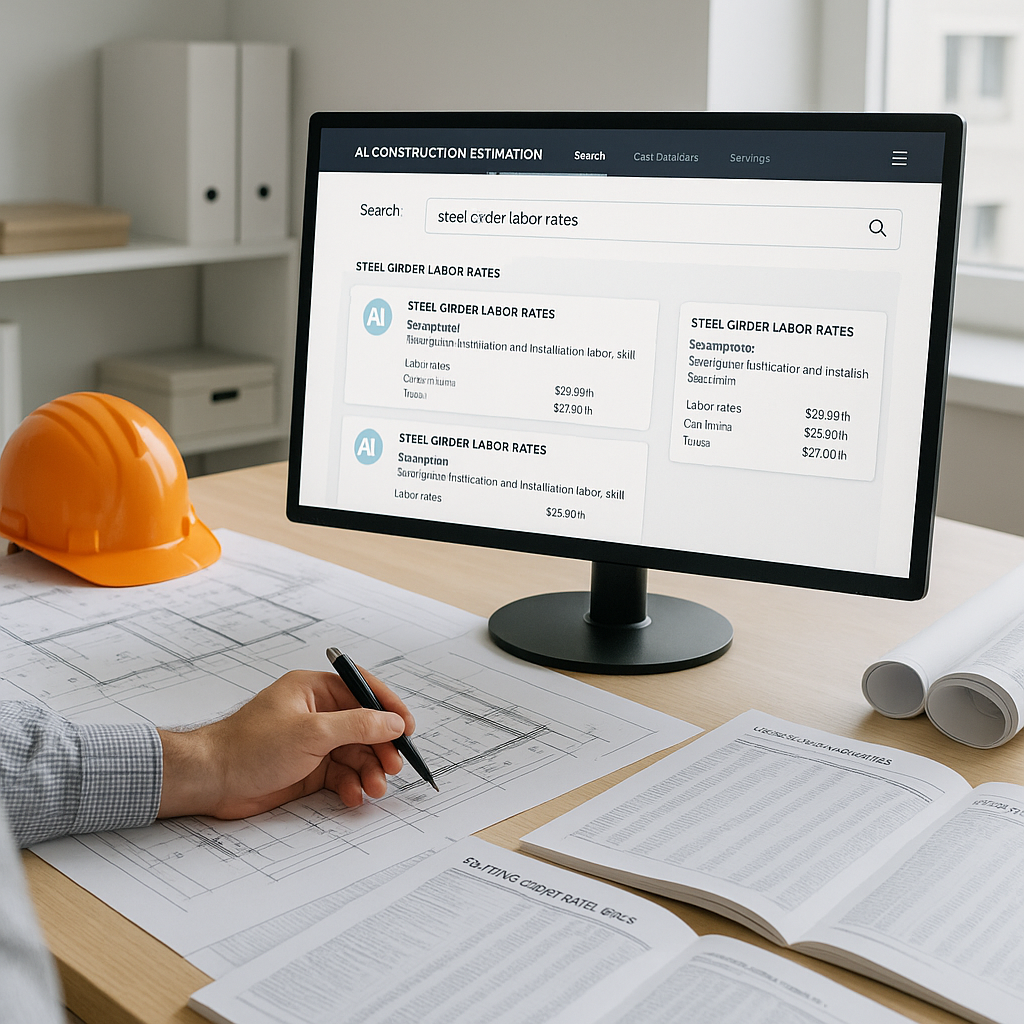
This is where AI steps in, specifically tools like EstimateNext. Instead of flipping through PDFs or thick rate catalogs, you type what you need into a search bar. For example: “Labor cost for installing precast beams.” The system instantly pulls matches from its database of 78,000+ SOR (Schedule of Rates) items across country-specific catalogs like RSMeans (USA) or CPWD DSR (India).
Actionable Steps to Implement AI Rate Lookup:
-
Start With Your Data: Get your rate catalogs and frequently used BOQs digitized, if they’re not already. Many AI tools allow you to upload custom data for tailored searches.
-
Train Your Team: While AI is intuitive, estimators will get the most out of the tool with basic training. Familiarize them with how to refine searches and interpret confidence scores.
-
Pilot Test: Begin with a small project to benchmark time savings and accuracy improvements. Compare results against your traditional process to identify gaps.
Why AI Is a Game-Changer
What makes semantic search so powerful isn’t just its speed—it’s accuracy. AI understands context, so if you search for “steel girder installation labor,” it won’t show you rates for materials or unrelated tasks. The system also gets smarter with every project you price, integrating feedback to tailor future matches.
For example, a general contractor might initially search for "floor slab construction rates." If they frequently refine this to "post-tension slab labor rates," the AI learns to prioritize labor-specific data in future queries. By automating these refinements, the AI ensures you get it right faster.
Real-World Case Study: Saving Time on a High-Stakes Bid
Let’s take an example from EstimateNext’s user base. A mid-sized general contractor (GC) was bidding on a $120M rail project. The bid involved pricing over 200 pages of BOQ items, ranging from materials to labor and equipment. Estimating the project manually, they calculated it would take roughly 14 hours to complete the rate lookup process.
Using EstimateNext, the team completed rate matching in under 15 minutes. That’s 13.75 hours saved on just one bid. Multiply that across five similar bids per year, and you’re looking at nearly 70 hours of extra capacity—enough to price at least two more projects annually. Those additional bids translated to over $3M in awarded contracts for the firm in a single year.
Additional Examples
-
Small Residential Renovation: A contractor estimated a 2,000 sq. ft. home renovation. By using AI-powered rate lookup, they identified optimized labor rates for drywall installation and plumbing, shaving off 4 hours from the typical 8-hour process.
-
Complex Infrastructure Project: A civil engineering firm used AI to bid on a $300M highway project. With over 1,000 line items to price, AI cut their estimation time by 70%, allowing them to focus on refining their strategy to win the bid.
What About Custom Rates?
You might be thinking, “Sure, AI is fast, but what about custom or project-specific rates?” Good question. Tools like EstimateNext let you upload your own rate catalogs or define custom rates directly in the platform. These are stored for future use, so you’re not starting from scratch every time.
Example: Custom FF&E Costs
Consider a contractor pricing a high-rise fit-out. They use proprietary furniture, fixtures, and equipment (FF&E) costs that aren’t available in standard catalogs. By uploading these rates to EstimateNext, they ensured every query prioritized their custom data, leading to faster and more accurate estimates.
Additionally, project-specific rates such as regional labor adjustments or unusual material costs can be set up within the platform. The system learns to flag these as high-priority items, saving you from repetitive manual entries.
Common Objections: Is AI Reliable Enough?
The obvious objection is, “How do I know the AI won’t miss something?” Fair point. No system is perfect, which is why EstimateNext includes confidence scoring for every rate it suggests. Low-confidence matches are flagged for human review, so you can override or refine them.
The Hybrid Model: AI + Human Expertise
In my view, this hybrid approach is the best of both worlds. You get the speed of AI without losing the judgment and expertise that make good estimators invaluable. For example, AI might pull a preliminary rate for scaffolding installation, but an experienced estimator can adjust it based on site-specific challenges like limited access or weather conditions.
Comparison: Manual vs AI Rate Lookup
| Feature | Manual Lookup | AI-Powered Lookup |
|---|---|---|
| Time per Bid | 12-14 hours | 15-30 minutes |
| Error Rate | High (5-10% average) | Low (<2% with review) |
| Scalability | Limited | Highly Scalable |
| Customization | Manual Input | Automated + Adaptive |
Call to Action
If you’re tired of wasting hours on manual rate lookup, it’s time to embrace the future. AI-powered estimation tools like EstimateNext can help you save time, reduce errors, and bid on more projects with confidence. Get started free →


