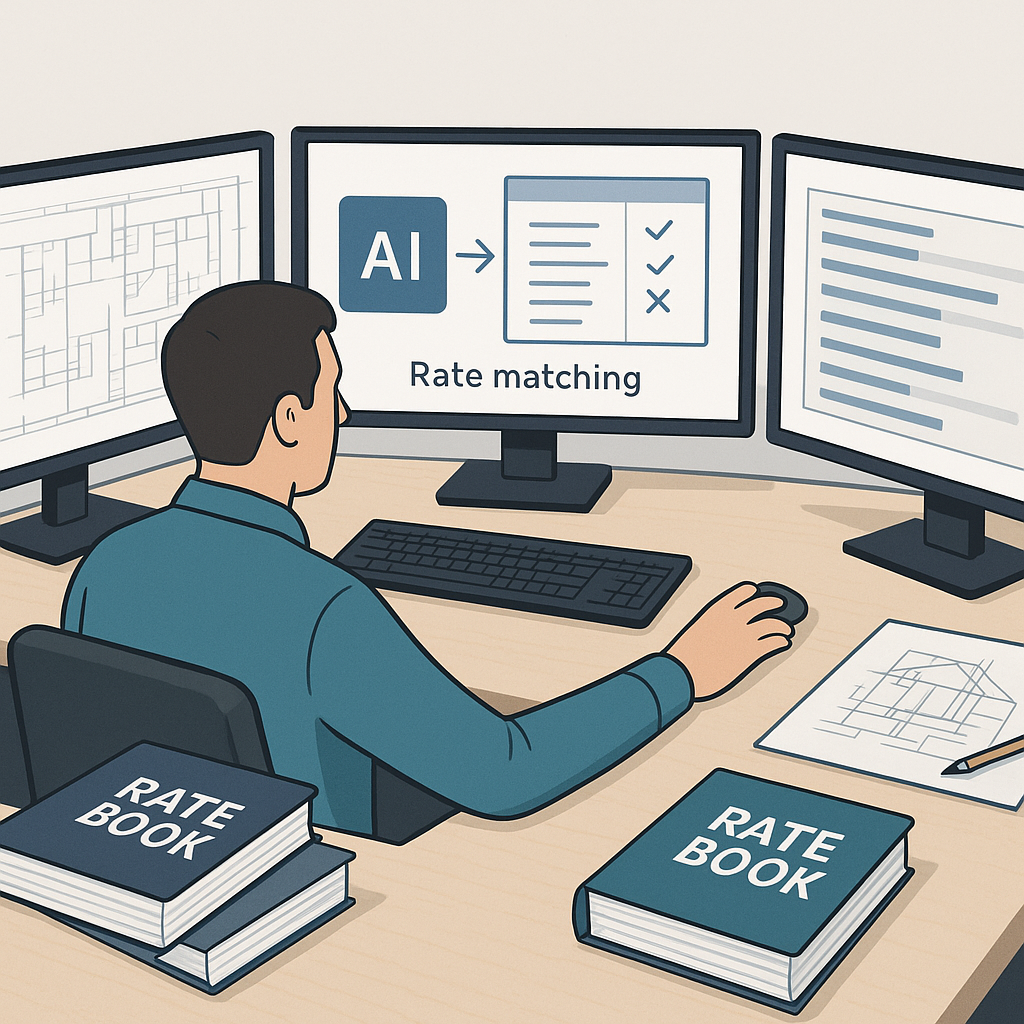
Why Rate Matching is the Hidden Killer in Preconstruction
Let’s face it: rate lookup is the least glamorous part of estimation. No one gets excited about flipping through a 2,000-page CPWD DSR or an RSMeans catalog, hunting for the labor rate on installing pre-stressed concrete girders. But here’s the kicker — it’s also where most teams lose the most time.
Think about it. Every project has unique materials, labor rates, and equipment costs. You’re not just looking up one rate; you’re matching hundreds, sometimes thousands. And every mismatch is a potential budget bust. It’s tedious, prone to human error, and frankly, outdated.
The Scope of the Problem
Rate matching isn’t just a time sink — it’s a potential disaster zone for your budget. According to a 2022 report by McKinsey, as much as 80% of construction projects experience cost overruns, and misaligned rates are a leading cause. Just imagine: a single mispriced rate for rebar installation could ripple through your estimate, inflating costs by tens of thousands of dollars.
Human error is a big part of this. A 2019 survey by Dodge Data & Analytics found that 36% of construction professionals cited "manual data entry mistakes" as a major challenge in preconstruction. When you’re working with thousands of line items, even a 1% error rate can end up costing you big.
The AI Fix: Semantic Search Across 78,000+ Items
AI-powered tools like EstimateNext flip this problem on its head. Instead of manually scanning rate books, their platform uses semantic search to pull matches from over 78,000 SOR (Schedule of Rates) items. Need to find the rate for installing pre-stressed concrete girders? Type it in, hit search, and get precise matches in seconds. No flipping, no guessing, no wasted hours.
Real-World Case Study: $1B Rail Project
A case study from EstimateNext really drives this home. On a $1B rail project, teams needed rates for concrete columns, beams, and rail decks — all compliant with Department of Transportation (DOT) standards. Manual lookup would’ve taken days, and that’s assuming zero mistakes. With AI, the same work was done in 10 minutes. That’s not just faster; it’s smarter.
The project team also reported a 15% reduction in cost overruns during execution because the AI-powered estimates were more accurate upfront. In an industry where profit margins hover around 5-10%, shaving off even a fraction of overruns can mean the difference between breaking even and turning a profit.
Why This Matters Beyond Speed
Time savings are obvious, but accuracy is the real game-changer. In manual processes, the risk of mispricing a single rate can snowball into thousands of dollars in overruns. AI tools eliminate that risk by matching rates with near-perfect precision. Plus, every adjustment or rejection feeds back into the system, making it smarter with each use.
And here’s another overlooked benefit: AI lets you upload custom catalogs. Got project-specific rates or regional variations? No problem. The system integrates them seamlessly, so your estimates always reflect real costs.
The Obvious Objection: “AI Can’t Think Like an Estimator”
You might be thinking, “Sure, AI is fast, but it doesn’t understand the nuances of construction.” That’s fair — AI isn’t replacing your expertise. It’s amplifying it.
You’re still the one making judgment calls, negotiating with subs, and deciding on markup. The AI just handles the grunt work. It’s like having an extra estimator on your team without the payroll hit.
Take the example of a mechanical contractor bidding on a hospital project. The AI might pull the rate for installing HVAC ducts, but it’s the estimator who decides whether to adjust for the specific challenges of working in a healthcare environment, such as infection control protocols. The human touch remains essential.
How to Start Using AI Rate Matching
If you’re new to AI estimation, start small. Test it on a mid-size project with straightforward rates. Upload your BOQ (Bill of Quantities), use the semantic search, and compare the results to your manual process. Most teams report reliable matches by the third project, thanks to the feedback loop.
Here’s a step-by-step approach:
- Choose a Pilot Project: Select a project with a manageable scope — something that won’t overwhelm you with complexity.
- Upload Your BOQ: Input your project’s Bill of Quantities into the AI tool. Most platforms accept Excel or CSV uploads.
- Run Semantic Search: Use the tool’s search functionality to find rates for each line item. Compare these to your existing manual estimates.
- Review and Adjust: Validate the AI’s matches. This step is crucial for building trust in the system.
- Integrate Feedback: After the project, make note of any adjustments you had to make. This data will improve the AI’s accuracy for future estimates.
Also, look for tools that integrate with your existing stack. EstimateNext, for example, works seamlessly with Procore, Autodesk Build, and Excel. You don’t have to overhaul your workflow — just enhance it.
ROI By the Numbers
Let’s break this down. Say you’re a GC preconstruction director managing five GMP pursuits a year. Each estimate saves 40 hours thanks to AI-powered rate matching. That’s 200 hours annually. At $130/hour (average estimator cost), you’re looking at $26,000 saved. Now compare that to the tool cost — $99/month per seat. That’s a 25X ROI.
For MEP subcontractors, it’s even better. Faster rate matching means you can respond to 50% more bids. Win just 4 extra projects a year at $200K each, and you’re adding $800K to your revenue. The math is brutal — in a good way.
Comparison Table: Manual Rate Matching vs. AI-Powered Rate Matching
| Feature | Manual Process | AI-Powered Process |
|---|---|---|
| Time to Match Rates | Days to Weeks | Minutes |
| Risk of Human Error | High | Low |
| Integration with Tools | Limited | Seamless |
| Custom Catalog Support | Manual Entry | Automated Integration |
| Cost Efficiency | Low | High |
Your Next Step
If rate lookup is eating into your time and budget, EstimateNext can help. Get faster, smarter estimates with AI-powered rate matching across 78,000+ SOR items. Get started free →


