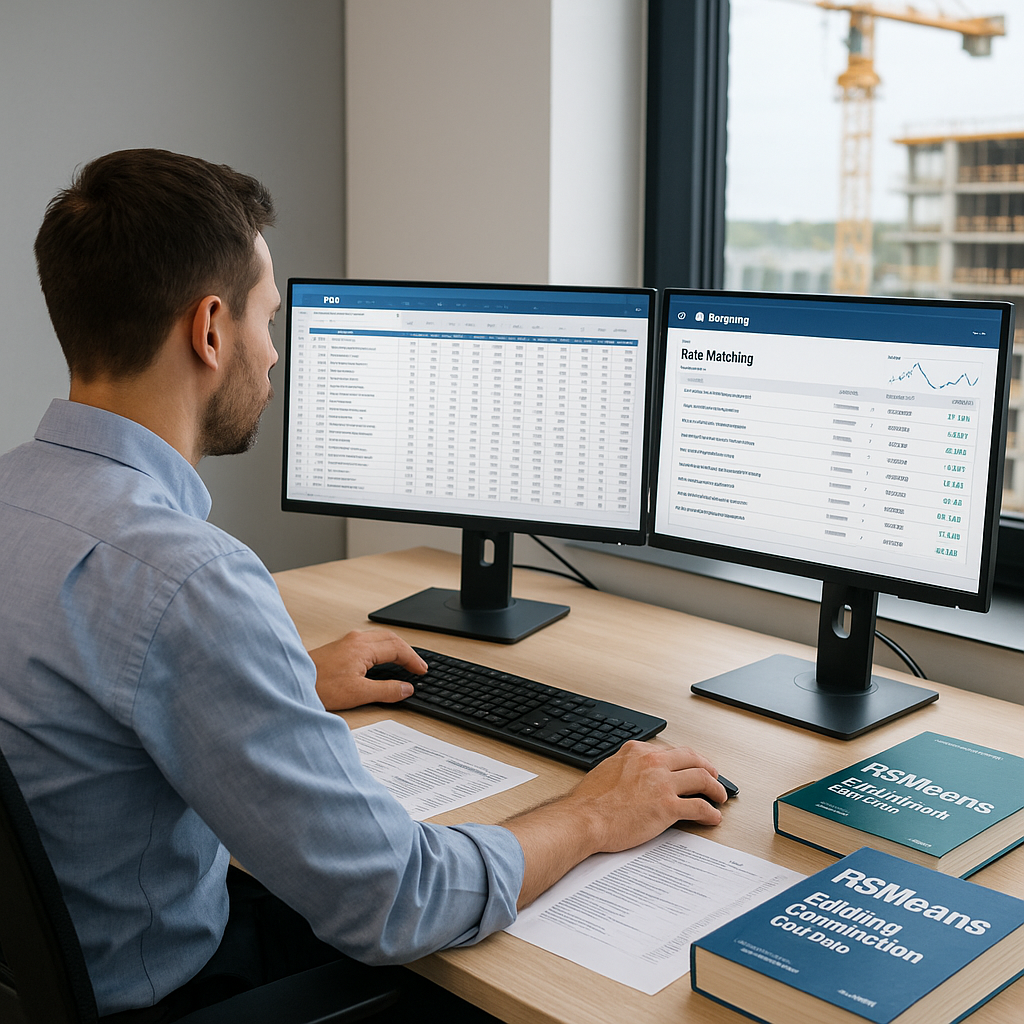
Why Rate Lookup Is a Pain for GCs
Let’s face it—rate lookup is the least glamorous part of preconstruction estimation. Flipping through 2,000-page RSMeans books or digging through state DOT PDFs eats up hours, sometimes days. And every GC estimator knows the drill: one mismatch in labor rates or material costs can snowball into a painfully underpriced bid.
Here’s the brutal math: on an average bid, estimators spend 12 hours (yes, 12) just hunting for rates. Multiply that by 5-8 GMP pursuits a year, and you're looking at nearly 100 hours wasted. That’s two-and-a-half weeks of your team’s time—gone.
Real-World Example: Time Lost on Manual Rate Lookups
Take the case of a mid-sized general contractor (GC) in Illinois working on a $22M school renovation project. The team spent over 15 hours digging through outdated state DOT PDFs to find roadwork and concrete labor rates specific to the region. Not only did this delay their bid submission by a full day, but the sheer tedium of cross-referencing rates led to an oversight that caused a $16,000 underpricing error. These are real-world consequences of manual rate lookup inefficiencies.
The AI Fix: Semantic Rate Matching
This is where AI steps in. Tools like EstimateNext use semantic search across 78,000+ Standard Operating Rates (SOR) items. Need the labor rate for installing pre-stressed concrete girders? Type it in, and you’ll get a precise match in seconds—not hours. The system doesn’t just pull the first result; it scans tenant history, user catalogs, country-specific data, and even fallback AI suggestions.
Case Study: Saving Time on a $108M Water Project
For example, a GC team bidding on a $108M water project in Dallas used EstimateNext to match rates for structural steel and concrete reinforcements across DOT-approved catalogs. What normally would’ve taken an entire day was done in minutes. The kicker? They avoided manual errors and confidently submitted their bid knowing the rates were accurate.
Concrete savings like this aren’t just theoretical. A Bay Area GC shared that after adopting AI-powered rate matching, they reduced their bid-prep time by 35% across 12 projects in a single year. That’s nearly two full months of staff time reallocated to strategic tasks instead of tedious lookups.
Actionable Steps to Leverage AI for Rate Matching
- Identify Bottlenecks: Track how long your estimators spend on rate lookups during bid preparation. Use this data to quantify your pain points.
- Pilot an AI Tool: Start with a single mid-sized project. Test how the AI handles regional, custom, and catalog-specific rates.
- Review AI Suggestions: Always double-check the first few recommendations from an AI tool to ensure they align with your project needs.
- Optimize Workflow: Integrate AI tools with platforms like Bluebeam and Procore to streamline your bid preparation process.
Why Accuracy Matters More Than Speed
Speed is great, but if your rates are wrong, you’re toast. AI tools aren’t perfect, but they’re darn close. EstimateNext’s case study notes that AI-powered rate matching reduces discrepancies by up to 80%. How? Feedback loops. The system learns from user corrections and gets smarter with every project.
Example: What Happens When Accuracy Fails
A Nashville-based GC learned this lesson the hard way. Using outdated labor rates from a 2019 RSMeans catalog, they submitted a bid for a municipal road project. After winning the bid, they realized their labor rates were underestimated by 12%, leading to a $75,000 shortfall. Had they used an AI-powered tool with up-to-date rate matching, this costly mistake could’ve been avoided.
But here’s the catch: garbage in, garbage out. If your input data—like BOQs or vendor rates—is messy, even AI can’t save you. That’s why human oversight is still critical. In my view, pairing junior estimators with AI tools is the sweet spot; it frees up senior staff for high-value tasks while ensuring someone’s watching for edge cases.
Actionable Tip: Clean Your Data Before Using AI
- Standardize Data Inputs: Ensure your BOQs, vendor rate sheets, and project catalogs are up-to-date and formatted consistently.
- Leverage Historical Data: Feed your AI tool with rates from prior similar projects to improve its accuracy.
- Assign Oversight Roles: Dedicate a junior estimator to verify the AI’s recommendations, especially for high-value line items.
ROI: The Math That Makes It Worth It
Let’s talk numbers. A typical GC Director earns around $130/hour. Saving 12 hours per bid means $1,560 saved—per project. Scale that across 5 GMP pursuits a year, and you’re looking at $7,800 saved annually. Compare that to EstimateNext’s $99/month GC plan, and the ROI is undeniable.
Scaling ROI for Larger Firms
For larger GCs handling 15-20 GMP bids annually, the savings multiply exponentially. One firm in Florida reported saving over $25,000 annually after adopting AI rate-matching tools. These savings don’t even account for the indirect benefits, such as fewer errors, faster bid submissions, and the ability to take on more projects without hiring additional estimators.
Plus, there’s the hidden value: fewer errors, faster bid submissions, and the ability to take on more projects without hiring additional estimators. One mid-sized GC shared that after adopting EstimateNext, they were able to bid on 20% more projects annually. That’s real money.
The Obvious Objection: “AI Can’t Think Like an Estimator”
I get this pushback all the time. Sure, AI doesn’t understand the nuances of construction like a seasoned estimator. It won’t negotiate with subs or decide on markup margins. But that’s not the point. AI is a tool—not a replacement. It handles the grunt work so you can focus on the strategic decisions.
Comparison Table: AI vs. Manual Rate Lookup
| Feature | AI Tools | Manual Lookup |
|---|---|---|
| Time to Find Rates | Seconds | Hours or Days |
| Accuracy | Up to 80% error reduction | Prone to manual errors |
| Cost | $99/month | Staff hours at $130/hour |
| Scalability | High | Limited by staff capacity |
| Integration | Works with tools like Bluebeam, Procore | Standalone processes |
Think of it like outsourcing the heavy lifting. You wouldn’t expect an intern to lead a bid meeting, but you’d trust them to crunch numbers or compile data. AI does the same—just faster.
How to Get Started
If you’re new to AI tools, start small. Test them on a mid-sized project to see how they handle rate matching and takeoffs. Look for platforms that integrate with your existing stack—EstimateNext works with Bluebeam, Procore, and Excel, so you don’t have to overhaul your workflow.
Step-by-Step Guide to Getting Started
- Choose Your Tool: Research AI rate-matching tools that fit your budget and workflow.
- Trial Period: Take advantage of free trials to test compatibility with your projects.
- Onboard Your Team: Conduct a two-week training session to familiarize your team with the tool’s interface and features.
- Start Small: Implement on a single mid-sized project for proof of concept.
- Track Metrics: Measure the time saved and error reduction to calculate ROI.


