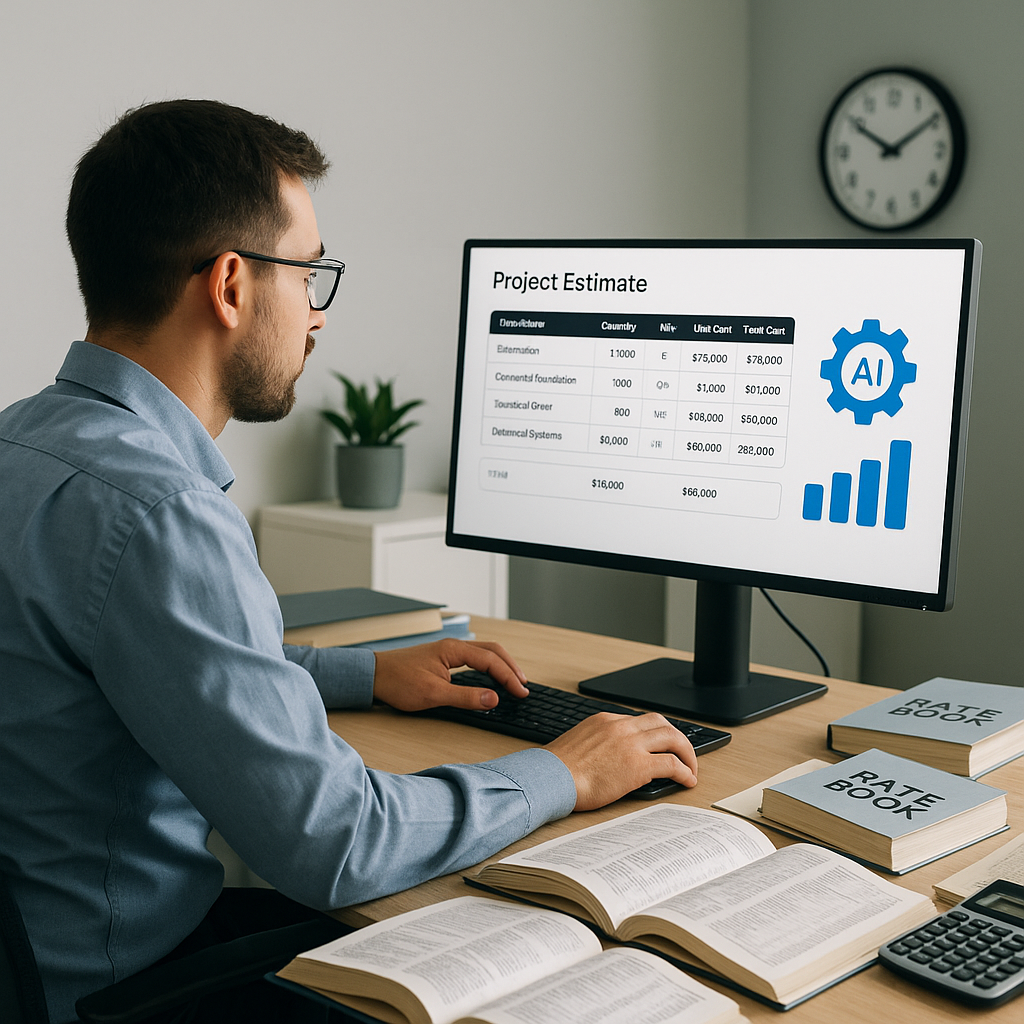
Stop Flipping Through Rate Books — AI Does It Faster
If you've ever spent hours flipping through a CPWD DSR or an RSMeans book to find the right rate, you know the pain. It's tedious. It's prone to mistakes. And worst of all, it eats into your already tight deadlines.
Every estimator has been there: scrolling through hundreds of pages to find the exact SOR (Schedule of Rates) item that matches your scope. Need a rate for precast concrete slabs? Good luck finding the right one on page 1,078. And even if you do, are you sure it's the latest rate? Or the right one for your region? These aren’t minor details—they’re the difference between a competitive bid and one that gets you laughed out of the room.
This is where AI-powered rate matching steps in to save the day. Tools like EstimateNext use semantic search across 78,000+ SOR items to find exactly what you need in seconds. No more manual lookups, no more missed rates. Just accurate, instant matches tailored to your project.
The Problem With Manual Rate Lookups
Let’s be real: manual processes are killing productivity in preconstruction. I’ve seen teams spend 12+ hours per bid just on rate lookups. That’s not including the time wasted double-checking if the rate has changed due to inflation or local adjustments. And let’s not forget the human error factor. How many times have you submitted a bid, only to realize later that you underpriced a line item because you missed a key rate adjustment? It’s a nightmare.
Here’s a real-world example: a mid-sized GC in the UAE was working on a $30M residential project. They were using a combination of Excel and a local rate book to price it out. When they missed a region-specific labor rate, their bid came in $200K under what it should have been. They won the bid, but at a margin so slim it wasn’t worth the win. This isn’t rare—it’s reality.
Common Manual Rate Lookup Pitfalls
- Time Sink: Searching through 1,000+ pages of rate books or PDFs is exhausting and inefficient.
- Human Error: Even experienced estimators can miss key details, like regional adjustments or inflation factors.
- Inconsistent Data: Different rate books might have varying formats, making it harder to cross-check.
- Outdated Information: Many estimators unknowingly rely on older catalogs, which don’t account for real-time price changes.
Concrete Example: An Australian subcontractor shared that their team spent nearly 20 hours compiling rates for a $10 million office fit-out project, only to realize mid-bid that the cost of steel had increased by 15%. They scrambled to make last-minute adjustments to their BOQ, leading to rushed and suboptimal pricing.
How AI Rate Matching Works
So, how does AI fix this? Let’s break it down step by step:
-
Upload Your BOQ: Start by uploading your Bill of Quantities in Excel, CSV, or even PDF format. The AI parses it automatically, recognizing section headers, descriptions, and quantities. This eliminates the need for manual data entry.
Example: A contractor working on a high-rise project uploaded a 300-line BOQ in Excel format. In under a minute, the AI categorized the items, matched them with corresponding rates, and flagged any missing data.
-
Semantic Search: Instead of flipping through rate books, just type in what you’re looking for. The AI understands context—not just keywords. For example, type "precast concrete slab installation," and it’ll pull the closest matches from catalogs like CPWD DSR, RSMeans, or AECOM Middle East.
Comparison:
Traditional Manual Process AI-Powered Process Search through 1,000+ pages Type a few keywords Risk of interpretation errors Contextual matching Hours of work Done in seconds -
Custom Adjustments: Have unique rates that aren’t in the standard catalogs? No problem. You can upload your custom rate library, and the AI will prioritize those matches for future estimates.
-
Inflation and Regional Adjustments: The AI auto-applies inflation factors and regional modifiers. If a rate is from a 2020 catalog, it’ll suggest a CPI adjustment to bring it up to 2026 standards.
Example: A contractor in California used EstimateNext, which automatically adjusted labor rates to reflect the higher costs in the Bay Area versus the state average.
-
Audit Trail: Every rate it picks comes with a breakdown—material, labor, equipment. You see exactly how and why it was chosen, so there’s no second-guessing.
The ROI of Instant Rate Matching
Let’s do some quick math. A single estimator spends about 12 hours per bid on rate lookups. If you’re a typical GC handling 5 GMP pursuits a year, that’s 60 hours. At $130/hour, that’s $7,800 per year—just on rate lookups. Now multiply that across a team of 4-8 estimators, and you’re bleeding $30K-$60K annually.
With AI-powered rate matching, those 12 hours shrink to minutes. One GC director I spoke to said it best: “It’s like hiring a full-time estimator, but for less than $100 a month.”
Real-World Data
- Cost Savings: Early adopters of AI in construction have seen cost savings of 10-20% per project, according to a 2023 McKinsey report. (Source)
- Time Savings: Teams report completing entire estimates 5x faster using AI tools.


