Why Rate Lookup is Painful for Estimators
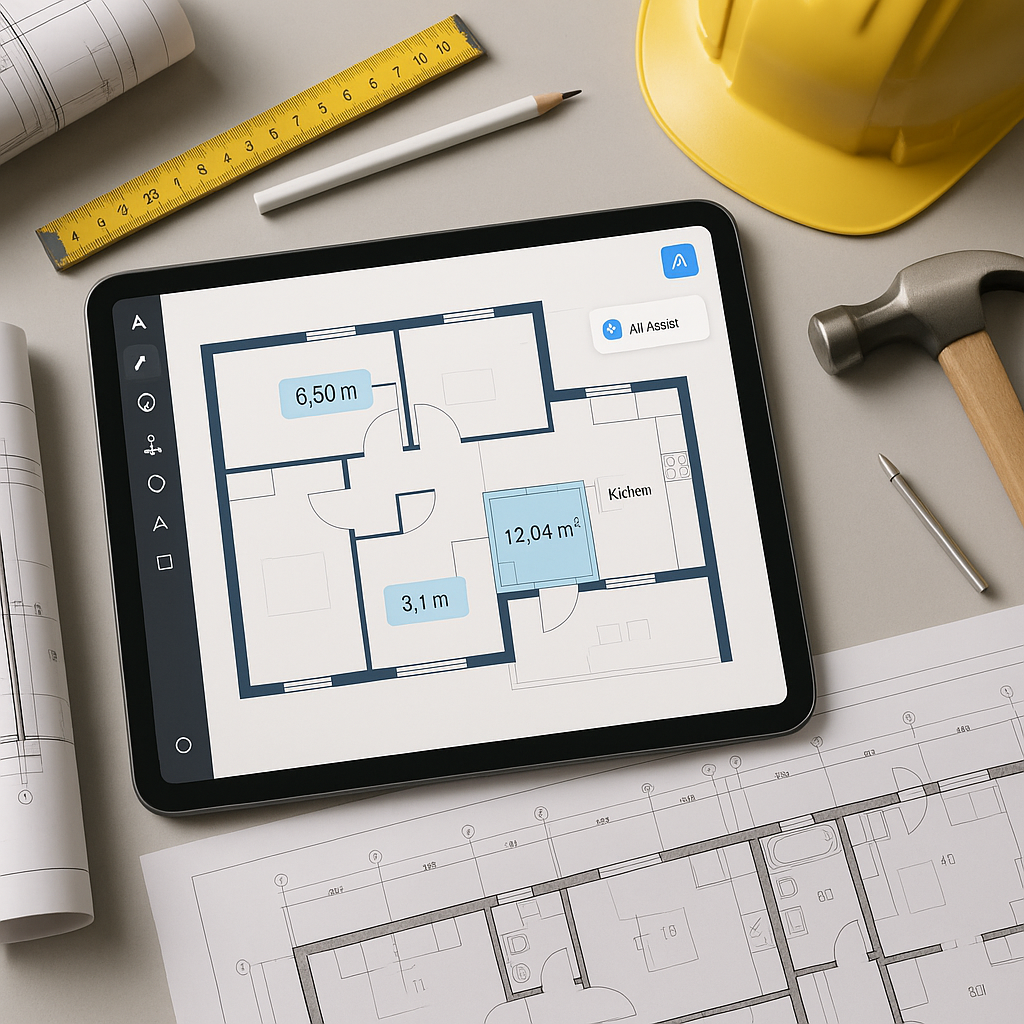
Let’s start with the obvious: manual rate lookup is a time sink. For most preconstruction teams, flipping through 2,000-page PDFs like RSMeans or CPWD DSR is the norm. Need a labor rate for installing pre-stressed concrete girders? You’ll probably spend 20 minutes hunting through the index, then verifying it against regional cost indices. Multiply that by 50 line items per BOQ (Bill of Quantities), and you’ve just lost half a day.
Even worse, manual lookup is prone to human error. A single misread rate can ripple through an entire bid, skewing your margins and risking your reputation. And if you’re working across multiple markets—say, U.S. DOT rates for one project and CESMM3 for another—you’re juggling entirely different formats and standards. It’s frustrating, inefficient, and costly.
The Scale of the Problem
Let’s put this into perspective:
- Time Lost: On average, estimators spend 30-50% of their workweek on manual rate lookups, according to a 2021 Dodge Data & Analytics report.
- Error Costs: A 2022 FMI study found that errors in preconstruction estimates contribute to 14% of rework costs in construction projects, with rate mismatches being a significant factor.
- Competitive Edge: In an industry where bids are won or lost by razor-thin margins, inefficiencies in rate lookup can mean losing millions in potential contracts.
This isn’t just a “time management” issue; it’s a systemic problem that affects profitability, accuracy, and scalability.
How AI-Powered Rate Matching Fixes This
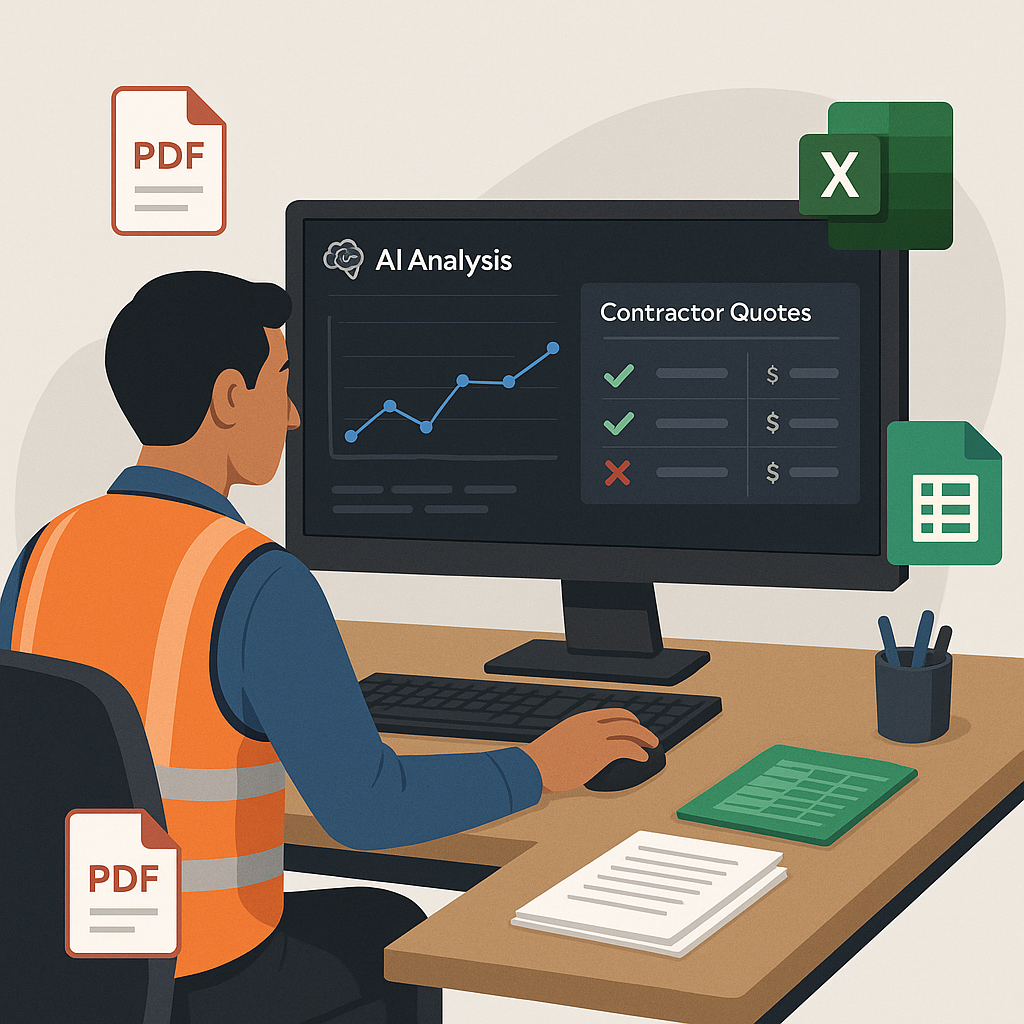
AI tools like EstimateNext are game-changers for estimators, replacing tedious manual processes with fast, reliable automation. Here’s how it works:
Step-by-Step Process
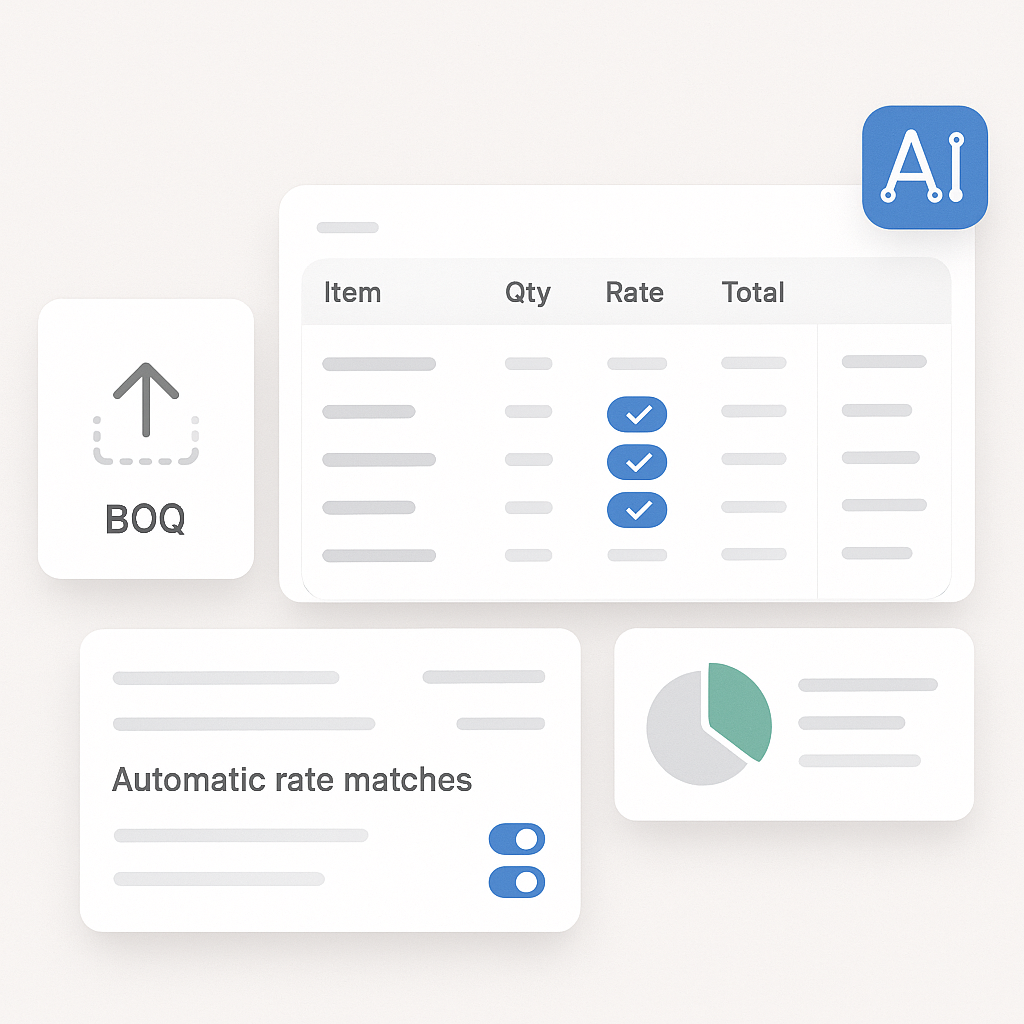
- Input Your BOQ: Upload your Bill of Quantities in Excel, CSV, or even a scanned PDF. The AI can parse structured and unstructured data formats.
- AI Matching: The platform uses semantic search to match your line items to rates across massive catalogs, such as CPWD DSR, RSMeans, and AECOM Middle East. It doesn’t just look for keywords; it understands context.
- Custom Catalogs: If you have project-specific rates, you can upload them. The AI integrates these seamlessly and remembers them for future estimates.
Example: Pricing Structural Steel Beams
Let’s say you’re estimating a high-rise construction project and need the labor rate for installing structural steel beams. In the manual process, you’d:
- Search for the relevant section in a rate book (or multiple rate books).
- Cross-reference the rate with regional adjustments and labor indices.
- Manually input the rate into your spreadsheet.
With AI-powered tools, it’s as simple as typing “structural steel beam installation” into a search bar. In seconds, you get the best match, complete with breakdowns for labor, material, and equipment costs. You can also adjust for regional cost indices with a single click.
Real-World Example: Saving 12 Hours Per Estimate
In a case study by EstimateNext, they found that manual rate lookups consume an average of 12 hours per estimate. By automating this process, estimators reduced that time to just minutes.
Imagine applying this to a real-world scenario, like Skanska’s $1B rail bridge project. Projects of this scale require pulling rates for hundreds of line items, from rail ties to structural steel, often using government-mandated catalogs. With AI, this process becomes nearly instantaneous, drastically reducing the risk of errors.
ROI in Practice
According to a 2020 McKinsey study on AI in construction, early adopters of AI-powered estimating tools report cost savings of 10-20% per project. For a $100M bid, that translates to $10M-$20M saved. Over the lifecycle of a construction firm, this kind of efficiency can mean significant profit growth and the ability to take on more projects.
Addressing Common Objections
“Can AI Really Handle Custom Rates?”
You might be thinking, Sure, AI is fast, but can it handle niche rates or project-specific adjustments?
The answer is yes. Tools like EstimateNext allow you to:
- Upload custom catalogs for unique rates.
- Adjust standard rates to reflect project-specific conditions, such as complex labor requirements or specialized materials.
The system learns from your edits, improving its accuracy over time. By the third or fourth project, users often describe it as having an estimator who “never forgets.”
Multi-Market Complexity
For contractors working across multiple markets, switching between standards like CSI, CPWD, and CESMM3 can be a logistical nightmare. AI platforms address this with:
- MarketProfile Architecture: Automatically adjust for regional tax regimes, labor laws, and material costs.
- Currency Conversion: Instantly convert rates to the currency of your bid.
For example, a GCC contractor pricing a project in Oman can switch to UAE rates with a single click, maintaining consistency and compliance.
Actionable Steps to Get Started
If you’re interested in exploring AI-powered rate matching, here’s how to begin:
- Start Small: Test the tool on a smaller project to evaluate its accuracy and ease of use.
- Leverage Free Trials: Most platforms, including EstimateNext, offer free trials or pilot programs.
- Integrate with Existing Workflows: Tools like EstimateNext integrate seamlessly with platforms like Procore and Bluebeam, so you can export estimates directly into your current systems.
- Train Your Team: Most AI tools are user-friendly, but a short training session can help your team maximize the benefits.
FAQ
Q: What if my rates are highly regional or unique?
A: You can upload your own rate catalogs or adjust existing ones. The AI learns from these inputs and incorporates them for future projects, ensuring accuracy and relevance.
Q: How accurate are AI-generated rate matches?
A: They are highly accurate, often surpassing manual methods. Most tools include confidence scoring and allow for manual overrides, so human oversight can further ensure reliability.
Q: Can AI handle small projects as well as large ones?
A: Yes. AI tools are scalable and can handle projects of all sizes, from $1M renovations to $1B infrastructure bids.
Q: How long does it take to train my team on this?
A: Most platforms are intuitive, and training typically takes less than two weeks. Many providers offer onboarding support to help teams get up to speed quickly.
Q: How secure is my data when using AI tools?
A: Reputable platforms use enterprise-grade encryption and comply with data privacy standards like GDPR and ISO 27001. Always check the provider’s security policies.
Comparison: Manual vs. AI-Powered Rate Lookup
| Feature | Manual Rate Lookup | AI-Powered Rate Matching |
|---|---|---|
| Time Required | 10-12 hours per estimate | 10-15 minutes |
| Error Risk | High (prone to human error) | Low (confidence scoring + oversight) |
| Scalability | Limited (resource-intensive) | High (handles projects of any size) |
| Multi-Market Support | Manual adjustments needed | Automatic regional adjustments |
| Cost Impact | Higher bid costs due to inefficiency | Lower costs, higher profit margins |
Conclusion: The Future of Estimating
Manual rate lookup isn’t just outdated—it’s a liability. AI-powered tools like EstimateNext streamline the process, saving time, reducing errors, and improving profitability. Whether you’re bidding on a small local project or a billion-dollar infrastructure contract, AI can give you the edge you need to win.
If you’re tired of wasting hours on rate lookup, try EstimateNext for free →