Why Rate Lookup Is Killing Estimators’ Time
You know the drill. You’re pricing a bid, and the BOQ (Bill of Quantities) has 500 line items. Each item needs a rate — material, labor, equipment — pulled from a catalog that’s hundreds (or thousands) of pages long. You spend hours flipping through PDFs, Excel sheets, or proprietary rate books. It’s tedious, error-prone, and frankly, outdated.
Take CPWD contractors in India, for example. They rely on the DSR (Delhi Schedule of Rates), a government-issued rate catalog with over 2,000 pages across 19 volumes. For every tender, estimators manually search for rates, cross-check inflation adjustments, and confirm compliance with tender requirements. One mistake in matching rates can cost a contractor the bid or, worse, sink their margins.
It’s the same story for US estimators using RSMeans or DOT rate books. Whether it’s labor rates for HVAC installation or material pricing for pre-stressed concrete, manual lookup eats up hours per project. Those hours add up fast — especially if you’re pricing multiple bids every month.
But what if rate matching wasn’t manual?
The AI Fix for Rate Matching
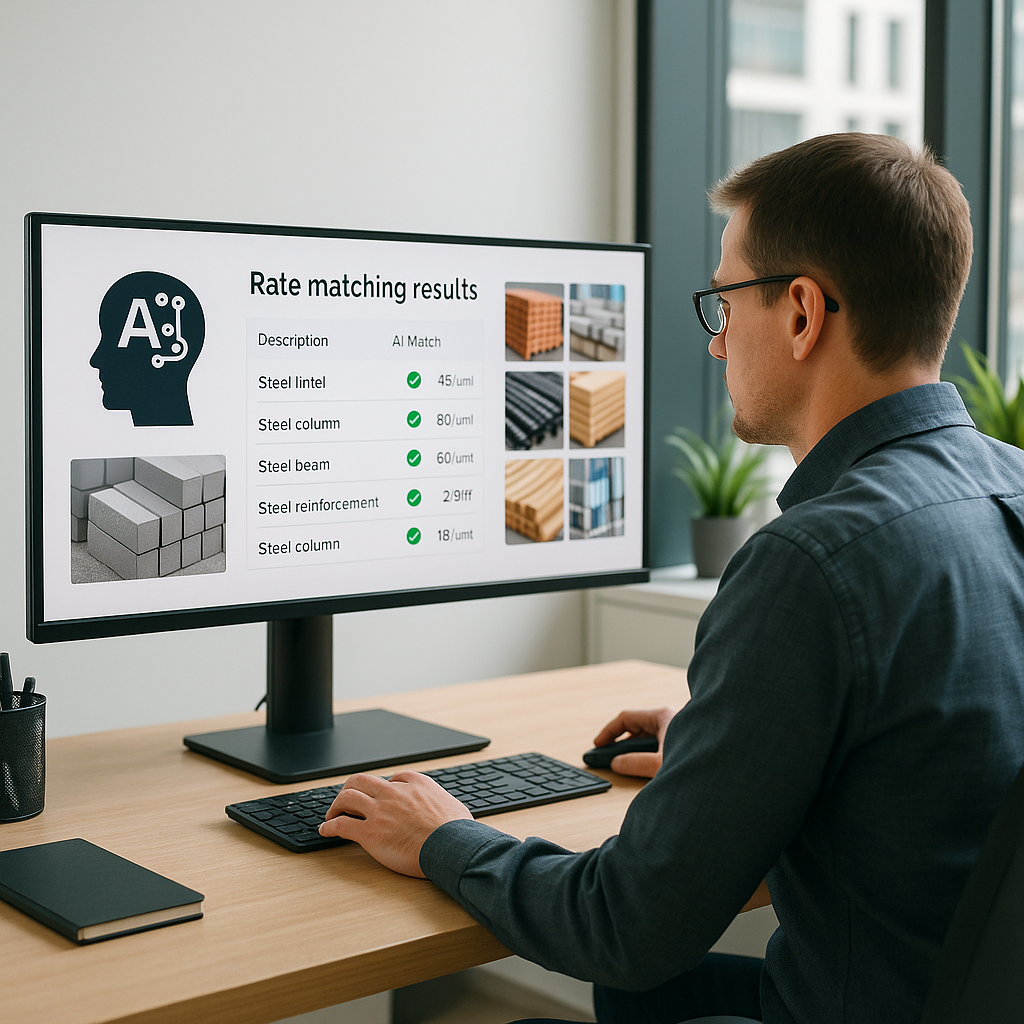
Here’s where AI changes the game. Tools like EstimateNext use semantic search to match BOQ items to rates from massive catalogs in seconds. Instead of flipping through pages, you type a description — e.g., “install pre-stressed concrete girders” — and the AI returns a match, complete with material, labor, and equipment breakdown.
For CPWD contractors, this means instant access to 78,000 searchable items across 19 DSR volumes. Gone are the days of keyword-hunting through PDFs or manually inputting rates into Excel.
And it’s not just about speed. AI tools also improve accuracy. Semantic search eliminates human error by finding the closest possible match, even for edge cases like custom finishes or non-standard materials. Plus, EstimateNext learns from feedback. If you reject a match or add a custom rate, the system adjusts for future projects.
Actionable Steps to Integrate AI Rate Matching
- Digitize Your Catalogs: If your rate books are still in PDF format, start by uploading them into a searchable AI tool like EstimateNext.
- Train the AI: The first time you use AI-powered rate matching, spend time refining matches. Reject incorrect rates and add custom values where needed.
- Leverage APIs: Many AI tools integrate seamlessly with existing systems like RSMeans or CPWD DSR. Use APIs to sync your data.
- Monitor Feedback Loops: Check the AI’s suggestions regularly. Every adjustment you make improves future accuracy.
Real-World Example: A Major Contractor’s Rail Bridge Bid
Let’s take a real-world scenario: a major national general contractor bidding on a large rail-bridge project. This project required rates for everything from rail ties to structural steel, all pulled from DOT-approved catalogs. The manual approach would’ve taken days. But with AI-powered rate matching, the team completed rate lookup in under an hour. The AI handled the grunt work, freeing estimators to focus on value engineering and bid strategy.
Case Study Comparison: Manual vs. AI Rate Matching
| Task | Manual Process | AI-Powered Process |
|---|---|---|
| Rate Lookup (500 items) | 12 hours | 1 hour |
| Error Risk | High | Low |
| Labor Costs | $1,560 (@$130/hr) | $130 (@$130/hr) |
| Strategic Focus | Limited (time spent searching) | High (time spent analyzing) |
The ROI of AI Rate Matching
You might be wondering: What’s the actual payoff here? Let’s do the math.
- Manual Rate Lookup: 12 hours per bid (average). Multiply that by 30 bids/year, and you’re looking at 360 hours wasted annually.
- AI-Powered Rate Matching: Seconds per item, cutting rate lookup to under 1 hour per bid. That’s a savings of 330 hours per year.
If your team’s average hourly rate is $130 (common for US GC directors), those saved hours translate to $42,900 in avoided labor costs. And that’s just one feature.
Beyond ROI: Strategic Impact
AI not only saves time but also enables estimators to focus on high-value tasks like:
- Markup Calculations: Fine-tuning margins to win competitive bids.
- Risk Analysis: Identifying potential cost overruns.
- Subcontractor Coordination: Negotiating favorable terms without rushing.
What About Custom Rates?
“But my rates are project-specific,” you might say. No problem. AI tools like EstimateNext let you upload custom catalogs or define unique rates for specific items. Whether it’s a bespoke FF&E package for a fit-out or non-standard piping for a high-rise, your custom rates integrate seamlessly into the AI workflow.
Example: Custom Rates for FF&E Projects
Imagine you’re bidding for a luxury hotel fit-out, and the BOQ includes custom furniture and fixtures. Instead of manually pricing each item, you upload your vendor catalog into the AI system. The AI matches BOQ descriptions to your custom rates, saving days of work.
The Obvious Objection: “AI Can’t Think Like an Estimator”
I hear this a lot: “Sure, AI is fast, but it doesn’t understand the nuances of construction.” That’s true — to a point. AI doesn’t replace your expertise; it amplifies it. Rate matching is grunt work, not strategy. The AI handles the tedious part, letting you focus on big-picture decisions like markup, risk analysis, and subcontractor negotiations.
Addressing Concerns
- Nuances in Rate Matching: AI tools use semantic search to understand context, but human oversight is always necessary for unique cases.
- Adoption Curve: While there’s a learning curve, most teams report full integration within 2-4 weeks.
Call to Action
If you’re tired of wasting hours on manual rate lookup, EstimateNext can help. Try semantic search across 78,000+ items and cut your estimation time by 1,440X. Get started free →


