Why Rate Matching Drains Time (and Patience)
Picture this: You’re flipping through a 2,000-page rate book, looking for the labor cost of installing pre-stressed concrete girders. The clock’s ticking, the bid deadline’s looming, and every page feels heavier than the last. Now multiply that by 50 line items. Sound familiar?
This is the reality for most estimators. Rate lookup isn’t just tedious; it’s error-prone. Miss a rate, and suddenly your bid margin is upside down. Worse, manual lookups are slow. On average, estimators spend 12 hours per project just matching rates to items. And if you’re working on complex projects like a large contractor’s $1B rail bridge, where rates for everything from rail ties to structural steel need to be pulled from DOT-approved catalogs, that time multiplies fast.
The stakes are high. The more time estimators spend flipping through rate books, the less time they have to double-check numbers, vet subcontractor quotes, or refine their bid strategy. Errors pile up, deadlines loom, and stress skyrockets.
But it doesn’t have to be this way. AI-powered rate-matching tools like EstimateNext are rewriting the rules. Instead of hours, you get results in seconds.
How AI Makes Rate Matching Instant
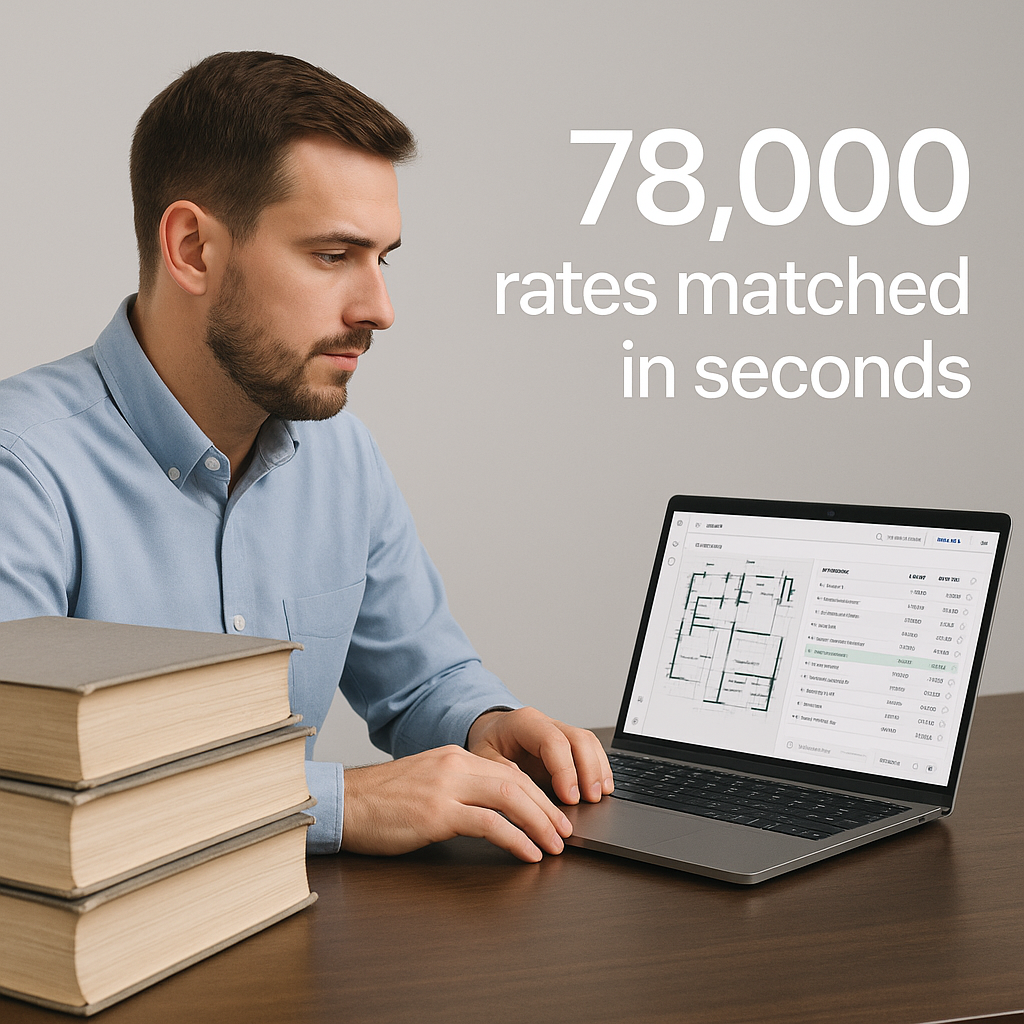
Here’s the magic: AI doesn’t just search; it understands. With semantic search technology, tools like EstimateNext scan over 78,000 items across catalogs like CPWD DSR, RSMeans, and state DOT rate books. Type a query—like "labor cost for HVAC duct installation"—and you get a match instantly. No flipping, no guessing.
Why Semantic Search is a Game-Changer
Unlike basic keyword searches, semantic search understands the context of your query. For example, if you search for "painting interior walls," the AI knows to exclude rates for exterior painting or specialty coatings. This precision eliminates the need for manual filtering, saving precious hours.
But speed isn’t the only win. AI tools also factor in:
- Regional Adjustments: Rates vary by location. AI applies city cost indices automatically. For example, a project in San Francisco might have a 20% higher labor cost than a similar project in Houston.
- Inflation Uplift: Forget manual CPI adjustments. AI suggests inflation percentages based on catalog year. For instance, if the last update to your rate catalog was in 2019, the tool might apply a 10% inflation uplift for 2023.
- Custom Rates: Got project-specific materials or labor costs? AI lets you upload and reuse them seamlessly. This is especially useful for contractors who use nonstandard materials or hire specialized labor.
Case Study: A Mid-Sized General Contractor
For a mid-sized general contractor bidding on a high-rise project, AI saved 120 hours on a single project. That’s two full weeks of estimator time freed up for strategy, not grunt work. The firm also reported a 20% reduction in bid errors, which directly contributed to winning more projects.
The Obvious Objection: "But AI Can’t Think Like Me"
I hear this all the time: "Sure, AI is fast, but it doesn’t understand context." Fair point—AI doesn’t know your project’s nuances out of the box. But here’s the thing: it learns.
How AI Gets Smarter Over Time
Tools like EstimateNext improve with every project. They use feedback loops to refine their accuracy. For example, if the AI suggests the wrong rate for a galvanized steel beam, and you correct it, the system remembers that adjustment for future queries. By the third bid, most users report 99% accuracy.
AI as a Partner, Not a Replacement
Here’s the bottom line: AI isn’t replacing you. It’s amplifying you. You’re still the one making judgment calls, negotiating with subcontractors, and deciding on markup. The AI handles the grunt work—like rate matching—so you can focus on the parts of estimating that actually require expertise.
Let’s compare traditional rate matching with AI-powered tools:
| Task | Manual Process | AI-Powered Process |
|---|---|---|
| Rate Lookup | Flipping through rate books | Instant semantic search |
| Regional Adjustments | Manual calculations | Automatic adjustments |
| Inflation Uplift | Cross-referencing CPI tables | Auto-suggested values |
| Custom Rate Integration | Excel spreadsheets | Seamless upload |
| Time Per Estimate | ~12 hours | ~30 minutes |
What’s the ROI?
Let’s talk numbers. If you’re a GC preconstruction director, your team probably handles 5-8 GMP pursuits a year. Saving 12 hours per estimate adds up to 60-96 hours annually. At $130/hour, that’s $7,800-$12,480 saved in labor costs alone.
The MEP Subcontractor Advantage
For MEP subcontractors, the math is even starker. Faster rate matching means more bids submitted—50% more, in some cases. If you’re winning 4-8 extra projects a year at $200K each, that’s $800K-$1.6M in incremental revenue.
Case Study: A Regional Electrical Contractor
A regional electrical contractor adopted AI-powered rate-matching tools and saw remarkable results within six months. Their bid throughput increased by 40%, allowing them to pursue larger projects. They also reduced errors in labor and material costs, which had previously led to profit erosion on completed jobs.
How to Get Started
Ready to ditch the rate books? Here’s how to make the switch to AI-powered estimation:
- Start Small: Test AI tools like EstimateNext on a single project. Compare the results with your manual process. Identify where the tool excels and where it needs adjustments.
- Train Your Team: Most platforms are intuitive, but a quick onboarding session ensures everyone’s on the same page. Some vendors even offer free training webinars.
- Customize Your Catalogs: Upload your unique rates and materials to maximize accuracy. For example, if you use a proprietary mix for asphalt paving, make sure it’s included.
- Iterate: Use the feedback loop. The more you adjust and correct, the smarter the AI gets. Think of it as a long-term investment in efficiency.
If you’re tired of wasting hours flipping through rate books, it’s time to upgrade. EstimateNext slashes rate matching time from hours to seconds while improving accuracy. Get started free →


