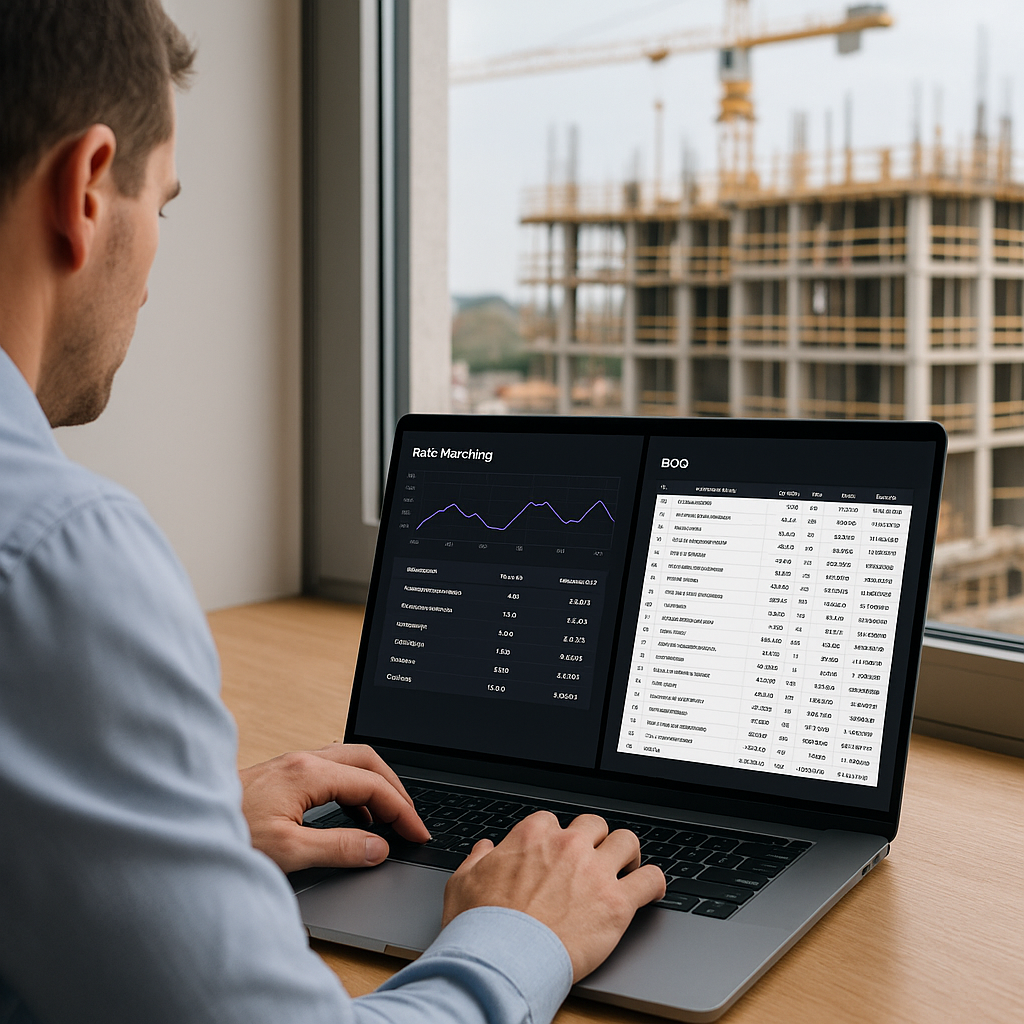
78,000 Rates in Seconds: The Real Impact of AI Rate Matching
Manual rate lookup is killing your productivity. Let’s not sugarcoat it. Whether you're flipping through a 2,000-page CPWD DSR or scrolling endlessly in RSMeans, the process is slow, prone to errors, and frankly outdated. In my view, it's one of the most painful parts of preconstruction estimating.
But what if you could find rates in seconds? That’s not a hypothetical. AI-powered rate matching tools, like EstimateNext, are doing exactly that. And the productivity gains are staggering.
Why Manual Rate Lookups Are a Bottleneck
Think about the typical workflow. You get a BOQ from the client. A massive Excel sheet with hundreds—sometimes thousands—of line items. Now, for every single item, you've got to:
- Look up the rate in a catalog (CPWD DSR, RSMeans, or something similar).
- Manually check if it matches the description.
- Adjust for inflation, location, or custom specs.
Repeat this process hundreds of times, and it’s no wonder estimators spend 12+ hours on just rate matching per bid.
And let’s be honest—manual lookups are error-prone. A misplaced decimal, a wrong catalog year, or an outdated rate can throw the entire estimate off. When margins are razor-thin, one bad rate can mean the difference between winning and losing a bid.
Example: CPWD DSR Pain Points
Take the Central Public Works Department (CPWD) DSR catalog used in India. It’s thousands of pages deep, with rates that vary by region, inflation factors, and project type. Estimators manually cross-reference rates for every item in the BOQ, then adjust them for the project's geographic location. Misreading a rate or using the wrong year’s catalog can result in inaccurate bids, lost contracts, or even disputes. This process is even more grueling when dealing with public sector projects that require compliance with strict SOR (Schedule of Rates) standards.
Hidden Costs of Errors
A 2022 study from Dodge Data & Analytics found that nearly 35% of construction professionals cited "estimating errors" as a leading cause of project overruns. These errors often stem from manual workflows like rate matching. For a $20M project, even a 2% deviation can result in a $400,000 loss. Source: Dodge Data & Analytics
How AI Rate Matching Fixes It
AI-powered tools like EstimateNext take this headache off your plate. Here’s how it works:
-
Semantic Search Across 78,000+ Items: Instead of flipping through pages, you type in your item—e.g., “prestressed concrete girder installation”—and the AI matches it to the most relevant rate in seconds. It doesn’t just look for exact keywords; it understands context (semantic search).
-
Inflation and Location Adjustments: The AI applies inflation factors and adjusts for regional cost variations automatically. No need to pull out separate spreadsheets or calculators.
-
Custom Catalog Integration: Got your own rates? Upload them. The AI integrates custom materials, finishes, or labor costs seamlessly, so you’re not reinventing the wheel for every project.
Case Study: Mid-Sized GC’s $108M Water Project
One case study from EstimateNext found that a mid-sized general contractor (GC) cut 12 hours from their rate lookup process on a $108M water project. Before adopting AI, the team manually matched rates for over 600 line items, covering everything from water pipe installation to labor costs. After switching to AI, they completed rate matching in under 2 hours, allowing them to focus on refining their bid strategy. This efficiency boost contributed to their bid winning the contract. Source: EstimateNext Blog
Actionable Steps to Leverage AI
- Upload Your BOQ: Start by uploading your Bill of Quantities (BOQ) into the AI tool.
- Review Matches: Verify the AI’s rate matches to ensure accuracy and alignment with project specs.
- Make Adjustments: Apply any custom adjustments for materials, location, or inflation. Most tools allow you to save these adjustments for future projects.
- Export and Integrate: Export the matched rates into your estimating software for seamless integration.
The Skeptic’s Objection: “But AI Can’t Think Like an Estimator”
You might be thinking, Sure, AI is fast, but it doesn’t understand the nuances of construction. That’s partially true. AI isn’t perfect, and it’s not supposed to replace your judgment.
What it does is handle the grunt work—rate matching, inflation adjustments, catalog lookups—so you can focus on higher-value tasks. You’re still the one making judgment calls, negotiating with subs, and deciding how to structure the bid. The AI just gives you the data faster.
Example: Learning Curve
For first-time users, there’s often a learning curve. But by the third bid, most users report significant accuracy improvements because the system learns from your adjustments. For example, if you consistently update labor rates for a specific trade, the AI starts suggesting those rates in future projects automatically. This adaptive learning feature is a game-changer for estimators who manage repetitive bid types. Source: EstimateNext Blog
Real-World Example: A Major Contractor’s Rail Bridge Bid
Let’s put this in perspective. Take a major national general contractor’s rail bridge project—a $1B bid involving hundreds of rate items. For such projects, rates aren’t just pulled from one catalog. You’re pulling from DOT-approved lists, regional indexes, and custom contractor rates.
Manually? That’s days of work.
With AI? It’s minutes. You upload the BOQ, and the system runs semantic searches across 78,000 SOR items, narrowing matches to your specs. Need rates for rail ties, structural steel, or concrete decks? Done. No flipping, no scrolling, no second-guessing. Source: EstimateNext Blog on Rail Projects
What About Smaller Projects?
You might assume AI tools are overkill for smaller bids. They’re not. Whether you’re estimating a $1M renovation or a $100M hospital, the ROI scales. A McKinsey report found that early adopters of AI in construction see 10-20% cost savings per project. Even shaving 5% off a $1M bid means $50,000 in savings. Source: McKinsey AI in Construction
And let’s not overlook the time savings. For subcontractors responding to 30-60 bids annually, cutting rate matching time per bid from 3 hours to 10 minutes means you can bid on more projects without adding staff. That’s not theoretical—it’s math.
Who Benefits Most?
| Stakeholder | Key Benefits |
|---|---|
| General Contractors | Faster estimates, fewer errors, better bid competitiveness. |
| MEP Subcontractors | Seamless integration of custom rates and improved turnaround times. |
| Regional Contractors | Simplified navigation of CPWD DSR or FIDIC compliance standards. |
General Contractors
For GCs handling large-scale projects, AI-powered rate matching means faster estimates, fewer errors, and better bid competitiveness. One GC director said, “It’s like hiring a full-time estimator without the overhead.” Source: EstimateNext Blog on Productivity Boosts
MEP Subcontractors
Specialist trades—HVAC, plumbing, electrical—often deal with custom rates and tight deadlines. AI tools help subs deliver quotes in hours, not days, improving their chances of landing contracts.
Regional Contractors
For contractors in markets like India or the GCC, where CPWD DSR or FIDIC compliance is non-negotiable, AI tools simplify catalog navigation and ensure compliance effortlessly.
Getting Started with AI Rate Matching
So, how do you start?
- Test with a Small Project: Upload a simple BOQ to see how the AI performs.
- Train Your Team: Most platforms are intuitive, but training ensures everyone uses the tool effectively.
- Integrate with Existing Tools: Use AI alongside software like Procore or Bluebeam for a seamless workflow.
If you’re still relying on manual lookups, you’re leaving time and money on the table. AI rate matching isn’t just faster—it’s smarter.
If you’re tired of wasting hours on manual rate lookups, EstimateNext can help. Get started free →


