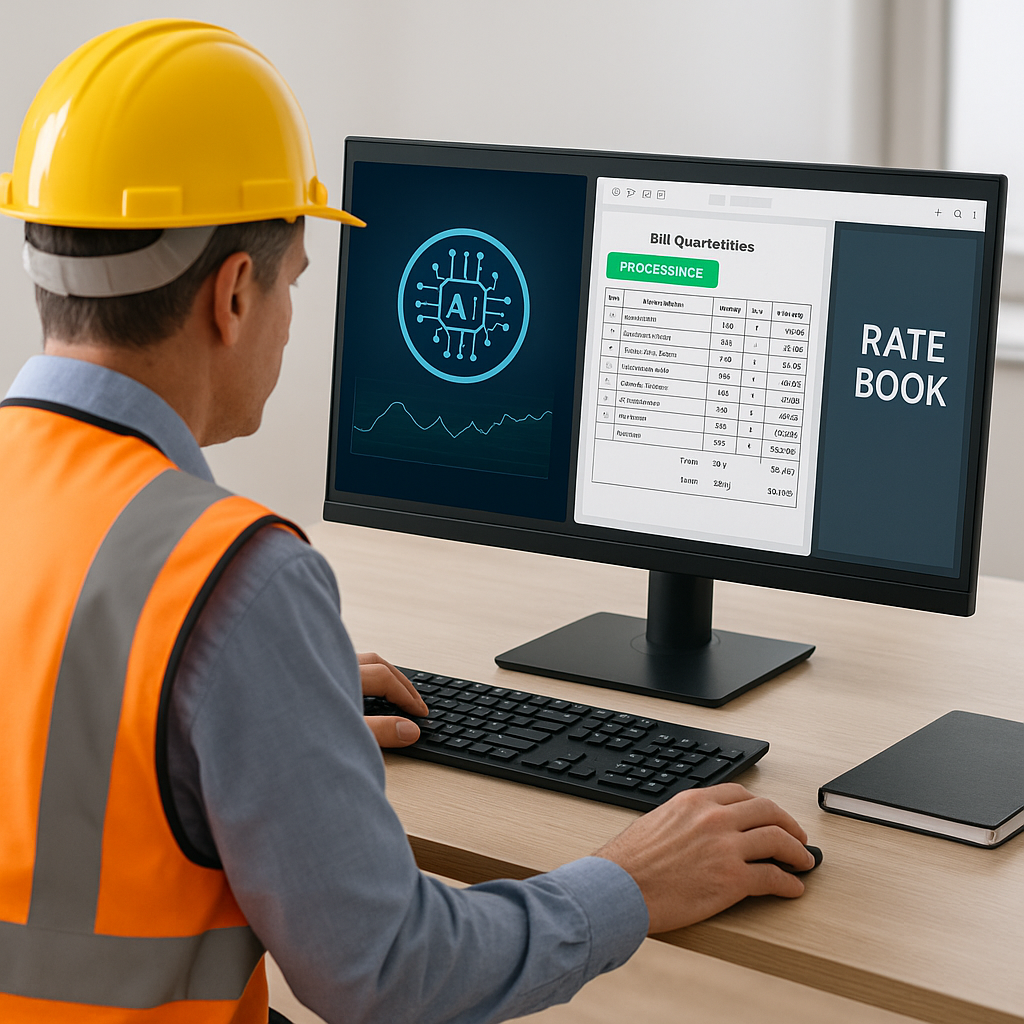
Stop Flipping Through Rate Books — AI Handles It in Seconds
Estimators know the pain of flipping through 2,000-page rate books for hours just to find one item. It's frustrating, error-prone, and seriously outdated. Why are we still doing this in 2026 when AI tools exist?
The Problem: Manual Rate Lookup Is Brutal
Let’s get specific. Say you're estimating a $25M office fit-out. The BOQ (Bill of Quantities) has 847 items. You need rates for drywall, electrical wiring, HVAC duct installation, painting, flooring, and a dozen other tasks. If you're using RSMeans or CPWD DSR catalogs, you're flipping through hundreds of pages per trade. Multiply that by all the trades involved, and you’ve just burned an entire day—or more.
Even worse? If you need project-specific rates or custom materials, the catalogs won’t help. You’re stuck manually calculating labor and material costs, hoping you didn’t miss anything. One mistake could tank your bid.
Here’s a real-world example: A mid-sized contractor lost a bid for a $12M school renovation because their manual rate lookup missed an updated labor cost for HVAC installation. That error shaved their profit margins down to the bone, forcing them to walk away from the project after weeks of effort.
Expanded Actionable Steps:
- Audit Your Current Process: Track how much time your team spends on rate lookup for a single project. Multiply that by the number of projects per year. This gives you a baseline for improvement.
- Identify Bottlenecks: Is your team struggling with outdated rate books? Are custom materials causing delays? Pinpoint the areas where manual processes break down.
- Test AI Tools: Start with a single project. Use an AI-powered tool like EstimateNext and compare the time saved versus traditional methods. Document the results to justify adoption.
The Solution: AI-Powered Rate Matching
EstimateNext fixes this problem with semantic search across 78,000+ items. Instead of flipping through PDFs, you type in "HVAC duct installation labor rate" and get the result instantly. Need custom rates? Upload your own catalog, and the AI integrates it seamlessly.
Here’s a practical example: A mid-sized general contractor saved 12 hours on a high-rise bid by using EstimateNext’s rate-matching engine. They typed in key items, adjusted the AI’s suggestions where needed, and exported a fully priced BOQ directly into Excel. No flipping, no manual calculations, no missed deadlines.
Expanded Case Study: Residential Builder
A residential builder in Texas used EstimateNext for a $2M home development. They uploaded their custom rate catalog for local labor and materials. The AI identified inconsistencies in their drywall pricing and suggested adjustments based on regional averages. The result? A 15% more accurate BOQ and zero missed deadlines during the bidding process.
Actionable Steps to Leverage AI:
- Start With High-Volume Trades: Focus on trades with the most repetitive rate lookups, like drywall, electrical, and HVAC. This ensures the fastest ROI.
- Use Feedback Loops: Train the AI by reviewing its suggestions and adjusting rates. With every project, the accuracy improves.
- Integrate Into Existing Workflows: Export AI-generated estimates into tools like Procore or Bluebeam to streamline collaboration.
But What About Accuracy?
You might be thinking, "Sure, AI is fast, but can I trust the rates?" Fair question. AI tools like EstimateNext don’t just spit out generic numbers. They break down rates into material, labor, and equipment costs, with full audit trails. You can see exactly how each rate was calculated and tweak it if needed.
Their own case study notes that most users see accuracy improve significantly by the third project as the AI learns from feedback. It's not perfect out of the box, but it gets better every time.
Expanded Comparison Table: Manual vs AI Rate Matching
| Factor | Manual Rate Lookup | AI Rate Matching |
|---|---|---|
| Speed | Hours per trade | Seconds per trade |
| Accuracy | Prone to human error | Consistently improves with use |
| Scalability | Time-consuming for large BOQs | Scales seamlessly |
| What-If Scenarios | Requires rebuilding spreadsheets | Instant recalculations |
| Cost | High labor costs | Fixed software subscription |
Why Speed Matters More Than You Think
Speed isn’t just about saving time. It’s about freeing up senior estimators for high-value tasks. When you’re not wasting hours on rate lookup, you can focus on negotiating with subs, refining your margins, or pursuing new business opportunities.
One GC director I spoke to put it bluntly: "Every hour spent on manual estimation is an hour we’re not chasing new business." With AI-powered tools, your team could respond to 50% more bids per year. That’s not just time saved—it’s revenue earned.
Expanded Example: Small Contractor Growth
A small contractor specializing in retail fit-outs went from bidding on 10 projects a year to 15 after adopting AI tools. They saved an average of 20 hours per project, freeing up their estimator to focus on client relationships and bid strategy.
The Hidden Cost of What-If Scenarios
Manual rate lookup isn’t the only bottleneck. What happens when your client asks for a what-if scenario? Maybe they want to swap drywall for acoustic panels or change the HVAC system to a more energy-efficient model.
If you're using Excel, you’re rebuilding the entire workbook every time. That’s hours of repetitive effort for every change. And if you miss one formula? Good luck explaining that to your client.
AI-powered tools like EstimateNext solve this with real-time propagation. You change one rate, and the system recalculates everything instantly—materials, labor, equipment, overhead, profit. It even tracks the changes with an audit trail so you can review the impact.
Expanded Real-World Use Case: Faster Iterations
A Cat-B office fit-out specialist used EstimateNext’s target-cost solver for rapid what-if iterations. Instead of 45 minutes per iteration, they got it done in under 5. That’s a 9X speed improvement—and a huge competitive edge when clients are demanding faster answers.


