Why Rate Lookups Are Killing Your Productivity
If you’ve ever flipped through a 2,000-page rate book like RSMeans or CPWD DSR, you know the pain. You need a rate for installing pre-stressed concrete girders? Good luck finding it quickly. For most estimators, rate matching takes anywhere from 6 to 12 hours per estimate. Multiply that by 5 to 8 GMP pursuits per year, and you’re looking at weeks lost to sheer drudgery.
And that’s if you’re lucky. Mistakes creep in. A missed decimal point or an outdated labor rate can throw your entire estimate off. Worse, rate discrepancies destroy trust with clients and subs. Nobody wants to explain why the final bid is 15% higher than the initial estimate.
But here’s the thing: rate matching doesn’t have to suck up your time—or your sanity.
Enter AI-Powered Rate Matching
AI isn’t just for sci-fi movies or Tesla autopilot. It’s solving real, gritty construction problems, and rate matching is one of them. Tools like EstimateNext use AI to scan massive rate catalogs (78,000+ items across 135+ catalogs, to be exact) and deliver matches in seconds. Yes, seconds.
Let’s say you’re pricing out a high-rise project in Chicago. You need rates for:
- Structural steel erection
- Window wall installation
- HVAC ductwork
With traditional methods, you’d spend hours flipping through RSMeans, Excel sheets, or custom rate books. With AI, you just type in what you need—"HVAC duct, Chicago, 2024"—and get an exact match, adjusted for inflation, labor conditions, and regional modifiers.
Sounds too good to be true? Here’s how it works in practice.
How It Works (Without the Sales Pitch)
AI rate matching uses a combination of semantic search and historical data. Here’s a simplified breakdown:
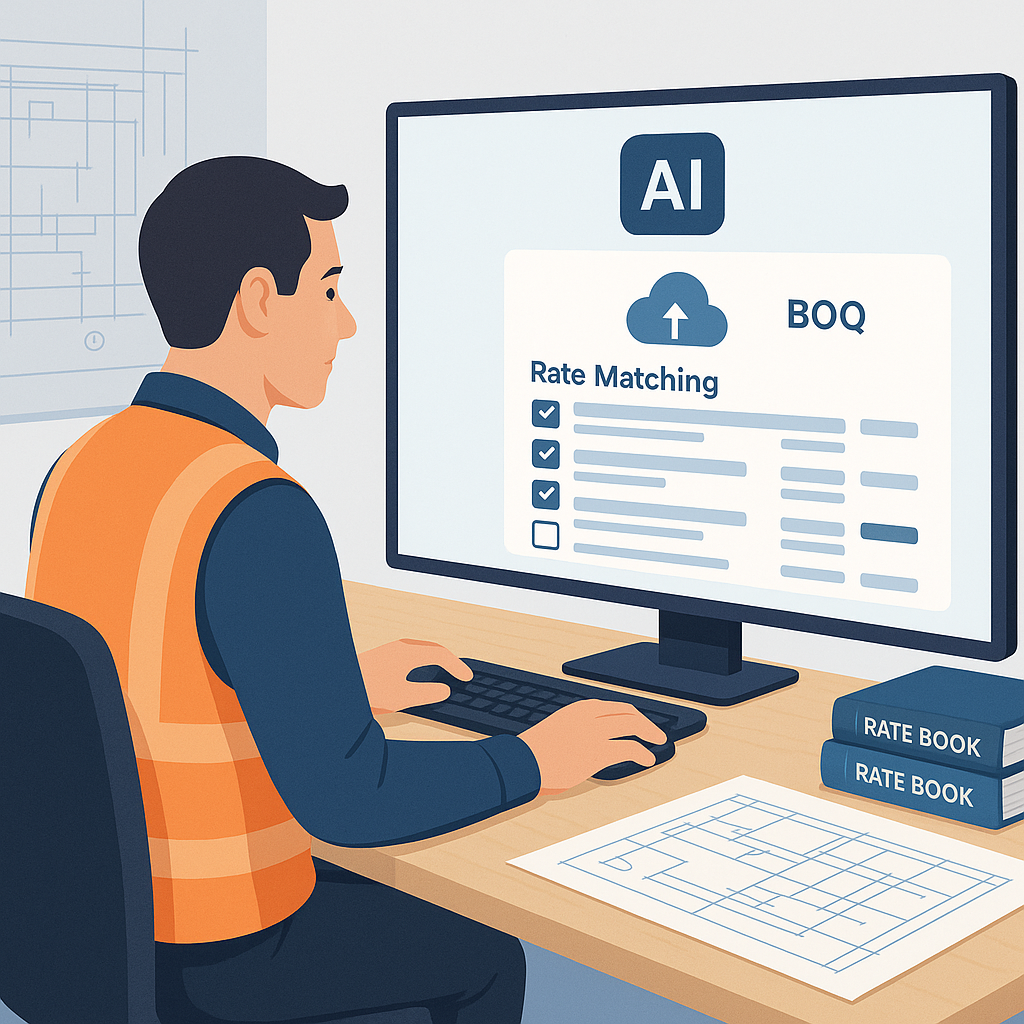
- Input Your BOQ: Upload your Bill of Quantities (BOQ) via Excel, CSV, or even a PDF.
- Semantic Search: The system scans your descriptions and automatically matches them to the closest rates in its database.
- Custom Adjustments: Got unique project conditions? You can define custom inflation factors or upload your own rate catalogs. The AI learns from these inputs for future projects.
- Instant Feedback: Within seconds, you get a list of matched rates, complete with material, labor, and equipment breakdowns.
It’s not magic. It’s just better math—done faster.
A Step-By-Step Illustration
Let’s look at a common scenario. Suppose you’re working on a school renovation project in Dallas. Here’s how traditional rate lookup compares to AI-powered rate matching:
| Task | Traditional Approach | AI Approach |
|---|---|---|
| Searching for HVAC duct rates | 1-2 hours flipping through RSMeans | < 1 minute with AI |
| Adjusting for local modifiers | 30 minutes manual calculations | Automatic adjustment in seconds |
| Checking outdated rates | Manual cross-referencing required | AI flags outdated rates instantly |
| Total Time | 8-12 hours | 10-20 minutes |
Time saved per estimate: 8+ hours.
Real-World Example: Saving Time on a Rail Project
One mid-sized contractor tested AI rate matching on a $1 billion rail project. They had to price out everything from rail ties to retaining walls, pulling rates from DOT-approved catalogs. Manually, this would’ve taken 12+ hours per estimator.
The AI tool? It finished in under 10 minutes. That’s a 99% time reduction. Not only did they save labor costs, but their bid accuracy improved because the AI flagged outdated rates they might’ve missed.
Their own case study notes: “It’s like having an extra estimator who works 24/7 and never makes a typo.”
Another Example: Residential Construction
A small general contractor focused on residential construction used an AI tool to estimate a 25-unit apartment complex. They needed precise rates for:
- Framing
- Drywall installation
- Electrical wiring
Instead of spending an entire day flipping through spreadsheets, the estimator uploaded their BOQ and got rate matches in under 15 minutes. This allowed them to spend more time negotiating with subs and focusing on project-specific details. The result? They beat their competitors by submitting a faster, more accurate bid.
The Obvious Objection: “But AI Can’t Think Like Us”
You’re right. AI doesn’t think like an estimator. It doesn’t understand project nuances, local subs’ quirks, or that one client who always lowballs. But that’s not the point.
AI isn’t here to replace you. It’s here to free you up. Instead of spending hours hunting for rates, you can focus on high-value tasks: negotiating with subs, refining your markup strategy, or running what-if scenarios to optimize costs.
Think of it as a co-pilot. You’re still in the driver’s seat, but now you’ve got someone to handle the boring stuff.
Is It Hard to Learn?
Honestly, no. Most AI estimation tools, including EstimateNext, are designed for ease of use. Upload your BOQ, tweak a few settings, and you’re off to the races. Training takes less than two weeks for most teams—faster if you’re already comfortable with tools like Bluebeam or Procore.
And the more you use it, the smarter it gets. By your third project, the system will already be adapting to your preferences (e.g., prioritizing your custom rate books over default catalogs).
Why It’s Worth It
Still on the fence? Let’s do the math:
- Average rate matching time saved per estimate: 10 hours
- Estimator hourly rate: $130
- Total savings per GMP pursuit: $1,300
Now multiply that by 5-8 pursuits per year. That’s $6,500 to $10,400 saved annually—per estimator. For a tool that costs $99/month, the ROI is a no-brainer.
And that’s not even counting the intangible benefits: fewer mistakes, more accurate bids, and happier clients.
Actionable Next Steps
- Identify Your Bottlenecks: Are you losing time on rate lookups, takeoffs, or bid leveling? Start there.
- Test AI Tools: Most platforms offer free trials or demo projects. Upload a small BOQ and see how it performs.
- Train Your Team: Pair junior estimators with AI tools to free up senior staff for strategic tasks.
If you’re tired of wasting hours on manual rate matching, EstimateNext can help. Upload your first BOQ and get a priced estimate in minutes. Start Free →
Ready to save time and bid smarter? Get started with EstimateNext today.


