The Nightmare of Manual Rate Matching
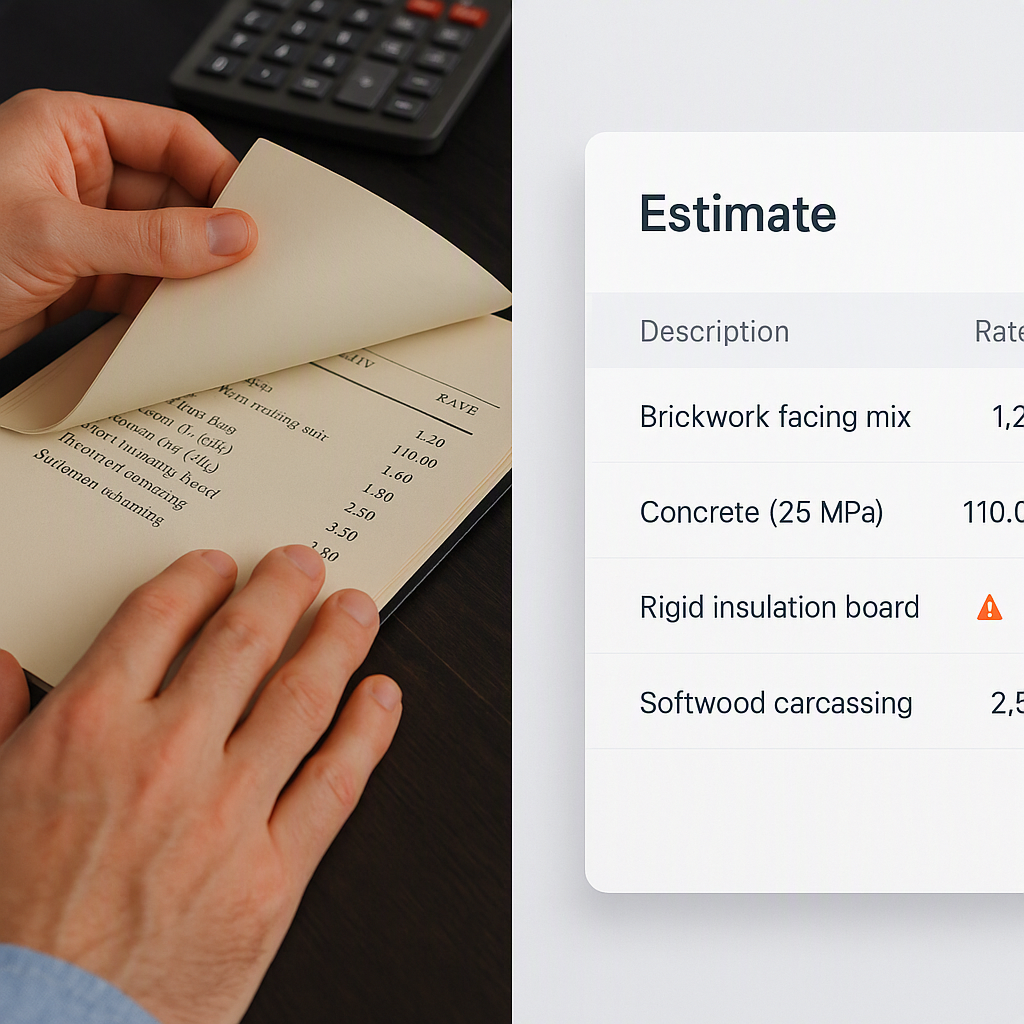
Estimators know the drill. You’re halfway through pricing a bid when you need a rate for something oddly specific—let’s say, installing pre-stressed concrete girders. What do you do? Crack open a 2,000-page RSMeans or CPWD DSR book and start flipping. Maybe you’ll find the rate in 10 minutes, maybe an hour. Worse, if it’s not there, you’re back to Googling, calling suppliers, or guesstimating. Not ideal.
Now multiply that by the dozens (or hundreds) of items in a BOQ (Bill of Quantities). Suddenly, you’ve lost an entire day—or more—just on rate lookup. For a mid-sized general contractor (GC), that’s a few thousand dollars in payroll wasted per estimate. And let’s be honest: rushed rate matching leads to errors, which can cost you the bid or eat into your margins if you win.
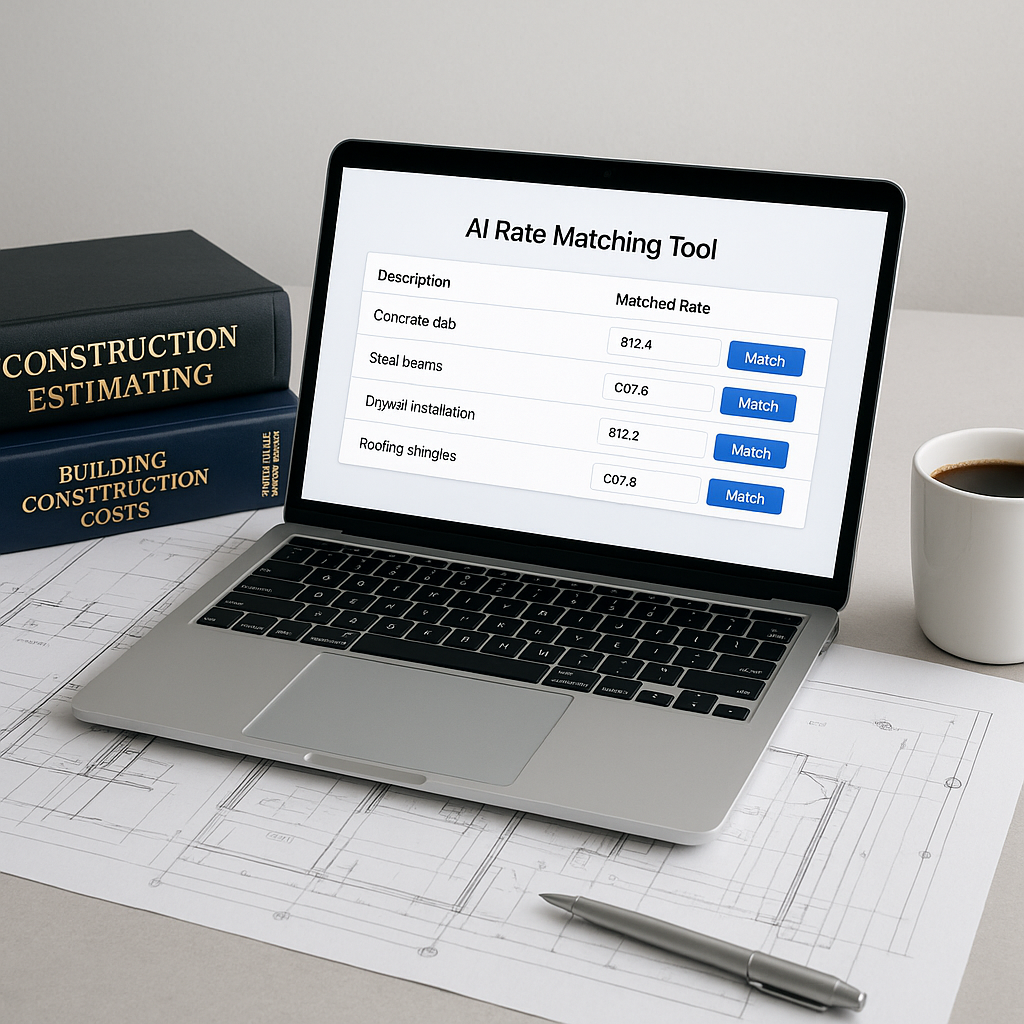
AI flips this problem on its head. Tools like EstimateNext use semantic search across 78,000+ rates from catalogs like RSMeans, CPWD DSR, and DOT-approved lists. Type what you need, and you get a match in seconds. It’s fast, accurate, and—most importantly—it builds trust in your estimates.
How Does AI Rate Matching Work?
At a high level, AI-powered tools simplify rate matching in three steps:
1. Semantic Search
Instead of searching for the exact wording (which varies by catalog), the AI understands what you mean. For example, if you type "labor rate for installing HVAC ducts," it’ll find relevant matches even if the catalog lists it as "ductwork installation labor." This eliminates the need to match your phrasing perfectly with the catalog’s terminology.
Example:
Let’s say your input is "cost of painting a steel structure." Without AI, you’d need to scour catalogs for specific phrases like "steel painting labor." AI tools bypass this manual headache by using semantic algorithms to understand related terms, synonyms, and even regional naming conventions, delivering results in seconds.
2. Custom Catalog Integration
Have your own rates? AI tools let you upload them and prioritize them in future searches. This means your estimates reflect your real costs, not generic averages.
Case Study:
A GC based in Texas uploaded their internal catalog of rates for region-specific adjustments (e.g., higher labor costs in urban areas). By integrating these custom rates, they ensured their estimates matched local market conditions, avoiding common pitfalls of using outdated averages from national catalogs.
3. Self-Learning Algorithms
As you accept or reject rates, the system learns. By your third project, it’s already significantly more accurate—and it keeps improving.
Example:
If you repeatedly select specific rates for installing custom finishes, the AI adapts and recommends those rates first in future searches. This personalized learning saves time and builds trust in the tool’s suggestions.
Real-World Example: Saving Time and Stress
A mid-sized contractor in the UAE shared their experience using EstimateNext for a $15M office fit-out. Before AI, rate matching for such projects took 8-10 hours, spread across multiple team members. With EstimateNext, they completed it in under an hour. They didn’t just save time—they avoided the stress of last-minute rate checks before submission.
Expanded Insights:
- Time Savings: Multiply that 7-9 hour reduction across 20 bids per year, and you’re looking at 140+ hours saved annually.
- Payroll Impact: For a team of three estimators earning $40/hour, that’s $5,600 saved per year, just on rate matching.
- Accuracy Benefits: The contractor reported a 23% reduction in bid errors, which helped them avoid costly disputes after project award.
One estimator summarized: “It feels like I have an assistant who knows every rate in every catalog. I can focus on strategy instead of searching.”
Why Trust Matters in Estimation
Trust isn’t just about accuracy—it’s about consistency. If your team can’t trust the rates, they’ll double-check everything manually, defeating the purpose of the software. That’s why AI tools include features like confidence scoring and full audit trails. You know where every number comes from and can trace it back to its source.
Example:
Imagine you’re in a bid review meeting with a director who asks, "Where did this rate come from?" With AI tools, you can instantly trace the rate back to its catalog source, inflation adjustment, and any manual overrides. No more flipping through pages or guessing which supplier provided the number.
The Obvious Objection: “But AI Can’t Handle My Custom Needs”
You might be thinking, “Sure, AI works for standard rates, but I deal with custom materials and region-specific adjustments.” Fair point. But modern tools address this head-on:
Features That Solve Custom Needs:
- Custom Rates: Upload your own catalogs, and the AI will prioritize them in searches.
- Inflation Adjustments: EstimateNext, for example, applies compound inflation factors by catalog year, so your rates stay current.
- Edge Cases: For truly unique items, you can override the AI suggestion and add manual inputs. The system learns from this, so next time, it gets it right.
Actionable Step:
Establish a workflow where custom rates are uploaded quarterly, ensuring your estimates stay aligned with regional material and labor costs. This proactive approach minimizes errors and builds long-term accuracy.
What About Smaller Projects?
Some say AI is overkill for small jobs. Not true. The time saved on rate matching scales no matter the project size. A $1M renovation benefits just as much as a $100M infrastructure bid. Plus, the ROI is even higher for smaller firms, where every minute saved directly impacts the bottom line.
Example:
A small contractor specializing in residential renovations used AI tools for a $250K kitchen upgrade. Rate matching that would’ve taken 2 hours was finished in 10 minutes, freeing them to focus on client communication and project planning.
Comparison Table: Manual vs AI-Powered Rate Matching
| Feature | Manual Rate Matching | AI-Powered Rate Matching |
|---|---|---|
| Time Taken | 2+ hours per bid item | Seconds per bid item |
| Accuracy | Prone to human error | 99% accurate over time |
| Customization | Requires manual input | Automatic with learning |
| Stress Level | High | Low |
| Cost Impact | Wasted payroll hours | Optimized estimator costs |
The Bottom Line
Manual rate matching is a time sink you can’t afford. AI-powered tools like EstimateNext deliver accurate rates in seconds, freeing you to focus on what really matters—winning the bid and maximizing profit.
If rate matching eats up your time, EstimateNext can help. Get started free →