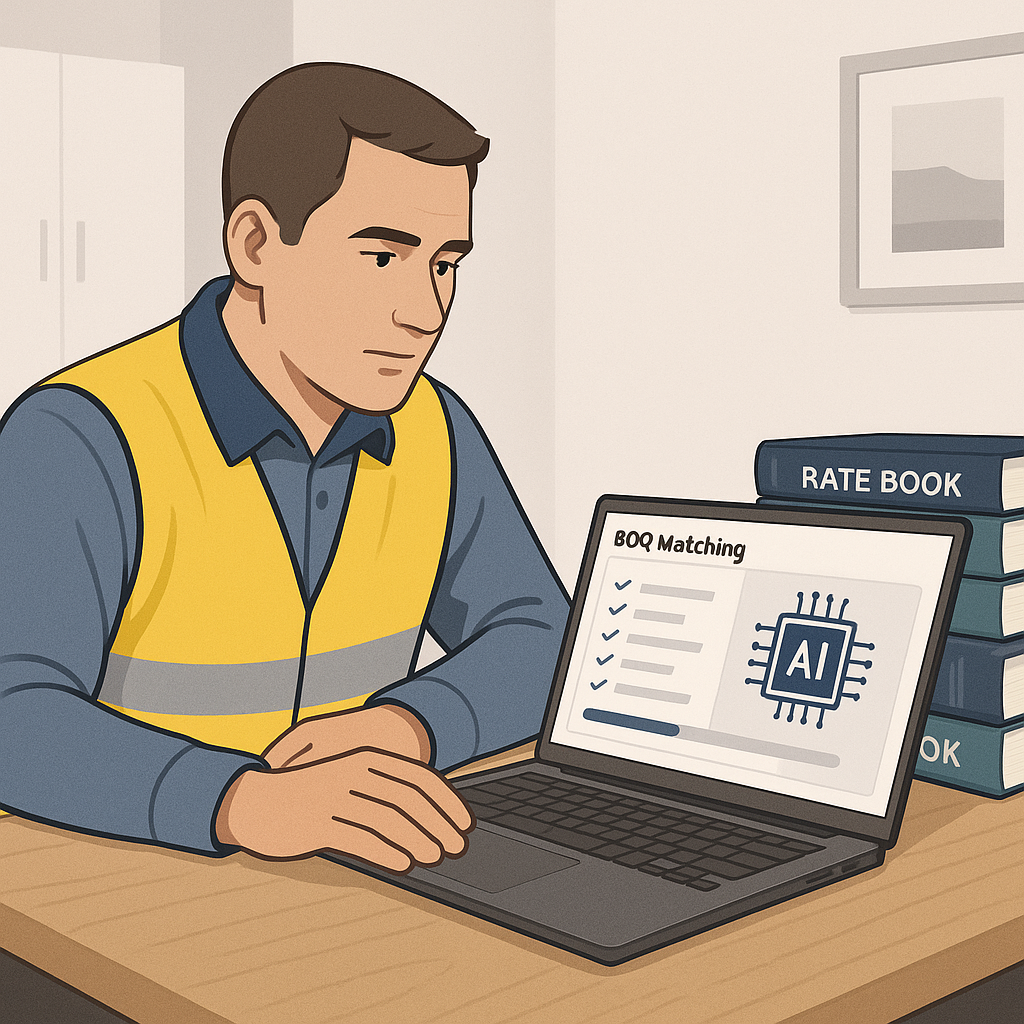
Rate Matching: The Hidden Time Sink in Estimation
If you’ve ever spent hours flipping through a CPWD DSR or RSMeans rate book trying to find the right labor or material cost, you know the pain. It’s tedious, error-prone, and a productivity killer. On average, estimators spend 12 hours per estimate just on rate lookups. That’s a day and a half of work—and that’s before you even start verifying the numbers or building out your bid package.
Now multiply that by 30 projects a year. Or 60 if you’re a busy MEP subcontractor juggling multiple bids. Suddenly, it’s not just a time issue—it’s a capacity issue. Teams are burning through hours they don’t have, just to stay competitive.
But here’s the kicker: most of this work is repetitive. Rates don’t change dramatically from project to project. And yet, the manual process makes it feel like reinventing the wheel every time. That’s where AI comes into play.
How AI Rate Matching Works
AI-powered rate matching tools, like the one in EstimateNext, are designed to eliminate this bottleneck. Instead of manually searching through PDFs or Excel files for the right rates, the software uses semantic search to pull matches instantly. Here’s how it works:
- Upload Your BOQ: Drag and drop your Bill of Quantities (BOQ) in Excel, CSV, or even a messy PDF format. The AI parses it, recognizing section headers, merged cells, and item hierarchies.
- Search Across 78,000+ SOR Items: The system scans a massive library of Schedule of Rates (SOR) items—78,000+ in EstimateNext’s case—using natural language processing. Whether it’s a CPWD DSR item for India or a DOT-approved rate for the U.S., the AI finds the closest match.
- Custom Catalogs? No Problem: Many firms use their own rate catalogs. AI tools let you upload these and integrate them for future use, so you’re not starting from scratch each time.
- Audit Trail: Every match comes with a confidence score and a detailed breakdown—material, labor, equipment—so you can validate the results before finalizing.
What used to take hours can now be done in seconds. 1,440X faster, to be exact.
Actionable Steps to Improve Your Rate Matching Workflow
- Digitize Your Rate Catalogs: If you’re still relying on physical books or unstructured PDFs, start converting them into Excel or structured formats. AI tools work best when they have clean, organized data.
- Use Historical Data: If you consistently use similar rates across multiple projects, create a library of your most-used items and upload it to the AI tool.
- Audit the AI’s Confidence Scores: Don’t blindly trust the machine. Use the audit trail and override options to ensure the rates align with your expectations.
Real-World Example: A Mid-Sized GC’s Experience
Let’s get specific. One of EstimateNext’s customers, a mid-sized general contractor, recently used the platform to bid on a $50M high-rise project. Here’s what they were up against:
- Manual Process: 14 hours flipping through DSR PDF files, looking for labor and material rates for reinforced concrete.
- AI Process: Less than 10 minutes to match 92 BOQ items with rates, including custom uplift factors for inflation.
The result? They saved 13+ hours, freeing up their lead estimator to focus on higher-value tasks like subcontractor negotiations. In their words, "We didn’t just save time; we avoided burnout heading into a critical bid review."
Case Study: MEP Subcontractor Wins Big
An MEP subcontractor bidding on 60 projects annually adopted EstimateNext and cut their rate lookup time from 12 hours to 10 minutes per bid. Over the course of a year:
- Time Saved: 720+ hours
- Labor Cost Savings: $93,600 (assuming $130/hour)
- Win Rate Impact: With more time for bid refinement, they increased their win rate by 10%.
This isn’t just about saving time—it’s about creating breathing room to focus on strategic priorities.
Why Accuracy Matters (And How AI Delivers It)
You might be thinking: "Sure, AI is faster, but is it accurate enough?" Fair question. Rate discrepancies are a real risk, especially in high-stakes bids where a single error can blow your margins.
AI tools mitigate this risk by improving with every project. For instance, EstimateNext’s rate matcher uses feedback loops to get smarter. If you adjust a rate or reject a match, the system learns from it. By the third project, most users report significant accuracy improvements.
How AI Improves Accuracy Over Time
- Confidence Scoring: Each rate match is accompanied by a score, giving you insight into how closely the AI thinks the match fits.
- Human Oversight: You can override matches or fine-tune rates, ensuring the final estimate reflects your expertise.
- Feedback Loops: Every adjustment feeds back into the system, improving future predictions.
It’s not perfect—no system is. But with confidence scoring and manual override options, you’re always in control. The AI amplifies your expertise; it doesn’t replace it.
The ROI of AI Rate Matching
Let’s talk numbers. What’s the actual return on investment here?
- For a General Contractor bidding 5 GMP projects a year, saving 12 hours per bid at an average labor cost of $130/hour translates to $7,800 saved annually. That’s a 65X ROI on a $99/month tool.
- For an MEP Subcontractor handling 60 bids a year, cutting rate lookup time from 12 hours to 10 minutes adds up to 720+ hours saved annually. That’s time you can spend responding to more bids—and winning more work.
A 2023 McKinsey report notes that early adopters of AI in construction see average cost savings of 10-20% per project. For firms operating on razor-thin margins, that’s not just nice to have—it’s survival.
Comparison Table: Manual vs. AI Rate Matching
| Feature | Manual Process | AI Rate Matching |
|---|---|---|
| Time per estimate | 12 hours | 10 minutes |
| Error risk | High | Low (with audit tools) |
| Learning curve | None | Minimal (1-2 weeks) |
| Scalability | Limited by manpower | Unlimited |
| ROI potential | Low | 65X or higher |
Common Objections (And Why They’re Wrong)
"But AI Can’t Think Like an Estimator."
True. AI doesn’t understand the nuances of construction the way you do. It’s not going to negotiate with subs or decide on markup strategies. But that’s not its job. AI handles the grunt work—rate lookups, takeoffs, and what-if recalculations—so you can focus on the strategic stuff.
"What About Custom Rates?"
Good question. Many firms worry that AI tools won’t handle their unique catalogs or project-specific rates. But platforms like EstimateNext let you upload custom rates and integrate them seamlessly. The AI even learns from your adjustments, so future matches reflect your actual costs.
"Is It Hard to Learn?"
Nope. Most users are up and running in under two weeks. If you’ve ever used Excel, you can handle this. And if you hit a snag, support teams are there to help.
The Bottom Line
Rate lookups shouldn’t take 12 hours. Not when AI can do it in seconds. If you’re tired of wasting time flipping through PDFs and spreadsheets, it’s time to try something better.


