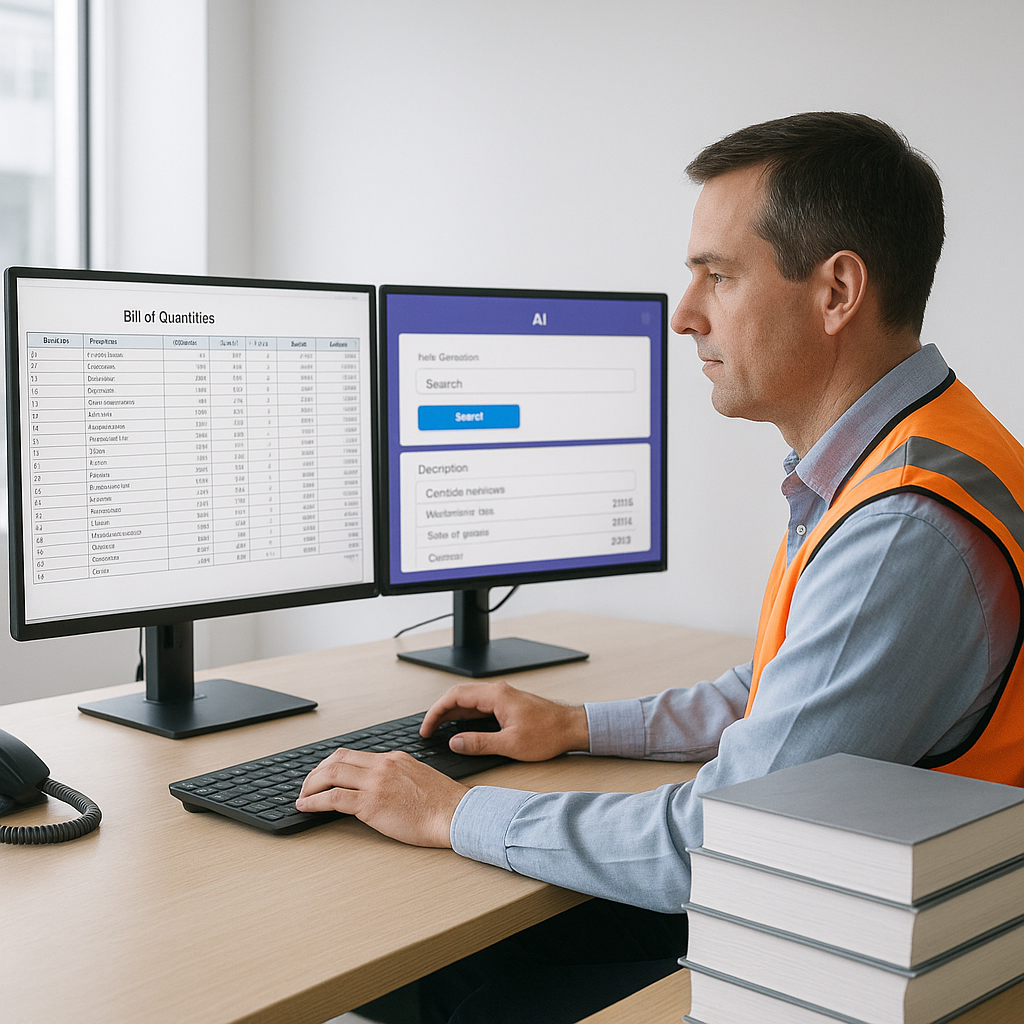
The Problem: Manual Rate Lookups Are Killing Productivity
Rate books like RSMeans or CPWD DSR are hefty—thousands of pages of material, labor, and equipment rates. Finding the right rate can take hours per estimate, even if you know exactly what you're looking for. And if you’re juggling multiple catalogs for a multi-market project? Forget it. You’ll be lucky to finish in a day.
Here’s the kicker: this isn’t just a minor inconvenience. It’s lost time, lost bids, and eventually, lost profit. A 2023 McKinsey report found that inefficient workflows in preconstruction cost the industry billions annually. Rate lookup is one of the biggest culprits.
A Real Example
A mid-sized contractor bidding on a high-rise project recently shared their experience. Their team spent 12 hours flipping through rate books for just one BOQ section—plumbing. They had to ensure compliance with Davis-Bacon wage rates, city-specific cost indices, and their own supplier agreements. Despite all that effort, two errors slipped through, leading to an underbid on one item and an overbid on another. The result? They lost the job.
This isn’t an isolated case. According to Dodge Data & Analytics, 35% of contractors reported losing bids due to inaccuracies in their cost estimates. In a highly competitive market, even a single oversight can cost you a project worth millions.
The AI Solution: Instant Rate Matching
AI-powered tools like EstimateNext solve this bottleneck by using semantic search across massive rate libraries. Instead of flipping through pages, you type in what you need—"PVC pipe installation, 2-inch diameter"—and the AI pulls up the closest matches in seconds.
This isn’t just speed; it’s accuracy. The AI considers:
- Regional adjustments (e.g., NYC labor rates vs. Florida).
- Historical rates from your own past projects.
- Alternate materials or methods that might save costs.
Why It Works Better
Manual lookups rely on human attention. Miss a page? Misread a row? That’s on you. AI doesn’t have those blind spots. It scans all available data, applies context (e.g., project location, inflation rates), and ranks results by relevance.
Case Study: Mega-Rail Project Success
In one notable case, a general contractor on a $1B rail project used EstimateNext to match rates for everything from structural steel to pre-stressed concrete girders. What used to take 12 hours now takes less than 5 minutes—and with fewer errors. That’s a 144X speed improvement. The contractor reported a 20% increase in bid accuracy, helping them secure the project.
Small Business Perspective
For smaller contractors, the impact can be even more significant. A subcontractor specializing in HVAC installations shared how AI rate matching reduced their bid preparation time from 3 days to just 4 hours. This allowed them to respond to more RFPs and win 15% more projects within a year.
The Skeptic’s Question: “But Can AI Handle My Custom Rates?”
You might be thinking, "Sure, AI is fine for standard items, but my projects are full of custom specs." Fair. Here’s the good news: platforms like EstimateNext let you upload your own rate catalogs. Whether it’s custom finishes, supplier-specific discounts, or unique labor agreements, the AI integrates them seamlessly.
Over time, it even learns which rates you use most and prioritizes them in search results. Plus, many tools allow for manual overrides, so you’re never locked into the AI’s suggestion.
How Customization Works
- Upload Your Data: Most platforms support Excel or CSV uploads for custom rate sheets.
- Tag and Label: You can tag items with specific attributes like "preferred supplier" or "regional adjustment."
- Set Priorities: Tell the AI which rates to prioritize—your custom catalog, regional indices, or historical data.
- Review and Approve: The AI suggests rates, but you always have the final say.
This flexibility ensures the tool adapts to your workflow, not the other way around.
The ROI: More Than Just Time Savings
Let’s talk numbers. Say you’re a GC preconstruction director managing five GMP pursuits a year. If AI saves your team 12 hours per estimate at $130/hour, that’s $7,800 in labor savings annually. And that’s just for rate matching. Add in time saved on takeoffs, sub bid leveling, and what-if scenarios, and the ROI skyrockets.
But it’s not just about cost savings. Faster, more accurate estimates mean you can bid on more projects. For a subcontractor responding to 50 bid packages a year, cutting the quote cycle from 3 days to 4 hours could mean 20-30% more bids submitted—and more wins.
Comparative ROI Table
| Metric | Manual Process | AI-Driven Process | Improvement |
|---|---|---|---|
| Time per Estimate | 12 hours | 5 minutes | ~144X faster |
| Error Rate | ~10% | <1% | ~90% reduction |
| Annual Cost Savings | $7,800 | $7,800+ | Significant ROI |
| Additional Bids Submitted | 50/year | 65/year | +20-30% more bids |
What’s Next for AI in Estimation?
AI isn’t perfect. It’s only as good as the data you feed it. Poorly structured BOQs or outdated rate catalogs can still trip it up. But the tools are improving fast. With every project, the AI learns, making future estimates even faster and more accurate.
In my view, the biggest opportunity lies in integration. Imagine a world where your AI-powered estimator syncs directly with Procore, Bluebeam, or even your accounting software. That’s where the industry is heading, and tools like EstimateNext are already leading the charge.
Ready to Save Hours on Rate Matching?
If you’re tired of wasting time flipping through rate books, EstimateNext can help. Upload your BOQ and get matched rates in minutes. Try it free today →


