Why Manual Rate Matching Costs You More Than Time
Let’s be real: flipping through massive rate books like RSMeans or CPWD DSR is a grind. It’s slow, error-prone, and frankly outdated. You spend hours hunting for the right labor cost or material rate, only to second-guess if it’s even accurate. Multiply that by the number of items in a typical BOQ (Bill of Quantities), and you're looking at a full day wasted. And mistakes? They’re inevitable. Misread one cell, and suddenly your bid’s profit margin is toast.
But rate matching isn’t just about speed. It’s about trust. Misaligned rates can lead to disputes with subcontractors or clients down the line. If your estimate doesn’t reflect market realities, you're setting yourself up for headaches during execution. The stakes are too high for guesswork.
Let’s dig deeper into the costs of sticking with manual rate matching—and how AI tools are changing the game.
The Hidden Costs of Manual Rate Matching
1. Time Drain
Manual rate matching is notoriously time-consuming. For example, estimating the cost of a 50-line BOQ might take a skilled estimator 6–8 hours if using traditional methods like rate books or static spreadsheets. This doesn’t even include the time spent cross-referencing rates with subcontractor quotes or market trends.
Multiply this by the number of estimates your team produces in a month, and it’s clear how much time is lost. A mid-sized construction firm producing 20 estimates per month could easily burn 160+ hours on rate matching alone.
2. Increased Risk of Errors
Humans make mistakes—especially when dealing with repetitive tasks. A small error, like misreading a rate or failing to account for regional variations, can snowball into serious financial consequences. According to a study by the Construction Industry Institute, around 10% of construction project costs are tied to rework, often stemming from inaccurate estimates.
3. Opportunity Cost
Time spent manually matching rates is time not spent on higher-value activities like negotiating with subcontractors, refining your bid strategy, or building client relationships. By freeing up your team from tedious tasks, you could redirect their efforts toward improving win rates and profitability.
Concrete Example:
Consider a mid-sized contractor bidding on a $5 million commercial project. If their manual estimating process results in a 2% error in labor or material costs, that’s a $100,000 hit to their bottom line. Could your margins handle that kind of loss?
How AI Makes Rate Matching Instant (And Reliable)
AI tools like EstimateNext are designed to eliminate the inefficiencies of manual rate matching. Here’s how they work:
1. Semantic Search for Rates
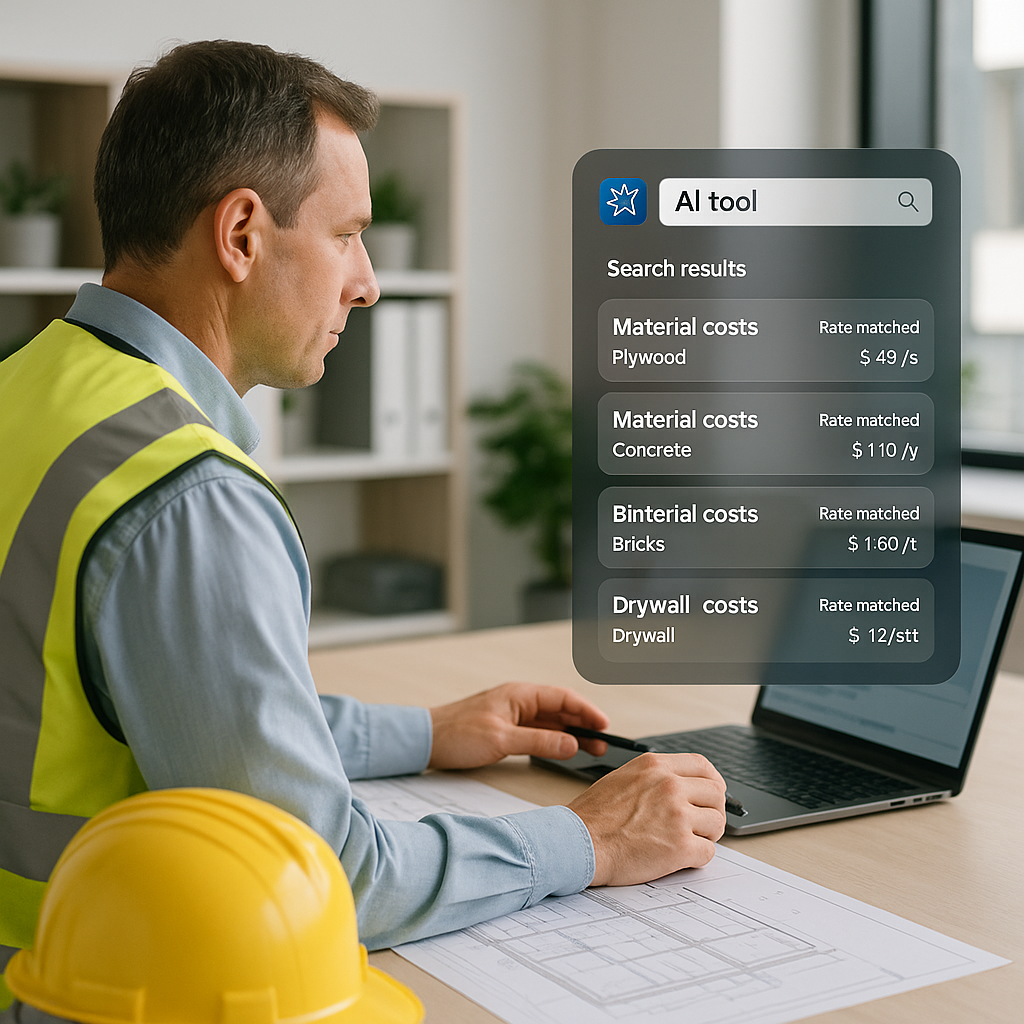
Instead of flipping through pages or searching static PDFs, AI tools use semantic search to pull relevant rates instantly. For example, if you need the cost of installing reinforced concrete, you simply type it in. The AI combs through thousands of rate items—including regional variations—and delivers an accurate match in seconds.
2. Learning and Adaptability
AI tools get smarter over time. For example, if you upload your custom rate catalog, the system learns your preferences. By your second or third project, the AI automatically prioritizes your preferred rates, saving even more time.
3. Audit Trails and Overrides
Worried about accuracy? Most AI platforms include features like audit trails and manual overrides. This means you’re always in control and can adjust rates as needed. The AI doesn’t replace your expertise; it enhances it.
Actionable Steps for Adoption:
- Step 1: Test AI tools on a small project to understand their functionality.
- Step 2: Gradually upload your custom rate catalogs to align the tool with your needs.
- Step 3: Train your team to use the tool effectively. Most platforms are intuitive, but a short training session can help unlock their full potential.
Real-World Example: Faster Estimation on a $1B Rail Bid
Take a major contractor’s $1 billion rail bridge project as an example. Projects of this scale involve highly detailed rate catalogs covering everything from structural steel to rail ties. Using traditional methods, estimators would spend upwards of 12–15 hours combing through DOT-approved rate books.
By adopting AI-powered tools, a team on a project like this can cut the process down to a fraction of the time. Estimators report saving over 12 hours per estimate, allowing them to focus on high-value activities like refining project scopes and negotiating with subcontractors. Over the course of multiple bids, these time savings added up to thousands of hours—and significant cost reductions.
Common Objection: “AI Doesn’t Get Nuance”
You might be thinking, “Sure, AI is fast, but it doesn’t understand the nuances of construction.” That’s partially true—but it misses the point. AI isn’t here to replace your expertise; it’s here to amplify it.
Why This Objection Falls Short:
- AI Handles the Grunt Work: The system finds rates, but you’re still the one deciding on markup, scope, and project-specific nuances.
- Customizable Inputs: Most AI tools allow you to upload regional rates or project-specific data, ensuring relevance and accuracy.
- Error Reduction: Even if AI isn’t perfect, it’s far less error-prone than manual methods.
And for those rare cases where the AI gets it wrong? Platforms like EstimateNext include manual overrides and audit trails. You’re always in control.
How to Get Started Without Overhauling Your Workflow
Transitioning to AI doesn’t mean tossing out your current tools. Here’s how to integrate AI into your workflow smoothly:
1. Integration with Existing Tools
Most AI platforms integrate seamlessly with industry standards like Bluebeam, Procore, and Excel. You can export rates directly into your existing spreadsheets or project management software.
2. Start Small
Test the tool on a small project or a single phase of a larger project. This allows you to measure its impact without disrupting your entire workflow.
3. Training and Adoption
Invest in basic training for your team. Most AI tools are user-friendly, but a short training session can ensure everyone is on the same page.
Comparison Table: Manual vs. AI Rate Matching
| Feature | Manual Rate Matching | AI Rate Matching |
|---|---|---|
| Time Required | 6–8 hours per estimate | Minutes per estimate |
| Error Rate | High (due to human error) | Low (audit trails included) |
| Learning Curve | None | Moderate (1–2 weeks training) |
| Scalability | Limited by human capacity | Highly scalable |
| Cost | Labor-intensive | Subscription-based |
The Bottom Line
If you’re still wasting hours on manual rate lookups, it’s time to rethink your approach. AI-powered tools like EstimateNext don’t just save time—they build trust through accuracy and adaptability. Whether you’re managing a small renovation or a billion-dollar infrastructure project, the benefits of AI are clear: faster estimates, fewer errors, and more time for what really matters.


