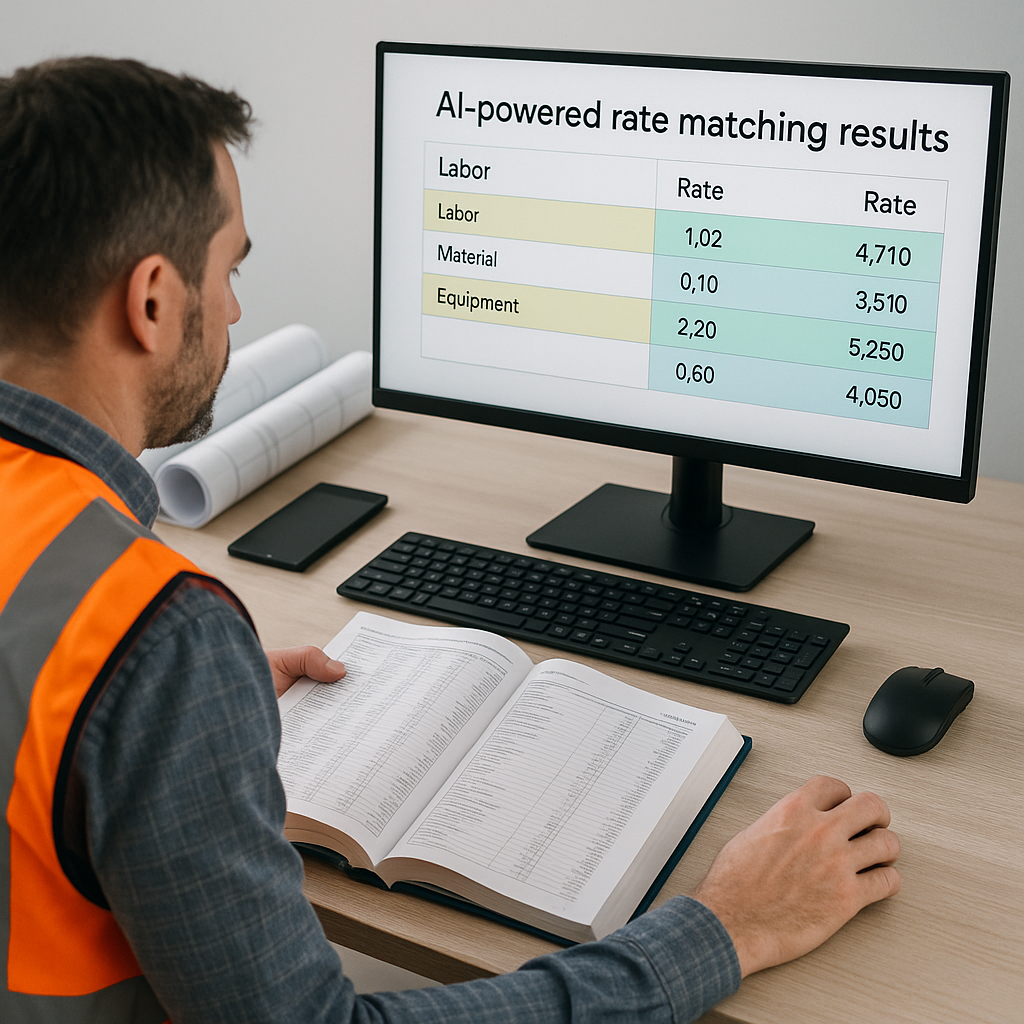
The Problem Nobody Talks About: Rate Matching
Let’s be honest—rate matching sucks. If you’ve ever spent hours flipping through a 2,000-page rate book like RSMeans or CPWD DSR, you know the drill. You’re trying to find that one labor rate for a specific task. Or worse, you’re manually calculating costs for custom materials because the book doesn’t even cover it. Doesn’t matter if you’re a GC preconstruction director in Boston or a regional contractor in Bangalore—manual rate matching is a universal headache.
And it’s not just tedious; it’s costly. One wrong match can throw off your bid by thousands, especially on larger projects. I’ve seen teams lose bids not because their pricing was too high, but because their rate matching was sloppy. The alternative? Overcompensating with a higher contingency "just in case" your rates are off. Either way, you lose.
Take the case of a regional contractor in Chicago who was bidding on a $15 million commercial renovation. They underestimated the labor rates for a specialized HVAC installation by 20%, costing them the entire bid. On the flip side, I've seen contractors overestimate rates for custom materials by as much as 30%, pushing their bids into the "too expensive" pile. These mistakes are avoidable, but only if you streamline your rate-matching process.
Enter AI-Powered Rate Matching
Imagine typing "installing pre-stressed concrete girders" into a search bar and getting the exact labor, material, and equipment rates—matched to your location, catalog, and project specs—in seconds. That’s what AI-powered rate matching does.
Take EstimateNext’s 4-step rate matching engine as an example. It pulls from a database of 78,000+ SOR (Schedule of Rates) items across 135+ catalogs. Here’s how it works:
- Tenant History: If you’ve used a rate before, it prioritizes that. Why reinvent the wheel?
- User Catalogs: Got custom rates? Upload them, and the AI integrates them seamlessly.
- Country-Level Widen: Need local compliance? It matches CPWD, RSMeans, or CESMM3 standards depending on your market.
- AI Fallback: Can’t find an exact match? The system suggests the closest rates, complete with confidence scoring and an audit trail.
Case Study: $1 Billion Rail Project
A mid-sized contractor recently used this feature on a $1 billion rail project. They matched thousands of rates in minutes—what would’ve taken days manually. More importantly, they avoided guesswork, which means fewer change orders down the line. Their project manager reported a 35% reduction in preconstruction time and a 10% improvement in bid accuracy.
Another example? A general contractor in Sydney used AI rate matching for a complex healthcare project involving custom materials like antimicrobial copper and prefabricated walls. By integrating their own pricing catalogs, they achieved a 25% faster turnaround on rate matching compared to their manual process.
Why Speed Isn’t the Only Benefit
Speed is great, but accuracy is where AI really shines. Manual rate lookup is prone to human error. AI? It learns. By the third project, EstimateNext users report significant accuracy improvements because the system adapts to their preferences.
And let’s not forget transparency. Every rate match comes with an audit trail. So when the client asks, "Why does this cost so much?", you can show them exactly how the rate was calculated. Trust me, that’s a game-changer in client negotiations.
Actionable Steps to Leverage AI Accuracy:
- Audit Historical Projects: Feed past project data into the system. This allows the AI to learn your pricing preferences faster.
- Standardize Custom Catalogs: If you frequently work with custom materials, organize your pricing into a digital catalog before uploading it.
- Leverage Audit Trails in Meetings: Use the AI-generated rate breakdowns to justify costs during client or stakeholder meetings.
What About Custom Rates?
You might be thinking, “This all sounds great, but my projects use custom materials and finishes. Will AI work for me?” Short answer: yes. Platforms like EstimateNext let you upload custom catalogs. The AI treats them as first-priority matches. So whether you’re pricing Italian marble or bespoke HVAC systems, you’re covered.
Here’s an example: A luxury residential contractor in Los Angeles uploaded a catalog of high-end finishes, including European-imported hardwoods and custom lighting fixtures. The AI integrated this data and matched rates specific to their projects, saving the team 12 hours of manual rate hunting per bid.
Key Comparison: Manual vs. AI for Custom Rates
| Feature | Manual Rate Matching | AI-Powered Rate Matching |
|---|---|---|
| Time to Match Rates | 10–20 hours/project | 15–30 minutes/project |
| Risk of Error | High | Low |
| Integration with Custom Rates | Manual input required each time | Seamless once uploaded |
| Scalability for Large Projects | Limited | Highly scalable |
The Obvious Objection: "But AI Can’t Think Like an Estimator"
I hear this all the time. And it’s partially true. AI doesn’t replace your expertise. It won’t negotiate with subs or decide your markup. What it does is handle the grunt work—like finding rates, cross-referencing catalogs, and recalculating costs when the scope changes.
Think of it as an apprentice who gets smarter with every project. You’re still in charge, but you’re no longer wasting hours on tasks a machine can do faster and better.
Pro Tip: Use AI to Enhance, Not Replace
- Combine AI rate matching with your industry knowledge to validate results.
- Use the time saved for value engineering, strengthening bids, or building client relationships.
How to Get Started
If you’re new to AI-powered tools, start small. Try it on a mid-sized project and compare the results against your manual process. Pay attention to the time saved, the accuracy of the matches, and the feedback loop. Most platforms, including EstimateNext, are designed to integrate with your existing tools like Bluebeam, Procore, and Excel.
Steps for a Smooth Start:
- Pilot on a Test Project: Choose a project with a mix of standard and custom rates for benchmarking.
- Train Your Team: Invest a few hours in team training, leveraging vendor resources and tutorials.
- Monitor and Adjust: Review the first few projects, and provide feedback to the AI to improve future matches.
Final Thoughts
Rate matching doesn’t have to be a time sink. With AI-powered tools, you can cut hours of manual work, improve accuracy, and focus on what really matters—winning bids and delivering projects profitably.
If you're tired of flipping through rate books, it’s time to try AI. Get started free →


