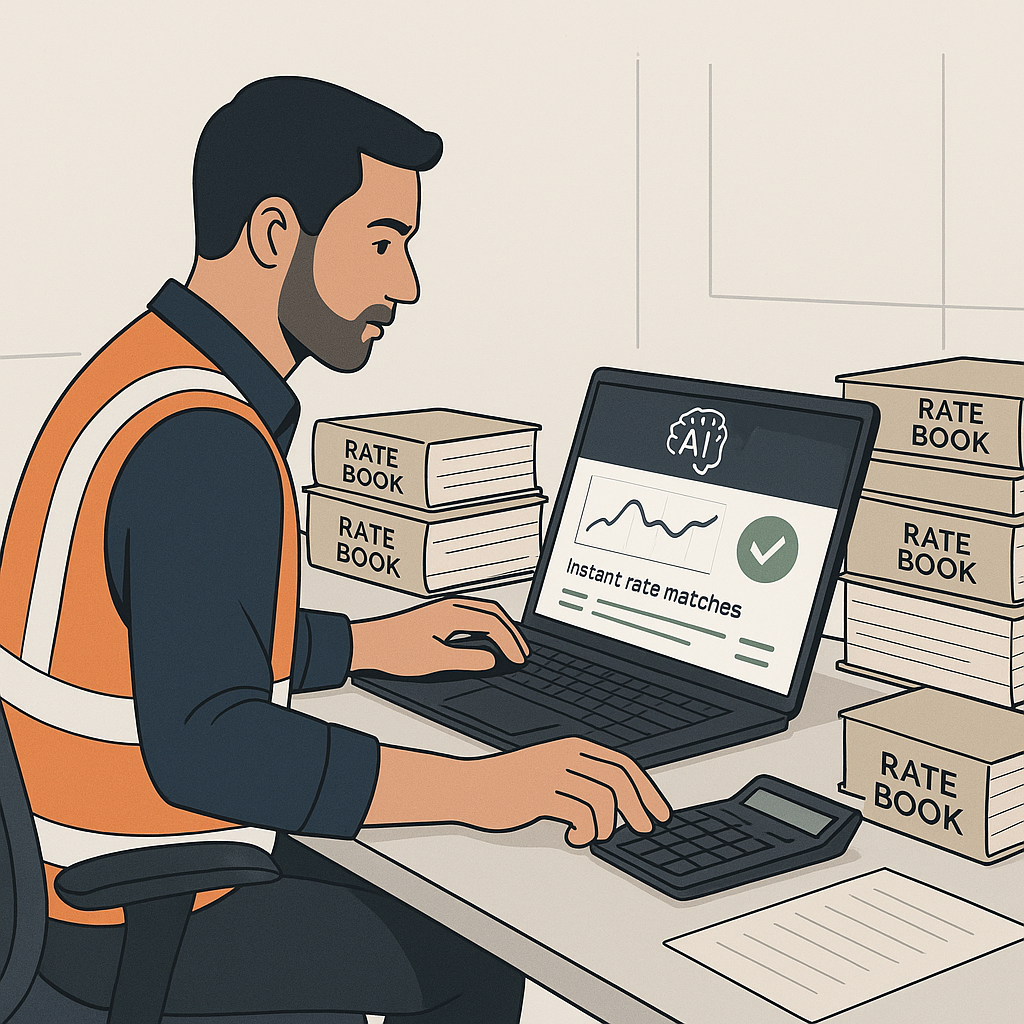
78,000 Rates Matched in Seconds: How AI Ends Manual Estimation Frustration
If you’re still flipping through 2,000-page rate books or endless PDFs for every estimate, you’re wasting time. A lot of it. Rate lookup might seem like a small task, but it adds hours to every bid. Multiply that by the number of projects you bid on each year—what do you get? Hundreds of wasted hours.
But here’s the good news: AI-powered tools like EstimateNext have made manual rate lookups obsolete. Imagine typing “install pre-stressed concrete girders” into a search bar and getting the exact rate in seconds. No more guessing, flipping, or manually cross-referencing catalogs.
The Hidden Cost of Manual Rate Lookups
Let’s be honest: rate lookup is a grind. Whether you’re using RSMeans, CPWD DSR, or a custom catalog, the process is painfully slow. Here’s what it usually looks like:
- Find the right section of the rate book.
- Skim through dozens (or hundreds) of similar items.
- Cross-check descriptions to make sure it’s the exact match.
- Add it to your spreadsheet manually.
Rinse and repeat for every line item in the BOQ. On average, this process eats up 12 hours per estimate, according to a McKinsey report. That’s nearly two full working days—gone.
And it’s not just time. Manual lookups introduce errors. Misreading a rate or picking the wrong item can throw your entire estimate off. For high-stakes bids, those mistakes can cost hundreds of thousands of dollars. Take the example of Carillion, a UK-based construction giant, whose inaccurate estimations contributed to its eventual collapse.
Actionable Steps to Minimize Manual Errors
If you’re stuck with manual processes, here are three immediate steps you can take:
- Standardize Rate Lookup Protocols: Ensure your team uses consistent methods for cross-referencing descriptions and rates. This reduces variability in estimates.
- Double-Check High-Cost Items: Prioritize verification for items with the highest cost impact in your BOQ.
- Invest in Training: Teach junior estimators how to spot discrepancies in rate catalogs.
While these steps help, they’re only a stopgap solution. AI tools eliminate these issues entirely.
How AI Changes the Game
AI-powered rate matching eliminates the manual grind. Here’s how tools like EstimateNext work:
- Semantic Search: You upload your BOQ, and the AI understands the context. It doesn’t just look for exact matches; it finds related items and prioritizes the best fit.
- 78,000+ Items Indexed: With over 135 catalogs (including RSMeans, CPWD DSR, and state-specific SORs), the database is exhaustive. Need a regional labor rate? It’s there.
- Custom Catalogs: Got your own rates? Upload them. The AI integrates them seamlessly and uses them for future matches.
- Real-Time Results: Lookups that used to take hours now take seconds. You can even tweak inputs (e.g., labor vs. material cost splits) and see updated results instantly.
Case Study: A Major GC’s Rail Bridge Bid
Let’s make it real. Say you’re pricing a large rail bridge like a major contractor’s billion-dollar project. Your BOQ includes concrete columns, rail ties, and structural steel. Manually finding DOT-approved rates could take days.
With AI:
- Upload your BOQ.
- Type “rail ties” into the search bar.
- Get the exact DOT-approved rate, plus alternatives for different regions.
Done. In under a minute.
Real-World Results: A mid-sized general contractor reported saving 120 hours on a high-rise project by automating rate matching. That’s three full weeks of work condensed into minutes.
The Objection: “AI Can’t Replace My Expertise”
You’re right—it can’t. And it shouldn’t. AI isn’t here to replace estimators; it’s here to amplify them. You still make the judgment calls, negotiate with subs, and decide on markups. The AI just takes care of the grunt work.
Think of it this way: would you rather spend 12 hours flipping through PDFs or focus on what really matters—like fine-tuning your bid strategy?
Amplifying Expertise with AI
Here’s how AI complements your skills:
- Decision Support: By providing accurate rate matches, AI lets you focus on strategic decisions, like markup percentages and risk allocation.
- Error Reduction: The human eye is prone to fatigue, but AI algorithms don’t miss details.
- Feedback Loops: Every time you accept or reject a match, the AI learns. Within 2-3 projects, you’ll see near-perfect accuracy.
What About Custom or Regional Rates?
This is a common concern. Here’s the answer:
- Custom Rates: You can upload your own rate catalogs. The AI integrates them, so your estimates reflect your actual costs.
- Regional Variations: The platform supports multi-country rate profiles (e.g., India’s CPWD DSR, AECOM Middle East rates). You can even adjust for inflation or currency changes.
Comparison Table: Manual vs. AI Rate Matching
| Feature | Manual Process | AI-Powered Tools |
|---|---|---|
| Time per Estimate | 12 hours | Seconds |
| Error Rate | High (human error) | Low (<1% after training) |
| Scalability | Limited | Scales to any project |
| Regional Rates Supported | Manual adjustment | Automated |
| ROI | $1,560 saved per project | $7,800+ per year |


