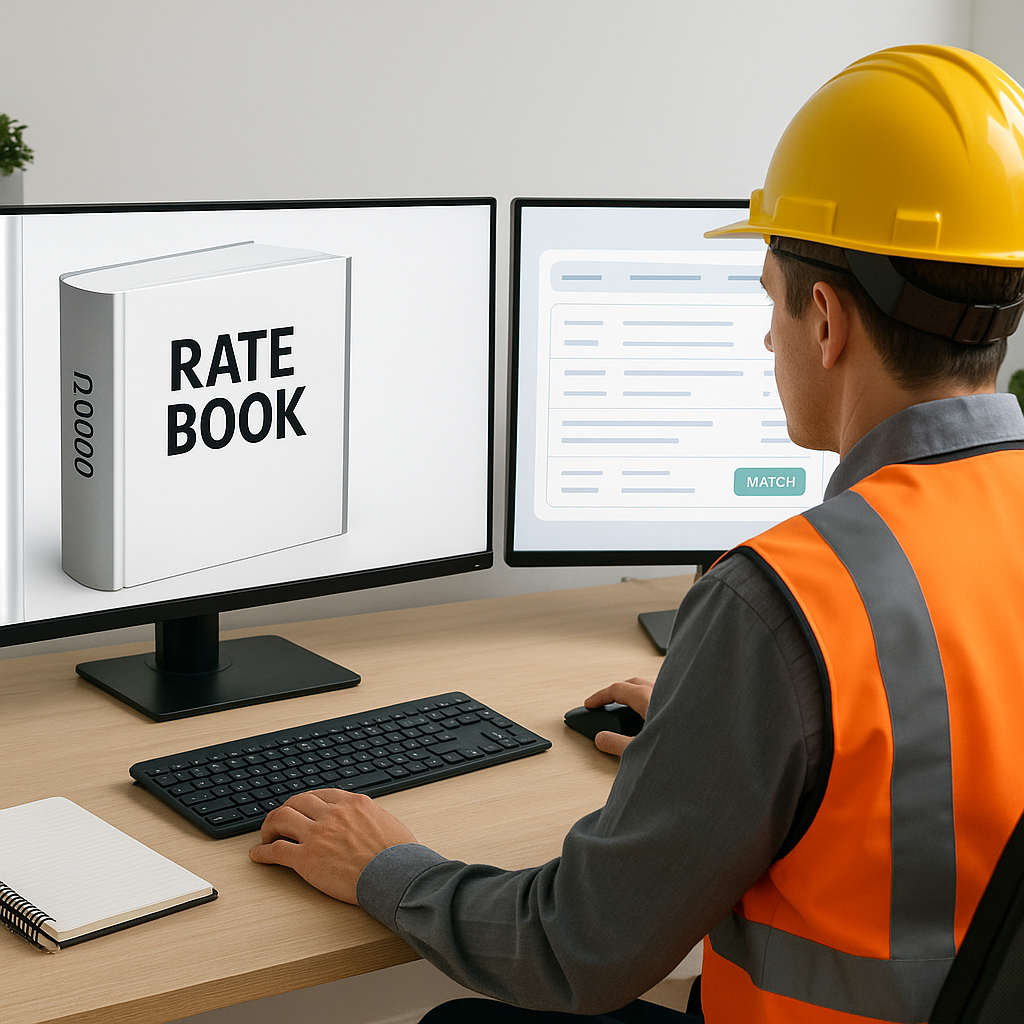
Why Rate Lookups Are Killing Your Team’s Productivity
If you've ever spent hours flipping through a 2,000-page RSMeans book or a CPWD DSR PDF, you know the pain. You're trying to find that one specific labor or material rate, and it feels like looking for a needle in a haystack. Multiply this across an entire Bill of Quantities (BOQ), and you're staring down 10, 12, maybe even 20 hours of your life you’re never getting back.
It’s not just the time, though. Rate lookups are mentally draining. Miss one detail, and you might end up underpricing a bid by tens of thousands—or overpricing and losing the job entirely. Either way, it’s a lose-lose situation.
Here’s where AI shows up and changes the game entirely.
AI Rate Matching: What It Actually Does
AI rate matching isn’t just some buzzword. It’s about getting you the right data in seconds instead of hours. Tools like EstimateNext use semantic search to comb through massive databases—78,000+ Schedule of Rates (SOR) items, just to give you some perspective—and find exactly what you need instantly.
Let’s say you’re a GC pricing out a $50M high-rise. You need rates for installing pre-stressed concrete girders. Instead of manually flipping through a PDF or relying on outdated Excel sheets, you type in your query. The AI pulls up what you need in seconds, along with labor, material, and equipment breakdowns. It even highlights the most relevant rates based on historical matches, your location, and project type.
You’re not just saving time. You’re freeing up your brain to focus on high-value work like strategy, value engineering, and client communication.
Actionable Steps to Implement AI Rate Matching
- Define Your Data Input: Start by uploading your rate books, SOR catalogs, or historical project data into the AI tool. Many platforms allow custom uploads.
- Train the System Early: Use smaller projects initially to familiarize your team with the tool and refine its accuracy.
- Establish Overrides: Utilize manual overrides to ensure rates align with your firm's pricing strategy.
- Integrate with Existing Tools: Connect the AI platform with your project management software and Excel templates for seamless workflows.
Real-World Example: Saving Time and Money
Let’s look at a real-life example. A mid-sized general contractor recently used EstimateNext while bidding on a $1B rail bridge project. With traditional methods, rate lookup for the BOQ would have taken their team around 56 hours. Instead, the AI handled it in under 10 minutes.
What does that mean in dollars and cents? Simple math. Let’s assume their estimators are paid $50/hour. That’s $2,800 saved on just one project. Not to mention the opportunity cost—those same estimators could now run checks on two or three more bids in the time it would’ve taken them to finish this one.
Case Study: Small Contractor Scaling Quickly
Consider a smaller contractor specializing in $2M-$5M renovation projects. Before adopting AI tools, they could only bid on 5 projects per month due to the manual workload. After integrating EstimateNext, they doubled their output to 10 bids per month. This increase not only boosted their chances of winning new contracts but also improved their profitability by enabling them to prioritize higher-margin projects.
The Trust Factor: “But AI Can’t Think Like an Estimator”
Here’s the objection I hear all the time: “Okay, AI is fast, but it doesn’t understand the nuances of construction.” Fair point. AI won’t replace your experience. But that’s not its role.
AI estimation tools like EstimateNext don’t make decisions for you. They’re tools—like the nail guns and laser levels your crews use on-site. The difference? Instead of nailing wood, they’re hammering through data. You’re still the one steering the ship, making the judgment calls, and deciding on markups.
How AI Complements Human Expertise
- Pattern Recognition: AI identifies trends in rates based on geography, project type, and historical data.
- Customizable Outputs: You control the final pricing by adjusting rates, markup percentages, or inflation factors.
- Feedback Loops: Every correction you make helps improve the tool’s accuracy over time.
Also, these tools improve over time. The more you use them, the smarter they get. By the third or fourth project, they’re already predicting the rates you’ll want to use. And if a rate is off? You can override it and teach the system. It’s like training a new estimator, but one that doesn’t take coffee breaks.
Why This Matters Now More Than Ever
The construction industry isn't exactly known for its love affair with tech. But let’s face it—projects are getting more complex. Timelines are tighter. And skilled estimators? They’re harder to find than ever. According to a 2023 McKinsey report, early adopters of AI in construction have seen cost savings of 10-20% per project.
Industry Trends Driving AI Adoption
- Labor Shortages: With fewer skilled estimators available, automation fills the gap.
- Tighter Margins: Competitive bidding requires precision and efficiency.
- Data Overload: Modern projects generate huge volumes of cost and design data—AI helps process it faster.
Think about what you could do with all the time you’d save. More bids. Better bids. Or maybe just getting home in time for dinner.
Comparison Table: Manual Rate Lookup vs. AI Rate Matching
| Feature | Manual Method | AI-Powered Method |
|---|---|---|
| Time per BOQ Lookup | 10-20 hours | Under 10 minutes |
| Accuracy | Prone to human error | High, with overrides |
| Scalability | Limited | Unlimited |
| Cost Savings per Project | Minimal | $2,000-$5,000+ |
| Learning Curve | None | 1-2 weeks |
The Bottom Line
Manual rate lookups are a waste of time. Period. AI-powered estimation tools like EstimateNext not only save you hours but also help you win more bids and increase profitability. The ROI is clear: save thousands per project, respond to more bids, and avoid costly mistakes.
If you’re tired of wasting hours on manual rate lookups, EstimateNext can help. Get started free →


