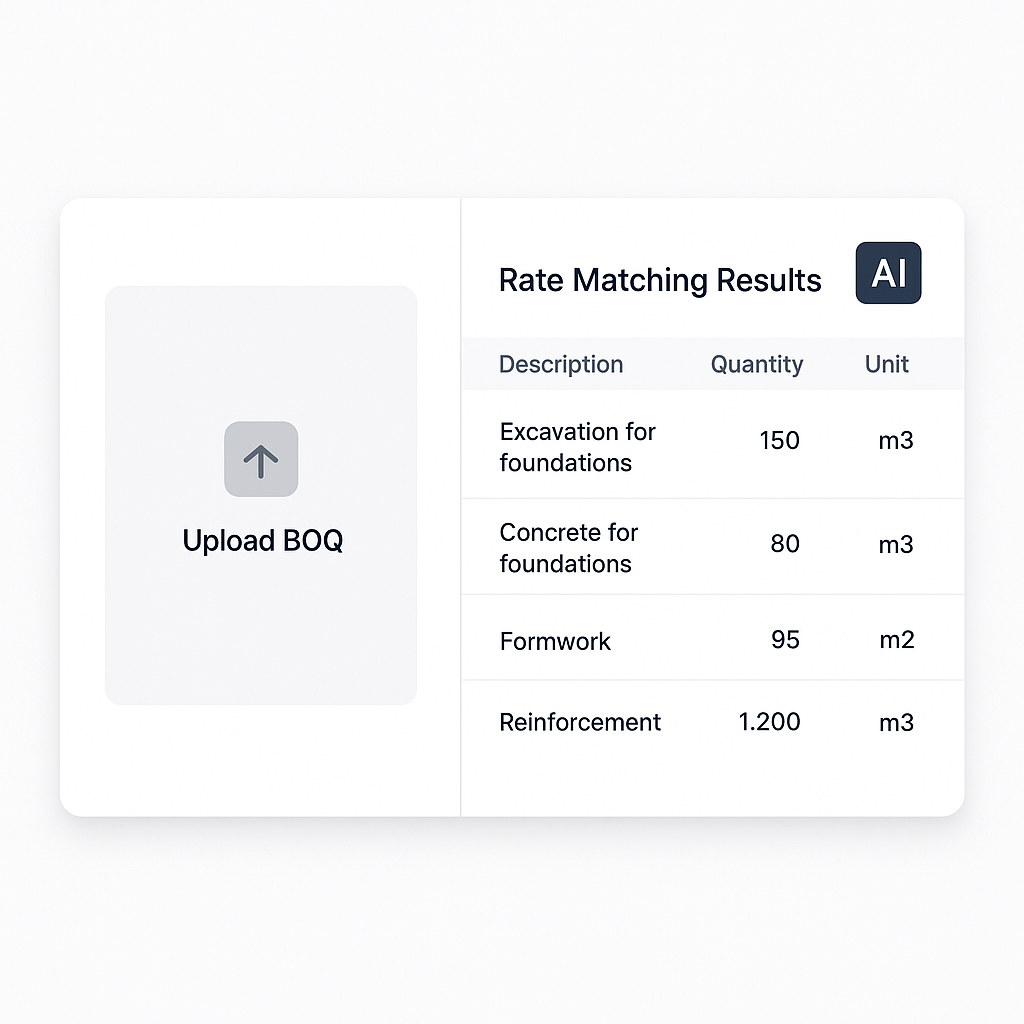
Stop Losing Time (and Bids) to Manual Rate Lookups
Every estimator knows the pain: you’ve got a deadline, a BOQ with 1,200 items, and a 2,000-page rate book staring at you. Matching rates manually isn’t just slow—it’s a bottleneck that costs you bids. If you’re still flipping through PDFs or outdated Excel sheets, you’re wasting hours of your life on something AI can do in seconds. Let’s break this down and see how modern solutions can revolutionize your workflow.
The Brutal Math of Manual Rate Matching
On average, it takes about 30 seconds to look up and confirm a single rate. Multiply that by 1,200 BOQ items, and you’re staring at 10 hours of mind-numbing work—assuming no interruptions or errors. Let’s look at two common scenarios:
- General Contractors (GCs): If you're a GC estimator juggling five GMP pursuits a year, that’s 50 hours gone just to match rates.
- MEP Subcontractors: Responding to 30–60 bid packages annually? That’s upwards of 300–600 hours spent on repetitive, manual work.
To put this into perspective, those hours represent weeks of productivity. Now compare that to what AI-powered tools like EstimateNext can do. Using semantic search across 78,000+ items, these tools find and recommend rates almost instantly. For example:
- Scenario: Need a labor rate for installing pre-stressed concrete girders?
- Manual Method: You’d flip through pages or scroll through spreadsheets for 2–3 minutes per item.
- AI-Powered Method: Type in the item description, get a match within seconds, and move on.
This isn’t just theoretical. For instance, a mid-sized general contractor saved 120 hours on just one high-rise bid using EstimateNext’s rate-matching feature. Imagine what you could do with three extra workweeks per project.
Why AI Rate Matching Works
AI doesn’t just speed things up—it eliminates the common pitfalls of manual lookups. Let’s break down the key features:
1. Semantic Search
- Problem: If you type "plastering walls" but your rate catalog says "wall plaster," traditional search tools fail.
- AI Solution: AI understands context, so it knows these terms are equivalent. It can even interpret abbreviations or industry-specific jargon.
2. Custom Catalogs
- Problem: Default databases don’t account for your unique rates, especially if you have negotiated supplier discounts or project-specific markups.
- AI Solution: Upload your own rate sheets, and the AI integrates them seamlessly. It ensures your estimates reflect your actual costs, not generic averages.
3. Learning Over Time
- Problem: Repeating corrections is frustrating and error-prone.
- AI Solution: The system learns as you use it. If you adjust a rate or prefer a certain vendor, it remembers and applies those preferences in the future.
4. Audit Trail
- Problem: Clients and stakeholders often ask for justification behind a specific rate.
- AI Solution: Every match comes with a breakdown of material, labor, and equipment costs, making it easy to verify and defend your estimate.
These features address common frustrations faced by estimators. For example, one regional contractor in India reduced their CPWD Plinth Area Rates lookup time from 12 hours to under 10 minutes—a massive productivity boost.
The Multiplier Effect: Beyond Time Savings
You might be thinking, "Okay, I save time, but what’s the big picture?" It turns out, the benefits extend far beyond speed. Here’s how AI-driven rate matching impacts your bottom line:
1. More Bids, Less Stress
When rate matching takes minutes instead of hours, your team can respond to more bids without burning out. For example:
- Before AI: A mid-sized MEP subcontractor could manage 40 RFPs annually, max.
- After AI: The same team can handle 60 RFPs with no increase in headcount.
That’s a 50% boost in capacity—meaning more revenue opportunities.
2. Improved Accuracy Builds Trust
Misquoted rates can destroy client trust and even lead to financial losses. AI tools ensure your estimates are:
- Backed by real-time data.
- Consistently accurate.
- Fully auditable for client transparency.
3. Focus on Strategy, Not Admin
Manual rate matching is tedious and error-prone. When estimators aren’t bogged down by grunt work, they can:
- Optimize margins.
- Develop creative solutions for cost savings.
- Strengthen relationships with subcontractors and suppliers.
The Obvious Objection: "But AI Can’t Think Like an Estimator"
I hear this all the time: "Sure, AI is fast, but it doesn’t understand the nuances of construction." And you know what? That’s partially true. AI doesn’t:
- Know your local supplier’s quirks.
- Understand your unique markup strategies.
But that’s not the point. AI isn’t here to replace your expertise—it’s here to amplify it. You’re still in control, making the judgment calls. The AI just handles the repetitive tasks so you can focus on the decisions that actually matter.
How to Get Started
If you’re ready to stop wasting time on manual lookups, here’s how to make the switch:
- Start Small: Test AI rate matching on a single BOQ. Most tools, including EstimateNext, offer free trials.
- Upload Your Own Data: Customize the tool with your rates to ensure the AI reflects your actual costs.
- Train Your Team: While intuitive, a quick walkthrough can boost confidence, especially for junior estimators.
- Measure ROI: Track how many hours you’re saving and how many more bids you’re able to respond to.
Real-World Results
Let’s look at some real-life examples:
- Case Study 1: A regional contractor in India reduced CPWD Plinth Area Rates lookup time from 12 hours to under 10 minutes.
- Case Study 2: A US-based MEP subcontractor cut their quote turnaround from 72 hours to just 4 hours—a 94% reduction.
- Case Study 3: A mid-sized general contractor saved 120 hours on a high-rise bid, reallocating that time to strategic planning.
These aren’t just time savings—they’re competitive advantages.
Comparison Table: Manual vs. AI Rate Matching
| Feature | Manual Process | AI-Powered Process |
|---|---|---|
| Time Per Rate Lookup | 30 seconds–3 minutes | Instant |
| Error Rate | High (human fatigue) | Low (data-driven) |
| Customization | Limited | Fully customizable |
| Scalability | Low | High |
| Learning Curve | N/A | Minimal |
Ready to Fix Your Bottlenecks?
If you’re tired of wasting hours on manual rate lookups, AI-powered tools like EstimateNext can help. Upload your first BOQ and get a priced estimate in minutes. Get started free →


