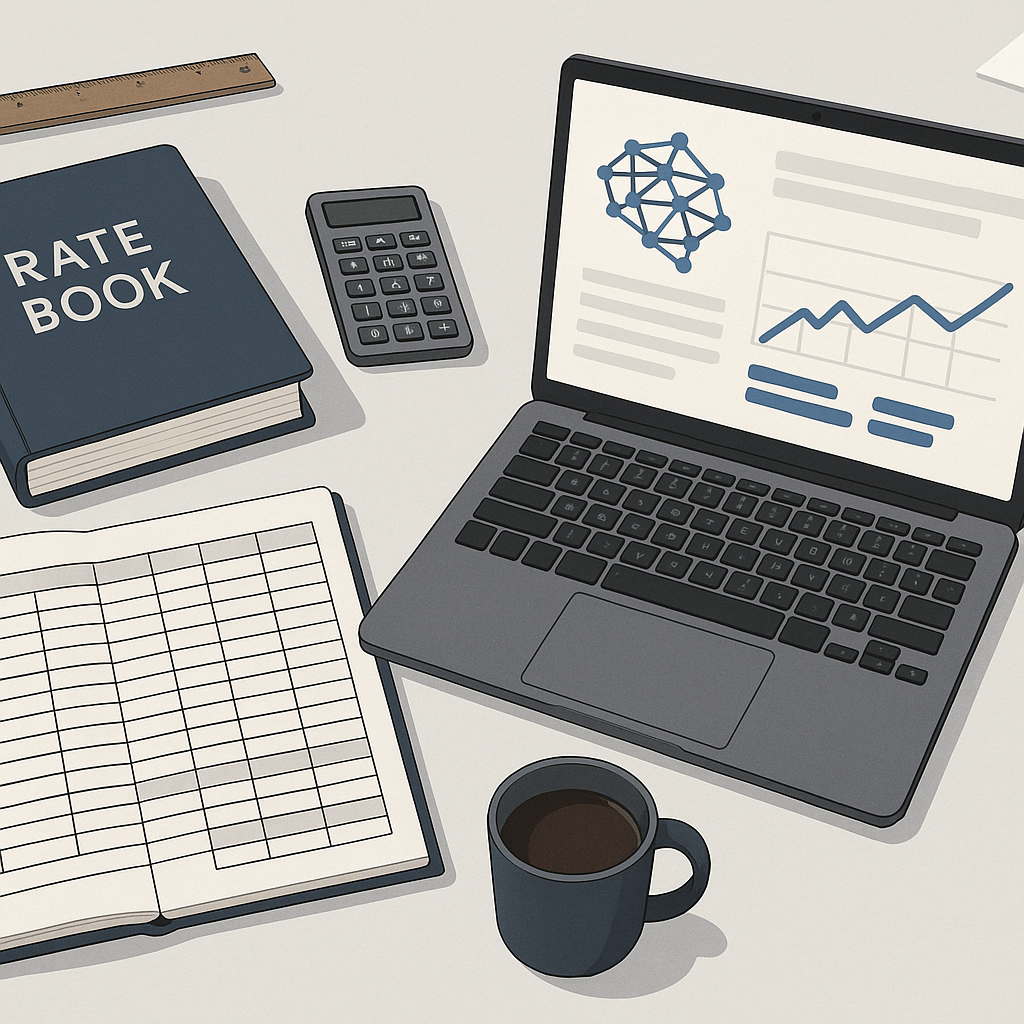
The Problem: Rate Matching Is a Time Sink
Anyone in preconstruction knows this drill. You’re pricing a bid, and the BOQ calls for something like “3-inch PVC pipe, Schedule 40.” So, what do you do? You dig into your rate book, scroll through RSMeans, or open that 12-tab Excel file you inherited from someone who left five years ago. Hours are spent hunting for the right rate. And that’s before you even add labor, overhead, or inflation adjustments.
Why does this take so long? Because rate books weren’t built for speed. They’re static, they’re massive, and they’re often out of date by the time you use them. Worse, if you’re working on a multi-market project, you’re juggling rates across cities, states, or even countries, each with its own labor rules and tax structures.
It’s slow, it’s manual, and let’s be honest—half the time, you’re guessing. That’s not just frustrating; it’s risky. Get the rates wrong, and you’re either losing money or losing the bid entirely. For example, a contractor working on a multi-city logistics warehouse project in California recently spent 36 hours manually reconciling rates across five jurisdictions, only to realize halfway through that one rate was outdated and threw off the entire estimate.
The Solution: AI-Powered Rate Matching
This is where AI tools like EstimateNext change the game. Instead of manually flipping through PDFs or Excel sheets, you type in what you need—“3-inch PVC pipe, Schedule 40”—and the AI pulls up the most relevant rates in seconds. It scans 78,000+ items across 135+ catalogs, including CPWD DSR for India, RSMeans for the U.S., and AECOM for the GCC.
Let’s break this down with a real-world example. Say you’re a general contractor pricing a high-rise project in Chicago. You upload your BOQ, and the AI instantly matches every line item to the appropriate rates, adjusting for local labor costs, inflation, and materials. Need to tweak the labor markup or add a custom material rate? Done in seconds. No more guesswork, no more flipping through pages.
Actionable Steps for Using AI-Powered Rate Matching
- Upload Your BOQ: Ensure your BOQ is clean, with clear descriptions and no merged cells. This step maximizes the AI’s accuracy.
- Review Matched Rates: The AI pulls rates in seconds, but human oversight ensures precision—double-check any outliers.
- Adjust Variables: Add markup, inflation adjustments, or any custom rates specific to your project.
- Export and Share: Once finalized, export the estimate into your preferred format, whether it’s Excel, Procore, or PDF.
But Does It Actually Work?
Fair question. AI-powered rate matching isn’t perfect, and it doesn’t claim to be. The accuracy depends on the quality of the input data. If your BOQ is a mess with merged cells and missing descriptions, even the best AI can only do so much. But when the input is clean, the results are impressive.
For example, a mid-sized contractor used EstimateNext on a $1B rail project. Their team saved 12 hours per estimate just on rate lookups. That may not sound like much, but multiply that by 20 estimates a year, and you’re looking at 240 hours saved. That’s six full workweeks you can redirect toward higher-value tasks—like refining your bid strategy or negotiating with subs.
Another case study involved a subcontractor bidding on a $75M hospital renovation in Florida. Using AI, they identified discrepancies in labor rates across three counties that would have cost them $250,000 if left unchecked.
Why Input Quality Matters
- Clean BOQs Lead to Better Matches: Ensure descriptions are specific (e.g., “Schedule 40 PVC” vs. “PVC pipe”).
- Standardized Units Prevent Errors: Consistency in units (e.g., cubic meters, linear feet) reduces mismatches.
- Avoid Overloading AI: While AI can handle large data sets, overly complex or vague BOQs can slow down processing.
The Obvious Objection: “But AI Can’t Think Like an Estimator”
You’re right. AI doesn’t understand the nuances of a bid the way a seasoned estimator does. It’s not going to tell you whether to use precast concrete instead of cast-in-place. But that’s not the point. AI isn’t here to replace you; it’s here to handle the grunt work so you can focus on the big decisions. Think of it as your assistant, not your replacement.
For example, estimating whether to use precast concrete versus cast-in-place is a decision based on project scope, timeline, and logistical constraints—factors only human judgment can weigh. AI simplifies the repetitive tasks so you can focus on these high-level decisions.
What About Custom Rates?
Another common concern is, “What if my rates are unique?” No problem. AI tools like EstimateNext let you upload your own rate catalogs or define custom rates for specific items. Once you’ve added them, the AI integrates them seamlessly for future use. The more you use it, the smarter it gets. By your third or fourth project, it’s practically reading your mind.
What Makes Custom Rates Work?
- Upload Your Rate File: Tools like EstimateNext accept Excel, CSV, or API integrations.
- Define Specific Parameters: Add notes for context—e.g., “labor rates include overtime adjustments.”
- Reuse and Refine: Over time, the AI adapts to your unique catalog, improving efficiency project by project.
Why Speed Matters More Than Ever
In today’s market, speed isn’t just a nice-to-have; it’s a competitive advantage. Subcontractors are pricing 30-60 bid packages a year, and GCs are chasing 5-8 GMP pursuits annually. If you’re taking three days to price a package while your competitors do it in four hours, guess who’s winning the bid? Hint: It’s not you.
AI-powered rate matching doesn’t just save time; it helps you respond faster, bid more, and win more. That’s real ROI.
Comparison Table: Manual Rate Matching vs. AI-Powered Rate Matching
| Aspect | Manual Rate Matching | AI-Powered Rate Matching |
|---|---|---|
| Time Spent | 8-36 hours per estimate | 1-2 hours per estimate |
| Accuracy | Prone to human error | 99% accurate with oversight |
| Adaptability | Static rates, hard to customize | Dynamic, integrates custom catalogs |
| Scalability | Struggles with large projects | Handles small to large projects |
| Competitive Edge | Slower bid response | Faster bid turnaround |
The Bottom Line
AI-powered rate matching isn’t a luxury; it’s becoming a necessity. If you’re still relying on manual lookups, you’re wasting time and leaving money on the table. Tools like EstimateNext give you speed, accuracy, and a competitive edge.
If you’re dealing with the headaches of manual rate matching, EstimateNext can help. Get started free →


