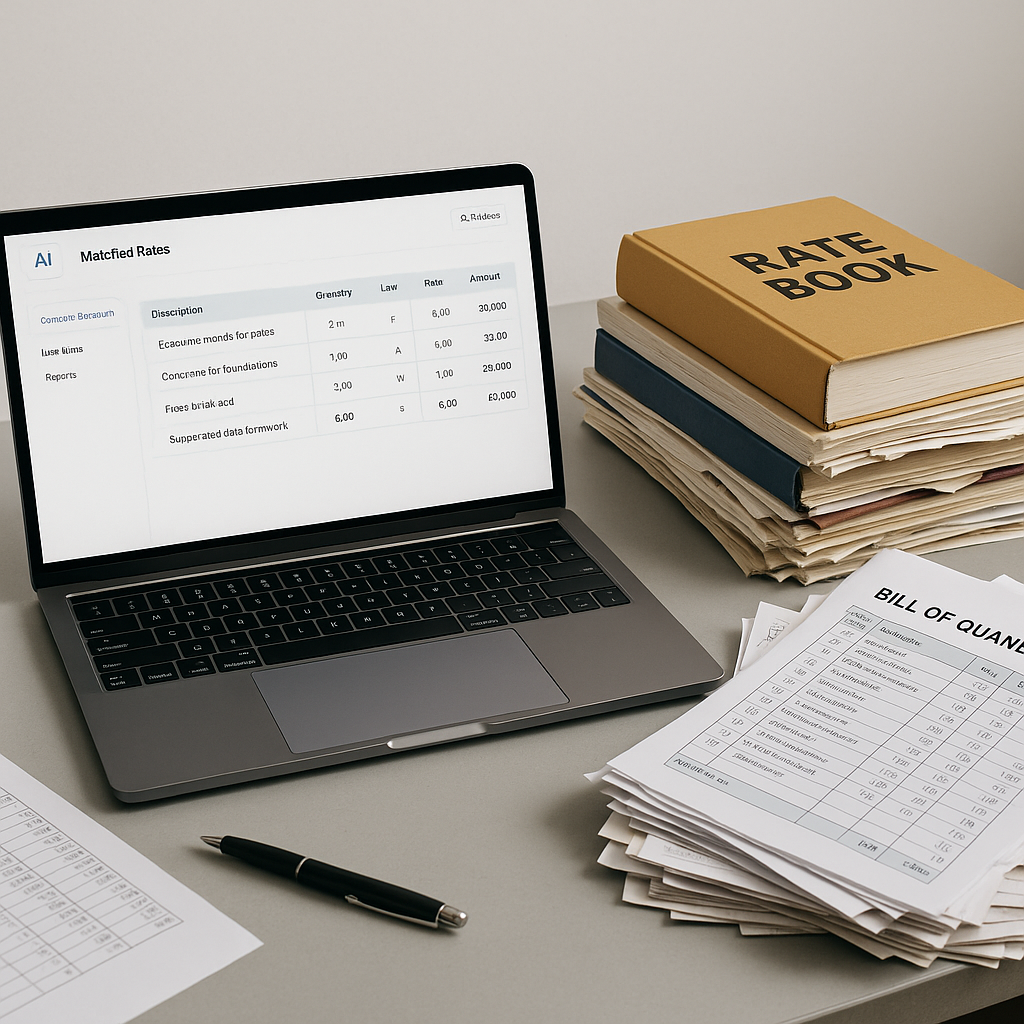
78,000 Rates Matched in Seconds: Why Estimators Are Ditching PDFs
If you’re still flipping through a 2,000-page CPWD or RSMeans rate book, stop. You’re not just wasting time—you’re exposing your estimates to errors that can cost your firm the bid. AI-powered rate matching tools, like EstimateNext, are changing how smart teams approach preconstruction.
The Problem: Rate Lookup Is a Hidden Time Sink
Estimators spend hours—sometimes entire days—looking up rates manually. Let’s say you’re pricing a high-rise. You need rates for concrete, structural steel, glazing, labor, equipment, and more. Each rate has to align with your project location, catalog version, and specs. Miss one line item, and the entire estimate is off.
To make matters worse, state SORs (Schedule of Rates) update yearly, sometimes mid-project. Regional contractors in India, for example, juggle 2,000-page PDFs from CPWD or state PWDs. In the US, RSMeans catalogs are updated annually, and city-specific indices shift costs even further. Keeping up is a nightmare.
A Case Study: Manual Rate Lookup Gone Wrong
Consider a mid-sized contractor in New Delhi working on a government-funded hospital project. The estimator relied on a 2019 CPWD rate book because the 2023 update wasn’t readily available. A single outdated rate for reinforced concrete (off by just 5%) caused their bid to be $100,000 higher than the competition on a $2M project. They lost the bid, and the client explicitly cited the inflated costs as the reason.
Manual lookup isn’t just slow—it’s error-prone. A wrong rate or outdated catalog can push your bid from competitive to laughable. And when you’re facing razor-thin margins, there’s no room for error.
The Solution: AI-Powered Rate Matching
AI tools like EstimateNext eliminate this bottleneck in seconds. Instead of scrolling through PDFs or digging through Excel sheets, you upload your BOQ (Bill of Quantities) and let the AI do the grunt work. Here’s how it works:
1. Semantic Search Across 78,000+ Items
Instead of flipping pages, type in “reinforced concrete slab” or “Davis-Bacon labor rates.” The AI scans its database of over 78,000 SOR items and returns the exact match, complete with labor, material, and equipment breakdowns. It even suggests inflation adjustments based on catalog year.
Example: A contractor in Texas needed labor rates based on the 2022 Davis-Bacon wage determination for electricians. The AI not only pulled the correct rate but also highlighted regional adjustments for Houston.
2. Custom Rate Integration
Got special materials or custom finishes? Upload your own rates, and the AI integrates them for future use. This is a game-changer for firms handling specialized projects.
Example: A luxury residential contractor uploaded custom rates for imported Italian marble. The AI learned these rates and applied them automatically in subsequent bids, saving hours of manual input.
3. Audit Trail
Every rate match comes with a full audit trail. You can see the source catalog, inflation uplift, and any manual overrides. Transparency builds trust—not just internally but with clients and auditors.
Comparison: With manual methods, you’d need to manually annotate PDFs or Excel sheets to justify your rates. AI tools automatically document every decision, ensuring compliance with industry standards.
Real-World Impact: Saving Hours, Avoiding Errors
Here’s the math. Manual rate lookup eats up 12 hours per estimate on average. For a mid-sized contractor bidding on 30 projects a year, that’s 360 hours gone. With AI, the same task takes seconds. You’re saving weeks of labor annually—time that can be spent refining bids or pursuing more projects.
But it’s not just about speed. Accuracy improves dramatically. According to a 2023 McKinsey report, early adopters of AI in construction see cost savings of up to 20% per project. Why? Because AI reduces human error and ensures you’re always working with the most up-to-date rates.
Case Study: A Winning Bid
A regional contractor in Florida was bidding on a $10M mixed-use development. Using AI-powered rate matching, they identified a $50,000 discrepancy in their initial manual estimate. The updated bid, backed by accurate rates, won the project. Post-award, the AI’s audit trail proved invaluable when the client requested cost justifications during contract negotiations.
The Obvious Objection: “AI Can’t Think Like an Estimator”
I hear this a lot. Sure, AI doesn’t understand the nuances of your project the way you do. But that’s not the point. AI is a tool—it handles the grunt work so you can focus on high-value tasks. You’re still the one making judgment calls, negotiating with subs, and deciding on markup. The AI just removes the noise.
Think of it this way: Would you rather spend your time flipping through PDFs or strategizing how to win the bid? I know what I’d choose.
Actionable Tip: Balance AI with Human Expertise
- Use AI for data-heavy tasks like rate matching, inflation adjustments, and catalog searches.
- Reserve your time for tasks that require judgment, such as risk assessments, subcontractor negotiations, and bid strategy.
Edge Cases: What If My Rates Are Hyper-Specific?
Fair question. Not every project fits neatly into a catalog. That’s why tools like EstimateNext let you upload custom rate sheets. The AI learns from every adjustment you make. By the third project, most users report near-perfect matches. It’s not perfect out of the box, but it gets smarter with every use.
For firms operating in multiple markets, this feature is invaluable. Need CPWD compliance for India, but also CESMM3 output for the GCC? The platform handles multi-market complexity without breaking a sweat.
Comparison Table: Manual vs. AI-Powered Rate Matching
| Feature | Manual Lookup | AI-Powered Tools |
|---|---|---|
| Time per Estimate | 12+ hours | Seconds |
| Error Rate | High (human error) | Low (<1% with feedback) |
| Multi-Market Compliance | Manual adjustments | Automated suggestions |
| Audit Trail | Limited or none | Complete traceability |
| Custom Rate Integration | Time-intensive | Seamless |
Final Thoughts
Manual rate lookup is dead. AI-powered tools are faster, more accurate, and infinitely scalable. If you’re still stuck in the past, you’re leaving money on the table.
Want to save time and win more bids? EstimateNext can help. Get started free →


