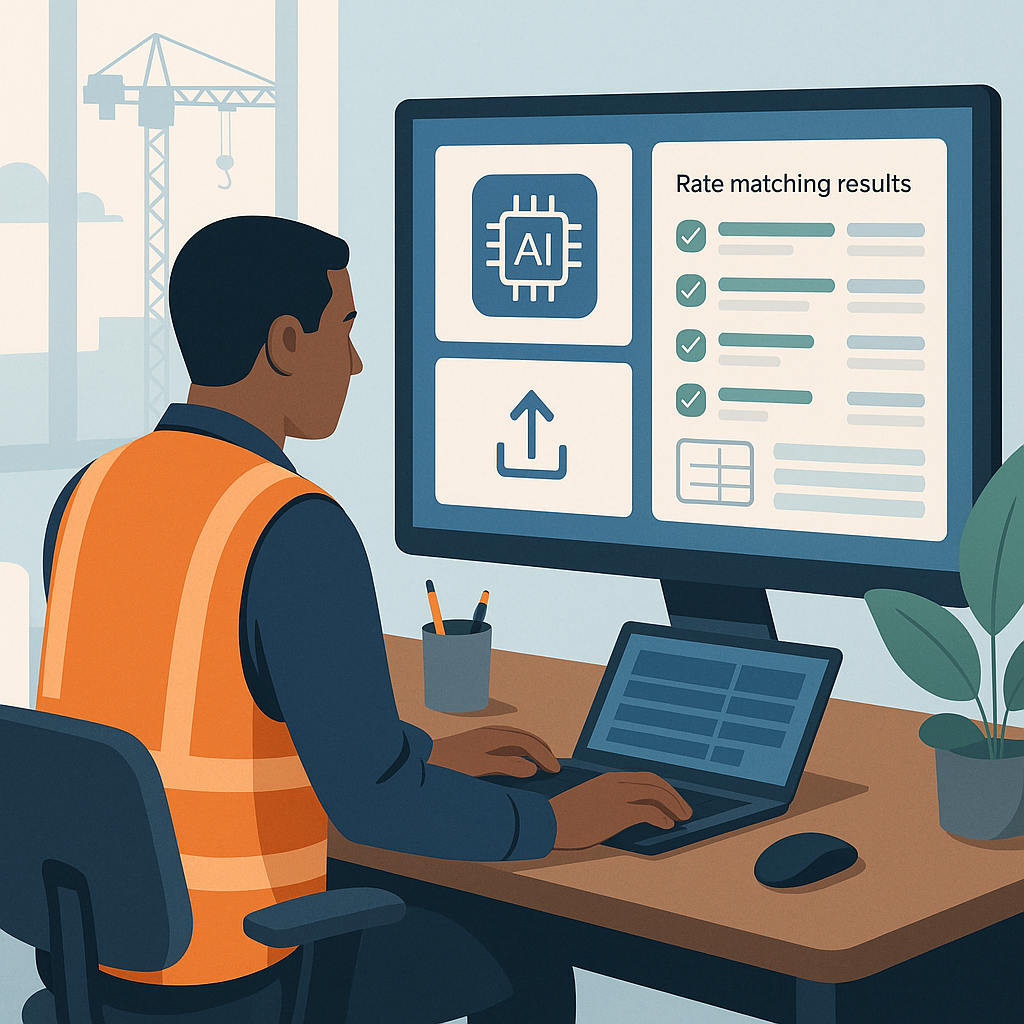
Why Rate Lookup is Killing Your Estimation Speed
Let’s be honest: rate lookup is the most tedious part of preconstruction estimation. Flipping through 2,000-page rate books or searching PDFs for every labor, material, and equipment cost? It’s a slog. For most estimators, it takes an average of 12 hours per estimate just to find the right rates. That’s not efficient—it’s borderline insane when deadlines are tight and the competition is fierce.
But what’s the alternative? Blindly guessing rates? That’s how bids fail. If your labor costs are off by even 5%, you could end up losing thousands—or worse, the whole bid.
Enter AI-Powered Rate Matching
This is where AI steps in, and it’s not fluff. Tools like EstimateNext use semantic search across massive databases—78,000+ Standard Operating Rates (SOR) items, to be specific. Need the labor rate for installing pre-stressed concrete girders? Just type it in. The AI finds the match instantly.
How Does AI Match Rates?
The system uses tenant history, user catalogs, country-specific benchmarks, and AI fallback mechanisms to widen the search. For example, if your local catalog doesn’t have the exact rate, the AI pulls alternatives that fit your criteria. You’re not stuck flipping through PDFs or manually cross-referencing outdated spreadsheets.
Concrete examples include:
- Labor Rates: Searching for specialized trades like underwater welding or certified crane operators is no longer a multi-hour task.
- Material Costs: Need a rate for a specific grade of stainless steel or eco-friendly insulation? AI matches not only the category but also the regional cost variations.
- Equipment Pricing: Instead of guessing rental rates for excavators or tower cranes, the system provides real-time data pulled from regional catalogs.
Real-World Impact: Case Study
Take a major contractor’s large rail bridge project. Their estimating team had to pull rates for everything from rail ties to structural steel. Normally, this would mean days of manual lookup across DOT-approved catalogs. With AI-powered rate matching, the same work was done in seconds. This freed up hundreds of hours for higher-value tasks like subcontractor negotiations and margin optimization.
Key Results:
- Time Savings: The team reduced rate lookup time from days to hours, enabling faster bid submissions.
- Error Reduction: AI reduced takeoff discrepancies by up to 80%, proving it’s not just fast—it’s accurate.
- Better Margins: The extra time allowed estimators to refine markup strategies and negotiate better subcontractor terms, ultimately improving profitability.
Smaller firms can benefit too. For example, a mid-sized contractor pricing a $5M mixed-use development reported cutting rate lookup times by 90%, enabling their team to focus on quality assurance and client relationships.
What About Custom Rates?
You might be thinking, "That’s great for standard items, but my projects use custom materials." Fair point. AI tools like EstimateNext let you upload your own rate catalogs or define project-specific rates. Once uploaded, these rates are integrated seamlessly for future use.
Example Use Case:
Imagine pricing a boutique hotel with bespoke finishes:
- Custom Material Rates: Marble imported from Italy or custom lighting fixtures can be added to your catalog.
- Learning Curve: The AI learns from your inputs and gets smarter with every adjustment.
- Long-Term Accuracy: After two or three projects, users report accuracy improvements that rival manual methods.
Even for niche industries like oil and gas or heavy civil infrastructure, AI supports custom rate uploads to handle highly specific materials, labor classifications, or equipment.
The ROI Math
Let’s break down the numbers. If rate lookup normally takes 12 hours per estimate and AI cuts that to seconds, you’re saving at least 11.9 hours per project. For a GC Director making $130/hour, that’s $1,547 saved per estimate—just on rate lookup.
Now scale that across 6 GMP pursuits per year. That’s $9,282 saved annually, just from one feature of the tool. Factor in additional savings from takeoff automation and bid leveling, and the ROI compounds quickly.
A Real-World ROI Checklist:
| Feature | Time Savings | Cost Savings |
|---|---|---|
| Rate Lookup | 11.9 hours per estimate | $1,547 per estimate |
| Takeoff Automation | 15–20 hours per estimate | $1,950–$2,600 per estimate |
| Bid Leveling | 5–8 hours per estimate | $650–$1,040 per estimate |
| Total Annual Savings | 40–50 hours per estimate | $4,147–$5,187 per estimate |
The Obvious Objection: “AI Can’t Think Like an Estimator”
I get this pushback all the time. You might be thinking, "Sure, AI is fast, but it doesn’t understand the nuances of construction." That’s partially true—but it’s also missing the point.
AI doesn’t replace your expertise; it amplifies it. You’re still the one making judgment calls, negotiating with subs, and deciding on markup. The AI just handles the grunt work—like rate matching, takeoffs, and what-if recalculations. It’s a tool, not a replacement.
What AI Can’t Do:
- Understand Project-Specific Nuances: You’ll still need to adjust rates based on unique project challenges.
- Negotiate with Subs: AI won’t replace human relationships or the ability to read between the lines.
- Handle Political Factors: AI won’t predict permit delays or community pushback.
Actionable Steps
1. Test AI on a Pilot Project
Start with a smaller project, such as a single BOQ upload. Validate the accuracy manually to build trust in the system.
2. Train Your Team
Provide onboarding and training for junior estimators. Free up senior staff for high-value tasks that require judgment.
3. Integrate AI into Existing Workflows
Export estimates directly into your current tools—whether it’s Excel, Procore, or Bluebeam. The learning curve is minimal.
4. Monitor Results
Track metrics like time saved, accuracy improvements, and ROI over three to six months. Use data to refine your processes.
Call to Action
If rate lookup is eating hours of your estimation process, EstimateNext can help. With semantic search across 78,000+ rate items, you’ll save time, boost accuracy, and focus on what really matters. Get started free →


