Why Rate Matching Is the Silent Killer in Preconstruction
Let’s be honest — rate lookup is one of the least glamorous parts of construction estimation. Yet, it’s also one of the most time-consuming. If you’ve ever flipped through a 2,000-page RSMeans book or scrolled endlessly through CPWD DSR catalogs, you know exactly what I mean.
Here’s the brutal math: estimators spend up to 12 hours per estimate just finding rates. That’s 12 hours that could’ve gone into refining bid strategies or negotiating with subs. Worse, manual lookups are prone to errors — one wrong match and your bid is sunk.
What Is Rate Matching, and Why Does It Take So Long?
Rate matching is the process of identifying the cost of labor, materials, and equipment to complete specific tasks in a construction project. These rates often come from standard catalogs like RSMeans, CPWD DSR, or custom internal databases. Imagine a Bill of Quantities (BOQ) with hundreds (or thousands) of line items — every single one needs a corresponding rate.
The problem? Rates vary by region, project type, and even catalog year. For example:
- A cubic yard of concrete in New York City might cost $225, while the same in rural Kansas is $150.
- Labor rates for a journeyman plumber may differ by $20/hour depending on union agreements in your area.
- Catalogs like RSMeans are updated annually, meaning last year’s rates might not reflect inflation or market shifts.
The Time Sink: Why Manual Rate Matching Is Inefficient
To illustrate the inefficiency of manual rate matching, let’s look at a hypothetical project:
- Project size: $5M office renovation
- BOQ items: 400 line items
- Time spent per item: 1.5 minutes
In this case, manual rate matching would take 10 hours. And that doesn’t include time spent double-checking for errors or reconciling discrepancies with historical project data.
Now multiply that by 10 or 20 projects per year, and you’ve got hundreds of hours wasted on a task that could be automated.
The Fix: AI-Powered Rate Matching
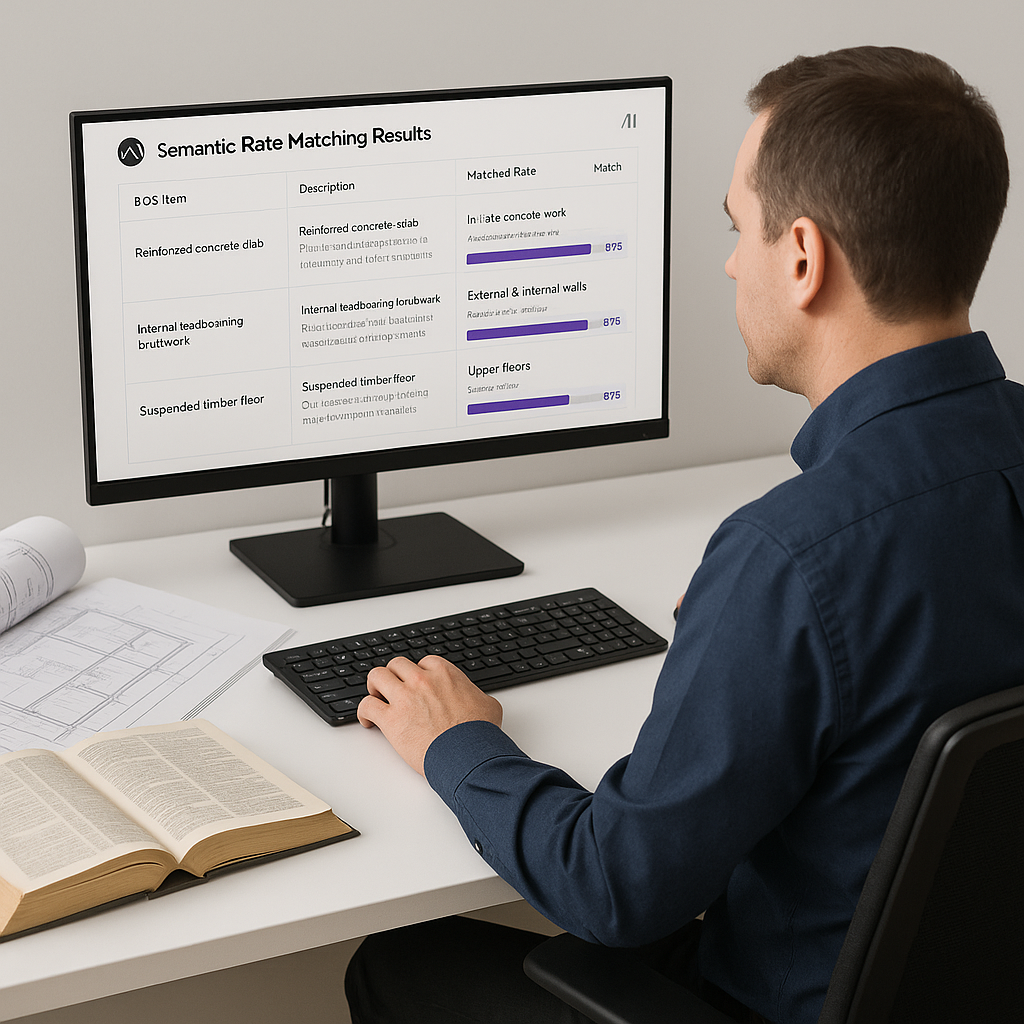
AI-powered tools like EstimateNext offer a way out of this time sink. These platforms use semantic search and machine learning to match BOQ items with rates from over 135 catalogs in seconds. Here’s how it works:
- Upload your BOQ: A PDF, Excel sheet, or even handwritten notes.
- AI matches rates: The system analyzes your items and pulls corresponding rates from the most relevant catalogs.
- Highlight discrepancies: If there’s a mismatch or missing rate, the AI flags it for review.
Actionable Steps to Implement AI
- Evaluate your current workflow: How much time is your team spending on rate matching? Measure this before adopting a tool to benchmark ROI.
- Choose the right tool: Look for platforms with integrations to your existing software, like Procore or Bluebeam.
- Train your team: Most tools have a short learning curve, but ensure everyone knows how to use the manual override features.
- Start small: Test the AI on a single project or phase before rolling it out company-wide.
Real-World Case Study: A Major Contractor’s Rail Bridge Project
Take a large national contractor’s $1B rail bridge project. This massive undertaking involved hundreds of BOQ items requiring DOT-approved rates — from rail ties to structural steel. Manual rate lookup would’ve taken weeks, delaying the entire preconstruction timeline. Here’s how AI made a difference:
- Time saved: Rate matching was completed in under an hour.
- Error reduction: The AI flagged discrepancies between catalog rates and historical project data, allowing estimators to address potential issues before submission.
- Cost savings: By reallocating time saved, the team focused on refining bid strategies, ultimately securing the project at a competitive price.
This isn’t just theory — it’s proof that AI rate matching isn’t a luxury; it’s a necessity for complex projects.
Addressing Skepticism: “AI Can’t Think Like an Estimator”
A common objection to AI tools is that they lack the intuition and experience of a seasoned estimator. And that’s true — AI doesn’t replace human expertise. Instead, it complements it.
How AI Augments Estimators
- Automates grunt work: Tasks like rate matching, catalog lookups, and inflation adjustments are handled instantly.
- Provides confidence scores: AI tools often rank matches based on their confidence level, allowing you to focus on high-priority items.
- Frees up your time: With less time spent on repetitive tasks, you can focus on strategic decisions like negotiating with subcontractors or optimizing your bid.
What About Custom Rates?
Here’s another common concern: “What if I’m dealing with custom materials or finishes?” AI tools like EstimateNext have features that address this:
- Custom catalog uploads: You can upload your own rate databases, whether they’re internal spreadsheets or vendor-specific rates.
- Learning from adjustments: The AI learns from your edits and applies them to future projects, improving accuracy over time.
- Scenario testing: Adjust rates on the fly to see how they impact your overall estimate and profit margins.
Example: Custom Rates in Action
Consider an interior renovation project with bespoke millwork. A subcontractor provides a custom rate of $2,500 per linear foot, which isn’t in any standard catalog. By uploading this rate into the AI tool, you ensure that all future projects involving similar millwork reflect this cost.
The ROI Math: Why This Matters
Let’s break it down:
-
Scenario 1: General Contractor
- Team size: 5 estimators
- Projects/year: 10 GMP pursuits
- Hourly rate: $130/hour
- Time saved/project: 12 hours
Annual savings: 12 hours × 10 projects × 5 estimators × $130/hour = $78,000
-
Scenario 2: MEP Subcontractor
- Projects/year: 30 bid packages
- Win rate improvement: 4 extra projects/year
- Average project value: $200,000
Additional revenue: 4 projects × $200,000 = $800,000
For a tool that costs $100/month, the ROI is staggering.
Where AI Falls Short
No tool is perfect, and AI rate matching is no exception. Here are some limitations:
- Input quality matters: A poorly formatted BOQ will lead to poor results. Clean up your data before uploading.
- Learning curve: While simple to use, these tools require some training to maximize their potential.
- Over-reliance: Estimators must still review and validate AI-generated results. Blindly trusting the tool can lead to errors.
Comparison Table: Manual vs. AI-Powered Rate Matching
| Feature | Manual Rate Matching | AI-Powered Rate Matching |
|---|---|---|
| Time per estimate | 8–12 hours | 15–30 minutes |
| Error rate | High (prone to human error) | Low (confidence scoring flags issues) |
| Custom rate integration | Manual input required | Automated learning and integration |
| Scalability | Limited by team size | Scales across projects instantly |
| Cost | High (labor-intensive) | Low ($100/month subscription) |
Call to Action
If rate matching is eating up your team’s time, AI-powered tools like EstimateNext can help. Start with a free trial and see how much time and money you can save on your next project.


