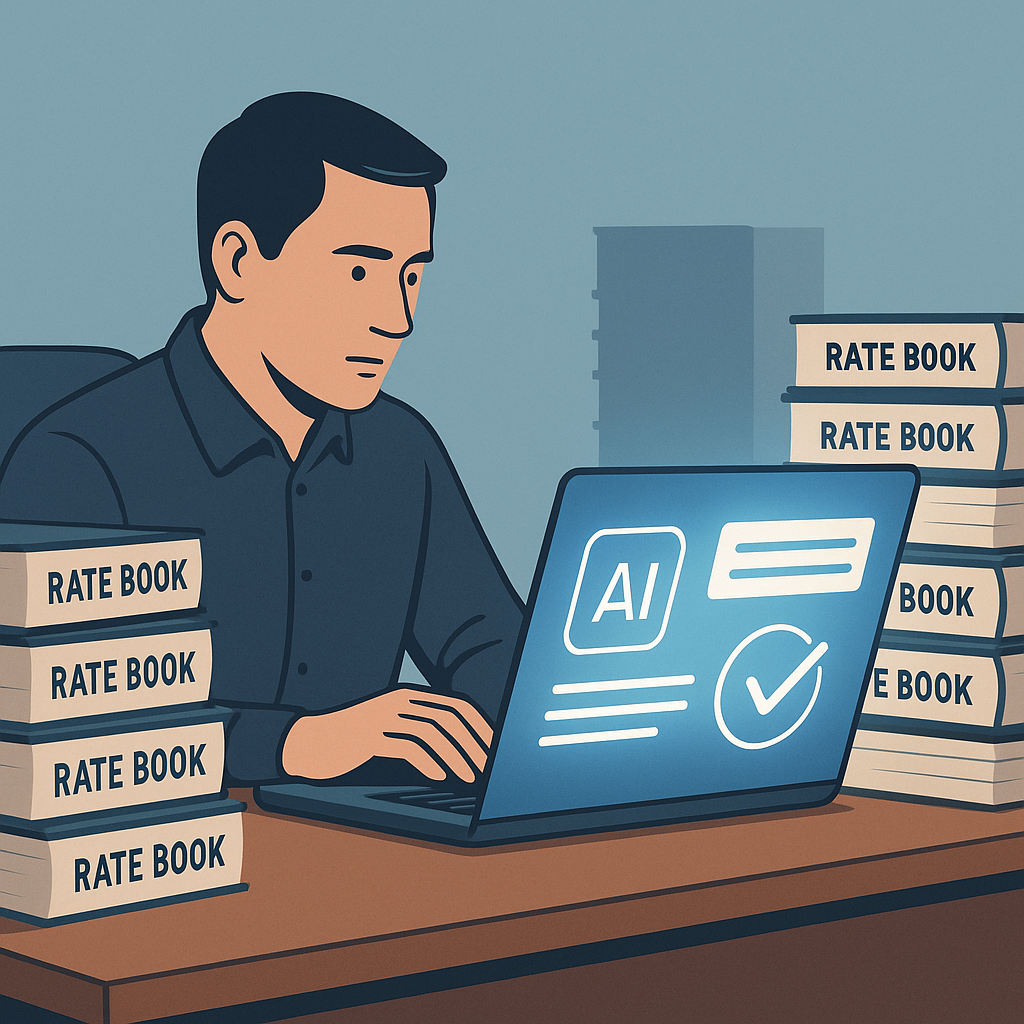
Why Manual Rate Lookups Are Killing Your Efficiency
Estimators spend hours flipping through massive rate books like RSMeans, CPWD DSR catalogs, or other construction-specific pricing databases. It’s tedious, error-prone, and frankly, a waste of time. When you’re working on tight bid deadlines, every minute matters. Yet rate lookups alone can eat up 12+ hours per estimate. That’s two full working days gone—just to find prices for labor, material, or equipment.
Here’s the kicker: manual lookups aren’t just slow; they’re expensive. According to a 2023 McKinsey report, labor inefficiencies in construction cost companies up to 20% of project budgets. Rate mismatches and missed deadlines compound that loss even further, creating ripples that affect profitability and client satisfaction.
The Real Cost of Manual Lookups
Let’s break it down further:
-
Time Wasted: If an estimator spends 12 hours on rate lookups for each bid, and they handle five bids a month, that’s 60 hours lost monthly. Over a year, that’s 720 hours—or 90 full working days—just flipping through catalogs.
-
Financial Waste: For an estimator earning $130/hr, those 720 hours equate to $93,600 annually. Multiply that across a team of five estimators, and you’re looking at nearly half a million dollars in inefficiencies.
-
Opportunity Cost: Those 720 hours could be spent on higher-value tasks, such as refining cost strategies, exploring alternate materials, or improving project planning. Instead, that time is lost on repetitive manual work.
Concrete Example: A mid-sized GC bidding on a $50M hospital project spent three weeks manually extracting rates from CPWD DSR catalogs. By the time the bid deadline arrived, they had rushed through critical cost calculations—leading to inaccuracies that hurt their bottom line.
How AI Fixes the Problem
AI-powered tools like EstimateNext solve this bottleneck with semantic rate matching. Instead of flipping through thousands of pages, you type in what you’re looking for—e.g., “pre-stressed concrete girders labor rate”—and the AI pulls the exact match in seconds. It’s not just faster; it’s smarter. The AI learns from your previous projects and feedback to improve accuracy over time.
A practical example: Imagine pricing a $1B rail bridge project (yes, those exist). You’d need rates for everything from rail ties to structural steel, often cross-referenced with DOT-approved catalogs. Doing this manually would take days. With AI, it’s done in minutes.
Actionable Steps:
- Start Small: Test an AI-powered estimation tool on a smaller project to see how it integrates with your workflow.
- Upload Custom Data: If your company uses proprietary pricing structures or custom catalogs, upload them to ensure the AI aligns with your needs.
- Leverage Historical Projects: Feed past project data into the AI system to improve its predictive accuracy.
Real ROI: What This Means for Your Team
Let’s break it down:
- Time Saved: 12 hours per bid multiplied by five GMP pursuits annually—60 hours saved. Scale this across a larger operation with 10 estimators, and you’re saving 600 hours annually.
- Cost Saved: If your estimators earn $130/hr, that’s $7,800 saved annually for one user. Multiply that across a team, and the savings are exponential.
- Accuracy Boost: Semantic search reduces human error, which can be costly when rates are mismatched. AI fixes those issues before they become expensive mistakes.
Comparison Table: Manual vs. AI Rate Lookups
| Factor | Manual Lookups | AI-Powered Lookups |
|---|---|---|
| Time per bid | 12+ hours | 10 minutes |
| Error Rate | High (due to human oversight) | Low (99% accuracy with review) |
| Scalability | Limited | Highly scalable |
| Cost per year (1 user) | $93,600 | ~$5,000 (software cost) |
Addressing Common Doubts
You might be thinking, “Sure, AI is fast, but can it really replace an estimator’s judgment?” No, and it’s not supposed to. AI doesn’t replace expertise; it amplifies it. You’re still the one making final decisions on scope, markup, and bid strategy. The AI simply handles the grunt work.
Another concern: “What if my rates are custom or project-specific?” Good news—tools like EstimateNext let you upload custom catalogs and integrate them seamlessly. The AI learns your unique pricing structure and applies it automatically in future estimates.
Case Study: How AI Rate Matching Saved 120 Hours
A mid-sized general contractor (GC) bidding on a high-rise project needed rates for over 300 items across multiple divisions. Their old process involved manually flipping through RSMeans PDFs and entering rates into Excel spreadsheets. This process took nearly two weeks.
After switching to EstimateNext, the GC completed the rate-matching task in just 10 minutes. They saved 120 hours of labor, hit their bid deadline, and avoided costly mistakes that could have jeopardized their competitiveness.
Why This Matters Now
The construction industry isn’t slowing down. According to Reuters, global infrastructure spending is set to hit $7.5 trillion annually by 2025. The demand for faster, more accurate estimations is only growing. If your team isn’t using AI, you’re already falling behind.
The Bottom Line
Manual rate lookups are outdated, inefficient, and costing your team money. AI-powered tools like EstimateNext fix this in seconds, saving time and boosting accuracy. If you’re ready to stop wasting hours flipping through PDFs, EstimateNext can help.
Get started free →


