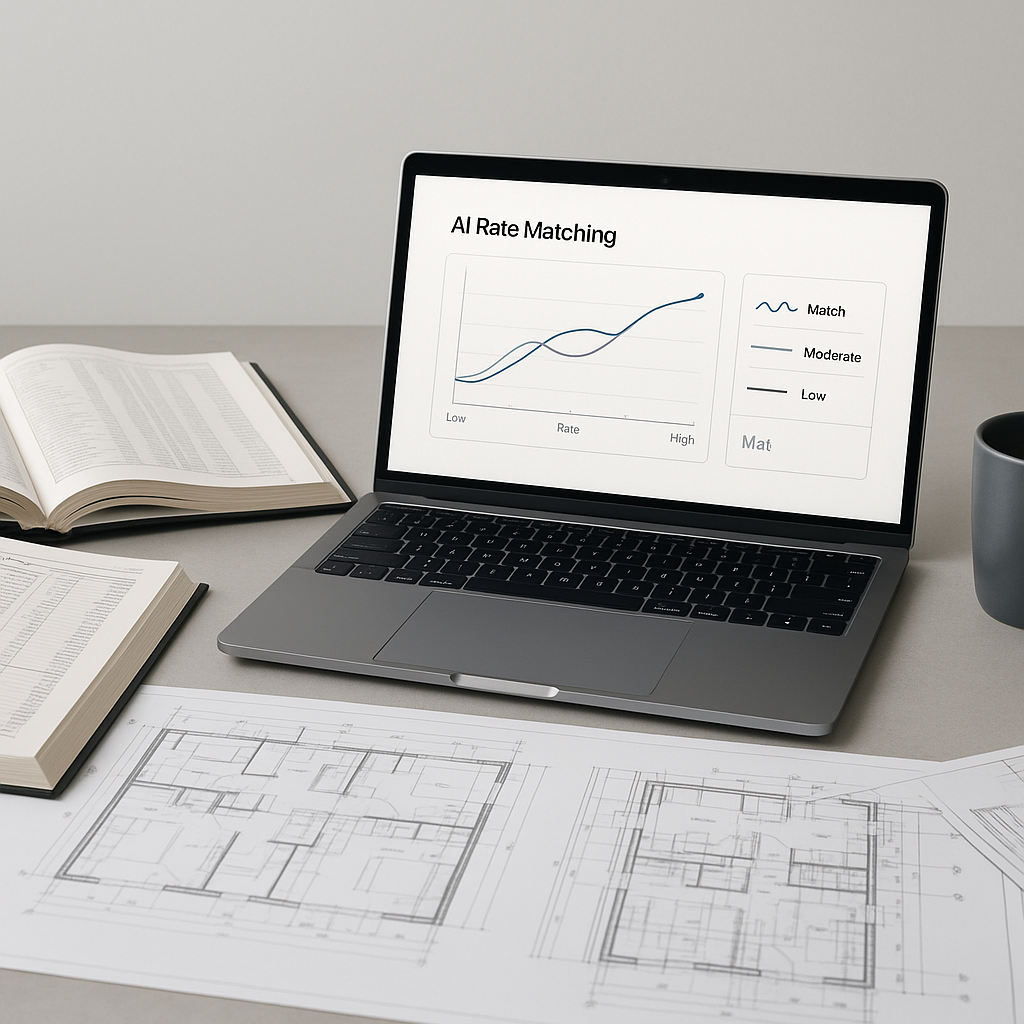
The Problem: Manual Rate Matching is a Time Sink
Have you ever spent half a day flipping through rate books like RSMeans or CPWD DSR, just to find one labor or material rate? If you're nodding, you're not alone. Rate matching is one of the most tedious parts of preconstruction estimation. And it's not just time-consuming — it's error-prone.
Miss one key rate, and you could blow your entire bid. Overestimate, and you lose the project. Underestimate, and you're eating into your profit margins. It's a lose-lose situation.
For example, a contractor bidding on a $500,000 residential project in California recently estimated labor costs incorrectly because of outdated rates in their spreadsheets. Their bid came in 15% higher than the competition, costing them the job. On the flip side, a general contractor in India underbid a public works project by mistakenly applying labor rates from the wrong region. They won the bid but ended up taking a $30,000 loss. Mistakes like these are all too common.
But here's the kicker: it doesn't have to be this way anymore. AI tools like EstimateNext are rewriting the rules of rate matching.
The AI Fix: 78,000+ Rates Matched in Seconds
Instead of manually searching PDFs or relying on outdated spreadsheets, AI-powered tools can now match rates in seconds. How? By using semantic search across vast catalogs. These systems don’t just look for exact matches — they understand context, synonyms, and variations in terminology.
For instance, EstimateNext has over 78,000 SOR (Schedule of Rates) items across 135+ catalogs. That includes everything from CPWD DSR in India to DOT-approved rates in the U.S. Need the labor cost for installing pre-stressed concrete girders? Type it in. Done. The system even accounts for regional differences, inflation, and historical data from your own projects.
Real-World Example:
A mid-sized contractor bidding on a $10M infrastructure project recently saved 12 hours on rate matching alone by using AI. That’s a day and a half of labor costs avoided. Multiply that across five bids a year, and you're looking at significant savings — not just in time, but in better profit margins.
Additionally, AI tools can flag inconsistencies or anomalies in your estimates. For example, if a rate seems unusually high or low compared to historical trends, the system prompts you to review it. This proactive error detection can save thousands of dollars per project.
Case Study: Regional Adjustments
A construction firm in Texas used EstimateNext to bid on a highway project. The AI automatically adjusted labor rates for the project’s location, accounting for local wage laws. The company won the bid with accurate pricing and avoided the common pitfall of underestimating regional labor costs.
Why This Matters: Speed and Accuracy
AI tools don’t just save time — they reduce errors. According to McKinsey, early adopters of AI in construction see cost savings of 10-20% per project. Why? Because fewer errors mean fewer costly surprises down the line.
Actionable Insight:
- Audit Your Current Process: How much time does your team currently spend on rate matching per project? Document this so you can benchmark AI performance.
- Track Error Rates: Keep a record of cost discrepancies between your estimates and actual project costs. This will help justify the ROI of transitioning to AI tools.
In my view, the real value isn’t just speed or accuracy. It’s trust. Estimators can trust their numbers because the AI has already cross-checked them against thousands of data points. That trust trickles down to better bids, better client relationships, and better margins.
Industry Comparison:
| Traditional Method | AI-Powered Method |
|---|---|
| Manual rate lookup in catalogs | Automated rate search in seconds |
| High risk of errors and omissions | Built-in error detection and alerts |
| Time-intensive (hours or days) | Time-efficient (minutes or seconds) |
| Limited scalability for large bids | Scalable to projects of any size |
What About Custom Rates?
You might be thinking, "This sounds great, but my projects use custom materials or non-standard finishes. How does AI handle that?"
Good question. Tools like EstimateNext let you upload your own rate catalogs or create project-specific rates. The AI integrates them seamlessly, so they're available for future estimates.
Practical Example:
A commercial developer specializing in green buildings needed custom rates for sustainable materials like reclaimed wood and low-VOC paints. They uploaded their supplier’s pricing into EstimateNext, and the AI incorporated these custom rates into bids. Over time, the system tracked fluctuations in material costs, helping the developer refine their estimates.
The more you use the system, the smarter it gets. By the third project, most users report significant accuracy improvements.
The Obvious Objection: "But AI Can't Think Like an Estimator"
I hear this a lot. And it’s true — AI isn’t replacing your expertise. It’s amplifying it. You’re still the one making judgment calls, negotiating with subs, and deciding on markup. The AI just handles the grunt work.
Analogy:
Think of it like hiring an assistant who works 24/7, doesn’t make typos, and learns from every project. Would you turn that down?
Myth Busting:
- Myth: AI will replace human estimators.
Reality: AI is a tool, not a replacement. It handles repetitive tasks so you can focus on strategy and client relationships. - Myth: AI can’t adapt to unique projects.
Reality: AI systems can be customized with your inputs, learning from your workflows over time.
Getting Started: Test Before You Commit
If you’re still on the fence, start small. Test AI tools on a single project. Compare their results to your manual process. One contractor I spoke to recently did this on a $1M office fit-out. The AI matched rates for 95% of the BOQ items in under 10 minutes. The estimator only had to manually adjust a handful of entries.
The result? They finished the estimate two days early and submitted a more competitive bid.
Step-by-Step Guide:
- Choose a Pilot Project: Select a project with a manageable scope to test the AI tool.
- Run a Side-by-Side Comparison: Use both manual and AI-driven processes to evaluate accuracy and time savings.
- Refine and Expand: Based on results, scale AI adoption to larger or more complex projects.


