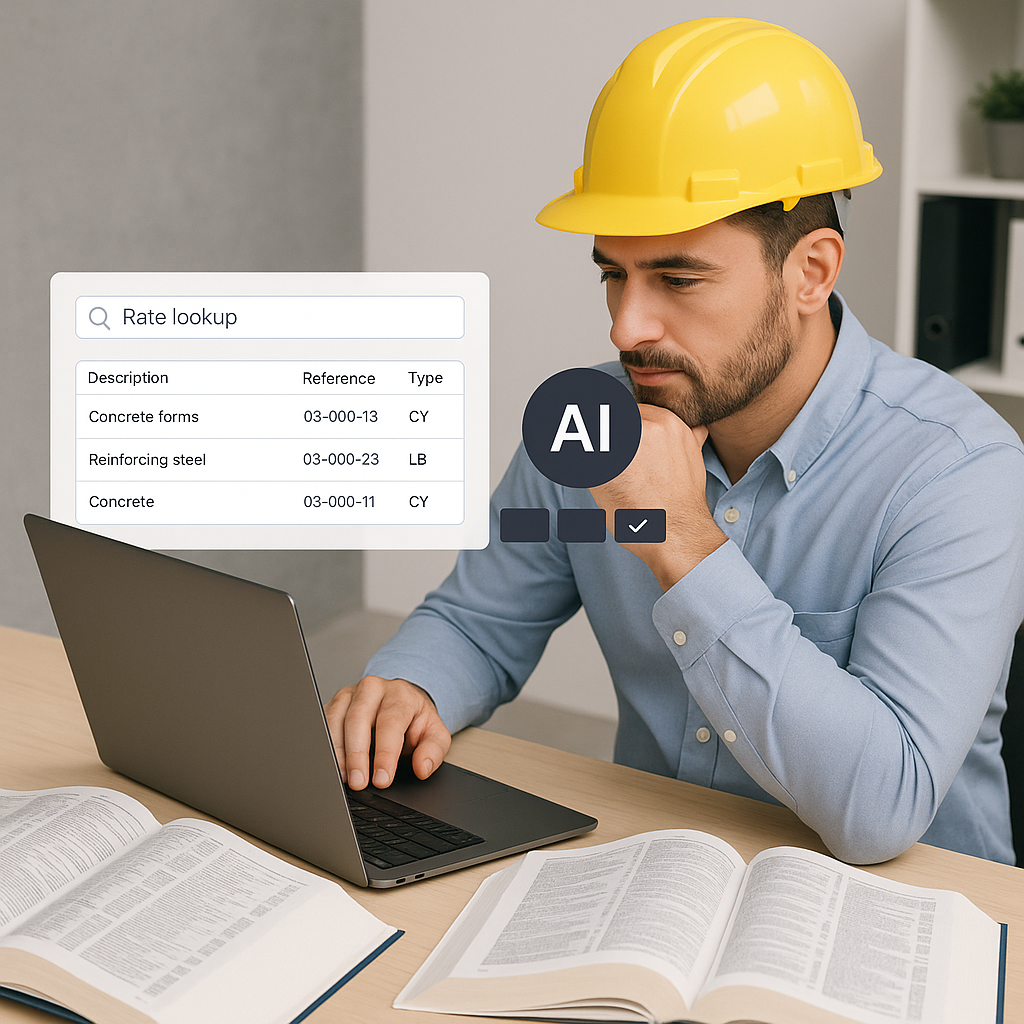
Flipping Through Rate Books Is Costing You
Ever spent half a day flipping through RSMeans or a 2,000-page CPWD DSR PDF just to price one line item? Exhausting, right? And let's be honest—manual rate lookup isn't just slow; it's error-prone. Miss one page, and you're stuck with a bad number that snowballs into a blown bid.
For years, this was the norm. Estimators would sit with Excel, trying to match labor and material rates manually. The process was tedious, repetitive, and frankly outdated. But here's the kicker: AI can do this in seconds.
The AI Fix: Rate Matching at Lightning Speed
AI-powered tools like EstimateNext solve this bottleneck with semantic search across 78K+ SOR (Schedule of Rates) items. Need the labor rate for installing pre-stressed concrete girders? Type it in, and you’ll get a match in seconds—accurate, contextual, and ready to use. No more flipping through PDFs or risking errors.
Concrete Example: A Mid-Sized General Contractor
A mid-sized GC in Texas used to spend 12 hours per estimate manually searching through RSMeans and DSR PDFs. After switching to EstimateNext, they cut that down to just 15 minutes. Over the course of five GMP (Guaranteed Maximum Price) pursuits annually, this saved them 60 hours. At $130/hour for senior estimators, that’s $7,800 saved per year just in labor time. And that doesn’t even include the added value of improved accuracy and faster bid submissions.
Actionable Steps to Implement AI Rate Matching
- Evaluate Your Current Process: Track how much time your team spends on rate matching. If it’s more than a few hours per estimate, you’re a prime candidate for automation.
- Choose the Right AI Tool: Look for tools like EstimateNext that offer contextual searches and can integrate with your existing software stack.
- Start Small: Test the AI on a single project to gauge accuracy and speed improvements before rolling it out company-wide.
Why Accuracy Matters More Than Speed
You might be thinking, “Sure, AI is fast, but can it really match rates correctly?” Fair question. AI tools like EstimateNext use a 4-step matching process that includes tenant history, user catalogs, country-specific rates, and AI fallback. Over time, the system gets smarter with every adjustment your team makes.
Data Backing the Claim
According to McKinsey, AI rate matching reduces discrepancies by up to 80%. This means fewer change orders, fewer disputes, and more trust in your estimates. For instance, a mechanical subcontractor in California reported that their error rate dropped from 15% to under 3% after implementing an AI-driven system.
Beyond Accuracy: The Ripple Effect
- Fewer Change Orders: Accurate estimates reduce the likelihood of mid-project cost adjustments.
- Improved Client Trust: Consistently accurate bids build a reputation for reliability, which can win you more contracts.
- Lower Legal Risk: Disputes over inaccurate bids can lead to costly litigation. AI minimizes this risk by ensuring your estimates are based on verified data.
Real ROI: Beyond Time Savings
Let’s talk ROI. For GC directors, quick rate matching doesn’t just save hours—it drives profitability. Faster estimates mean more bids submitted, more wins, and fewer missed deadlines.
Case Study: MEP Subcontractor Success
For MEP (Mechanical, Electrical, Plumbing) subcontractors, the impact is even bigger. One firm in Chicago reported that AI tools cut their quote turnaround time from 72 hours to just 4 hours. This allowed them to respond to 50% more bid packages annually. If they won just four additional projects at $200K each, that’s $800K of incremental revenue.
Decision Framework: Is AI Rate Matching Right for You?
| Criteria | Traditional Rate Matching | AI-Powered Rate Matching |
|---|---|---|
| Time Per Estimate | 8–12 hours | 10–15 minutes |
| Error Rate | 10–15% | Under 3% |
| Cost of Errors | High (Disputes, Change Orders) | Low |
| Integration with Tools | Limited | Seamless with Procore, Excel, etc. |
| Cost to Implement | None upfront | Moderate subscription fees |
If your estimates still rely on manual rate matching, you’re leaving both time and money on the table.
The Obvious Objection: “But AI Can’t Think Like an Estimator”
I hear this all the time. And it’s true—AI isn’t replacing your expertise. You’re still the one deciding on markup, negotiating with subs, and making judgment calls. AI just handles the grunt work. Think of it as your junior estimator who never gets tired or makes careless mistakes.
A Balanced View
AI doesn’t know your client’s quirks or the specific challenges of a site. But it doesn’t need to. It’s a tool to augment your expertise, not replace it. By offloading repetitive tasks, you’re free to focus on high-value activities like strategy, client relationships, and risk management.
Call to Action
If rate matching is slowing down your estimates, EstimateNext can help. Get started free →


