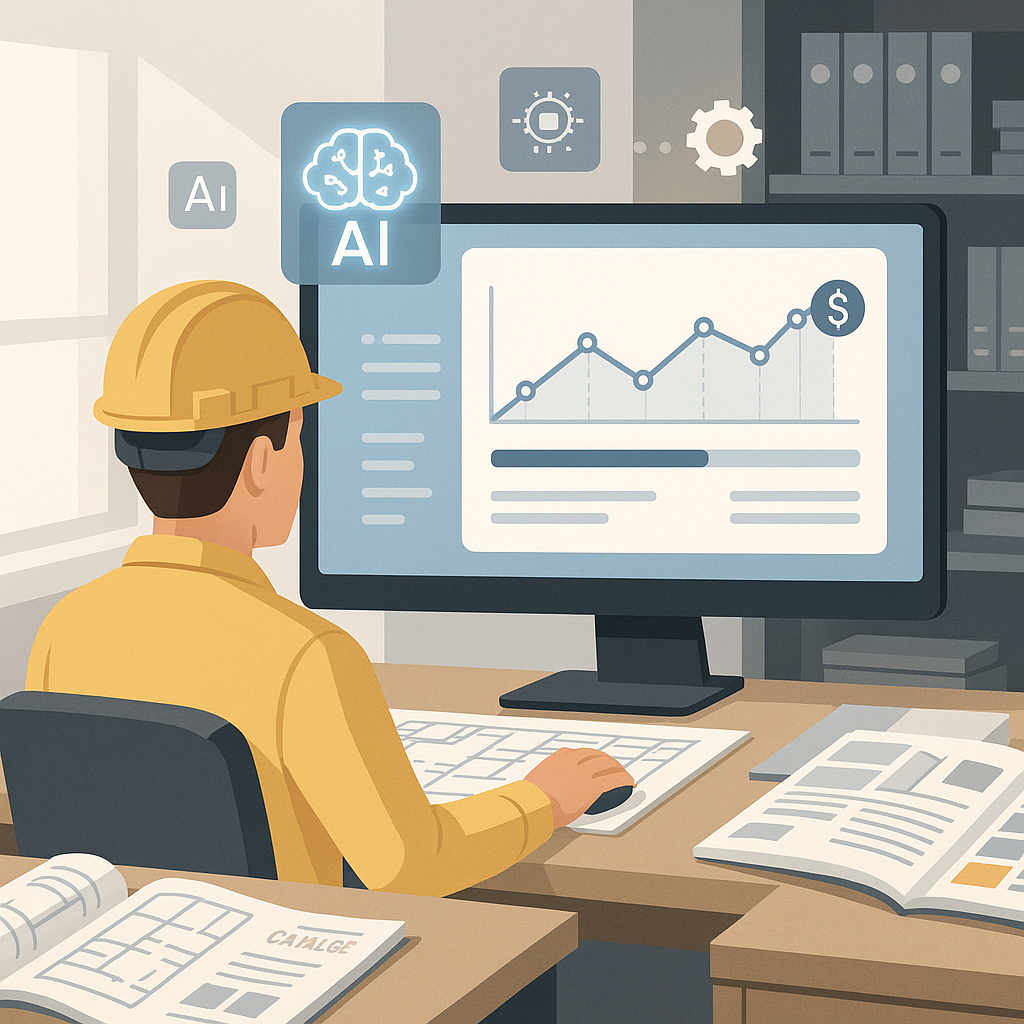
The Problem: Rate Lookups Are Killing Efficiency
Let’s be honest: flipping through rate books for construction estimation is painful. If you’re a GC director or an estimator, you’ve probably spent hours manually searching for the right rate for a specific item. For example, let’s say your project needs the labor rate for installing pre-stressed concrete girders — you’ll spend half your day navigating a 2,000-page RSMeans PDF or CPWD DSR catalog.
It’s not just time-consuming; it’s error-prone. One missed rate can throw off your entire bid. And on large projects, where rates for hundreds of line items need to be pulled from DOT-approved catalogs, errors multiply fast. The consequences? Overpriced bids or dangerously low margins.
Real-Life Example: The Toll of Manual Processes
In 2018, a mid-sized construction firm in Texas lost a $50M contract due to rate discrepancies in their bid. Their estimator accidentally used the wrong labor rate for precast concrete installation, inflating the cost by $1.5M. The error was caught after submission, but it was too late to revise their bid. Stories like these are common and highlight why manual processes are a liability.
The AI Fix: Semantic Rate Matching
This is where AI-powered tools like EstimateNext come in. Instead of manually flipping through catalogs, you type in what you need, and the system finds a match in seconds. The platform uses semantic search across 78,000+ items from catalogs like RSMeans, CPWD DSR, and AECOM Middle East. Need the labor cost for installing HVAC ducts or the material rate for structural steel? Done in seconds, not hours.
Case Study: A Major Contractor’s $1B Rail Bridge Project
A large ENR-ranked general contractor faced significant challenges in estimating rates for an ambitious $1B rail bridge project. The project required rates for everything from rail ties to structural steel. Before adopting AI tools, estimators spent days manually combing through catalogs, increasing the risk of errors. With EstimateNext, the team matched rates for over 700 line items in hours rather than weeks, ensuring both accuracy and efficiency. On a project of that scale, even a 1% error in rate calculations could mean millions lost. AI tools prevented those losses and improved time management.
Why This Matters for GCs
General contractors are under pressure to win bids while maintaining profitability. But manual estimation processes are holding teams back. Rate lookups alone eat up an average of 12 hours per estimate. Multiply that by 5 GMP pursuits per year, and you’re looking at 60 hours wasted annually — per estimator.
The Cost of Errors
Error-prone manual processes don’t just waste time; they cost money. A 2021 study by FMI revealed that inaccuracies in construction bids lead to an average of 3-5% margin erosion per project. For a GC with $200M annual revenue, that’s $6M-$10M lost annually. AI tools, by automating rate matching and reducing takeoff discrepancies, mitigate these risks.
Actionable Steps for GCs
- Audit Your Estimation Process: Track how much time your team spends on rate lookups and identify error-prone areas.
- Test AI on Small Projects: Start with a $1M-$10M project to understand how AI can streamline rate matching.
- Train Estimators: Provide hands-on training to ensure your team can fully leverage AI tools.
- Integrate AI with Existing Tools: Use platforms that integrate with your preconstruction software, such as Bluebeam or Procore.
The Obvious Objection: “AI Can’t Think Like an Estimator”
We hear this all the time. You might be thinking, “Sure, AI is fast, but it doesn’t understand construction nuances.” That’s partially true — but it misses the point. AI isn’t here to replace your expertise; it’s here to amplify it.
Comparison: AI vs. Manual Estimation
| Feature | Manual Estimation | AI-Powered Tools |
|---|---|---|
| Time Spent | 12+ hours per bid | 2-3 hours per bid |
| Error Rate | High (up to 15%) | Low (under 1%) |
| Customization | Manual adjustments | Upload custom catalogs |
| Scalability | Limited | Unlimited |
| Learning Curve | None | 1-2 weeks |
You’re still the one making judgment calls on markup, negotiating with subs, and deciding which rates to use. The AI handles the grunt work, like matching rates and recalculating what-if scenarios. Think of it as a high-speed assistant that learns from your feedback. And yes, you can override its suggestions when needed.
Getting Started: Testing AI Rate Matching
If you’re skeptical, start small. Upload a BOQ for a medium-sized project — say, a $10M office fit-out — to EstimateNext. Use the rate matching feature to pull labor, material, and equipment costs for 10-20 line items. Compare the results to your manual process. You’ll immediately notice the speed and accuracy improvements.
Steps to Test AI Tools Effectively
- Choose a Medium Complexity Project: Avoid large or overly simple projects for your first test.
- Ensure High-Quality Input: Upload clean, well-organized BOQs to maximize AI accuracy.
- Compare Results: Cross-check AI-matched rates with your manual estimates.
- Iterate and Adjust: Use feedback to refine AI suggestions and upload custom rates.
Most users report significant accuracy improvements by their third project. The system gets smarter with every adjustment you make. And if you use custom rates for certain items, you can upload them to your catalogs, ensuring future matches reflect your unique costs.
The ROI: Real Math, Real Results
Let’s break down the ROI:
- Time Saved: An average of 12 hours saved per estimate. For a GC with 4-8 estimators, that’s 48-96 hours saved per GMP pursuit.
- Cost Savings: At $130/hr for senior estimators, that’s $6,240-$12,480 saved per project.
- Error Reduction: Up to 80% fewer takeoff discrepancies, reducing costly rework and change orders.
- Margin Improvement: Firms using AI tools report 3-5% higher project margins.
Call to Action
If manual rate lookups are slowing your team down, it’s time to try EstimateNext. Test the semantic rate matching feature for free and see the difference. Get started free →


