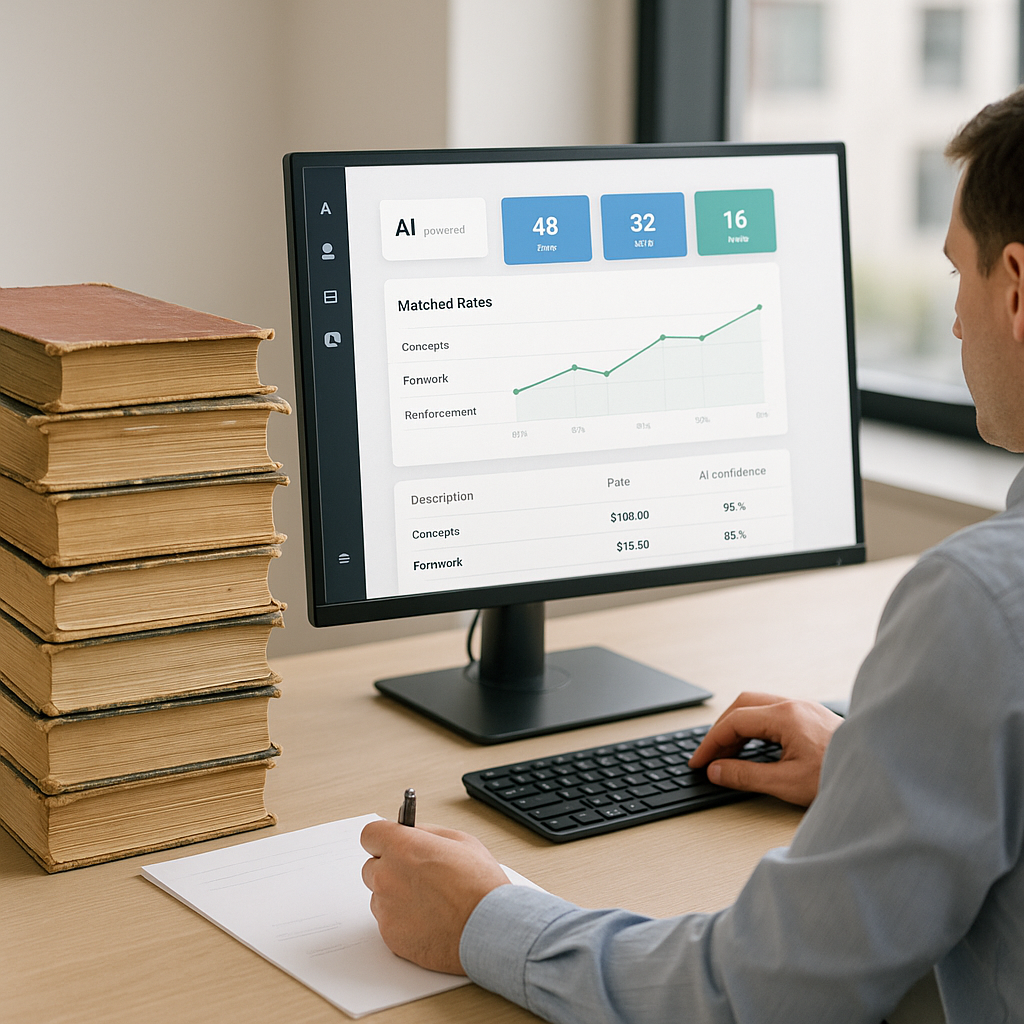
The Hidden Time Sink in Construction Estimation
We’ve all been there. You’re staring at a BOQ, trying to pull the right rates for materials, labor, and equipment. The rate book is 2,000 pages long. Your Excel formulas? A mess. And the clock is ticking.
This isn’t just frustrating—it’s expensive. Manual rate lookup takes an average of 12 hours per estimate. Multiply that by how many bids your team submits annually, and you’re bleeding time and money.
Here’s where AI-powered rate matching changes the game.
What Is AI Rate Matching?
In simple terms, AI rate matching uses semantic search to find the most relevant rates from massive catalogs. Instead of flipping through pages or scrolling endlessly in PDFs, you type what you need—like “concrete grade M25”—and the AI spits out an exact match in seconds. No more guessing. No more errors.
For example, EstimateNext’s rate matching engine pulls from over 78,000 SOR items across 135+ catalogs. It doesn’t just search keywords—it understands context. Need a rate for pre-stressed concrete girders? It knows the difference between installation costs and material costs. That’s the level of precision we’re talking about.
This isn’t just about speed—it’s about accuracy. A small error in rate selection can snowball into major cost overruns or underbidding, both of which can be disastrous for your bottom line.
Why Manual Methods Don’t Cut It
You might think, “We’ve been doing this manually for years. Why change now?” Fair point. But manual methods have real limitations:
Time Drain
Manual rate lookup takes an average of 12 hours per estimate. For complex projects, that can stretch into days. If your team is bidding on 10-20 projects annually, that’s hundreds of hours lost.
Human Error
Misreading a rate or mixing up units (e.g., per cubic meter vs. per ton) can wreck your margins. For example, a major contractor in Texas once lost $250,000 on a single project because of a unit conversion error.
Inflexibility
What happens when the client suddenly changes specs? You’re back to square one, redoing everything manually. AI tools adapt instantly, recalculating rates as soon as you update project parameters.
Real-World Example: $1B Rail Project
Let’s talk specifics. On a recent $1 billion rail bridge bid, a GC team used EstimateNext for rate matching. The project required rates for hundreds of items, from structural steel to concrete columns. Normally, this would’ve taken two senior estimators 3-4 days.
With AI rate matching? They finished in under 2 hours. That’s a 20X improvement. And because the AI cross-referenced DOT-approved catalogs, they avoided compliance issues that often pop up during bid audits.
Here’s another example: A mid-sized contractor bidding on a residential housing development used AI rate matching to identify cost discrepancies in their initial estimate. The tool flagged incorrect labor rates for plumbing installations, saving the company over $40,000 in potential losses.
Common Pushbacks (and Why They’re Wrong)
“AI can’t think like an estimator.”
This is a common misconception. It’s true—AI doesn’t know your margins or project-specific quirks. But that’s not its job. AI handles the grunt work: finding rates, cross-referencing specs, and flagging inconsistencies. You’re still the one making judgment calls and negotiating with subs. Think of it as a power tool, not a replacement.
“What if my rates are custom?”
Good question. Tools like EstimateNext let you upload custom catalogs or adjust rates on the fly. The AI gets smarter with every project, learning your preferences over time. By the third bid, most users report near-perfect matches.
“It’s too complicated to implement.”
Modern AI tools are designed for ease of use. Platforms like EstimateNext offer intuitive interfaces and step-by-step onboarding. Most teams are up and running within a week.
The ROI Math: Is It Worth It?
Let’s break this down. Say your team spends 12 hours on rate lookup per bid. If you’re bidding on 20 projects a year, that’s 240 hours—or 6 full workweeks.
Now, let’s say you switch to an AI-powered tool like EstimateNext. Rate matching takes 10 minutes instead of 12 hours. That’s 236 hours saved annually. At $130/hour (the average cost of a senior estimator), you’re saving $30,680 a year. And the software costs $99/month. The ROI is obvious.
But the benefits don’t stop at time savings. Accurate rate matching reduces the risk of underbidding, compliance issues, and costly project overruns. For example, one contractor in Florida reported a 15% increase in profitability after adopting AI tools for estimation.
How to Get Started with AI Rate Matching
If you’re ready to ditch the PDFs and spreadsheets, here’s what I recommend:
- Start Small: Test AI tools on smaller projects to get a feel for accuracy and usability.
- Train Your Team: Most platforms, including EstimateNext, are user-friendly. But a quick training session ensures everyone’s on the same page.
- Integrate with Existing Tools: Look for software that works with your current stack (e.g., Procore, Bluebeam, Excel). EstimateNext has API integrations to make this seamless.
- Track Results: Measure how much time and money you’re saving. Use this data to build a case for wider adoption.
- Review User Feedback: Don’t just rely on initial results. Solicit feedback from your estimators and adjust workflows as needed.
Comparison Table: Manual vs. AI Rate Matching
| Feature | Manual Methods | AI Rate Matching |
|---|---|---|
| Time per Estimate | 12 hours | 10 minutes |
| Accuracy | Prone to human error | Highly accurate |
| Flexibility | Limited | Instantly adaptable |
| Cost | High (labor costs) | Low (software fees) |
| Ease of Use | Tedious | Intuitive and fast |
Final Take
Manual rate lookup is a thing of the past. AI-powered tools like EstimateNext aren’t just faster—they’re smarter, more accurate, and cost-effective. If your team is still stuck in the old ways, it’s time to make the switch.


