AI Cuts 40 Hours from Preconstruction Estimation: Here's How
Imagine staring at a PDF for two straight days, manually tracing every wall, door, and window in a drawing set. Multiply that by two estimators. Now do it five times a year for every GMP pursuit your team handles. That’s 400 hours sunk—not on strategy, not on innovation, but on grunt work.
You might think, “That’s just how preconstruction works.” But it doesn’t have to.
The Brutal Math of Manual Takeoffs
Let’s break it down. A typical manual takeoff for mid-sized projects—say, a $40M office tower—takes around 40 hours. That’s two estimators working full-time for two days. And that’s assuming the drawings are clean. If they’re not, you’re adding hours of re-checks and cross-referencing.
Why is this so time-consuming? Because every line, area, and count has to be measured by hand. Software like Bluebeam helps, but it’s still manual. You calibrate the scale, click every dimension, and hope the file doesn’t crash halfway through.
And if there’s a revision? Start over.
Actionable Steps to Minimize Manual Takeoff Effort
- Standardize Drawing Formats: Whenever possible, ensure architects and engineers provide clean, layered CAD files instead of PDFs. These are easier to interpret and reduce manual labor.
- Leverage Existing Tools: Software like Bluebeam or PlanSwift can speed up manual measuring, but only if your team is fully trained. Invest in regular training to maximize efficiency.
- Pre-check for Errors: Before starting a takeoff, quickly scan drawings for missing dimensions or mislabeled rooms. Identifying these upfront can save hours of rework.
Real Data: How Much Time Are You Losing?
According to Construction Dive, manual takeoffs can consume up to 30% of an estimator’s total workload annually. For a team of five estimators earning $75,000 per year, that’s $112,500 spent on manual labor alone.
How AI Flips the Script
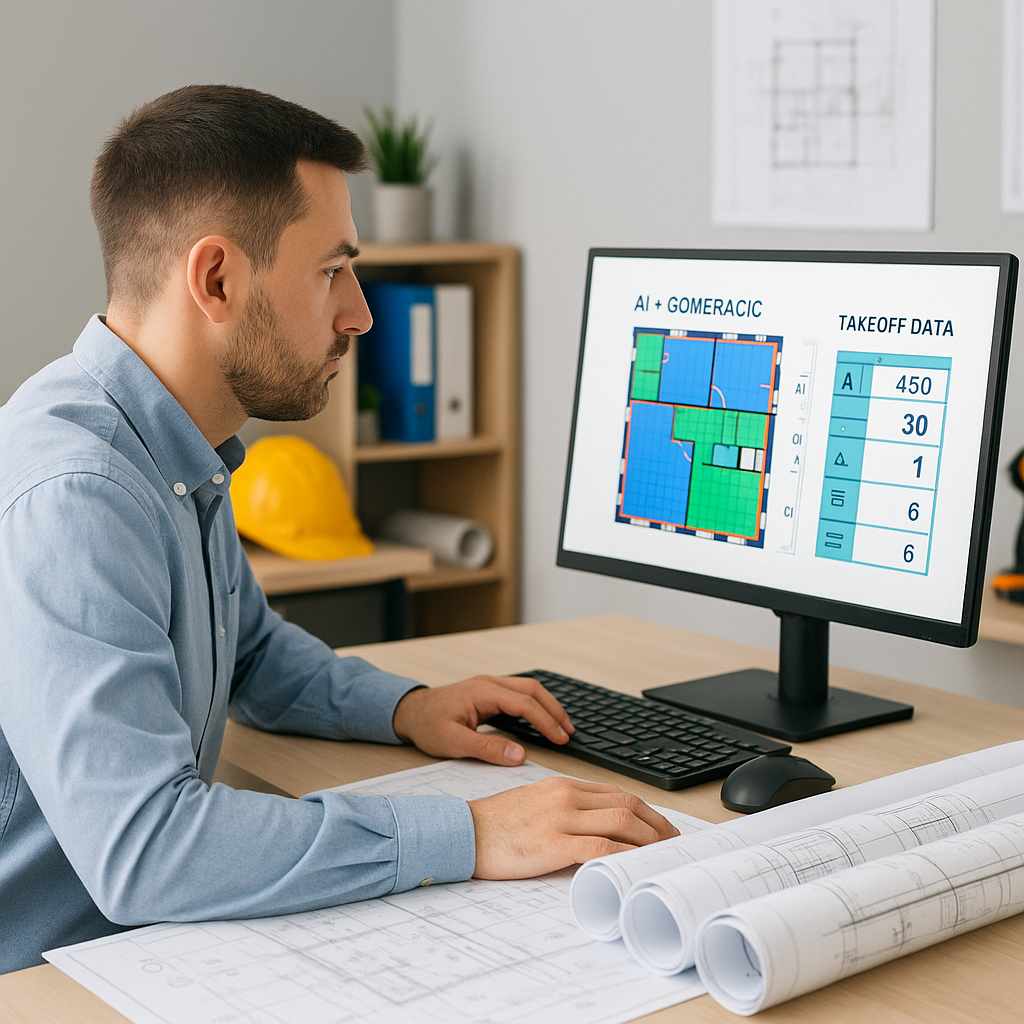
AI-powered tools like EstimateNext cut this process down to just 10 minutes. Yes, you read that right—10 minutes. Here’s how it works:
- Upload your PDF drawings: The AI reads the file like a human estimator would.
- Vision AI extracts quantities: Room areas, wall lengths, door counts—everything gets pulled automatically.
- Confidence scoring highlights uncertainties: If the AI isn’t sure about a measurement, it flags it for review.
- Remeasure low-confidence areas: Estimators can manually override flagged sections with an audit trail built in.
The result? Accurate takeoffs that save your team 36 hours per project. That’s not just time saved—it’s payroll saved.
Case Study: 120 Hours Saved on a High-Rise
A mid-sized general contractor recently used EstimateNext’s Vision AI for a high-rise bid. The time saved? 120 hours. That’s two weeks of labor avoided, freeing up the team to focus on subcontractor negotiations and bid strategy.
In their words: “It’s like hiring a full-time estimator without the overhead.”
Data-Backed Insights
This isn’t just anecdotal. Studies from McKinsey show that early adopters of AI tools in construction save 10-20% per project. For a $40M office tower, that’s up to $8M in savings over the course of the project.
The Obvious Objection: “But AI Can’t Think Like an Estimator”
I get this pushback all the time. You’re right—AI doesn’t replace your expertise. It doesn’t negotiate with subs or decide markup strategies. But that’s not the point.
AI handles the grunt work. It frees up human estimators to do what they’re best at: making judgment calls, solving complex problems, and winning bids. It’s a tool, not a replacement.
Practical Example: AI Plus Human Judgment
Let’s say you’re bidding on a $15M school renovation. The AI handles the tedious takeoff in minutes, but you still need to:
- Adjust quantities for existing conditions.
- Apply custom labor rates for unionized trades.
- Account for local material sourcing challenges.
In this scenario, AI speeds up the process while ensuring you retain control over critical decisions.
What About Smaller Projects?
You might be thinking, “Sure, this works for big projects, but what about my $1M renovation?” AI scales. Whether you’re handling a $1M lobby redesign or a $1B rail bridge, the process is the same. Upload the drawings, let the AI extract quantities, and review the flagged sections. Done.
Comparison Table: Manual vs. AI Takeoffs
| Feature | Manual Takeoffs | AI-Powered Takeoffs |
|---|---|---|
| Time per Project | 40 hours | 10 minutes |
| Error Rate | 15-20% | <5% with human review |
| Handling Revisions | Manual restart | Automated updates |
| Scalability | Limited by manpower | Unlimited |
| Cost Savings | None | Up to 20% per project |
Edge Cases: Messy Drawings and Custom Formats
Not all PDFs are created equal. Some are so poorly scanned that even humans struggle to read them. AI tools like EstimateNext include confidence scoring for this exact reason. If the AI isn’t sure about a measurement, it flags it for manual review. This hybrid approach ensures accuracy even in messy scenarios.
Custom formats? No problem. The AI adapts to your measurement standards—CSI, CPWD DSR, NRM2, CESMM3—you name it. It even handles revision sets, comparing changes and updating quantities accordingly.
Why It Matters
Preconstruction directors are under pressure to do more with less. Fewer estimators, tighter deadlines, and shrinking budgets mean every hour counts. AI-powered tools like EstimateNext give your team those hours back.
If you’re tired of wasting 40 hours on manual takeoffs, EstimateNext can help. Get started free →


