Why Manual Takeoffs Are Still Slowing You Down
If you’re in preconstruction, you know the drill: a flat PDF lands in your inbox, and you’ve got a tight deadline to extract every quantity from it. Columns, beams, walls, doors—it all has to be measured, logged, and double-checked. Sound familiar? For most teams, this process is time-consuming and labor-intensive.
The worst part? It’s error-prone. Even the most experienced estimator can miss a line or miscalculate a length. And when you’re working with tight deadlines and razor-thin margins, one mistake can cost you the bid—or worse, the project.
AI-powered tools are changing this dynamic by automating the takeoff process. Let’s break down how these tools work and why they’re becoming essential for preconstruction teams.
How AI-Powered Takeoffs Work
At its core, AI takeoff technology uses computer vision to analyze drawings and extract quantities automatically. Here’s how it works:
-
Upload the Drawings
Start by uploading your PDF plans to the platform. No need to flatten files or clean up layers—AI handles it all. -
Automated Quantity Extraction
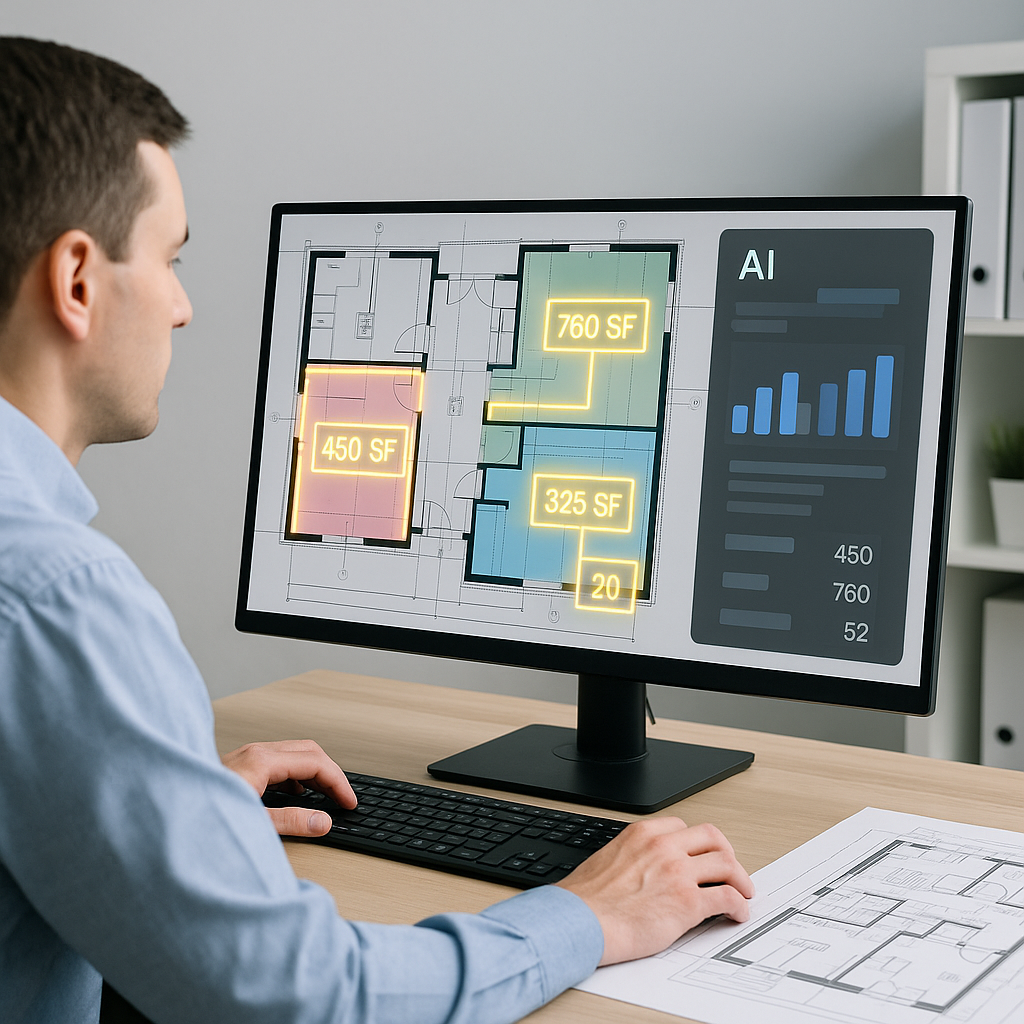
The software scans the drawings and extracts quantities in minutes. For example, it can calculate room areas, wall lengths, and even count fixtures like doors and windows. -
Confidence Scoring
Not all takeoffs are perfect. That’s why good AI tools include confidence scoring. If the system is unsure about a line or measurement, it flags it for manual review. -
Audit Trail
Every extraction comes with a full audit trail. You can see what the AI measured, how it calculated the quantity, and make adjustments if needed. -
Export to BOQ
Once quantities are extracted, they’re automatically organized into a bill of quantities (BOQ) format—ready for rate matching and pricing.
Benefits of AI-Powered Takeoffs
AI-powered takeoffs offer several advantages:
- Time Savings: Automating the takeoff process allows teams to focus on higher-value tasks.
- Error Reduction: Confidence scoring and audit trails help minimize mistakes.
- Scalability: AI tools can handle projects of varying sizes, from small renovations to large infrastructure bids.
- Integration: Many platforms integrate with existing tools like Procore, Bluebeam, and Excel, streamlining workflows.
Overcoming Common Objections
“AI can’t think like an estimator.”
You’re right—AI doesn’t replace human expertise. Instead, it handles the repetitive tasks so your team can focus on strategic decisions like bid strategy and subcontractor negotiations. Think of it as an assistant, not a replacement.
“What if the AI gets it wrong?”
No system is perfect. That’s why tools include confidence scoring and manual override features. You’re still in control, but now you’re working smarter, not harder.
“We only do small projects. Is it worth it?”
Absolutely. Whether you’re bidding on a small renovation or a large infrastructure project, the time savings add up. Plus, AI tools scale with your business—meaning you’ll never outgrow them.
How to Get Started with AI Takeoffs
If you’re ready to streamline your takeoff process, here’s how to get started:
-
Test the Waters
Start with a free trial of an AI-powered takeoff tool. Use it on a smaller project to see how it fits into your workflow. -
Train Your Team
AI tools are designed to be user-friendly, but a little training goes a long way. Most teams get the hang of it quickly. -
Add Your Own Catalogs
Customization is key. Upload your own rate catalogs to ensure your estimates reflect your actual costs. -
Scale Up
Once you’re comfortable, start using AI on larger bids. The ROI is even more compelling on complex projects.
Common Questions About AI Takeoffs
Q: How accurate are AI-powered takeoffs?
A: AI tools are highly accurate, but human oversight is still essential. Confidence scoring helps you catch any issues.
Q: Can AI handle revisions?
A: Yes. You can upload revision sets, and the AI will compare changes automatically.
Q: Does it integrate with other tools?
A: Most AI platforms integrate with software like Procore, Bluebeam, and Excel. You can export estimates directly into your existing workflows.
Q: What about custom rates?
A: AI tools allow you to upload your own rate catalogs or define project-specific rates. This ensures your estimates are tailored to your needs.
The Bottom Line
Manual takeoffs are a thing of the past. With AI-powered tools, you can save time, reduce errors, and focus on what really matters: winning more bids and delivering better projects.
If you're ready to explore AI-powered preconstruction estimation, start by testing a tool that fits your needs and see how it transforms your workflow.


