AI-Powered Preconstruction Estimation: A Guide
Picture this: you've just received a fresh set of drawings for a major bid. It's a flat PDF, no embedded quantities, just lines on a page—and the clock is already ticking. You’ve got estimators tied up doing manual takeoffs. By the time they finish, you’re already behind schedule.
Manual takeoffs can be time-consuming and error-prone. When rates get mismatched or revisions come in, your team ends up redoing hours of work. AI-powered tools offer a solution by automating this process, significantly reducing the time and effort required.
Why Manual Takeoffs Are a Bottleneck
Manual takeoffs aren’t just slow—they’re prone to errors. Here’s what typically happens:
- Calibrating Drawings: Time is spent setting scales and calibrating dimensions.
- Quantity Extraction: Every wall length, room area, and door count gets traced individually. Miss a line? You’re either overestimating or underestimating.
- Rechecking Work: Quantities need to be double-checked to avoid costly mistakes.
By the time you’ve finished, the team is exhausted, and the tender deadline is looming. It’s not sustainable, especially when juggling multiple bids.
How AI Takeoffs Work
AI-powered tools streamline the takeoff process. Here’s how:
- Upload the Drawing Set: Start by uploading your PDF drawings into the platform.
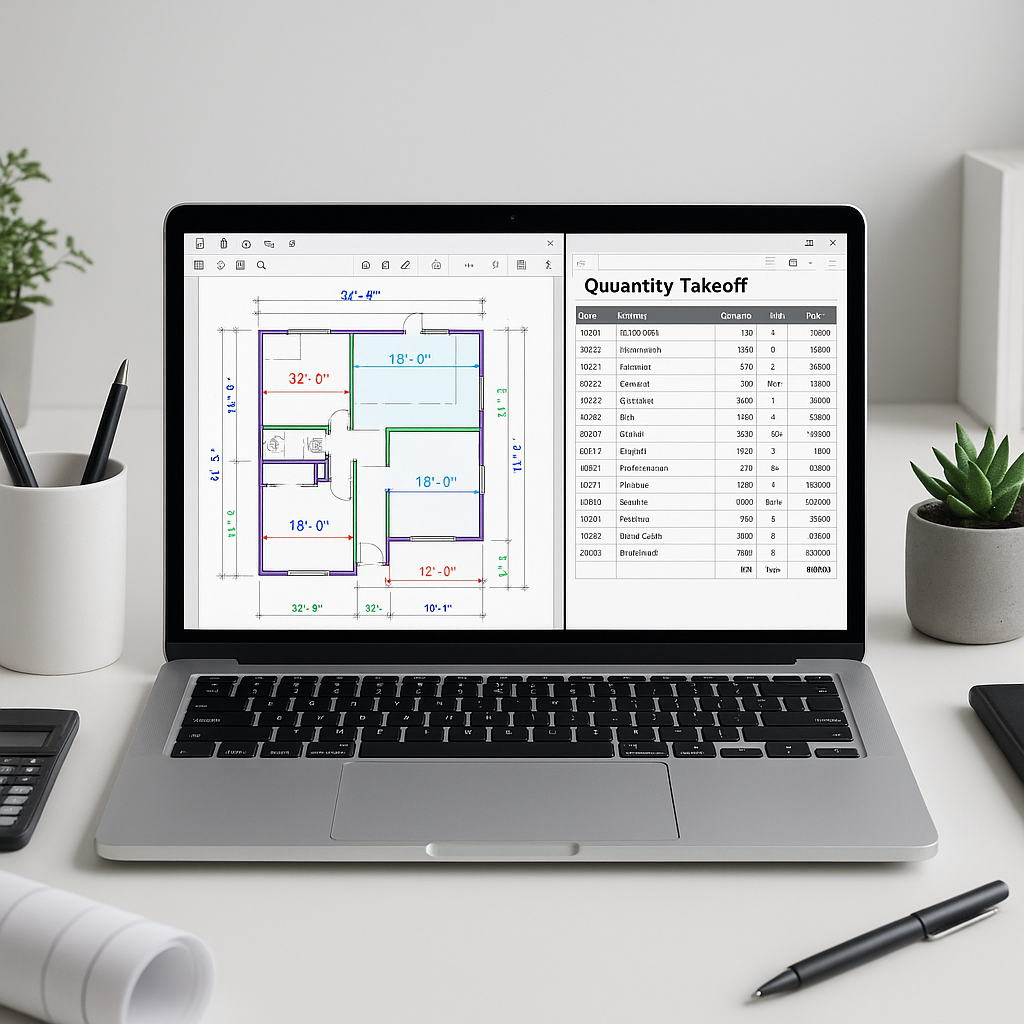
- Vision AI Reads the Drawings: The AI automatically detects room areas, wall lengths, fixture counts, and more—no tracing required.
- Flagging for Review: Low-confidence measurements are flagged for manual review, ensuring accuracy.
- Export Ready: Once quantities are extracted, you can export them directly into your BOQ.
This approach reduces manual effort and allows teams to focus on higher-value tasks.
Common Questions About AI Takeoffs
Q1: Are AI-generated takeoffs accurate?
AI tools are designed to be highly accurate, but no system is perfect. Features like confidence scoring and manual overrides ensure you maintain control.
Q2: What about complex drawings?
AI excels at standard formats but may require manual input for heavily annotated or unconventional layouts.
Q3: How much training does this require?
Most AI estimation tools are user-friendly, with training typically taking a short amount of time, even for teams new to the software.
Q4: Can AI takeoffs handle revisions?
Yes. Many tools allow you to upload revised drawing sets and automatically flag changes.
What to Watch For
- Garbage In, Garbage Out: AI is only as good as the data you feed it. Blurry or incomplete PDFs can lead to errors.
- Overreliance on AI: While AI speeds up takeoffs, human judgment is still critical for edge cases.
- Initial Setup: Configuring measurement standards and rate catalogs takes time upfront, but the payoff is worth it.
Why This Matters
Preconstruction directors are under pressure to do more with less. Skilled labor shortages, shrinking margins, and tight deadlines mean every hour counts. Automating takeoffs with AI isn’t just a productivity boost—it’s a competitive advantage.
If your team is still stuck in manual mode, you’re leaving efficiency gains on the table.
Ready to Explore AI-Powered Estimation?
If you’re dealing with manual takeoff bottlenecks, consider exploring AI-powered tools to streamline your preconstruction estimation process.


