Why Manual Rate Lookup is Inefficient
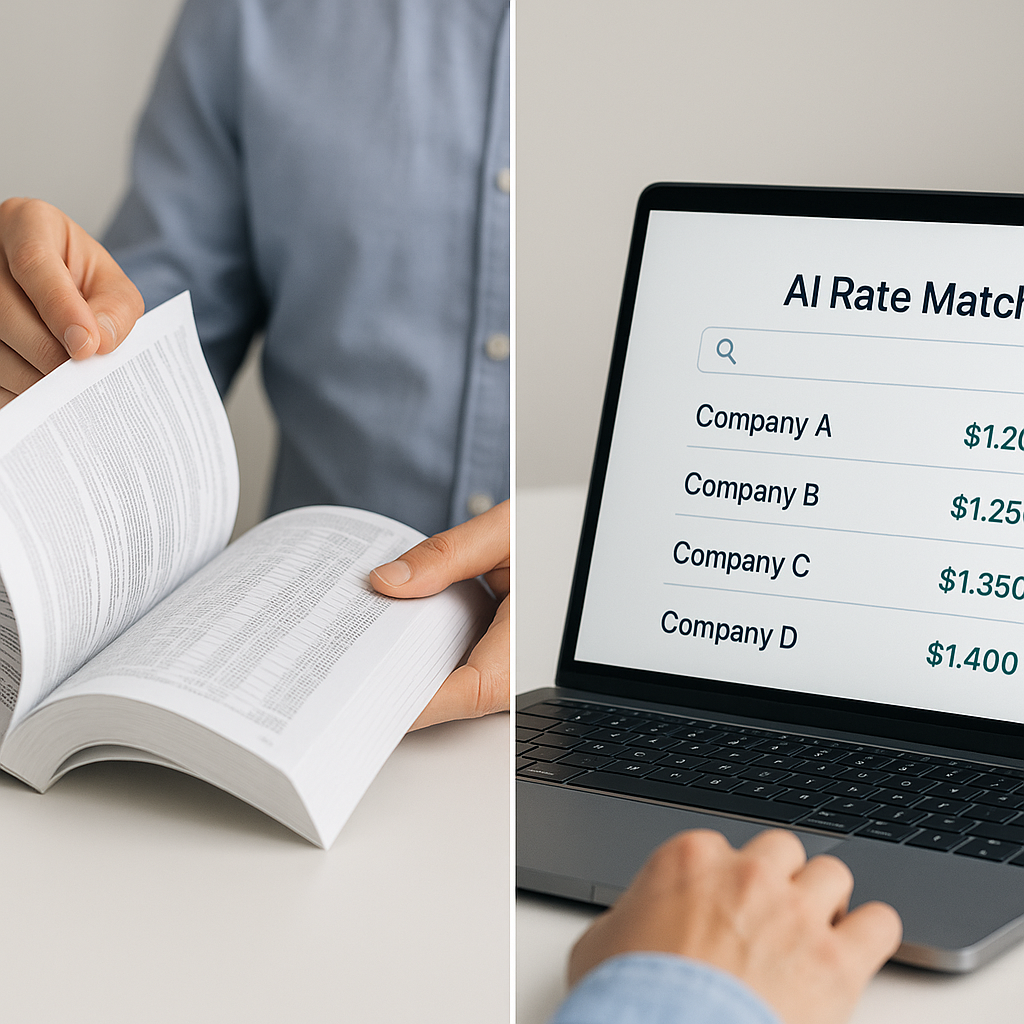
If you're still flipping through a 2,000-page rate book or scrolling endlessly in PDFs, you're not alone. Many estimators spend significant time just matching rates. It's tedious, error-prone, and outdated. Worse, a single wrong rate can throw off your entire bid. Misquoting a labor rate for a large project could cost you the job—or your profit margin.
So, how do you fix it? AI-powered rate matching.
How AI Rate Matching Works
AI rate matching isn't magic; it's smart automation. Tools in this space use semantic search to scan through thousands of Schedule of Rates (SOR) items across multiple catalogs. Here's the process:
-
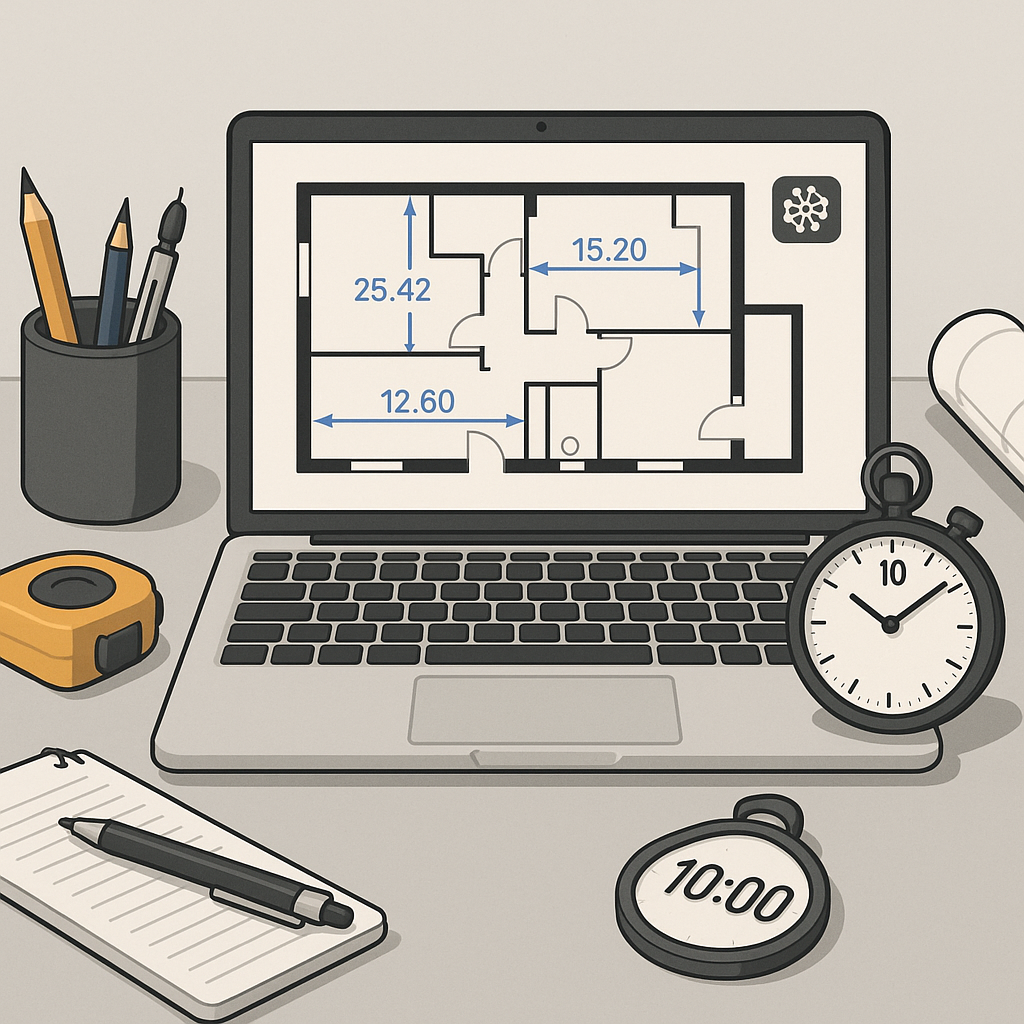
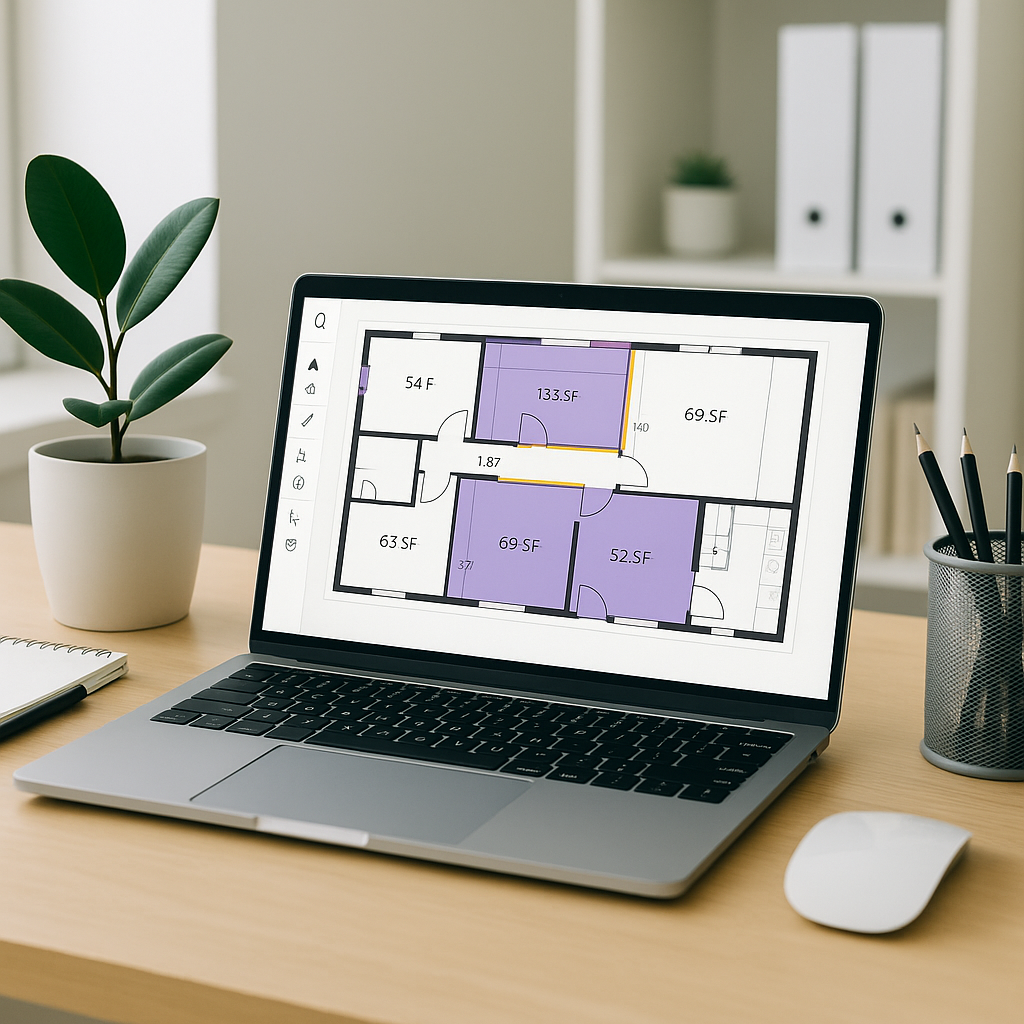
Upload Your BOQ: Start by uploading your Bill of Quantities (BOQ) in Excel, CSV, or ODS format. The system auto-detects merged cells, hierarchies, and section headers.
-
Search for Rates: Instead of manually looking up rates, type in a keyword like "pre-stressed concrete girders" or "HVAC duct installation." The AI pulls relevant rates from catalogs like CPWD DSR, RSMeans, or your custom rate library.
-
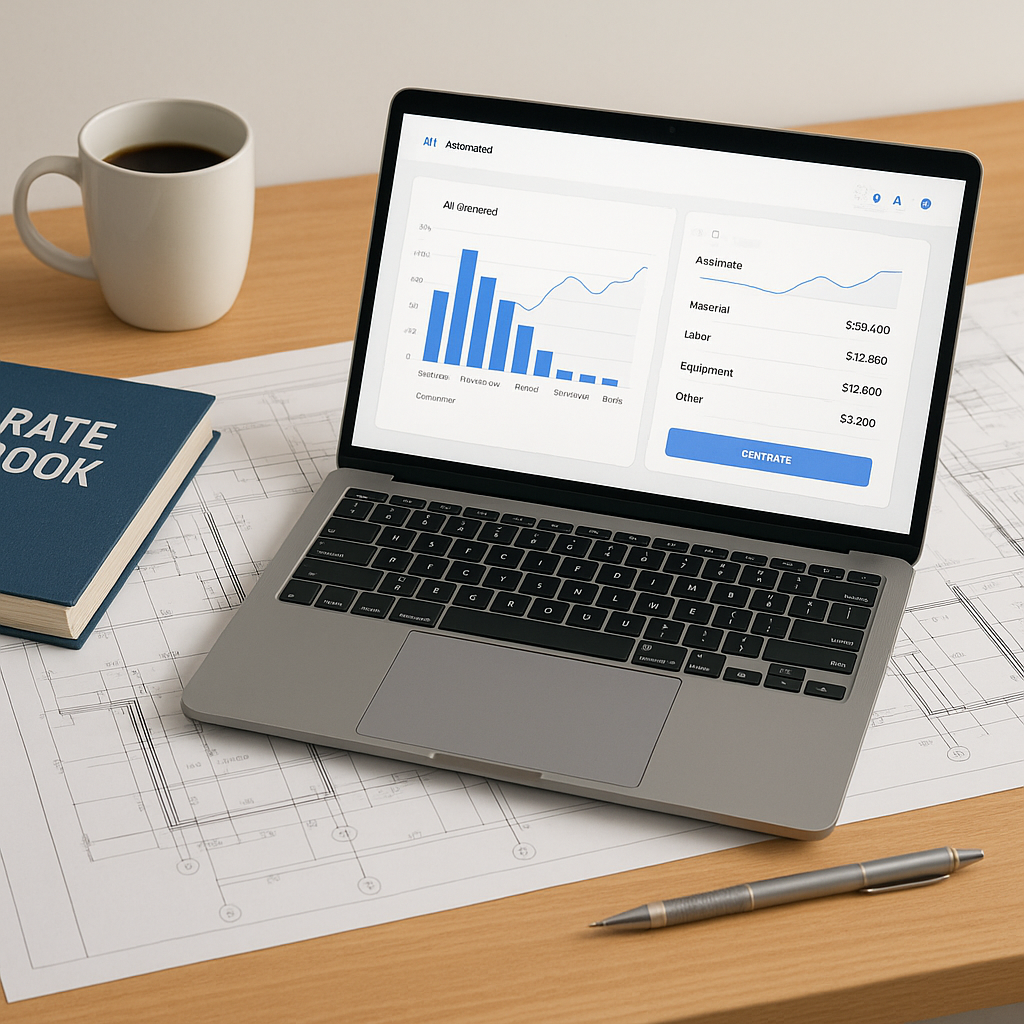
Customize & Confirm: Adjust the suggested rates based on project-specific factors like location, inflation, or material availability. The system provides a breakdown of material, labor, and equipment costs.
-
Apply Across the BOQ: Once confirmed, the rates propagate across your BOQ, updating totals in real-time.
What used to take hours can now be completed much faster.
Why Accuracy Matters More Than Ever
Estimators often focus on speed but overlook accuracy. That's a mistake. Accurate rates mean:
- More Competitive Bids: You're quoting market-aligned rates.
- Fewer Change Orders: Accurate estimates reduce mid-project renegotiations.
- Better Margins: You're not leaving money on the table—or underbidding.
AI tools often highlight low-confidence matches for manual review, blending automation with human oversight to ensure both speed and accuracy.
Common Pushbacks—and Why They’re Misguided
“AI doesn’t understand construction nuances.”
True, AI doesn’t know your subcontractor’s quirks or local labor market. But it’s not supposed to. It’s a tool to handle repetitive tasks, so you can focus on high-value decisions. Think of it as an assistant, not a replacement.
“It’s too expensive.”
While there’s an upfront cost, the time savings and improved accuracy can offset this quickly. Many tools are designed to deliver value within the first few projects.
“Learning a new tool takes too long.”
Most AI platforms are designed for ease of use. Training typically takes a short amount of time, and the time saved on the first project alone often justifies the effort.
Common Mistakes When Using AI Rate Matching
- Blind Trust: Always review AI-suggested rates. Use confidence scores or similar indicators as a guide.
- Ignoring Custom Rates: Upload your own rate library to ensure project-specific accuracy.
- Skipping Inflation Adjustments: Factor in location-specific inflation to avoid underpricing.
FAQ
Q: Can I use AI rate matching with my existing tools? Yes. Most platforms integrate with tools like Procore, Bluebeam, and Excel.
Q: What if my project uses a niche catalog? You can upload custom catalogs, and the AI will learn from them for future projects.
Q: How long does it take to see ROI? Many users report significant time savings within their first few projects. The system also improves with continued use.
The Bottom Line
AI-powered rate matching isn’t just a “nice-to-have.” It’s a competitive advantage. By automating the most time-consuming parts of estimation, you free up your team to focus on winning more bids and delivering better projects.
If you're tired of wasting hours (and risking your margins) on manual rate lookup, it’s time to switch.