Why Manual Rate Lookup is Challenging for Productivity
Manual rate lookup can be a tedious and error-prone process. Whether you’re flipping through extensive catalogs like CPWD DSR or navigating other pricing databases, the task often consumes significant time and energy. This leaves less bandwidth for strategic activities such as bid pricing or project risk assessment.
The Consequences of Slow Rate Matching
- Missed Deadlines: When rate lookup takes too long, other tasks in the estimation process can be delayed, making tight tender deadlines harder to meet.
- Inaccurate Estimates: Errors in rate lookup can lead to overpricing, which risks losing bids, or underpricing, which can erode margins during project execution.
- Team Burnout: Estimators already face tight schedules, and the additional burden of manual rate lookup can negatively impact morale and retention.
How AI-Powered Rate Matching Works
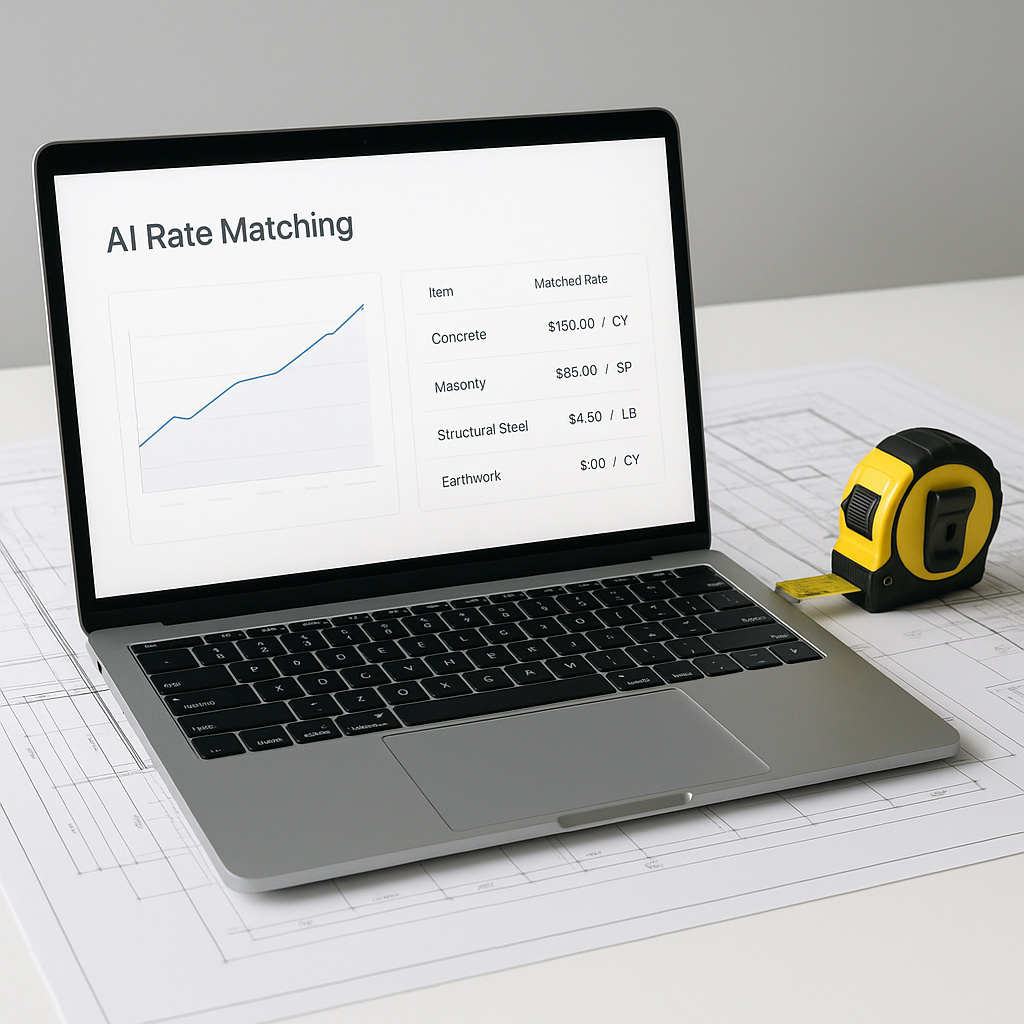
AI tools for rate matching aim to automate and simplify the process of finding relevant rates for preconstruction estimates. Instead of manually searching through catalogs, you can upload your Bill of Quantities (BOQ) and let the AI handle the heavy lifting.
Key Features of AI-Powered Rate Matching
- BOQ Upload: The system accepts files in formats like Excel, CSV, or PDF and parses the data for processing.
- Semantic Search: Using natural language processing, the AI matches line items in your BOQ to relevant entries in standard or custom catalogs. For example, you can search for labor rates for specific tasks, and the AI will provide relevant matches.
- Custom Rates: If your project involves unique materials or labor costs, you can upload custom rate catalogs, which the AI will integrate for future use.
This automation significantly reduces the time spent on rate lookup, allowing estimators to focus on more strategic aspects of their work.
What’s the Catch?
AI tools are designed to assist, not replace, human expertise. While they handle repetitive tasks like rate lookup, estimators still need to make critical decisions, such as negotiating with subcontractors and setting markups.
To ensure accuracy, most systems allow manual overrides, enabling users to review and adjust rates as needed. This combination of automation and human oversight ensures that the final estimates align with project realities.
Who Benefits Most?
- General Contractors: Streamline preconstruction workflows and focus on high-value activities like bid strategy.
- MEP Subcontractors: Respond to bids more quickly, improving competitiveness.
- Regional Contractors: Access advanced estimation tools without investing in high-cost software.
Common Questions About AI Rate Matching
Q1: How accurate are AI-powered matches?
AI tools improve accuracy over time as they adapt to user input and feedback. However, human review remains essential to ensure alignment with project-specific requirements.
Q2: What if I work with custom or niche materials?
Most AI platforms allow users to upload custom rate catalogs, making it easy to incorporate unique materials or labor costs into the estimation process.
Q3: Can I export the results into my existing tools?
Yes. Many AI platforms integrate with commonly used tools like Procore, Bluebeam, and Excel, allowing seamless export of estimates into your workflow.
Best Practices for Using AI in Rate Matching
- Clean Input Data: Ensure your BOQ is well-structured and free of errors before uploading it to the AI system.
- Balance Automation with Oversight: Use AI to handle repetitive tasks but always review the results for accuracy and relevance.
- Invest in Training: Familiarize your team with the AI tool to maximize its potential and minimize the learning curve.
Conclusion
AI-powered rate matching is transforming preconstruction estimation by automating one of its most time-consuming tasks. By reducing the time spent on manual rate lookup, these tools enable estimators to focus on strategic priorities like bid competitiveness and project planning.
If you’re still relying on manual processes, consider exploring AI tools to streamline your workflow, reduce errors, and enhance productivity.


