Why Manual Takeoffs Are Challenging for Margins
If you've worked in preconstruction, you know the drill. A new project hits your desk: PDF drawings, a half-filled BOQ, and a deadline that's already uncomfortably close. The first step? Quantity takeoffs.
For most teams, this means significant manual labor. Tracing lines on drawings, exporting measurements, and double-checking every number. This process can take a substantial amount of time, time that could be better spent refining rates, leveling bids, or analyzing project risks.
And let's not kid ourselves—manual work introduces errors. Miss a dimension or misread a scale, and you've just thrown off the entire estimate. It's not just wasted time; it's wasted money.
The AI Solution: Vision AI Takeoffs
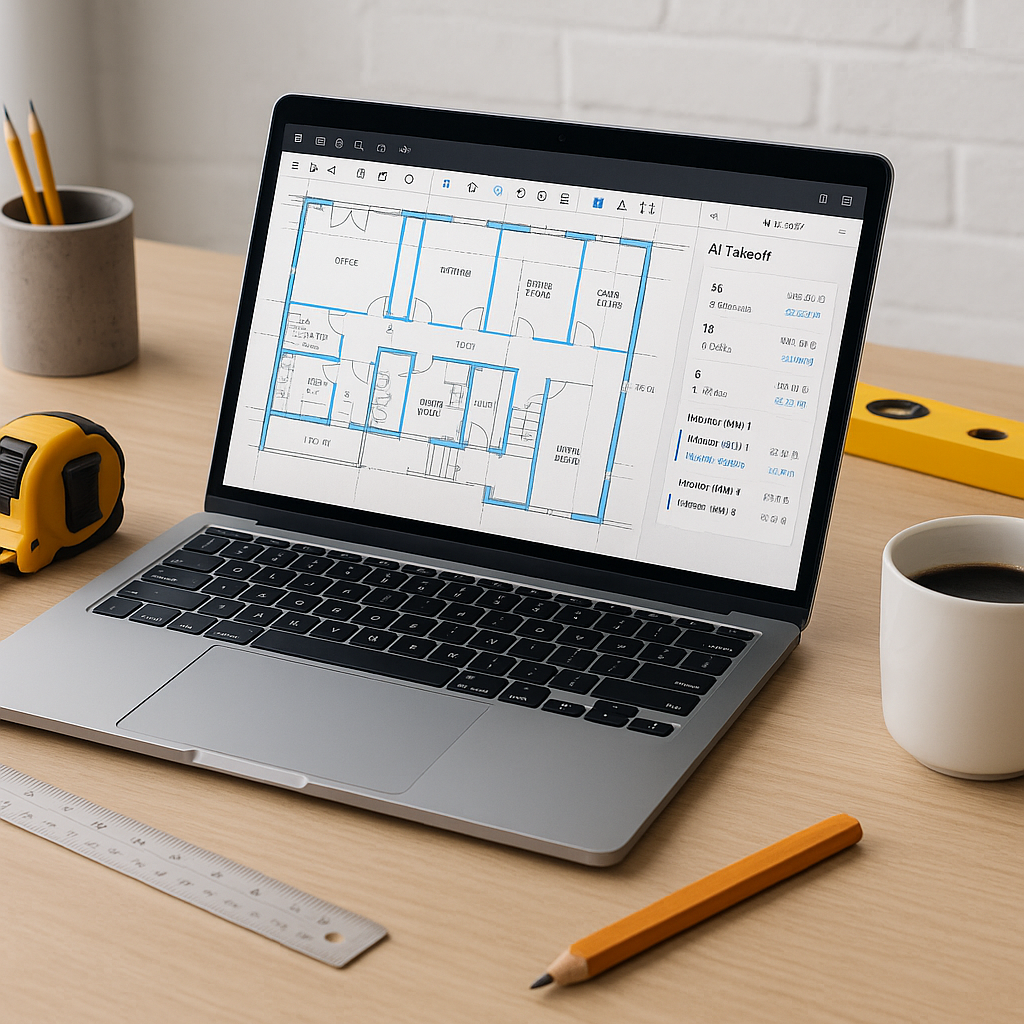
This is where AI-powered tools like EstimateNext's Vision AI change the game. Instead of spending hours on takeoffs, Vision AI lets you upload your PDF drawings and extract quantities in a fraction of the time.
How does it work? The AI scans your drawings and identifies elements like room areas, wall lengths, door and window counts, and more. It's trained to recognize patterns and symbols across various drawing standards. If it encounters something uncertain, it flags it for manual review—so you stay in control.
Illustrative example — A general contractor might use Vision AI for a project and significantly reduce the time spent on takeoffs, freeing up resources for other critical tasks.
What About Accuracy?
You might be skeptical. Can AI really handle the nuances of construction drawings? The short answer is: mostly, yes. Vision AI is designed to be highly accurate, but it’s not perfect. That’s why it includes features like flagged sections for manual review.
Let’s say the AI isn’t sure about a line it’s traced. It’ll highlight that section for remeasurement. This gives you the best of both worlds: automation where it counts and human oversight where it matters.
What You Gain
- Time Saved: AI tools can significantly reduce the time spent on takeoffs, allowing teams to focus on strategic tasks instead of repetitive work.
- Cost Savings: Less time on takeoffs means fewer billable hours spent upfront. This can translate into meaningful cost efficiencies.
- Fewer Errors: Features like flagged sections for manual review ensure your numbers are reliable. No more costly mistakes from overlooked details.
- Scalability: Whether you're handling a small renovation or a large infrastructure project, AI tools scale with you.
Common Objections
“But AI can’t think like an estimator.”
True, AI isn’t replacing your expertise. It’s a tool, not a replacement. You’re still the one making judgment calls, negotiating with subs, and deciding on markup. The AI just handles the repetitive work.
“What if my drawings are messy or incomplete?”
Messy inputs can be a problem, but Vision AI is designed to handle inconsistencies and flag areas that need attention. And you can always upload revisions later.
“Is it hard to learn?”
Not at all. The interface is intuitive, and tools like EstimateNext often offer training to help teams get started.
Practical Steps to Get Started
- Pick a Pilot Project: Start with a smaller bid to test the tool’s accuracy.
- Upload Your Drawings: Use Vision AI to extract quantities. Review flagged sections for accuracy.
- Integrate with Your Workflow: Export the takeoff data into your existing tools, like Excel or Procore.
- Measure ROI: Track the time and cost savings compared to your usual process.


