Why Manual Takeoffs Are Time-Consuming
Every estimator knows the drill: you get a PDF of drawings, spend hours calibrating scales, tracing areas, and counting items. For a mid-sized bid, this process can take significant time and effort. That’s not just frustrating; it’s expensive.
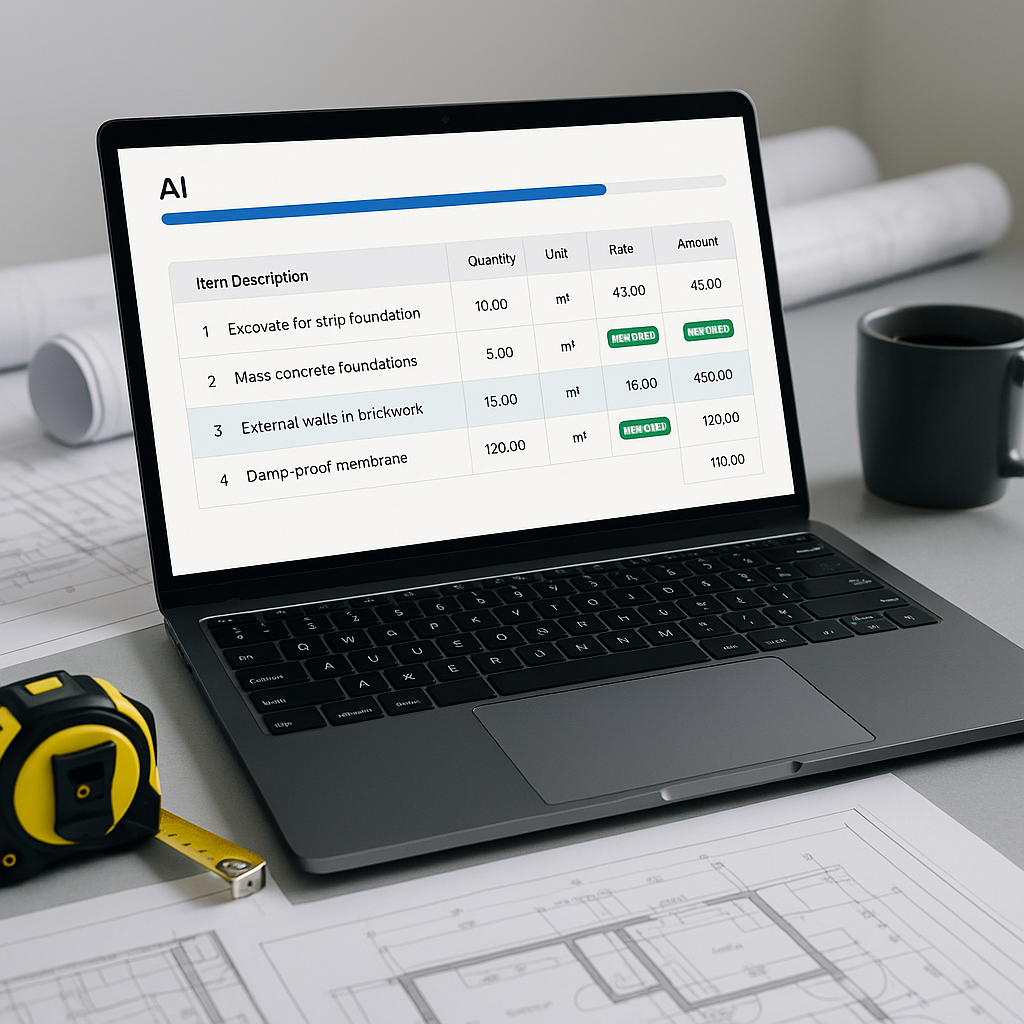
Manual quantity takeoffs for complex projects often require substantial time investment. AI tools aim to reduce this workload by automating repetitive tasks, allowing estimators to focus on higher-value activities like judgment calls, subcontractor negotiations, and markup decisions.
How Vision AI Automates Takeoffs
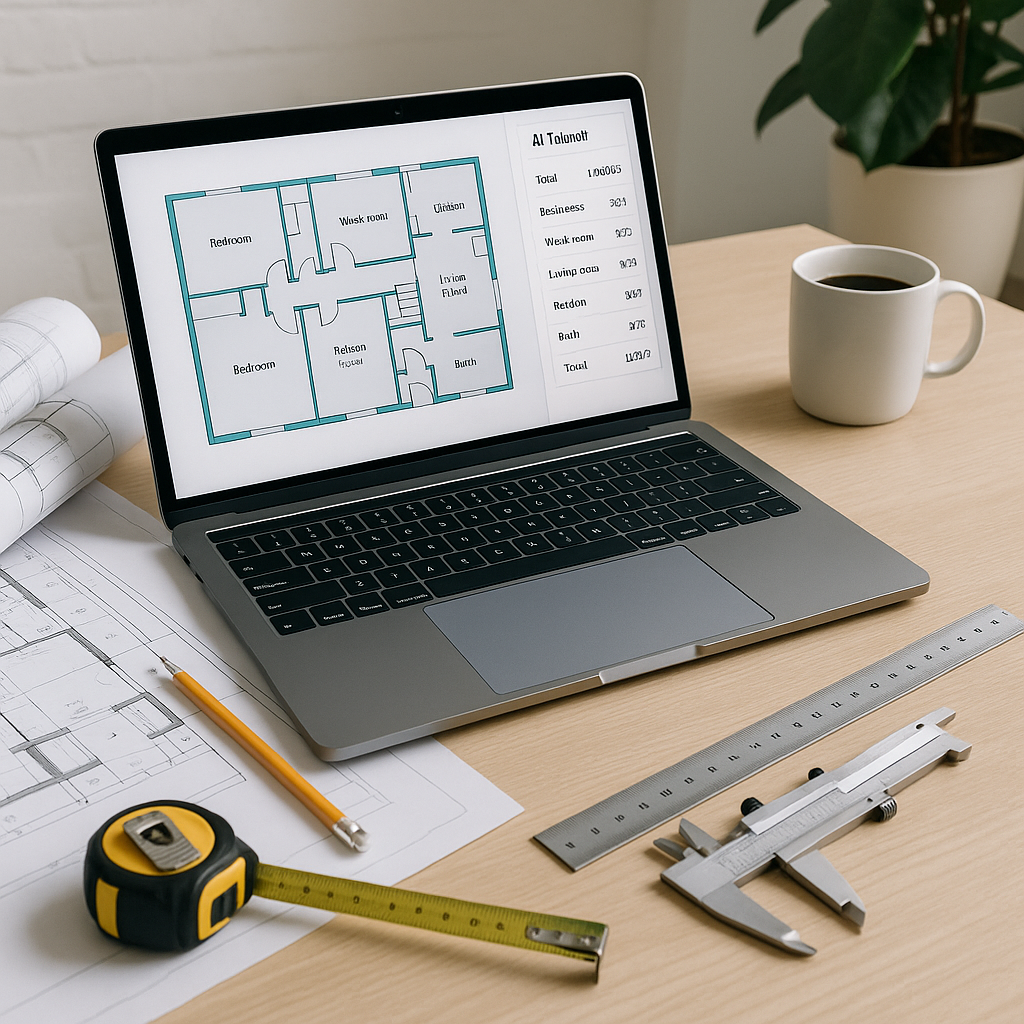
Let’s break it down. Vision AI scans your PDFs and extracts quantities automatically. Here’s what it does:
- Upload PDFs: Drag and drop your drawings, whether they’re architectural plans or civil layouts.
- Calibrate Scales: AI detects scales in the drawings, but you can override if needed.
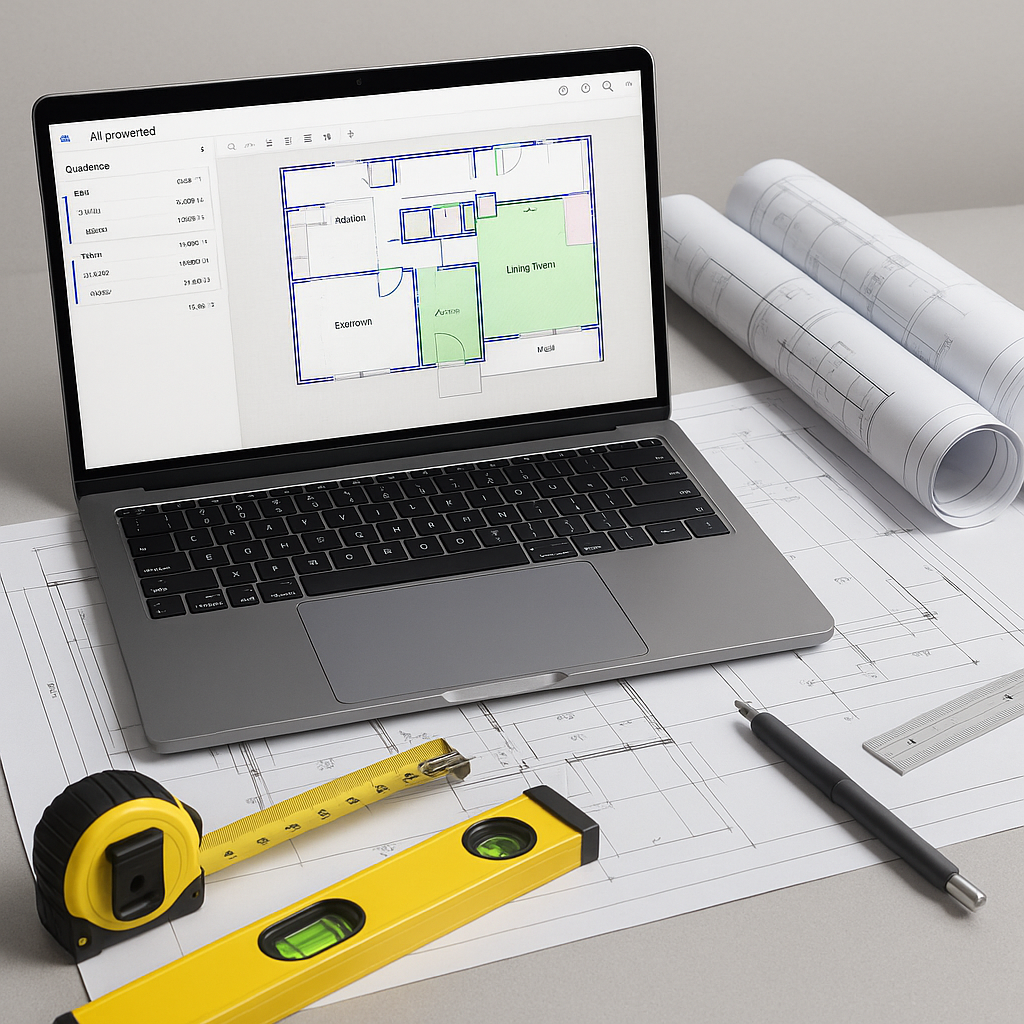
- Extract Quantities: The tool identifies room areas, wall lengths, door/window counts, and more.
- Review Low-Confidence Areas: You can remeasure or override any line AI flagged as uncertain.
Illustrative example — A contractor working on a high-rise bid could save significant labor hours by automating takeoffs, freeing up time for strategic tasks.
Why Accuracy Still Needs Your Oversight
AI isn’t perfect. It’s fast—really fast—but input quality matters. If your PDF is full of blurry scans or missing dimensions, even the smartest AI struggles. That’s why tools often include manual override options.
Here’s a practical tip: always upload the cleanest, most detailed drawings you have. If you’re working with revisions, AI tools can help compare changes between versions, which is particularly useful when clients send updated plans mid-bid.
Common Pushbacks (and Answers)
"Will AI Replace My Job?"
No. AI handles repetitive tasks, not strategic decisions. Estimators who use AI get more done—faster—and can focus on areas where human expertise is irreplaceable.
"What If My Drawings Are Complex?"
AI excels with standardized layouts but struggles with unconventional designs. When in doubt, double-check flagged areas. The manual override feature ensures your estimates are accurate.
"Is It Hard to Learn?"
Most AI tools are designed for ease of use. Training typically takes a short amount of time, making it accessible even for those new to the technology.
What You Should Watch For
- Low-Quality PDFs: Blurry scans or missing dimensions reduce accuracy.
- Complex Geometries: AI handles straight lines better than curves or irregular shapes.
- Uncalibrated Scales: Always verify scales before trusting extracted quantities.
FAQ
How Accurate Are AI Takeoffs?
AI-powered tools are generally accurate but require human oversight for edge cases. Input quality and proper calibration are key to achieving reliable results.
Can I Use AI on Small Projects?
Yes. AI scales for any project size, whether it’s a small renovation or a large infrastructure bid.
Does AI Integrate With Other Software?
Many AI tools allow you to export estimates to commonly used platforms like Bluebeam, Procore, or Excel.
Conclusion
AI-powered tools can significantly streamline preconstruction estimation by automating takeoffs and reducing manual effort. While they don’t replace the expertise of estimators, they enhance productivity and allow professionals to focus on strategic tasks. By leveraging AI, you can save time and improve efficiency without sacrificing accuracy.